
이 페이지는 앱이나 개발자의 공식 페이지가 아니며, 정보 제공 및 논평을 목적으로 작성된 독립 편집 간행물입니다. 명시적으로 달리 언급되지 않는 한, 해당 앱이나 개발자는 MWM, Apple, Google Play, 앱 퍼블리셔 또는 앱 개발자와 제휴, 보증, 후원, 승인 또는 공식적으로 연결되어 있지 않으며, 이 페이지의 어떤 내용도 해당 앱이 MWM의 서비스를 사용하여 개발되었음을 의미하지 않습니다. 모든 상표, 로고, 스크린샷 및 기타 콘텐츠는 해당 소유자의 자산입니다.


다운로드
750k+사용자 평점
총 평가 수
14.3K개발사
카테고리
Utilities지원 언어
11최신 버전
4.0.0크기
139.8 MB출시일
2025년 3월 10일이 분석은 앱의 주요 기능을 평가하고 스마트 TV 및 스트리밍 기기 사용자에게 미치는 영향을 측정합니다.
범용 TV 리모컨 앱: 사용자 경험 분석
키보드 입력
이 앱은 모바일 장치의 키보드를 활용하여 TV에 텍스트를 쉽고 빠르게 입력할 수 있게 해주며, 검색어, 비밀번호 입력 등에 탁월한 편의성을 제공합니다.
전원 켜기/끄기 및 볼륨 조절
이 도구는 사용자가 스마트폰이나 태블릿에서 TV의 전원을 켜고 끄며, 볼륨을 정밀하게 조절하거나 음소거할 수 있도록 하여 필수적인 제어 기능을 제공합니다.
광범위한 기기 호환성
이 앱은 Roku, Fire TV, Samsung, LG 등 전 세계 주요 브랜드의 광범위한 TV 및 스트리밍 기기와 호환되어, 사용자가 다양한 기기를 하나의 앱으로 제어할 수 있도록 합니다.
미디어 및 앱 제어
이 도구는 재생, 일시정지, 빨리 감기, 되감기 등의 미디어 재생을 관리하고, 즐겨찾는 스트리밍 앱을 직접 실행하고 제어할 수 있는 기능을 갖추고 있습니다.
듀얼 탐색 모드
이 앱은 스와이프를 위한 터치패드 모드와 클래식 방향 제어를 위한 D-패드 모드 간 전환을 제공하여, 사용자가 메뉴, 앱 및 설정을 직관적이고 효율적으로 탐색할 수 있도록 돕습니다.
간편한 연결 및 설정
이 앱은 추가 하드웨어 없이 Wi-Fi 네트워크를 통해 스마트 TV 또는 스트리밍 장치에 빠르고 안정적으로 연결되어, 사용자가 복잡한 설정 없이 즉시 리모컨을 사용할 수 있게 해줍니다.
자주 묻는 질문
에 대해 알아야 할 모든 것 Universal TV Remote Control .
What TV brands are compatible with the Universal TV Remote Control app?
The Universal TV Remote Control app is compatible with numerous brands including Roku, Samsung, LG, Fire TV, Vizio, TCL, Google TV, Sony, Philips, and more. It supports over 100 TV brands.
Can the Universal TV Remote Control app power on and off my TV?
Yes, the Universal TV Remote Control app allows users to power ON/OFF their TV directly from their phone or tablet. This feature provides direct control over your television.
What navigation modes does the Universal TV Remote Control app offer?
The Universal TV Remote Control app offers dual navigation modes: touchpad mode for swiping and D-pad mode for classic directional control. Users navigate menus, apps, and settings with ease.
Does the Universal TV Remote Control app have a keyboard for text input on TV?
Yes, the Universal TV Remote Control app includes a keyboard feature. Users enter text on their TV smart device using their phone's keyboard, facilitating search queries and password entry.
Can I control media playback and streaming apps using the Universal TV Remote Control app?
Yes, the Universal TV Remote Control app allows users to manage media playback with play, pause, rewind, and fast forward functions. It also launches and controls streaming apps directly.
How does the Universal TV Remote Control app connect to a smart TV or streaming device?
The Universal TV Remote Control app connects to smart TVs or streaming devices over your existing Wi-Fi network. It requires no additional hardware or complex setup steps for instant use.
Can the Universal TV Remote Control app function if my physical remote is lost or broken?
Yes, the Universal TV Remote Control app allows connection and control of your device even if your physical remote is lost or broken. It provides a full replacement solution.
How can users contact support for the Universal TV Remote Control app?
Users contact support for the Universal TV Remote Control app directly at support@appsventure.co. The support team is ready to assist with help or questions regarding the app.
Where can I find the privacy policy for the Universal TV Remote Control app?
The privacy policy for the Universal TV Remote Control app is available at https://appsventure.co/privacy-policy. This link provides detailed information on data handling.
Does the Universal TV Remote Control app support casting photos and videos to a TV?
Yes, the Universal TV Remote Control app supports casting photos and videos. Users view their media on a big TV screen directly from their mobile device.
다음 스크린샷과 설명은 앱의 공식 스토어 목록에서 직접 가져온 것이며 앱 개발자의 자산입니다.
앱 스토어
스크린샷
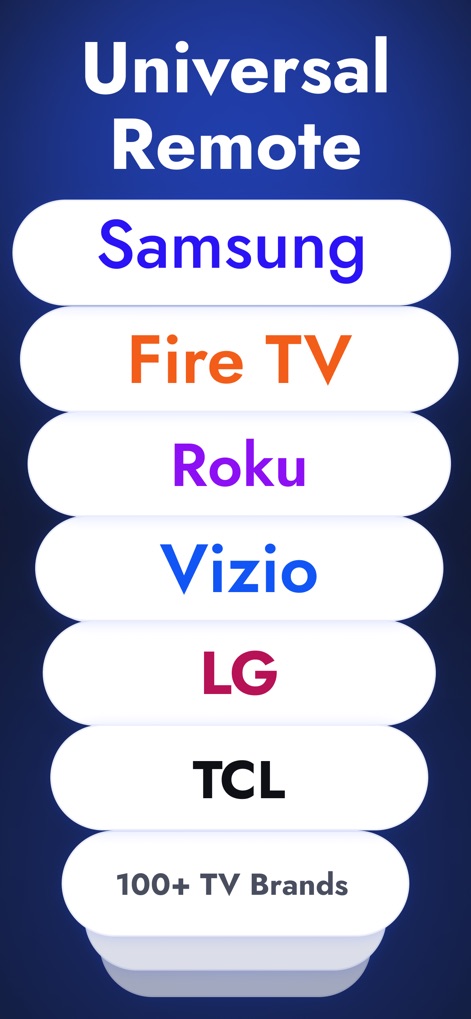
이 앱은 Samsung, Fire TV를 포함한 100개 이상의 TV 브랜드를 지원하여 사용자가 어떤 기기든 제어할 수 있도록 합니다.
폭넓은 호환성
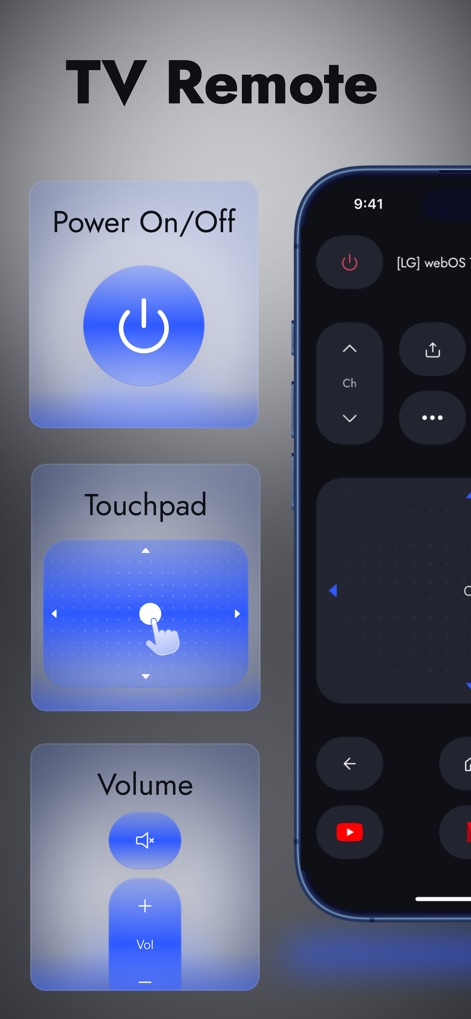
사용자는 전원 On/Off 기능으로 TV를 켜고 끄거나, 터치패드를 활용해 직관적인 탐색을 경험할 수 있습니다.
필수 제어 기능
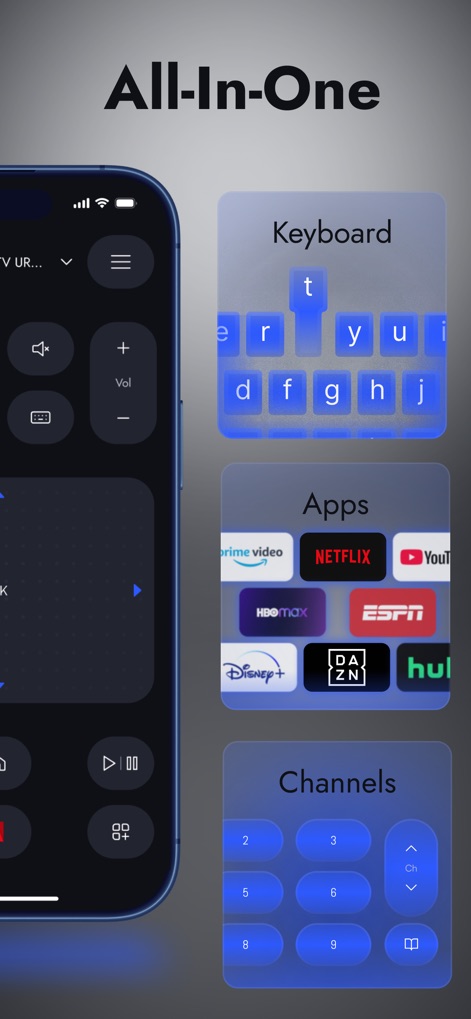
통합 키보드를 통해 텍스트를 빠르게 입력하고, 자주 사용하는 스트리밍 앱을 한눈에 보고 실행할 수 있습니다.
스마트한 올인원 제어
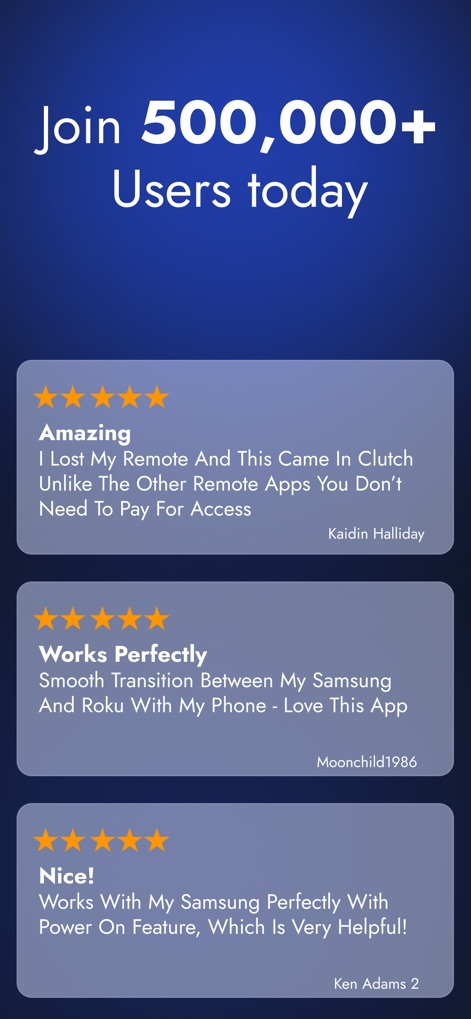
수십만 명의 사용자가 이 앱의 간편한 연결성과 삼성 TV 제어 기능에 만족하며 높은 평가를 제공했습니다.
사용자 만족도 입증
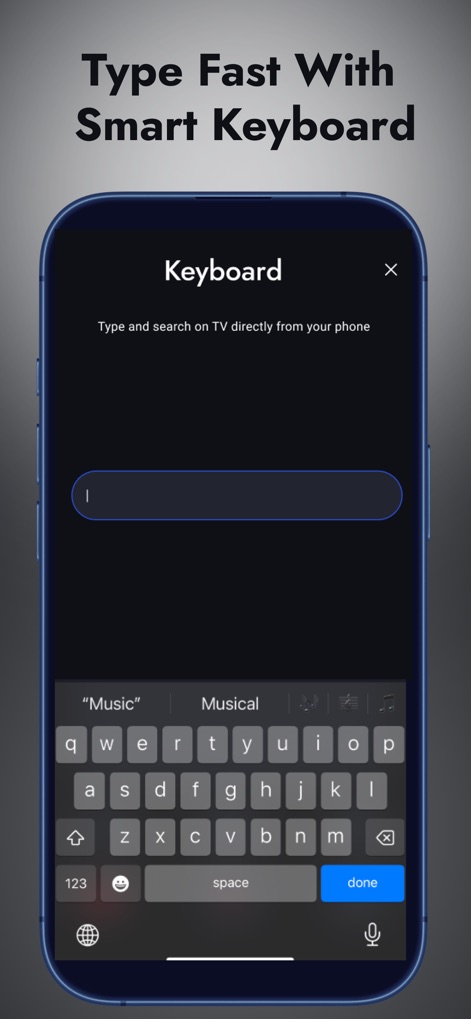
이 앱은 스마트 키보드를 제공하여 검색어를 쉽고 빠르게 입력할 수 있으며, 이모티콘 및 숫자 키패드도 포함되어 있습니다.
간편한 키보드 입력
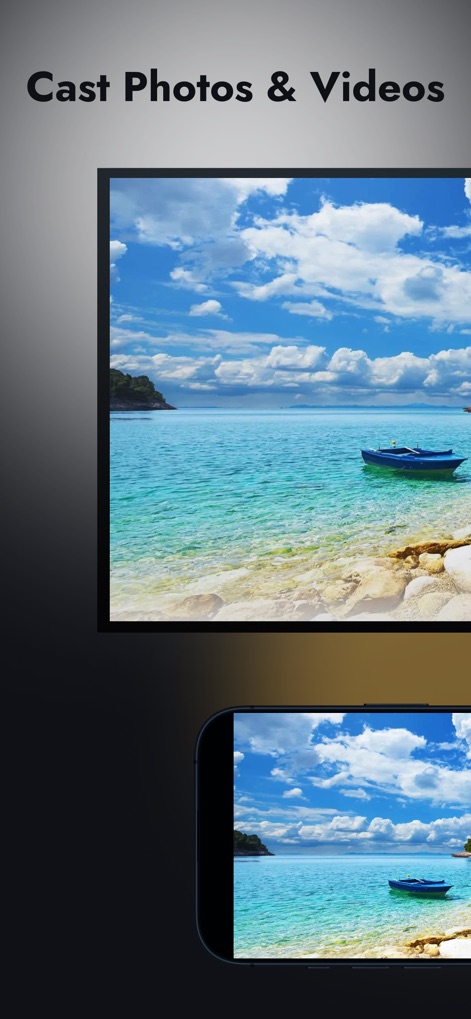
사용자는 모바일 기기에서 해변 이미지를 TV로 바로 캐스팅하여 크고 선명한 화면으로 감상할 수 있습니다.
미디어 캐스팅
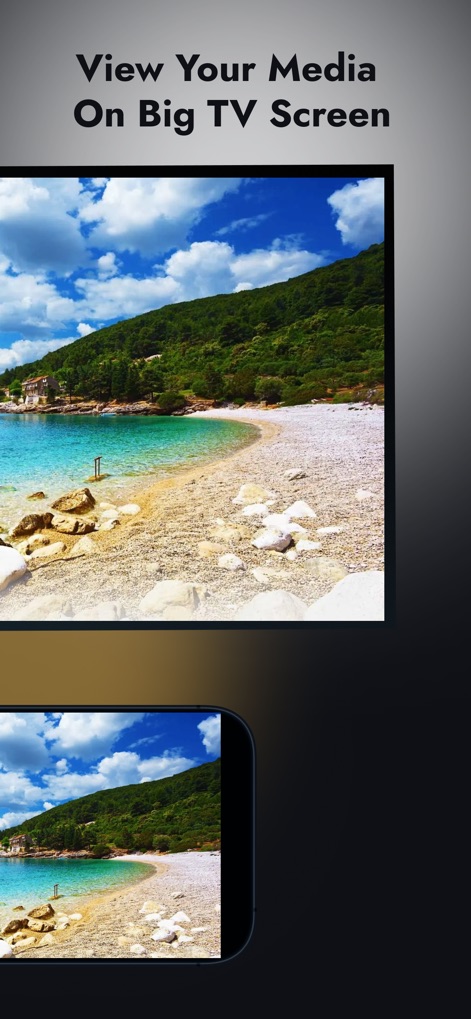
사용자는 모바일에서 아름다운 풍경 이미지를 선택하여 TV의 큰 화면에서 가족과 함께 선명하게 공유할 수 있습니다.
대화면으로 즐기기

이 앱은 My Fire TV Stick과 같은 최근 페어링된 기기를 한눈에 보여주고, Google TV와 같은 다른 TV를 손쉽게 연결할 수 있도록 지원합니다.
원탭 연결
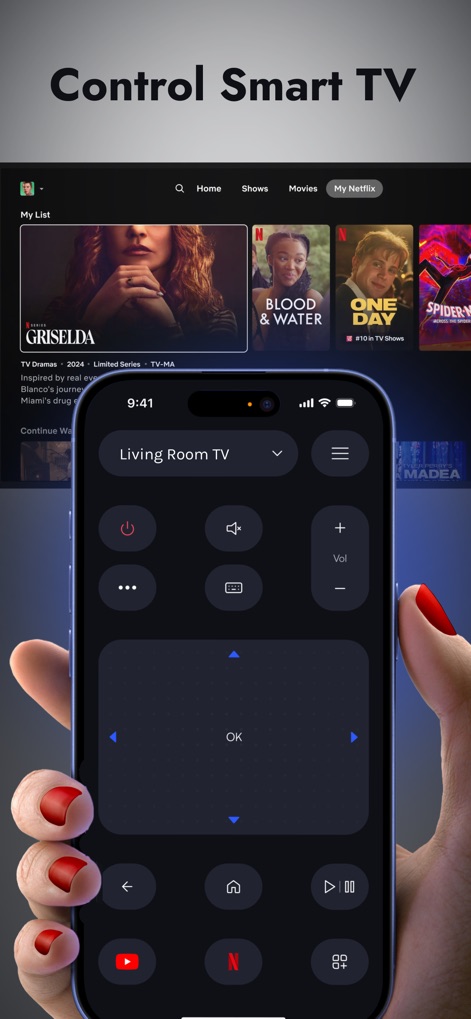
사용자는 직관적인 리모컨 인터페이스를 통해 넷플릭스 콘텐츠를 탐색하고, 볼륨 조절 및 재생/일시정지 등의 기능을 간편하게 조작할 수 있습니다.
스마트 TV 완벽 제어
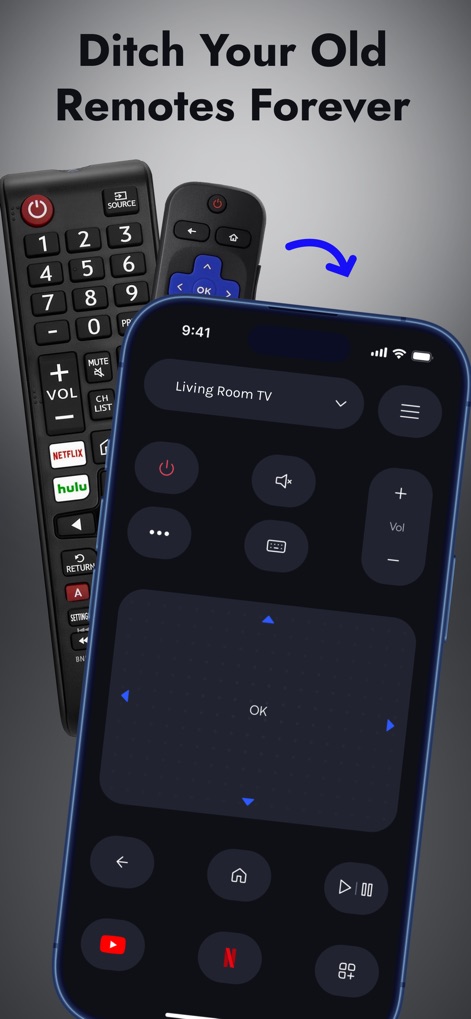
사용자는 이 앱의 통합 리모컨으로 물리적 리모컨의 번거로움을 완전히 없애고, 볼륨 및 채널 제어를 스마트폰에서 편리하게 수행할 수 있습니다.
구형 리모컨의 종말
설명
Download
비슷한 앱
유사한 기능과 사용자 경험을 가진 앱

The Roku App (Official)
ROKU INC

TV Remote & Smart TV Control
To Ngoc Mai

TV Remote, Universal Remote
Hangzhou Yingshitong Technology Co., Ltd.

TV Remote Control “Universo”
Nemo Apps LLC

TV Remote・Universal Control #1
Mihai Turlea

Remote Smart Tv Universal
clement gasner

Remote TV Control TCL Onn App
CEMAL CAGLAR KIRICI

TV Remote Control Universal AI
Anh Ngo

万能遥控器 ·
宇锋 林
이 페이지는 앱이나 개발자의 공식 페이지가 아니며, 정보 제공 및 논평을 목적으로 작성된 독립 편집 간행물입니다. 명시적으로 달리 언급되지 않는 한, 해당 앱이나 개발자는 MWM, Apple, Google Play, 앱 퍼블리셔 또는 앱 개발자와 제휴, 보증, 후원, 승인 또는 공식적으로 연결되어 있지 않으며, 이 페이지의 어떤 내용도 해당 앱이 MWM의 서비스를 사용하여 개발되었음을 의미하지 않습니다. 모든 상표, 로고, 스크린샷 및 기타 콘텐츠는 해당 소유자의 자산입니다.