Video Retouch:Object Removal

Video Retouch:Object Removal


다운로드: App Store
로고: Video Retouch:Object Removal

Video Retouch: 개체 제거 — 방해 요소를 지우고 촬영을 완벽하게 만드세요

사진 방해꾼이나 시각적 어수선함이 콘텐츠를 망치도록 두지 마세요. 몇 초 만에 원치 않는 개체를 동영상에서 손쉽게 제거하고 완벽하고 미학적인 클립을 TikTok 및 Instagram에 공유하세요.

개발사

PeiYi Chen

카테고리

Photo & Video

다운로드

203K+

사용자 평점

4.2/5

총 평가 수

500

지원 언어

2

움직이는 마법

이 인터페이스를 사용하는 203K+ 명의 사용자.

Video Retouch 앱 인터페이스가 길거리 영상에서 제거할 개체로 빨간색으로 강조 표시된 개를 보여줍니다.

Video Retouch 앱 인터페이스가 길거리 영상에서 제거할 개체로 빨간색으로 강조 표시된 개를 보여줍니다.

Video Retouch 앱 인터페이스가 빈티지 자동차가 있는 거리 장면을 미리 보여줍니다.

Video Retouch 앱 인터페이스가 빈티지 자동차가 있는 거리 장면을 미리 보여줍니다.

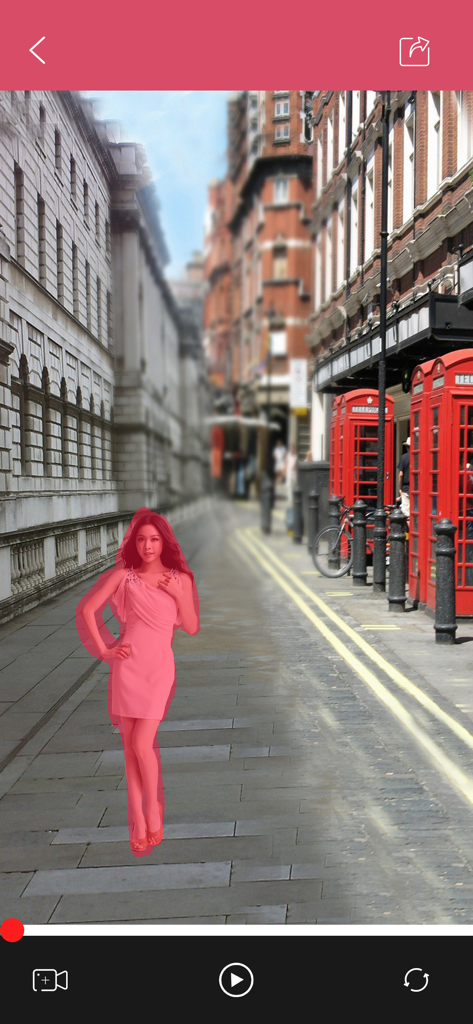
Video Retouch 앱을 사용하여 런던 거리에서 제거할 핑크색 드레스를 입은 여성을 선택합니다.

Video Retouch 앱을 사용하여 런던 거리에서 제거할 핑크색 드레스를 입은 여성을 선택합니다.

Video Retouch 인터페이스가 빨간색 공중전화 부스가 있는 거리 장면 편집을 보여줍니다.

Video Retouch 인터페이스가 빨간색 공중전화 부스가 있는 거리 장면 편집을 보여줍니다.

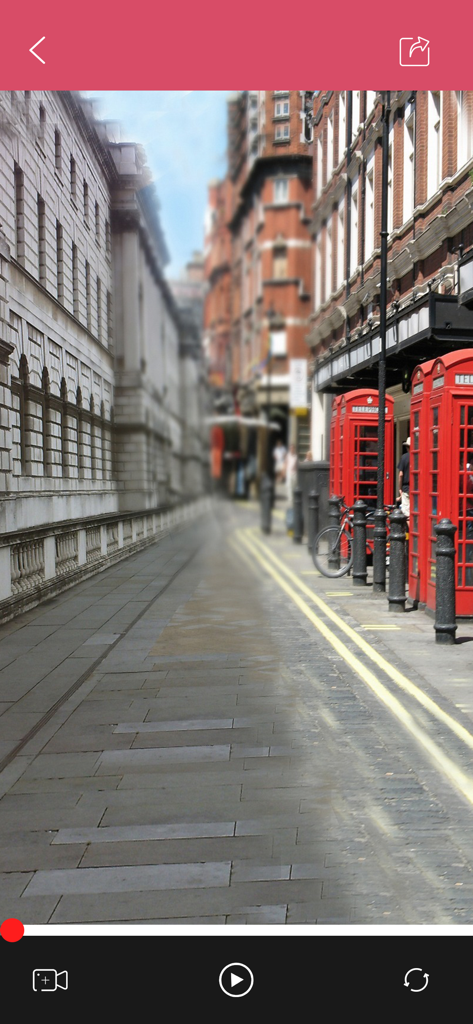
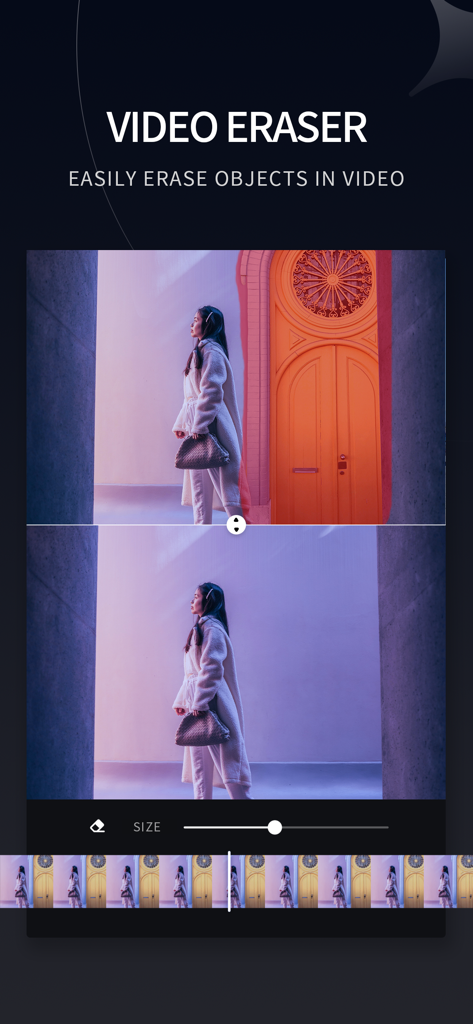
Video Retouch 앱을 사용하여 동영상 배경에서 개체를 제거하는 전후 비교.

Video Retouch 앱을 사용하여 동영상 배경에서 개체를 제거하는 전후 비교.

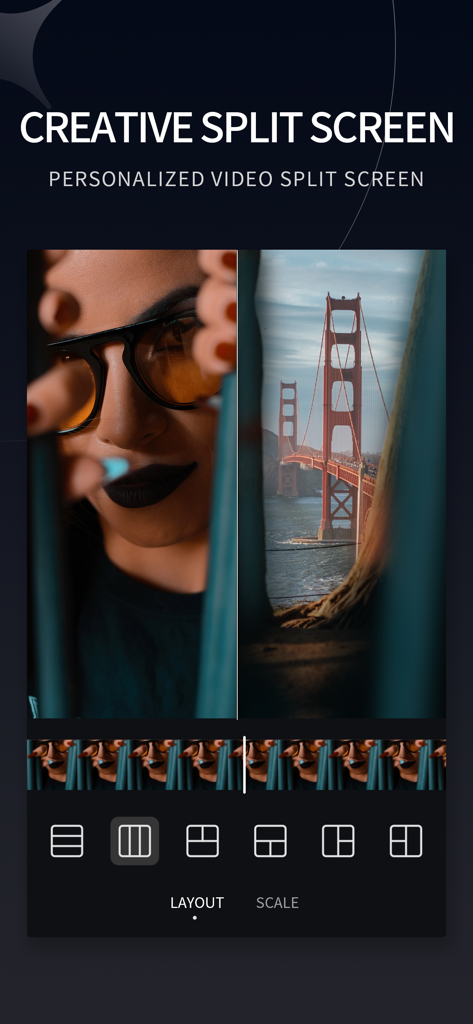
Video Retouch 앱의 창의적인 분할 화면 인터페이스가 인물 사진과 다리 풍경의 측면별 동영상 편집을 보여줍니다.

Video Retouch 앱의 창의적인 분할 화면 인터페이스가 인물 사진과 다리 풍경의 측면별 동영상 편집을 보여줍니다.

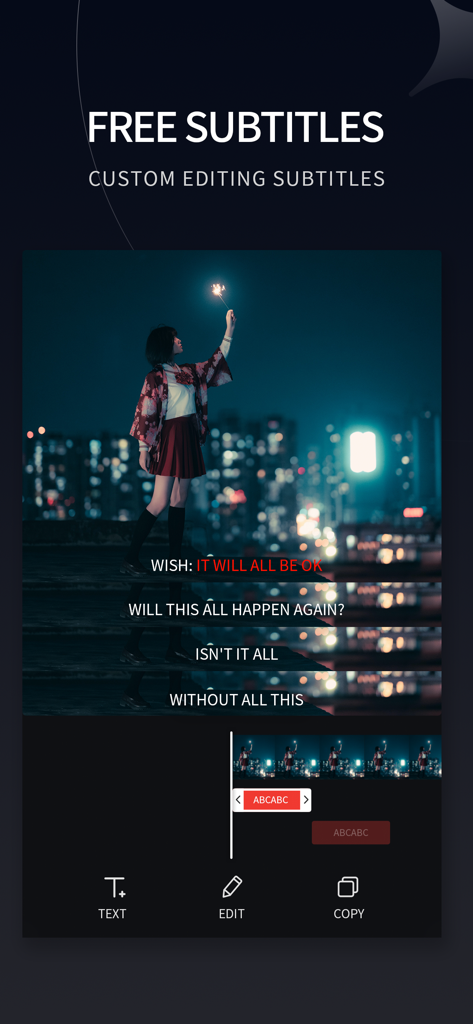
Video Retouch 앱의 사용자 정의 자막 추가 및 편집 인터페이스.

Video Retouch 앱의 사용자 정의 자막 추가 및 편집 인터페이스.

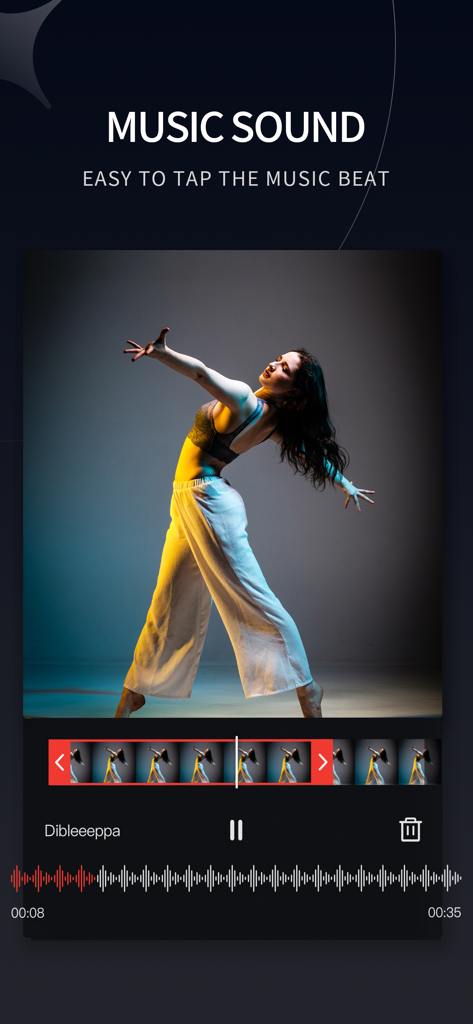
Video Retouch 앱의 음악 사운드 편집 인터페이스가 댄서 동영상 및 오디오 파형을 보여줍니다.

Video Retouch 앱의 음악 사운드 편집 인터페이스가 댄서 동영상 및 오디오 파형을 보여줍니다.

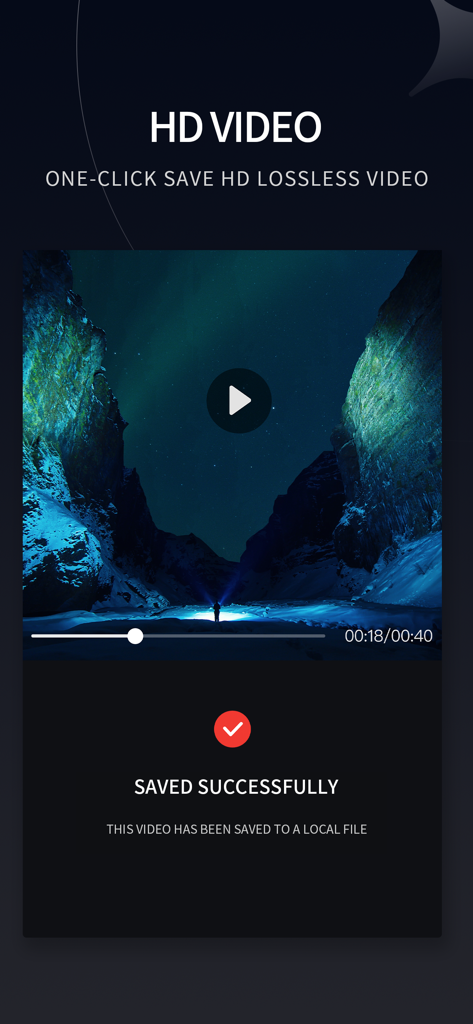
Video Retouch 앱의 스크린샷이 풍경 미리 보기와 함께 성공적인 HD 동영상 내보내기 확인 화면을 보여줍니다.

Video Retouch 앱의 스크린샷이 풍경 미리 보기와 함께 성공적인 HD 동영상 내보내기 확인 화면을 보여줍니다.

완벽한 동영상, 쉬운 작업

이 앱을 돋보이게 하는 도구, 203K+ 명의 사용자가 선택.

🖌️

스마트 브러시 제거

원치 않는 개체, 사람 또는 워터마크 위에 칠하기만 하면 전체 동영상에서 즉시 사라지는 것을 볼 수 있습니다.

깔끔한 미학

시각적 어수선함과 방해 요소를 제거하여 피드를 완벽하게 만들고 Reels와 TikTok에 전문가 수준의 고급스러운 느낌을 더하세요.

🚀

모바일 우선 속도

복잡한 데스크톱 소프트웨어가 필요하지 않습니다. 이동 중에도 편집하고 몇 초 안에 소셜 네트워크에 걸작을 공유하세요.

앱 소개

에 대해 알아야 할 모든 것 Video Retouch:Object Removal.

설명

Ever wanted to remove the boring things from a video? Now you can. Video Retouch can make object disappear quickly. Very simple to use. Simply paint the object area you want removed, and touch go button. Make fun video and share to your social network now. Membership subscription - You can subscribe for all premium features. - Payment will be charged to iTunes Account at confirmation of purchase - You will be able to color all available images for the duration of the subscription - Subscription automatically renews for the same price and duration period as the original "half year" package unless auto-renew is turned off at least 24-hours before the end of the current period - Account will be charged for renewal within 24-hours prior to the end of the current period at the cost of the chosen package (Semiannually package) - Subscriptions may be managed by the user and auto-renewal may be turned off by going to the user's iTunes Account Settings after purchase - No cancellation of the current subscription is allowed during active subscription period - You may cancel a subscription during its free trial period via the subscription setting through your iTunes account. This must be done 24 hours before the end of the subscription period to avoid being charged. Please visit http://support.apple.com/kb/ht4098 for more information - You may turn off the auto-renewal of your subscription via your iTunes Account Settings. However, you are not able to cancel the current subscription during its active period - Any unused portion of a free trial period, if offered, will be forfeited when the user purchases a subscription to that publication, where applicable Privacy Policy - https://www.jianshu.com/p/2a5e00634e6e Terms of use - https://www.jianshu.com/p/499c567ed121

최신 버전

1.9

크기

37.7 MB

출시일

2018년 10월 18일

완벽한 촬영을 할 준비가 되셨나요?

어수선한 클립을 완벽한 걸작으로 바꾸는 200,000명 이상의 크리에이터와 함께하세요. 오늘 Video Retouch를 다운로드하고 탭 한 번으로 방해 요소를 사라지게 하세요.

다운로드: App Store

App information, icons, screenshots, and descriptions displayed on this page are sourced from the Apple App Store and are the property of their respective developers. Download estimates and rankings are based on MWM's proprietary models and may not reflect actual figures. This page is provided for informational and analytical purposes only.

Believe this page infringes your intellectual property? File a dispute