vrBox - VR Player

vrBox - VR Player

다운로드: App Store
로고: vrBox - VR Player

vrBox - VR 플레이어: 최고의 개인 3D 시네마

iPhone을 몰입형 극장으로 바꿔보세요. 고급 형식 지원, LAN 공유 및 완벽한 VR 경험을 위한 정밀 광학 조정을 통해 3D, 360°, 2D 동영상을 재생하세요.

다운로드: App Store

개발사

Guangzhou Jichuang Technology Co., Ltd.

카테고리

Utilities

다운로드

8K+

사용자 평점

3.5/5

총 평가 수

0

지원 언어

15

몰입형 존으로 들어가세요

이 인터페이스를 사용하는 8K+ 명의 사용자.

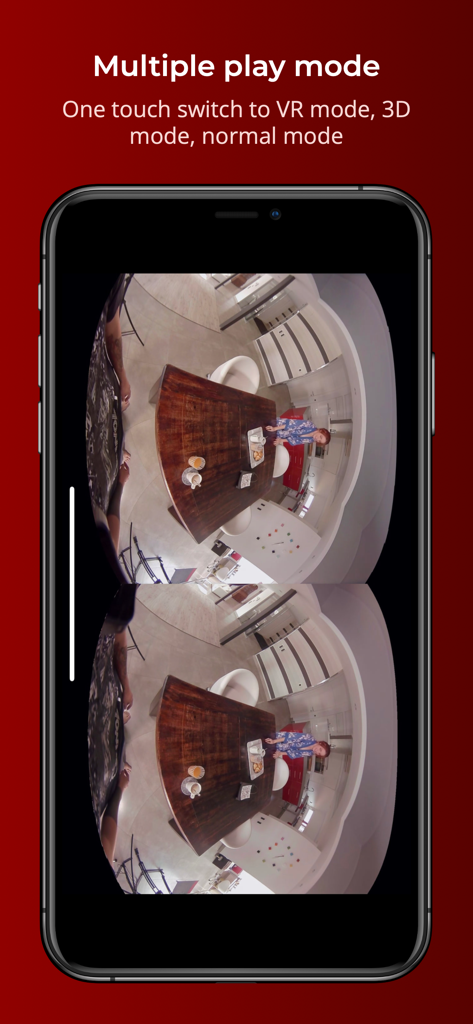
vrBox 앱이 iPhone에서 분할 화면 VR 재생을 보여주고 있습니다.

vrBox 앱이 iPhone에서 분할 화면 VR 재생을 보여주고 있습니다.

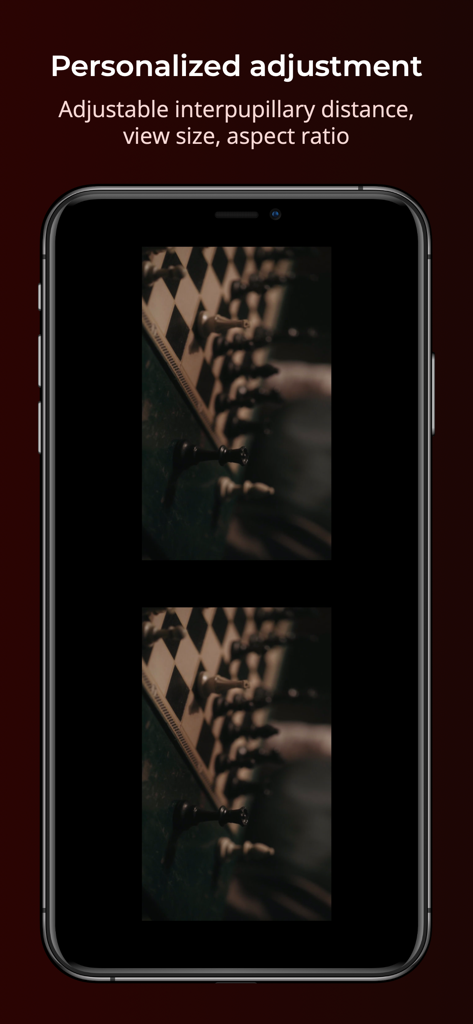
vrBox 앱이 iPhone에서 VR 재생을 위한 조정 가능한 동공 간 거리 및 화면 비율 설정을 보여주고 있습니다.

vrBox 앱이 iPhone에서 VR 재생을 위한 조정 가능한 동공 간 거리 및 화면 비율 설정을 보여주고 있습니다.

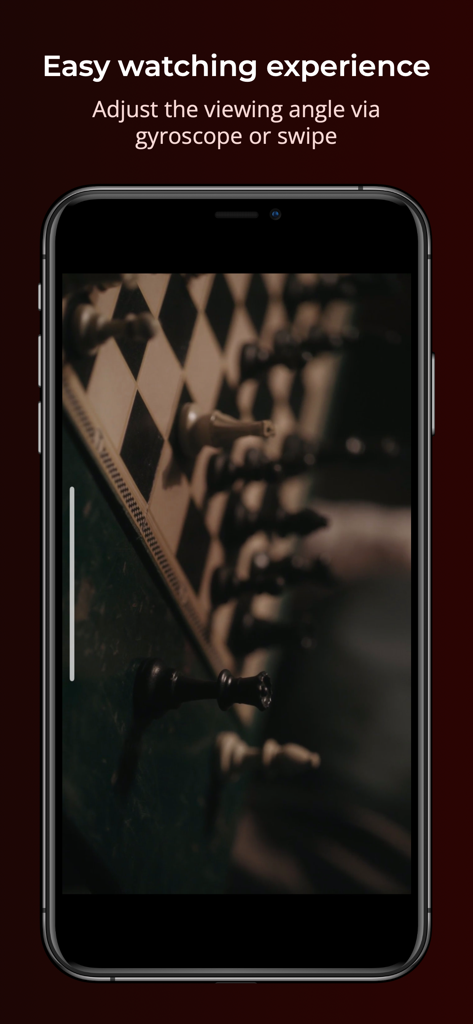
스마트폰 화면에 자이로스코프 또는 스와이프를 통한 보기 각도 조정 기능이 있는 vrBox VR 플레이어 앱 인터페이스가 표시됩니다.

스마트폰 화면에 자이로스코프 또는 스와이프를 통한 보기 각도 조정 기능이 있는 vrBox VR 플레이어 앱 인터페이스가 표시됩니다.

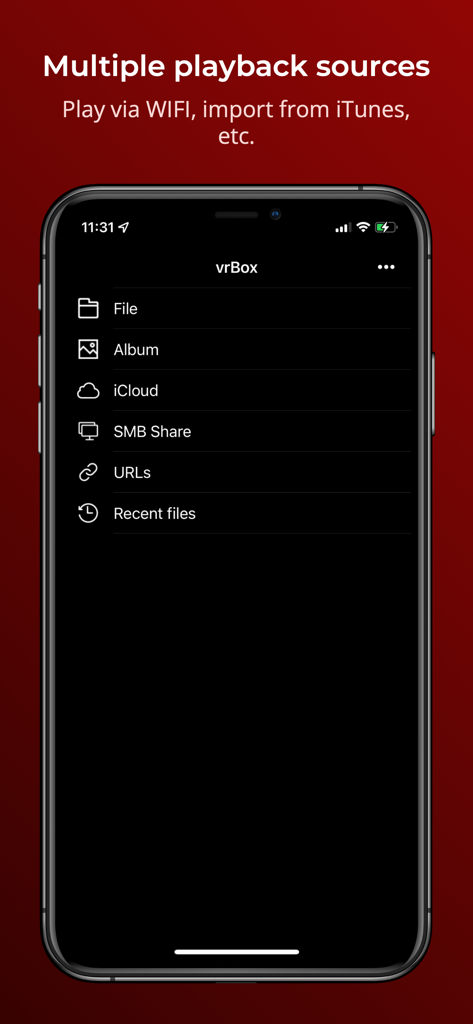
iPhone 화면에 로컬 파일 및 SMB 공유를 포함한 vrBox VR 플레이어 앱의 여러 재생 소스가 표시됩니다.

iPhone 화면에 로컬 파일 및 SMB 공유를 포함한 vrBox VR 플레이어 앱의 여러 재생 소스가 표시됩니다.

VR 헤드셋의 모든 잠재력 발휘

이 앱을 돋보이게 하는 도구, 8K+ 명의 사용자가 선택.

📽️

모든 시네마 지원

모든 동영상 형식, 3D 영화 또는 VR 경험을 쉽게 시청하세요. 표준 2D 영화를 개인용 대형 스크린 극장으로 바꿔보세요.

🛠️

정밀 보정

궁극의 만능 도구. 동공 간 거리, 디스플레이 크기 및 시청 각도를 조정하여 완벽하게 선명하고 두통 없는 시각적 경험을 얻으세요.

🏠

원활한 LAN 스트리밍

휴대전화 저장 공간을 절약하세요. 로컬 Wi-Fi를 통해 PC 또는 미디어 서버에서 직접 개인 영화 컬렉션에 액세스하고 스트리밍하세요.

앱 소개

에 대해 알아야 할 모든 것 vrBox - VR Player.

설명

**vrBox Player is a fully functional VR player** 1. Support most of video formats 2. Support 3D movies and VR movies 3. Support wearing VR glasses to watch 2D movies 4. Support access to local LAN sharing 5. Rotated playback 6. Display scale can be changed 7. In VR mode, you can change the viewing angle by tilting your iphone or swiping the screen 8. Support to adjust pupil distance 9.Please use the app with VR glasses 10.Support for some formats is incomplete and we will continue to improve **In-app purchase and subscription terms** vrBox Player is a free app, but you can subscribe to unlock all features. Once you confirm your purchase, you will be charged to your Apple ID account. If purchase the auto-renewing subscription, unless you cancel the order at least 24 hours before the end of the current billing cycle, the subscription will automatically renew, and your account will charge the renewal fee within 24 hours before the end of the current billing cycle. You can manage or turn off auto-renewal in your Apple ID account settings at any time after you make a purchase. Privacy policy -- https://www.pddy.site/privacy_policy.html Terms of Use -- http://pddy.site/user_agreement.html **Manage your subscription from iPhone** Manage automatic renewal subscriptions with the following steps 1. Open Settings , [Your Name] , iTunes and the App Store. 2. Tap the Apple ID at the top of the screen. 3. Tap View Apple ID. You may need to verify your Apple ID. 4. Tap Subscribe. 5. Tap the subscription you want to manage. 6. Use these options to manage your subscription. You can choose from a different subscription option, or tap Unsubscribe to cancel your subscription. If cancelled, your subscription will stop at the end of the current payment period. Question Feedback: help@pddy.site

최신 버전

3.0

크기

21.6 MB

출시일

2021년 8월 24일

나만의 3D 시네마를 잠금 해제할 준비가 되셨나요?

8,000명 이상의 기술 애호가와 함께 iPhone을 고급 VR 극장으로 바꿔보세요. 오늘 바로 로컬 라이브러리를 스트리밍하고, 편안함을 위해 조정하고, 모든 동영상 형식을 몰입형 3D로 경험하세요.

다운로드: App Store

App information, icons, screenshots, and descriptions displayed on this page are sourced from the Apple App Store and are the property of their respective developers. Download estimates and rankings are based on MWM's proprietary models and may not reflect actual figures. This page is provided for informational and analytical purposes only.

Believe this page infringes your intellectual property? File a dispute