WiFi Analyzer - Internet Speed

WiFi Analyzer - Internet Speed


다운로드: App Store
로고: WiFi Analyzer - Internet Speed

WiFi 분석기 - 인터넷 속도: 무선 네트워크를 완벽하게 제어하세요

가정 CTO를 위한 궁극의 툴킷입니다. 연결된 장치를 모니터링하고, 데드존을 제거하고, 정확한 속도 테스트를 실행하여 가정이나 사무실이 항상 최고 성능을 발휘하도록 보장합니다.

다운로드: App Store

개발사

BJS Soft Solutions LLC

카테고리

Utilities

다운로드

1K+

사용자 평점

1.0/5

총 평가 수

0

지원 언어

1

당신의 네트워크, 시각화되다

이 인터페이스를 사용하는 1K+ 명의 사용자.

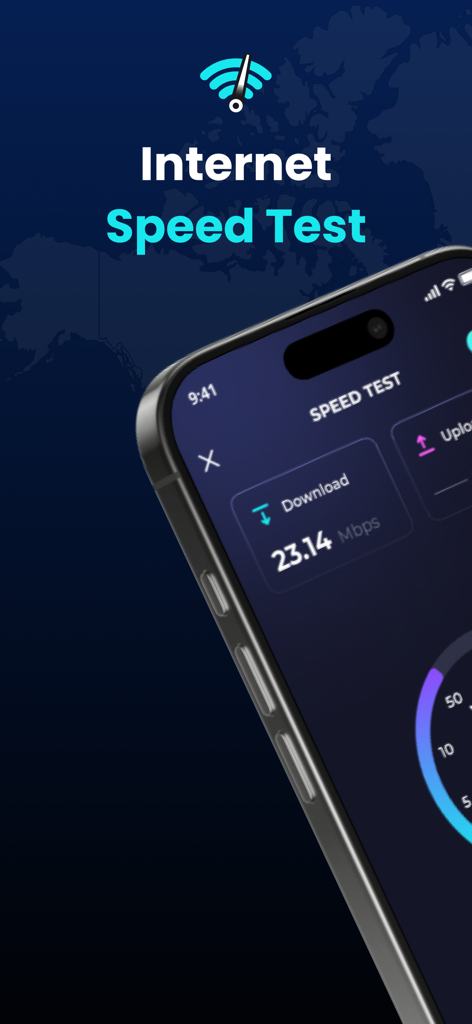
WiFi 분석기 앱 인터페이스에 23.14Mbps 다운로드 속도의 인터넷 속도 테스트 결과가 표시된 아이폰

WiFi 분석기 앱 인터페이스에 23.14Mbps 다운로드 속도의 인터넷 속도 테스트 결과가 표시된 아이폰

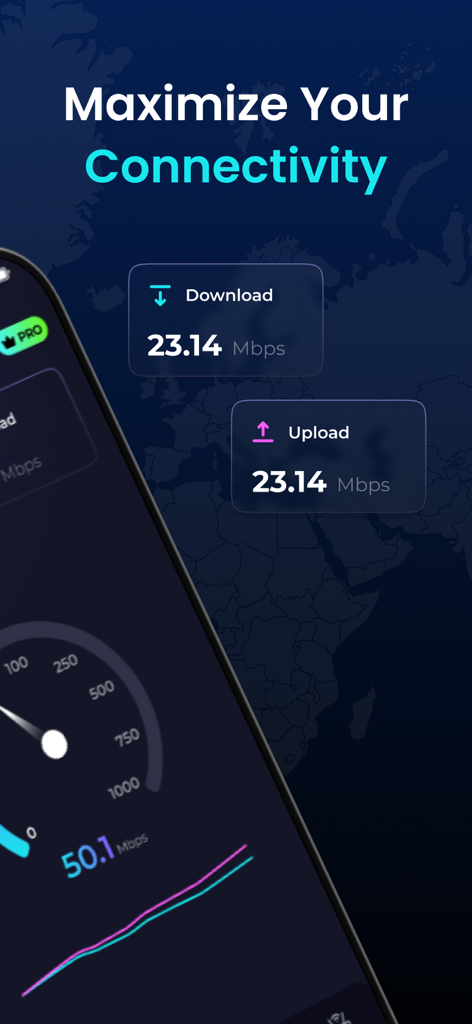
다운로드 및 업로드 속도 테스트 결과를 보여주는 스마트폰 화면

다운로드 및 업로드 속도 테스트 결과를 보여주는 스마트폰 화면

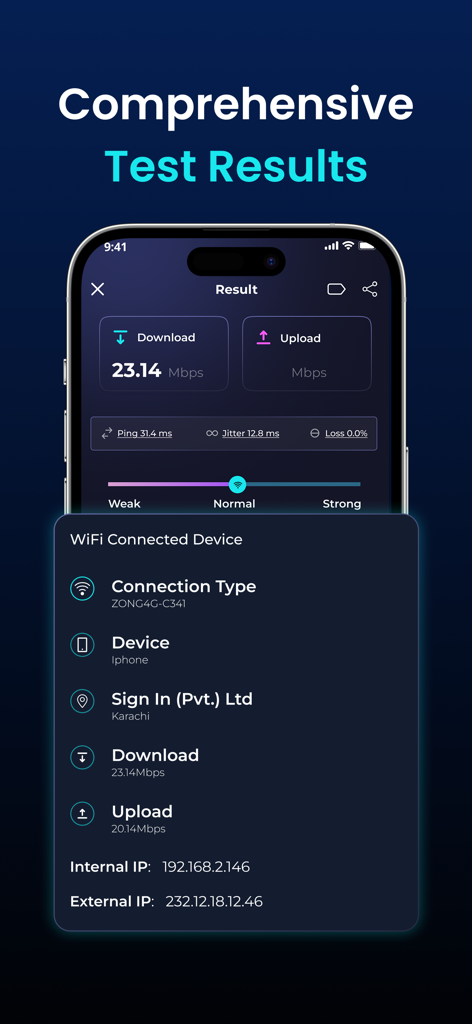
다운로드 속도, 업로드 속도 및 네트워크 진단 정보가 표시된 WiFi 분석기 앱 인터페이스

다운로드 속도, 업로드 속도 및 네트워크 진단 정보가 표시된 WiFi 분석기 앱 인터페이스

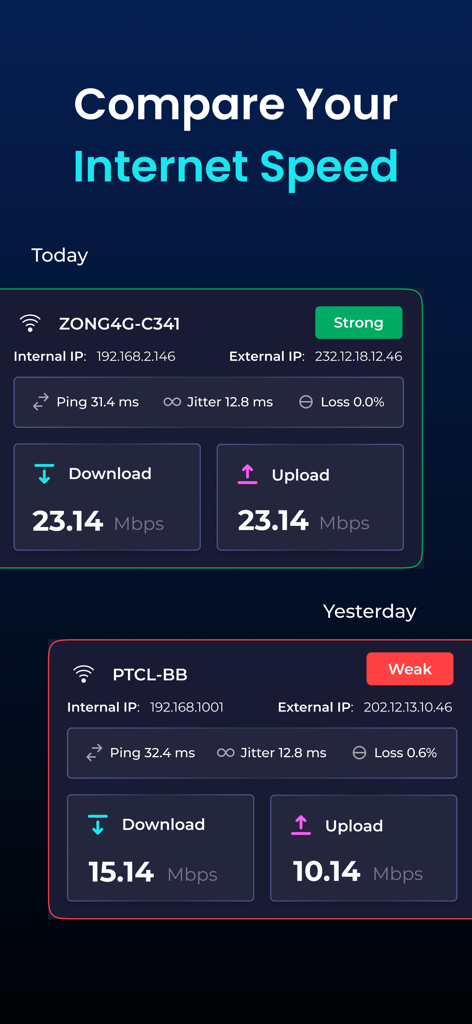
오늘과 어제의 WiFi 인터넷 속도 테스트 결과 비교

오늘과 어제의 WiFi 인터넷 속도 테스트 결과 비교

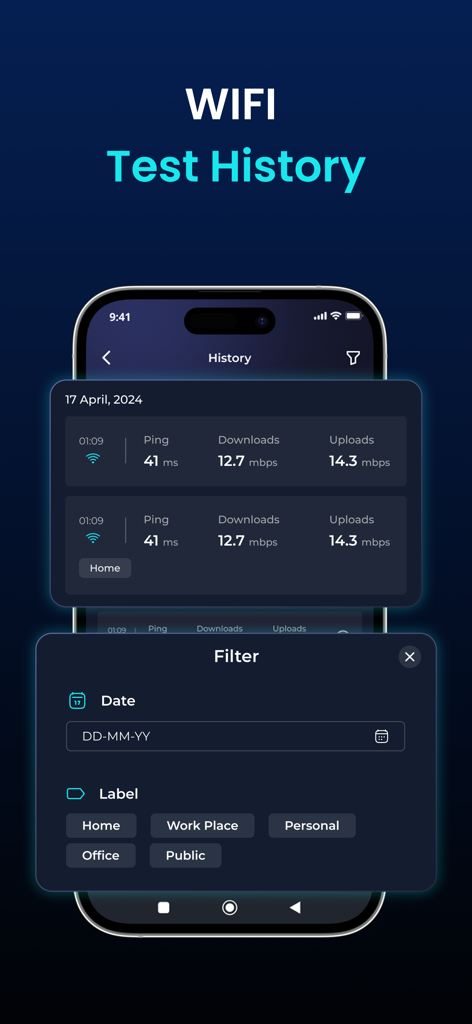
날짜 및 레이블 필터링 옵션이 있는 WiFi 속도 테스트 기록 로그

날짜 및 레이블 필터링 옵션이 있는 WiFi 속도 테스트 기록 로그

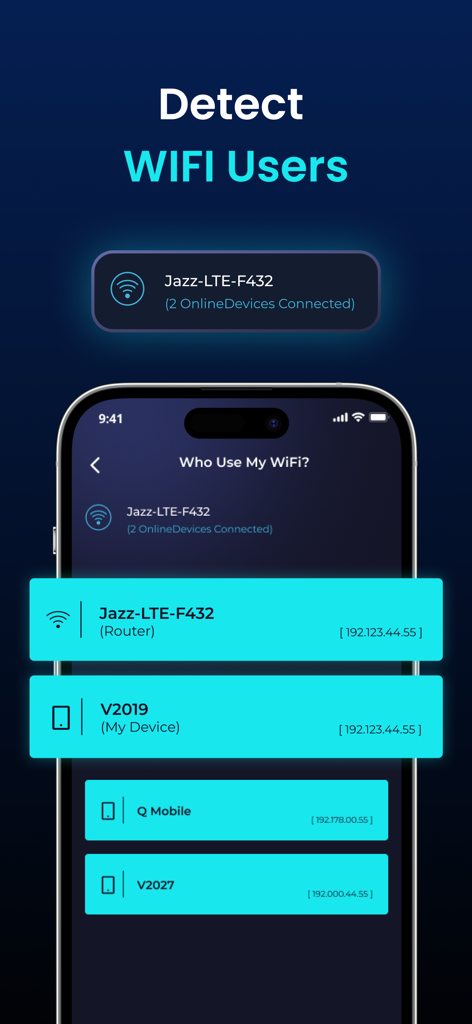
IP 주소가 있는 네트워크에 연결된 장치 목록을 표시하는 WiFi 분석기 앱 화면

IP 주소가 있는 네트워크에 연결된 장치 목록을 표시하는 WiFi 분석기 앱 화면

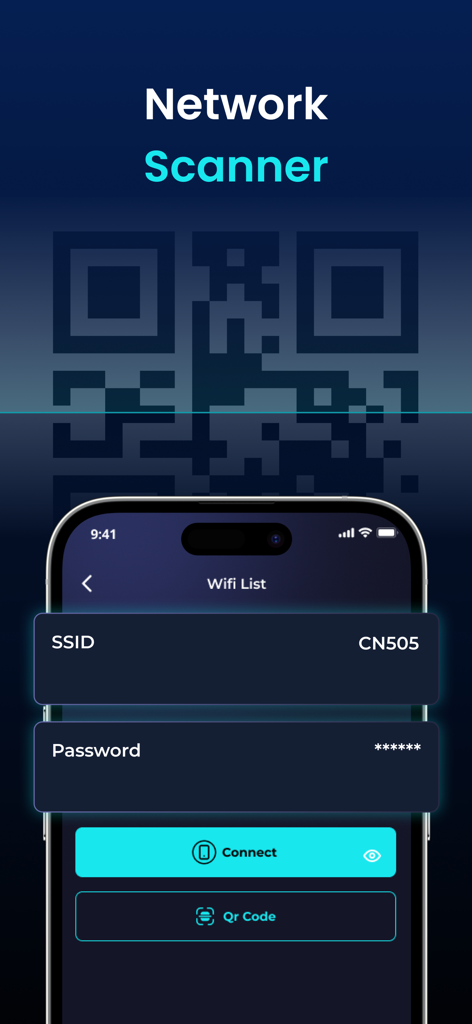
QR 코드 연결 옵션이 있는 네트워크 스캐너 기능이 표시된 WiFi 분석기 앱 인터페이스

QR 코드 연결 옵션이 있는 네트워크 스캐너 기능이 표시된 WiFi 분석기 앱 인터페이스

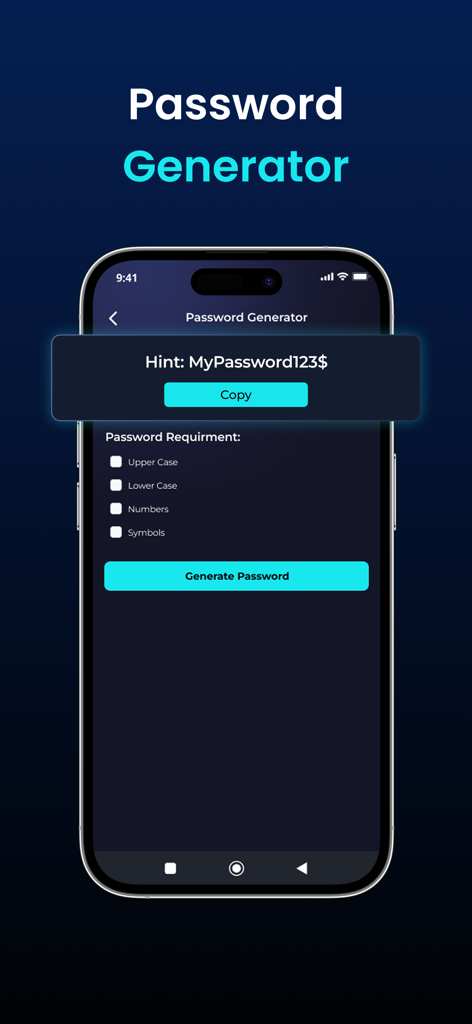
보안 옵션이 있는 암호 생성기 도구가 표시된 WiFi 분석기 앱 인터페이스.

보안 옵션이 있는 암호 생성기 도구가 표시된 WiFi 분석기 앱 인터페이스.

가정 네트워크 마스터하기

이 앱을 돋보이게 하는 도구, 1K+ 명의 사용자가 선택.

원탭 정밀 속도 테스트

핑 및 업로드 측정 항목을 포함하여 정확한 5G 및 Wi-Fi 속도 벤치마크로 ISP 성능을 확인하세요.

🛡️

네트워크에 연결된 모든 장치를 식별하여 무단 액세스를 감지하고 가정 대역폭을 관리합니다.

📶

실시간 신호 분석

신호 강도를 시각화하여 데드존을 제거하고 라우터 또는 원격 작업 공간에 대한 완벽한 위치를 찾으세요.

앱 소개

에 대해 알아야 할 모든 것 WiFi Analyzer - Internet Speed.

설명

WiFi Analyzer is a powerful tool for analyzing the status of Wi-Fi networks, discovering WLAN-connected devices, and detecting network faults. This network analyzer optimizes your WiFi network with advanced features like internet speed testing, Router Config, and WiFi signal strength. Key Features of WiFi Analyzer - Internet Speed - WiFi hotspot to identify connected devices, their signal strength, and network usage - Unlimited speed tests 2G, 3G, 4G, 5G, DSL, ADSL, and Wi-Fi at one-tap - Discovers all devices connected to the network - Display of basic information about the connection (IP address, provider, connection type, WiFi network name) - Real-time network speed and traffic - Simple, intuitive, and modern design - Connect to WiFi by scanning QR code Test The Speed of the Wi-Fi hotspot With the internet speed test, you can easily check WiFi speed with a single click. Our app offers broad internet speed testing, including ping, download, and upload speeds. You can use the WiFi speed test to see whether your WiFi is strong, normal, or weak. Manage Connected Devices of Personal Hotspots Besides the internet speed test feature, the WiFi Analyzer allows you to inspect and control devices that are connected to WiFi. This feature of mobile hotspots enables correct distribution to mobile data devices. Check WiFi Signal Strength The WiFi signal strength feature allows you to examine signal strength, speed, frequency, and IP address. Experience uninterrupted live streaming, gaming, and web browsing. Explore Available Wi-Fi Networks Wifi Finder helps you connect to the best WiFi networks in your neighborhood, eliminating slow and unreliable ones. No need to worry as there is no WiFi network to connect to anymore. Effortless WiFi Connection with QR Codes WiFi Analyzer can be used to test internet speed and connect to a WiFi network by QR code scanner. Save time by asking for passwords and entering them into devices. Enjoy the simplicity of WiFi connectivity by scanning the QR code. Results Comparison Easily track your Wi-Fi speed history and compare past results to see how your network performance changes over time. Labels Keep your network organized by tagging and labeling devices, making it simple to manage everything connected to your Wi-Fi. Available in multiple languages for users worldwide. Enjoy a localized experience in your preferred language. Whether you're at home, in the office, or on the go, WiFi Analyzer - Internet Speed is your all-in-one solution for optimizing your WiFi network. Download now and take control of your wireless connection! WiFi Analyzer - Internet Speed App offers the following Auto-renewing Subscriptions 1. Monthly Plan: Get a 3-day free trial plus 35% off your subscription 2. Yearly Plan - This price of the WiFi Analyzer app is for United States customers. Pricing in other countries may vary and actual charges may be converted to your local currency depending on the country of residence. - Payment will be charged to the iTunes Account at confirmation of purchase. - Subscription automatically renews unless auto-renew is turned off at least 24 hours before the end of the current period. - Account will be charged for renewal within 24 hours before the end of the current period, and identify the cost of the renewal. - You can manage subscriptions and turn off auto-renewal after purchase by going to your App Store account settings. - Links to our Terms of Service and Privacy Policy can be found below: Privacy Policy: https://sites.google.com/view/privacy-wifi-analyzer Terms of Service: https://sites.google.com/view/wifi-analyzer-termsofcondition

최신 버전

1.5.48

크기

69.8 MB

출시일

2024년 3월 26일

네트워크 성능을 마스터할 준비가 되셨나요?

수천 명의 가정 CTO 및 원격 전문가와 함께 속도를 최적화하고, 연결을 보호하고, 전문적인 수준의 진단으로 데드존을 제거하세요. 지금 바로 WiFi를 제어하세요.

다운로드: App Store

App information, icons, screenshots, and descriptions displayed on this page are sourced from the Apple App Store and are the property of their respective developers. Download estimates and rankings are based on MWM's proprietary models and may not reflect actual figures. This page is provided for informational and analytical purposes only.

Believe this page infringes your intellectual property? File a dispute