Word To PDF Converter & Reader

Word To PDF Converter & Reader

다운로드: App Store
로고: Word To PDF Converter & Reader

Word To PDF 변환기 및 리더: 전문적인 PDF를 손쉽게

노트북 없이 iPhone 또는 iPad에서 직접 문서를 변환, 병합 및 공유할 수 있는 실용적인 모바일 유틸리티입니다.

개발사

Nitin Katrodiya

카테고리

Utilities

다운로드

124K+

사용자 평점

3.9/5

총 평가 수

500

지원 언어

1

효율성의 단면 보기

이 인터페이스를 사용하는 124K+ 명의 사용자.

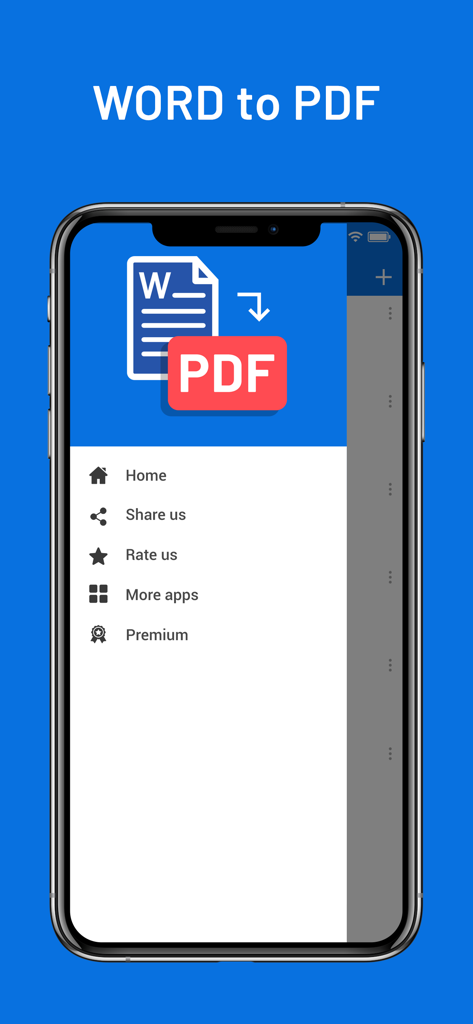
iPhone의 Word To PDF 변환기 앱 측면 메뉴

iPhone의 Word To PDF 변환기 앱 측면 메뉴

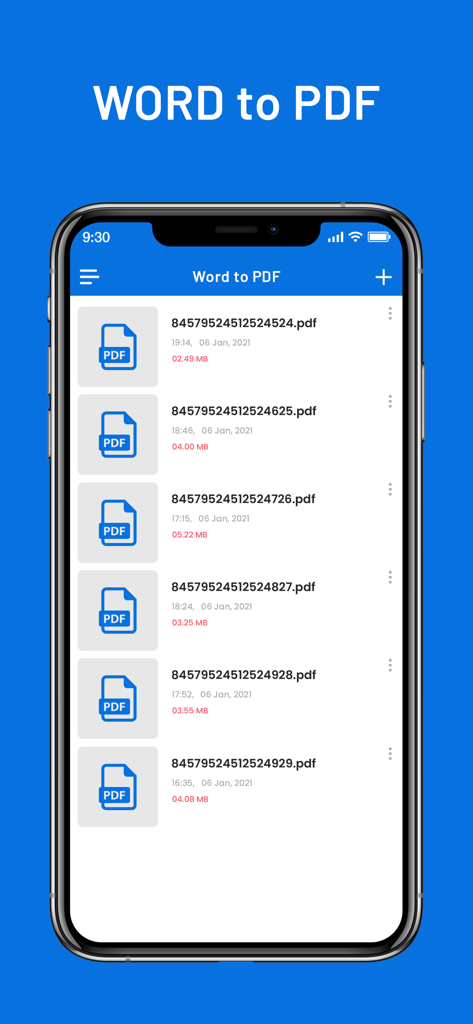
파일 이름과 크기가 표시된 변환된 PDF 문서 목록을 보여주는 iPhone 화면

파일 이름과 크기가 표시된 변환된 PDF 문서 목록을 보여주는 iPhone 화면

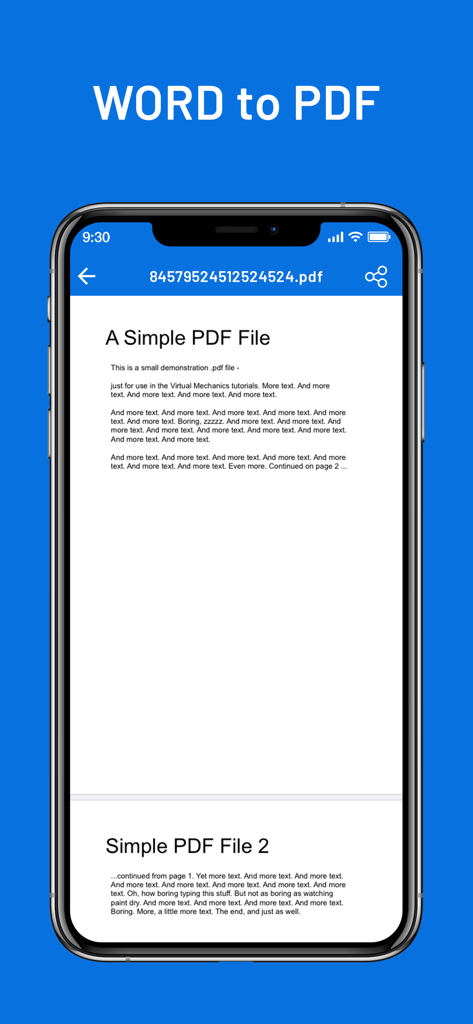
iPhone 화면에서 문서가 표시되는 Word To PDF 변환기 앱

iPhone 화면에서 문서가 표시되는 Word To PDF 변환기 앱

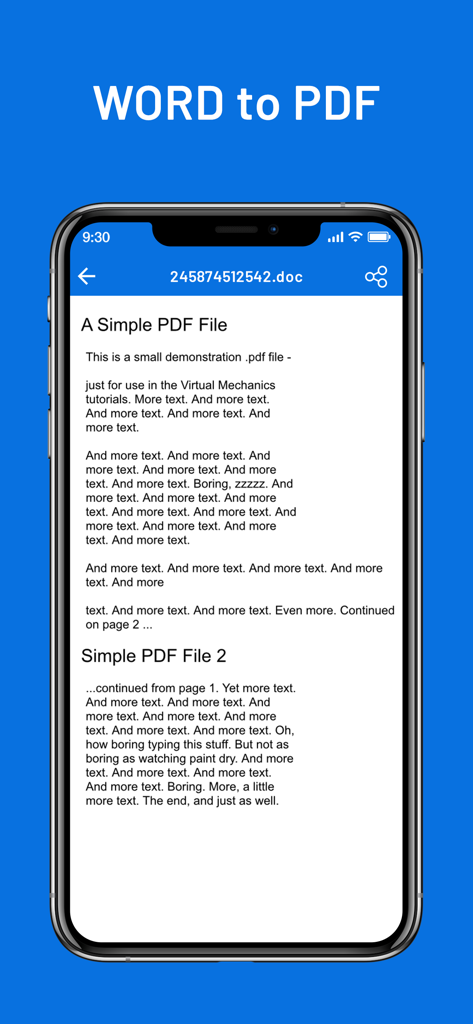
문서 미리 보기가 있는 Word To PDF 변환기 앱 인터페이스를 보여주는 iPhone 화면

문서 미리 보기가 있는 Word To PDF 변환기 앱 인터페이스를 보여주는 iPhone 화면

손끝에서 경험하는 효율성

이 앱을 돋보이게 하는 도구, 124K+ 명의 사용자가 선택.

🚀

프로 수준의 변환

.doc 및 .docx 파일을 즉시 완벽한 PDF로 변환하여 모든 장치에서 전문적이고 읽기 쉬운 서식을 유지하세요.

🔗

원활한 워크플로우 통합

iOS 기본 '앱에서 열기' 공유 시트를 사용하여 Mail, Safari 또는 Dropbox 및 Google Drive와 같은 클라우드 스토리지에서 직접 파일을 변환하세요.

📑

강력한 PDF 병합

여러 문서를 하나의 정리된 파일로 쉽게 결합하세요. 복잡한 과제 제출이나 비즈니스 계약 보관에 완벽합니다.

앱 소개

에 대해 알아야 할 모든 것 Word To PDF Converter & Reader.

설명

Word to PDF is a universal app for iPhone and iPad that can convert your MS Office Word to Adobe Acrobat PDF. After installed, Word to PDF appears in the "Open In..." list on your device. This lets you convert word from Mail, Safari, GoodReader and many other applications on your iOS device that supports this function. It's just as easy as it sounds! No need for overcomplicated apps with dozens of nonsense features. With PDF Converter app you can convert your documents to pdf or create pdf files in a matter of seconds. More Features: * Support all apple iOS devices. * Really attractive, super easy to use interface * Using "Open In..." approach, print files from many popular online storages: Dropbox, MobileMe iDisk, GoogleDocs and other cloud storage applications. * Save the following multiple word doc formats .doc, .docx to PDF. * Mail out documents as email attachments. * Copy documents to clipboard. * Send files to iBook, GoodReader, PDF Reader or other apps("Open In.." integration). * USB file transfer (iTunes file sharing). The converted PDF files could be opened in iBooks, GoodReader or Adobe Reader app for best reading experience. Also, you can send PDFs by e-mail, open in other apps and even transfer to computer. The build-in PDF Merger feature is a professional but easy-to-use PDF file Combiner & Joiner designed to merge PDF files for more convenient organizing, archiving and printing in batch. With it you can combine multiple PDF files in a order to create a new single PDF file. Several sample files have been included, you can test it right now! Any questions, suggestions and problems please let us know. We will reply ASSP, and continue to update. SUBSCRIPTION INFORMATION : - Subscribe for unlimited access to all the Premium features. - - Subscription is automatically renewed unless canceled 24 hours before the renewal - Payment will be charged to iTunes Account at confirmation of purchase - Account will be charged for renewal within 24-hours prior to the end of the current period, at the same price - Subscriptions may be managed by the user and auto-renewal may be turned off by going to the user’s Account Settings after purchase - Any unused portion of a free trial period, if offered, will be forfeited when the user purchases a subscription to that publication, where applicable Privacy Policy : https://nitinkatrodiya.wordpress.com/privacy-policy/ & Terms of Service: https://nitinkatrodiya.wordpress.com/terms-and-condition/

최신 버전

1.2

크기

12.2 MB

출시일

2021년 1월 21일

한 번의 탭으로 워크플로우 간소화

이동 중에 문서를 손쉽게 변환, 병합 및 공유하는 124,000명 이상의 전문가 및 학생들과 함께하세요. 불필요한 기능 없이 필요한 도구만 제공합니다.

다운로드: App Store

App information, icons, screenshots, and descriptions displayed on this page are sourced from the Apple App Store and are the property of their respective developers. Download estimates and rankings are based on MWM's proprietary models and may not reflect actual figures. This page is provided for informational and analytical purposes only.

Believe this page infringes your intellectual property? File a dispute