Words Counter Plus

Words Counter Plus

다운로드: App Store
로고: Words Counter Plus

Words Counter Plus: 모든 단어, 문자 및 문장에 대한 정밀 측정

글쓰기 제한을 쉽게 마스터하세요. 소셜 미디어 캡션부터 학술 에세이까지, iPhone 및 iPad를 위해 설계된 가볍고 방해되지 않는 인터페이스에서 즉각적이고 오프라인 텍스트 분석을 받으세요.

다운로드: App Store

개발사

Heng Jia Liang

카테고리

Utilities

다운로드

200

사용자 평점

1.0/5

총 평가 수

0

지원 언어

1

한눈에 보는 정밀도

이 인터페이스를 사용하는 200 명의 사용자.

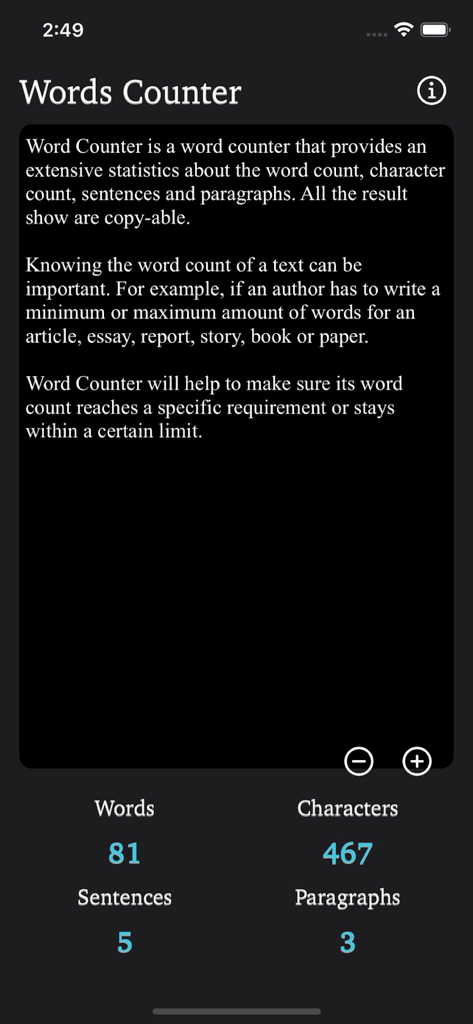
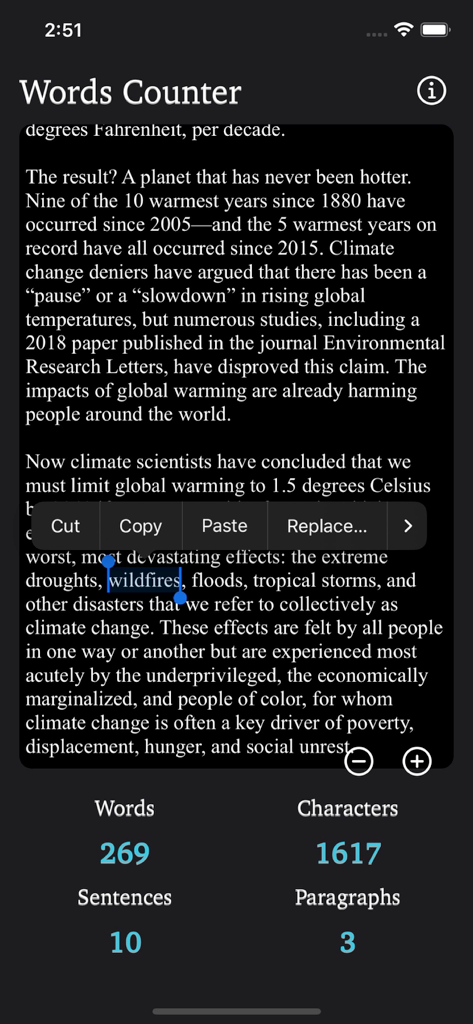
Words Counter Plus 앱 인터페이스가 다크 모드에서 단어 및 문자 통계를 보여줍니다.

Words Counter Plus 앱 인터페이스가 다크 모드에서 단어 및 문자 통계를 보여줍니다.

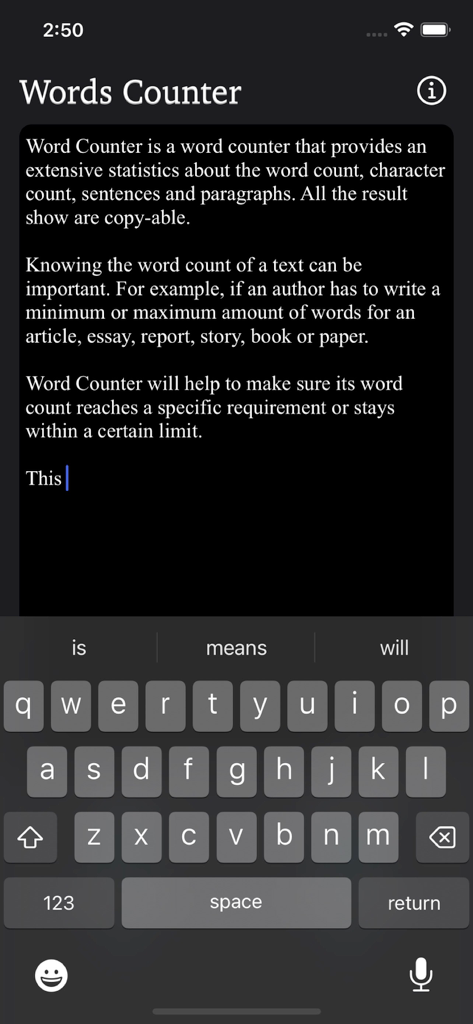
iPhone에서 Words Counter Plus 앱 인터페이스가 다크 모드에서 텍스트 편집기를 보여줍니다.

iPhone에서 Words Counter Plus 앱 인터페이스가 다크 모드에서 텍스트 편집기를 보여줍니다.

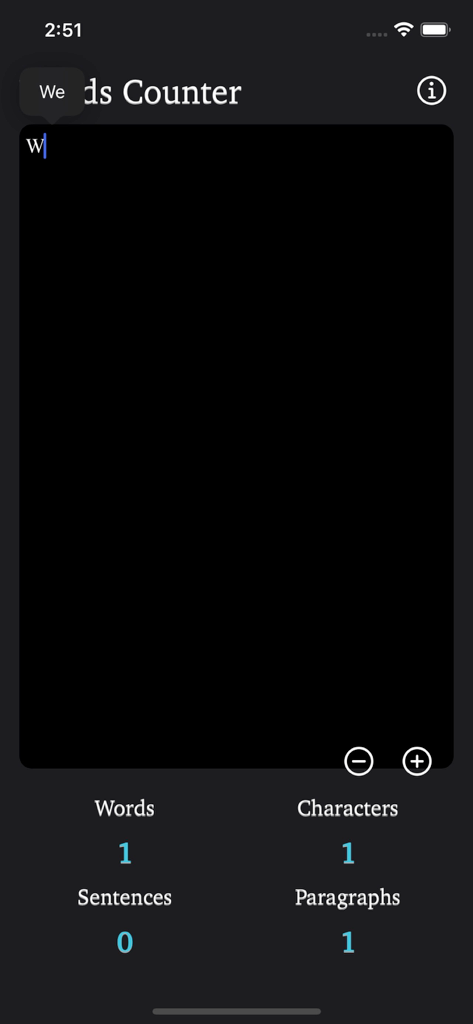
Words Counter Plus 인터페이스가 다크 모드에서 실시간 단어 문자 및 단락 수를 표시합니다.

Words Counter Plus 인터페이스가 다크 모드에서 실시간 단어 문자 및 단락 수를 표시합니다.

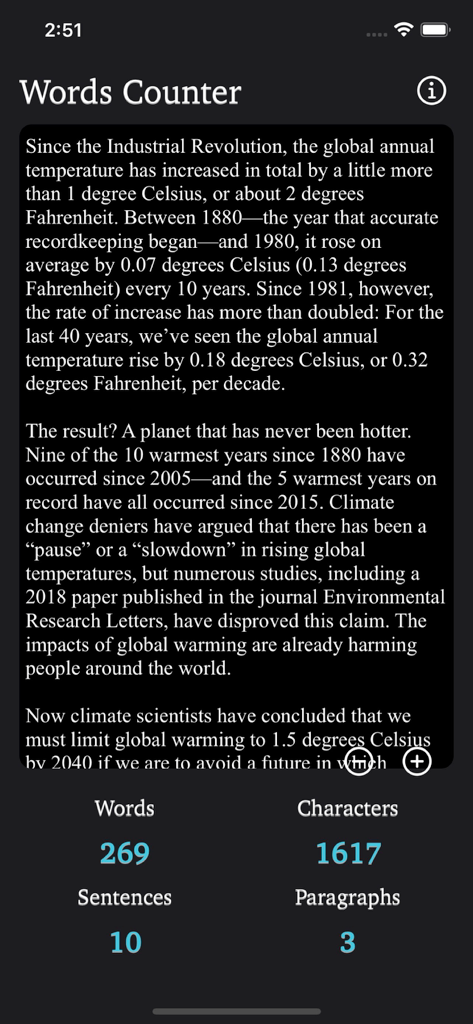
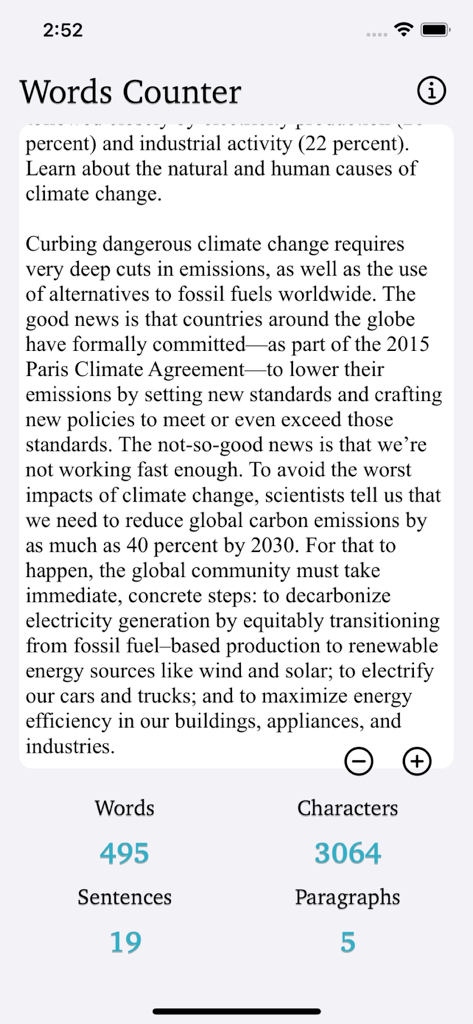
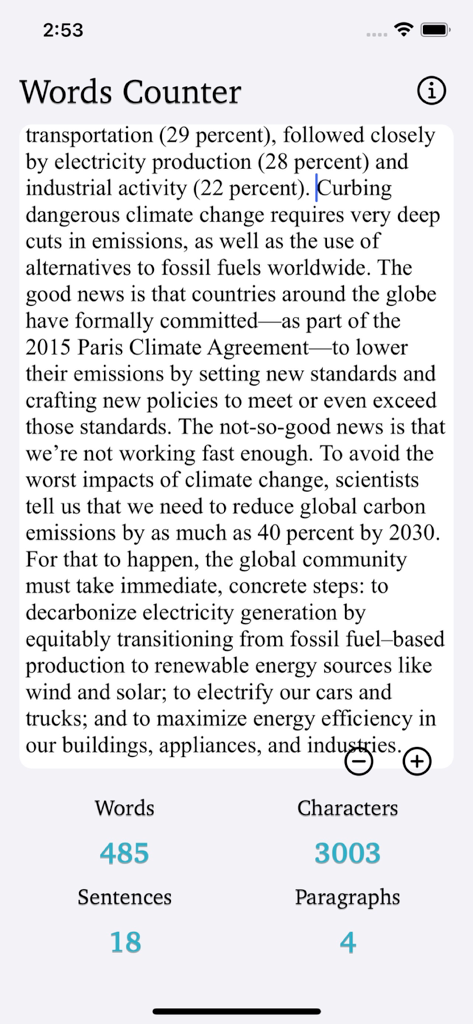
Words Counter Plus 앱이 기사에 대한 단어 문자 문장 및 단락 수를 보여줍니다. (다크 모드)

Words Counter Plus 앱이 기사에 대한 단어 문자 문장 및 단락 수를 보여줍니다. (다크 모드)

Words Counter Plus 앱 인터페이스가 다크 모드에서 단어, 문자, 문장 및 단락에 대한 실시간 통계를 보여줍니다.

Words Counter Plus 앱 인터페이스가 다크 모드에서 단어, 문자, 문장 및 단락에 대한 실시간 통계를 보여줍니다.

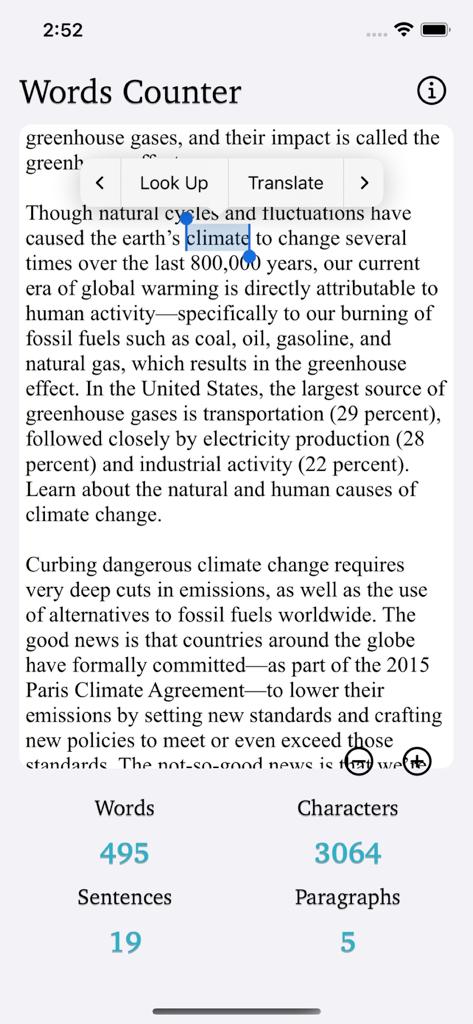
Words Counter Plus 앱 화면이 텍스트에 대한 단어 문자 문장 및 단락 수를 보여줍니다.

Words Counter Plus 앱 화면이 텍스트에 대한 단어 문자 문장 및 단락 수를 보여줍니다.

Words Counter Plus 앱의 스크린샷이 기사에 대한 단어 및 문자 수 통계를 보여줍니다.

Words Counter Plus 앱의 스크린샷이 기사에 대한 단어 및 문자 수 통계를 보여줍니다.

Words Counter Plus 모바일 앱 인터페이스가 단어, 문자, 문장 및 단락에 대한 실시간 통계를 보여줍니다.

Words Counter Plus 모바일 앱 인터페이스가 단어, 문자, 문장 및 단락에 대한 실시간 통계를 보여줍니다.

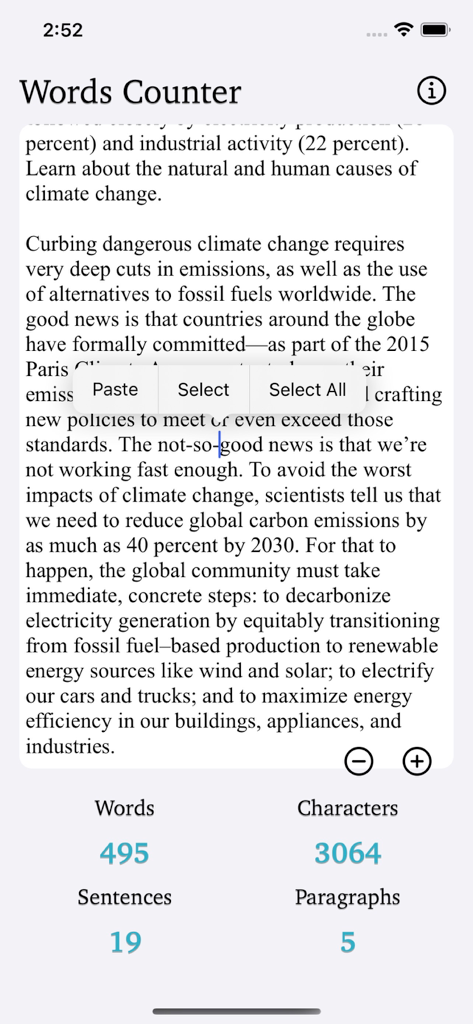
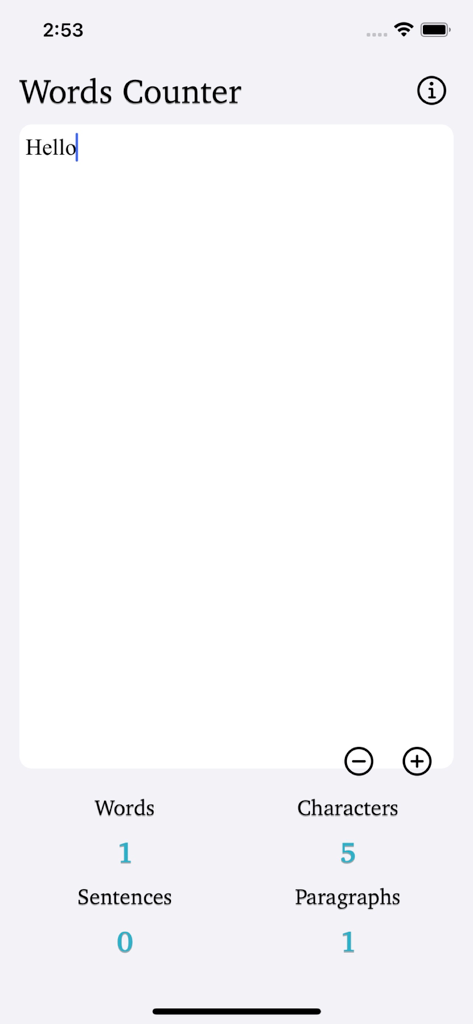
Words Counter Plus 인터페이스가 텍스트의 단어, 문자, 문장 및 단락 수를 보여줍니다.

Words Counter Plus 인터페이스가 텍스트의 단어, 문자, 문장 및 단락 수를 보여줍니다.

Words Counter Plus 앱 인터페이스가 단어, 문자, 문장 및 단락 수를 보여줍니다.

Words Counter Plus 앱 인터페이스가 단어, 문자, 문장 및 단락 수를 보여줍니다.

절대적인 정밀도로 작성

이 앱을 돋보이게 하는 도구, 200 명의 사용자가 선택.

실시간 업데이트

편집하면서 단어 및 문자 수를 즉시 확인하여 제한을 초과하는 일이 없도록 하세요.

📑

심층 구조 분석

문장과 단락을 자동으로 추적하여 페이싱을 완벽하게 하고 복잡한 학술 또는 전문 요구 사항을 충족하세요.

📱

작업 흐름에 최적화

전체 iPad 분할 보기 지원 및 오프라인 모드를 통해 언제 어디서든 연구와 함께 콘텐츠를 다듬을 수 있습니다.

앱 소개

에 대해 알아야 할 모든 것 Words Counter Plus.

설명

Words Counter counts the number of words, character, sentence and paragraph in a given text. Simply copy and paste text into textbox and the word count will do automatically. Tap into the text box above and start typing. The number of characters and words, increase or decrease as you type, delete, and edit. The textbox helps you to detect grammar mistakes and plagiarism. You can adjust the font size that suits your need. You can also copy and paste text from another app over into the textbox. Word - A word contains many characters (even including emoji). Words are separated by spaces, hyphens, punctuation marks. Character - Any printable or non-printable like spaces count as a character, which constitutes the character count. Sentence - A sentence contains many words and ends with a full stop or a punctuation mark. Paragraph - A paragraph consists of many sentences and ends with a new-line character. Word count is a very important metric of a writing. For example, if an author has to write a minimum or maximum amount of words in an article, essay, report, blog, story, book, paper, office work and more. Word Counter will help to make sure its word count reaches a specific requirement or stays within a certain limit. Words Counter Plus works in both portrait and landscape mode on the iPad, and portrait mode on iPhone. Words Counter Plus add support for Dark Mode. Words Counter Plus is a tiny app that conserves storage space and also work offline. Thanks for your support and do visit nitrio.com for more apps for your iOS devices.

최신 버전

1.1

크기

0.6 MB

출시일

2022년 11월 26일

정확한 단어 수에 도달할 준비가 되셨나요?

가장 효율적이고 오프라인인 도구를 사용하여 완벽한 에세이, 게시물 및 보고서를 작성하는 작가 및 학생들과 함께하세요. 지금 바로 Words Counter Plus를 받으세요.

다운로드: App Store

App information, icons, screenshots, and descriptions displayed on this page are sourced from the Apple App Store and are the property of their respective developers. Download estimates and rankings are based on MWM's proprietary models and may not reflect actual figures. This page is provided for informational and analytical purposes only.

Believe this page infringes your intellectual property? File a dispute