ZipSign: Signature Maker

ZipSign: Signature Maker

다운로드: App Store
로고: ZipSign: Signature Maker

ZipSign: 서명 제작기: 디지털 문서용 실제 손글씨 서명

보기 흉한 손가락 그림 대신, 종이에 펜으로 그린 실제 서명을 스캔하여 몇 초 안에 전문적인 정밀도로 PDF에 서명하세요. 로그인 불필요 및 기기에서 100% 개인 정보 보호.

개발사

Zoumite Franck Armel Mamboue

카테고리

Business

다운로드

32K+

사용자 평점

4.8/5

총 평가 수

200

지원 언어

6

모든 픽셀에 전문성을 담다

이 인터페이스를 사용하는 32K+ 명의 사용자.

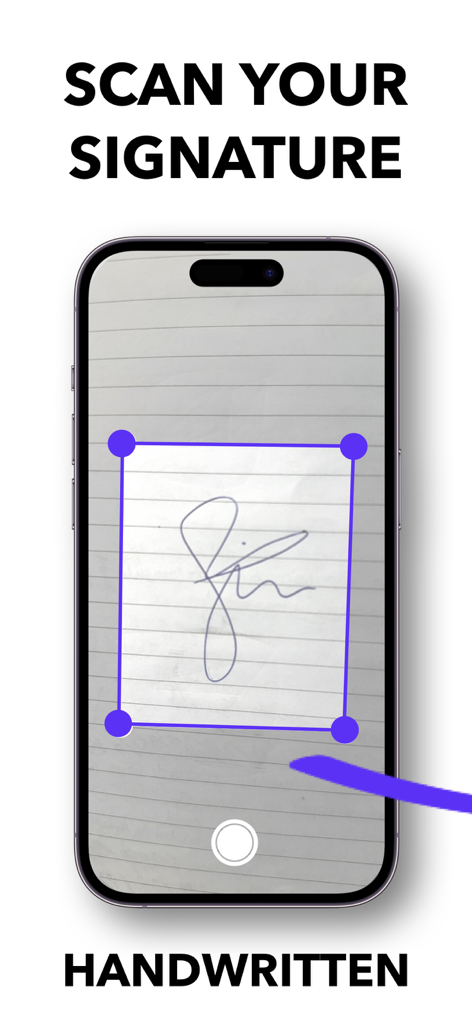
ZipSign 앱을 사용하여 종이에 손으로 쓴 서명을 스캔하는 스마트폰

ZipSign 앱을 사용하여 종이에 손으로 쓴 서명을 스캔하는 스마트폰

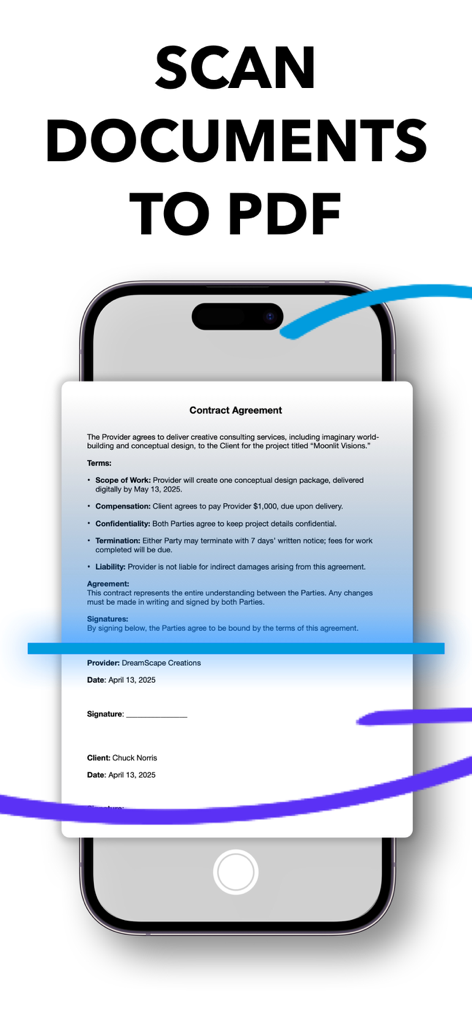
ZipSign 앱 인터페이스에서 스마트폰으로 PDF 파일에 계약서를 스캔하는 모습

ZipSign 앱 인터페이스에서 스마트폰으로 PDF 파일에 계약서를 스캔하는 모습

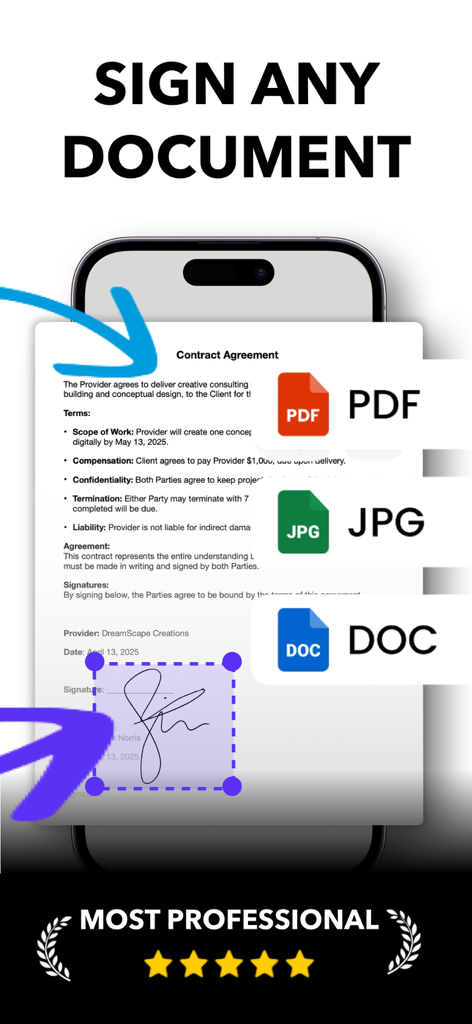
PDF, JPG 및 DOC 문서 서명 옵션을 보여주는 ZipSign 모바일 앱 화면

PDF, JPG 및 DOC 문서 서명 옵션을 보여주는 ZipSign 모바일 앱 화면

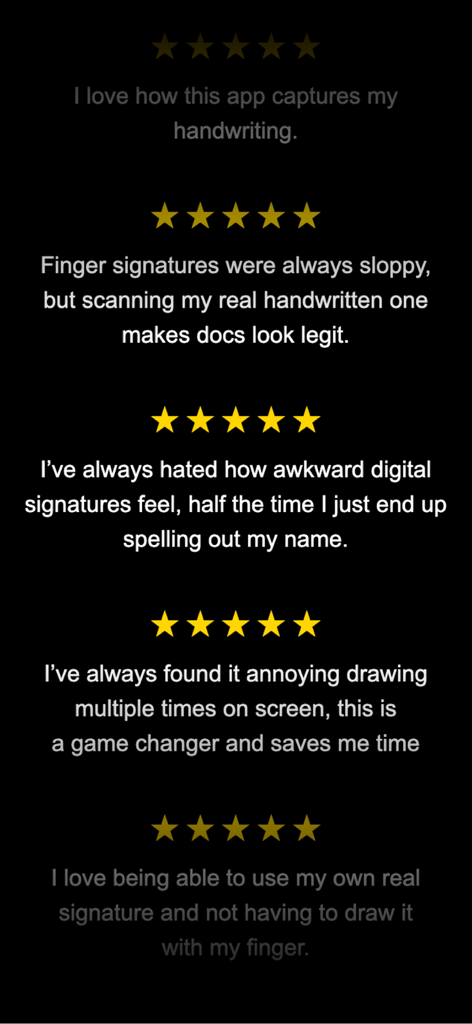
손글씨 캡처와 전문적인 디지털 서명을 칭찬하는 ZipSign Signature Maker 앱의 별 다섯 개 사용자 리뷰

손글씨 캡처와 전문적인 디지털 서명을 칭찬하는 ZipSign Signature Maker 앱의 별 다섯 개 사용자 리뷰

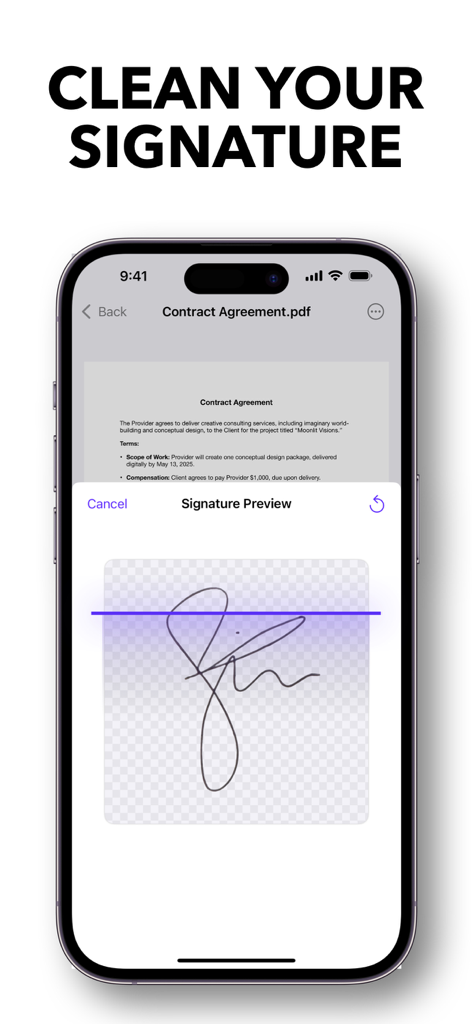
PDF 계약서 위에 깔끔한 손글씨 서명 미리보기를 보여주는 모바일 앱 인터페이스

PDF 계약서 위에 깔끔한 손글씨 서명 미리보기를 보여주는 모바일 앱 인터페이스

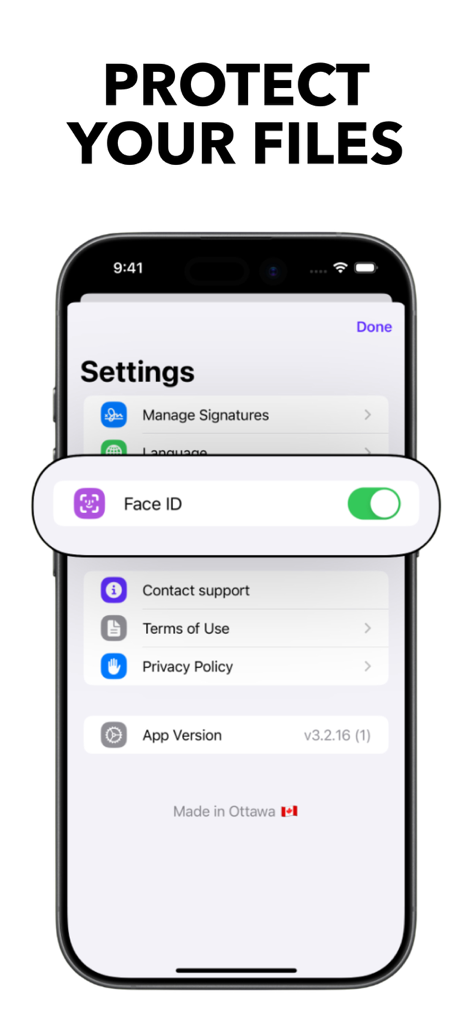
파일 보호를 위한 Face ID 토글을 보여주는 ZipSign 앱 설정 화면

파일 보호를 위한 Face ID 토글을 보여주는 ZipSign 앱 설정 화면

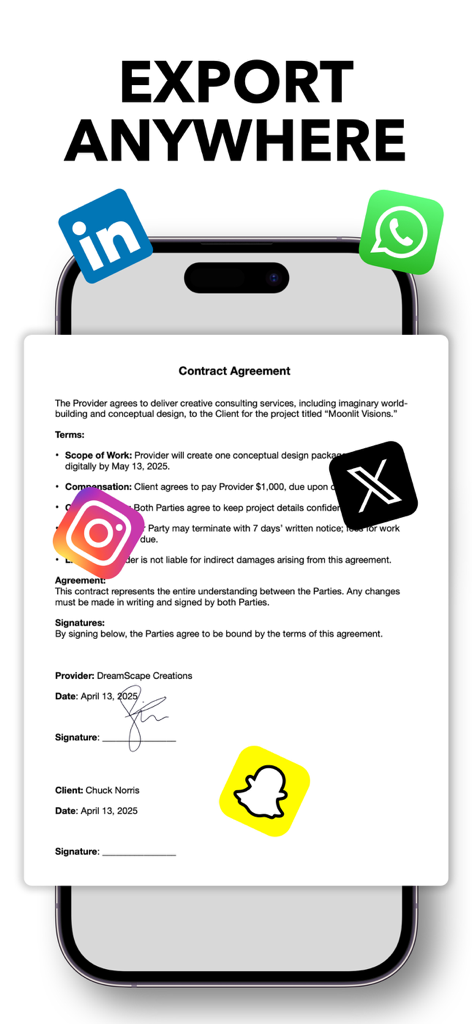
소셜 미디어 아이콘과 함께 서명된 계약서를 보여주는 스마트폰 화면으로 문서를 내보낼 수 있습니다.

소셜 미디어 아이콘과 함께 서명된 계약서를 보여주는 스마트폰 화면으로 문서를 내보낼 수 있습니다.

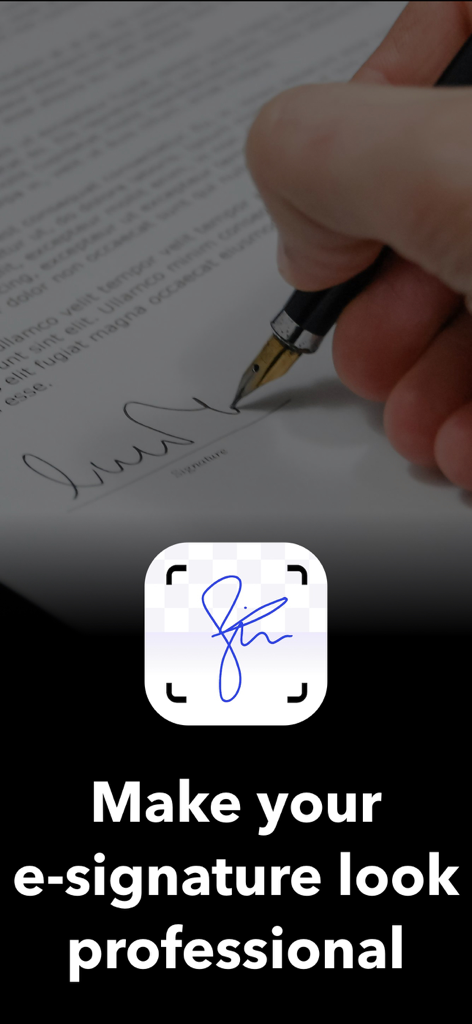
펜으로 종이 문서에 서명하는 손 옆에 전문적인 전자 서명을 만드는 텍스트가 있는 디지털 서명 스캔

펜으로 종이 문서에 서명하는 손 옆에 전문적인 전자 서명을 만드는 텍스트가 있는 디지털 서명 스캔

전문적인 권위로 서명하세요

이 앱을 돋보이게 하는 도구, 32K+ 명의 사용자가 선택.

✍️

실제 AI 스캔

종이에 펜으로 그린 서명을 고품질 디지털 자산으로 변환하세요. AI가 배경을 즉시 제거하여 서명이 모든 PDF에서 전문적이고 합법적으로 보이도록 보장합니다.

🛡️

개인 정보 우선 보안

클라우드를 사용하지 않습니다. 민감한 문서와 서명은 100% 기기에 그대로 유지되어 현대 전문가들이 요구하는 로컬 보안 및 마음의 평화를 제공합니다.

🚀

제로 마찰 워크플로우

계정, 로그인, 장애물 없이. 앱을 열어 즉시 문서를 서명하고 공유하세요. 비즈니스 속도로 움직여야 하는 프리랜서 및 에이전트에게 완벽합니다.

앱 소개

에 대해 알아야 할 모든 것 ZipSign: Signature Maker.

설명

This app helps you put your REAL/HANDWRITTEN signature on digital documents easily. No more awkward finger drawing. Get a true signature that reflects your real handwriting with the help of ZipSign and our built-in signature maker. Why? Your signature doesn’t look the same when you draw it digitally as it does on paper. It can appear unprofessional unless you spend a lot of time trying to perfect it. ZipSign saves you time and makes digital signing feel as authentic as pen on paper. How? 1. Add your signature: Use a real pen to draw your signature on a white piece of paper. Then take a photo with ZipSign's signature scanner. Our advanced AI removes the background and creates a clean digital version with the help of our signature maker. 2. Import your document: Scan your document or import it from your device storage or photo library. 3. Sign: Choose your saved signature, place it on any page, and save the document. That’s it. You can export your signed files and share them instantly using ZipSign. Key Features: - Signature Maker: Turn your handwritten signature into a crisp PNG ready for digital signing. - Saved Signatures: Store multiple versions for quick access. - Unlimited Signing: Sign as many documents as you need, without limits. - No Login Needed: Open the app and start using ZipSign immediately. - Photo to PDF: Convert images into documents to sign. - Easy Imports: Bring files from your Photos or Files apps. - Check Every Page: Browse all PDF pages and sign wherever necessary. - Share or Print: Send or print documents right from the app. - Export Signatures: Use the signature maker, then save and move your digital signature across devices. - Privacy First: Your documents and signatures stay on your device, never uploaded to the cloud. Whether for business or personal use, ZipSign helps you sign documents quickly and professionally. With the power of our signature maker, your real handwriting becomes a reliable digital signature. Privacy policy: https://signaturescanner.com/privacypolicy Terms of use: https://www.apple.com/legal/internet-services/itunes/dev/stdeula

최신 버전

3.2.28

크기

27.0 MB

출시일

2025년 3월 25일

그림 그만, 전문적으로 서명 시작

실제와 같은 개인 정보 보호 및 즉각적인 문서 서명을 위해 ZipSign을 신뢰하는 32,000명 이상의 전문가들과 함께하세요. 계정 필요 없음 – 지금 다운로드하여 몇 초 안에 첫 PDF에 서명하세요.

다운로드: App Store

App information, icons, screenshots, and descriptions displayed on this page are sourced from the Apple App Store and are the property of their respective developers. Download estimates and rankings are based on MWM's proprietary models and may not reflect actual figures. This page is provided for informational and analytical purposes only.

Believe this page infringes your intellectual property? File a dispute