Zulu Time

Zulu Time

다운로드: App Store
로고: Zulu Time

Zulu Time: 조종사 및 전문가를 위한 정확한 UTC 조정

한눈에 볼 수 있는 Zulu 및 현지 시간 오프셋으로 정신적 계산을 없애세요. 비행 계획, 아마추어 무선 로깅 및 임무 중요 정밀도를 위해 설계된 필수 위젯 및 Apple Watch 합병증.

개발사

DEREK SPEARS

카테고리

Utilities

다운로드

81K+

사용자 평점

4.8/5

총 평가 수

2K+

지원 언어

2

한눈에 보는 정밀도

이 인터페이스를 사용하는 81K+ 명의 사용자.

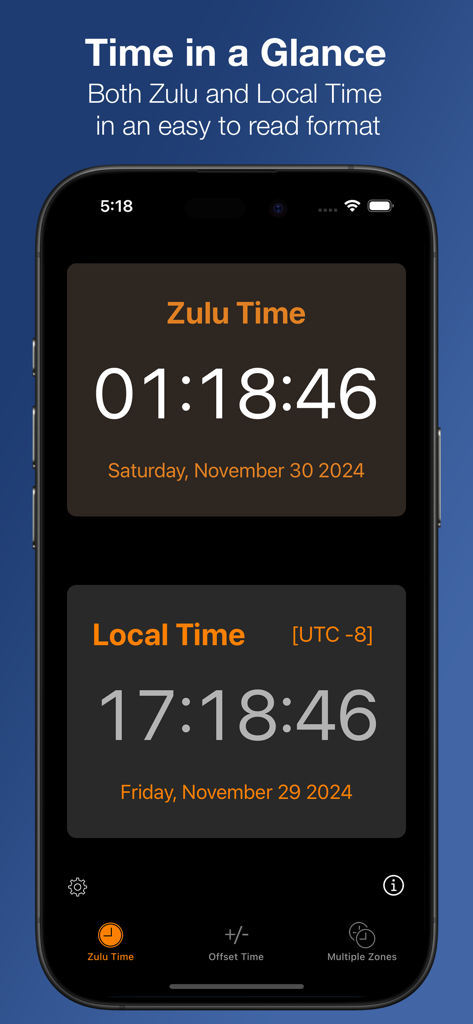
깔끔한 인터페이스에서 Zulu 및 현지 시간을 동시에 보여주는 iPhone 화면

깔끔한 인터페이스에서 Zulu 및 현지 시간을 동시에 보여주는 iPhone 화면

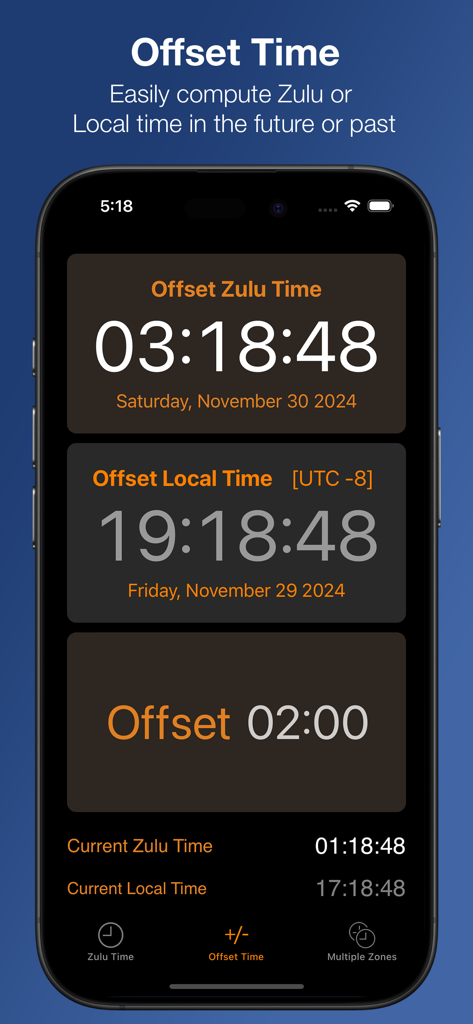
미래 또는 과거의 UTC 및 현지 시간을 계산하기 위한 오프셋 시간 기능을 보여주는 Zulu Time 앱 인터페이스

미래 또는 과거의 UTC 및 현지 시간을 계산하기 위한 오프셋 시간 기능을 보여주는 Zulu Time 앱 인터페이스

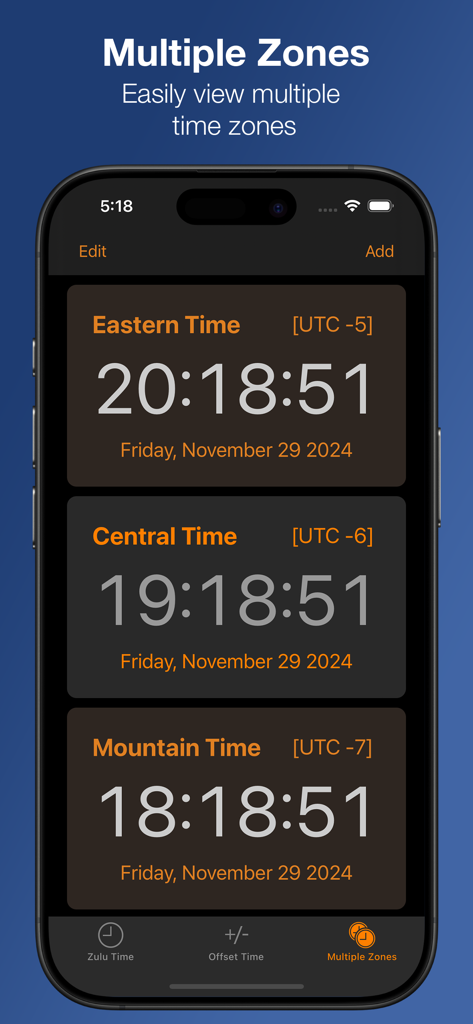
UTC 오프셋 및 현재 시간을 포함한 여러 미국 시간대를 보여주는 Zulu Time 앱 스크린샷

UTC 오프셋 및 현재 시간을 포함한 여러 미국 시간대를 보여주는 Zulu Time 앱 스크린샷

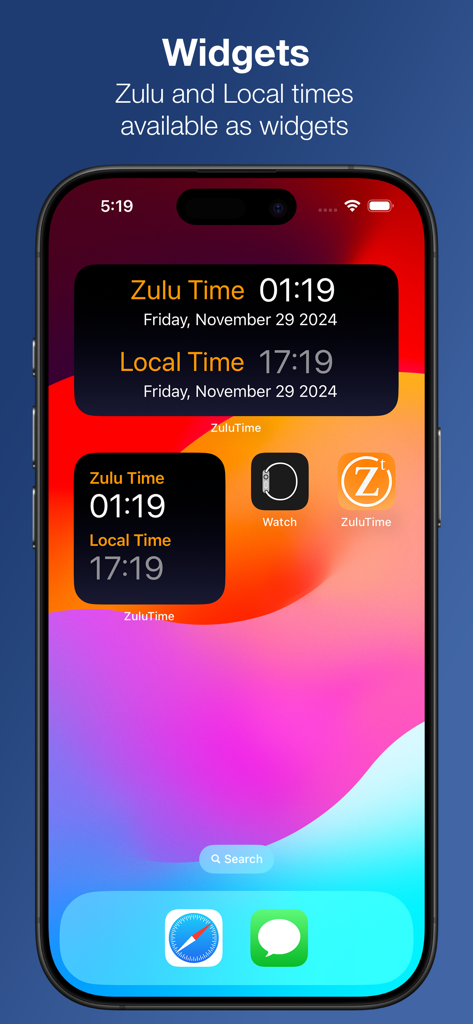
한눈에 Zulu 및 현지 시간을 모두 표시하는 두 개의 Zulu Time 앱 위젯을 보여주는 iPhone 홈 화면

한눈에 Zulu 및 현지 시간을 모두 표시하는 두 개의 Zulu Time 앱 위젯을 보여주는 iPhone 홈 화면

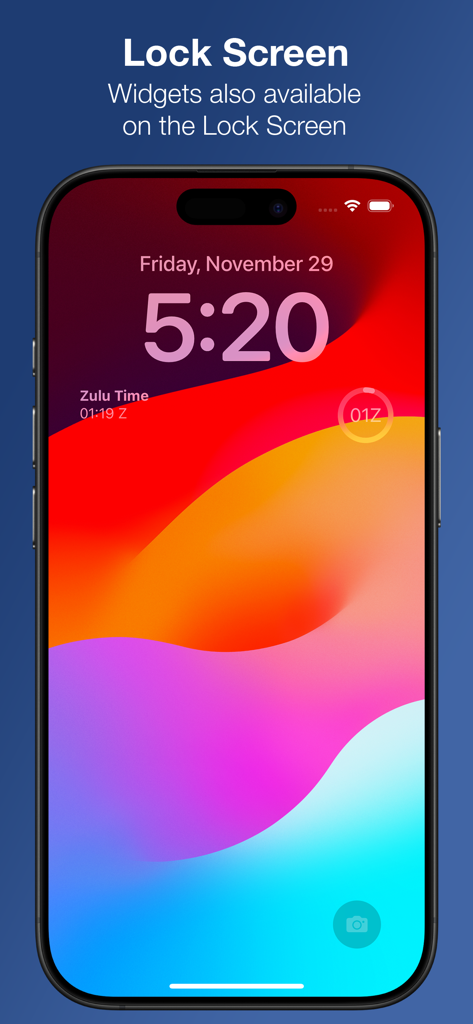
Zulu Time UTC 시계 위젯이 있는 iPhone 잠금 화면

Zulu Time UTC 시계 위젯이 있는 iPhone 잠금 화면

모든 임무를 위한 정밀 타이밍

이 앱을 돋보이게 하는 도구, 81K+ 명의 사용자가 선택.

한눈에 보는 시계 합병증

손목에 Zulu 시간을 유지하세요. 압력이 높은 환경을 위해 Apple Watch 합병증 및 iPhone 위젯을 통해 즉시 UTC에 액세스하세요.

✈️

스마트 오프셋 계획

미래의 비행 계획을 계산하거나 과거의 무선 통신을 쉽게 기록하세요. 모든 시간 오프셋을 조정하여 현지 시간과 Zulu 시간을 완벽하게 동기화하세요.

🌐

글로벌 멀티존 추적

단일 보기에서 무제한 시간대를 모니터링하세요. 일광 절약 시간을 걱정하지 않고 국제 운영을 조정하는 데 적합합니다.

앱 소개

에 대해 알아야 할 모든 것 Zulu Time.

설명

An iPhone, Apple Watch and iPad app to see Local and Zulu time (GMT) or multiple time zones in a single glance. Includes Widgets for both the iPhone and Apple Watch. Useful for pilots in getting weather briefings and filing flight plans, or Ham radio operators to do timezone conversions. No more worrying about getting the timezone offset correct or Daylight Savings Time conversions. Easily convert from different time zones, including times in the future or past. On the iPhone: - Home and Lock Screen widgets - The Zulu Time page gives a quick view of both Zulu and Local times - The Offset Time page allows you to see Zulu and local time either in the future or past by entering an offset via the Offset button. Tapping either Zulu or Local times will allow you to enter a time in the future or past, synchronizing both Local and Zulu times with that offset. The offset only applies to this view (except on the iPad the offset applies to everything on the page) - The Multiple Zones page allows you to add as many time zones as you wish in a scrolling view. Clicking on any Time Zone will allow you to change it. on iPad: All information is combined on one screen. You have user customizable time zones on the right hand side. On the left, you have Zulu and Local time and one customizable time zone. The offset to see future or past time can be done via the Offset button or tapping any of either the Zulu, Local or Custom time buttons on the left. On the Watch: Complications available in all watch faces making for glanceable ZuluTime and access to the app, which gives offset able time computation.

최신 버전

3.7.0

크기

15.4 MB

출시일

2010년 6월 19일

다시는 비행 계획이나 무선 통신을 놓치지 마세요

임무 중요 정확도에 의존하는 81,000명 이상의 전문가와 함께하세요. 오늘 iPhone, iPad 및 Apple Watch를 위한 최고의 Zulu 시간 유틸리티를 받으세요.

다운로드: App Store

App information, icons, screenshots, and descriptions displayed on this page are sourced from the Apple App Store and are the property of their respective developers. Download estimates and rankings are based on MWM's proprietary models and may not reflect actual figures. This page is provided for informational and analytical purposes only.

Believe this page infringes your intellectual property? File a dispute