
Diese Seite ist keine offizielle Seite der App oder ihres Entwicklers, sondern eine unabhängige redaktionelle Veröffentlichung, die zu Informations- und Kommentarzwecken erstellt wurde. Sofern nicht ausdrücklich anders angegeben, sind weder die App noch ihr Entwickler mit MWM, Apple, Google Play, dem App-Herausgeber oder dem Entwickler der App verbunden, von ihnen unterstützt, gesponsert, autorisiert oder anderweitig offiziell verbunden, und nichts auf dieser Seite impliziert, dass die App unter Verwendung der Dienste von MWM entwickelt wurde. Alle Marken, Logos, Screenshots und andere Inhalte bleiben Eigentum ihrer jeweiligen Inhaber.


a-Shell mini
Führen Sie Python, Vim und FFmpeg nativ auf Ihrem iOS-Gerät aus. Eine schlanke, hochleistungsfähige Kommandozeilenumgebung, entwickelt für Entwickler, die Profi-Werkzeuge mit minimalem Speicherbedarf benötigen.
Downloads
303K+Bewertung
Bewertungen gesamt
100Herausgeber
Kategorie
Developer ToolsSprachen
7Neueste Version
1.17.4Größe
345.9 MBErstveröffentlichung
9. Dez. 2020Desktop-Klasse Entwicklungswerkzeuge in Ihrer Tasche
a-Shell mini bringt die volle Leistung eines Unix-Terminals auf iOS und bietet eine schlanke, aber robuste Umgebung für Entwickler, die Effizienz unterwegs benötigen.
Native Arm64-Ausführung
Führen Sie Python-, JavaScript- und Shell-Befehle mit nativer Geschwindigkeit aus. Verarbeiten Sie Dateien lokal mit awk, sed und grep ohne Serverlatenz.
Leistungsstarke iOS-Integration
Schließen Sie die Lücke zwischen CLI und Mobile. Führen Sie komplexe Arbeitsabläufe über Kurzbefehle aus und verwalten Sie Dateien zwischen Apps mit scp, curl und git.
Die folgenden Screenshots und die Beschreibung stammen direkt aus dem offiziellen Store-Eintrag der App und sind Eigentum des Entwicklers.
App Store
Screenshots
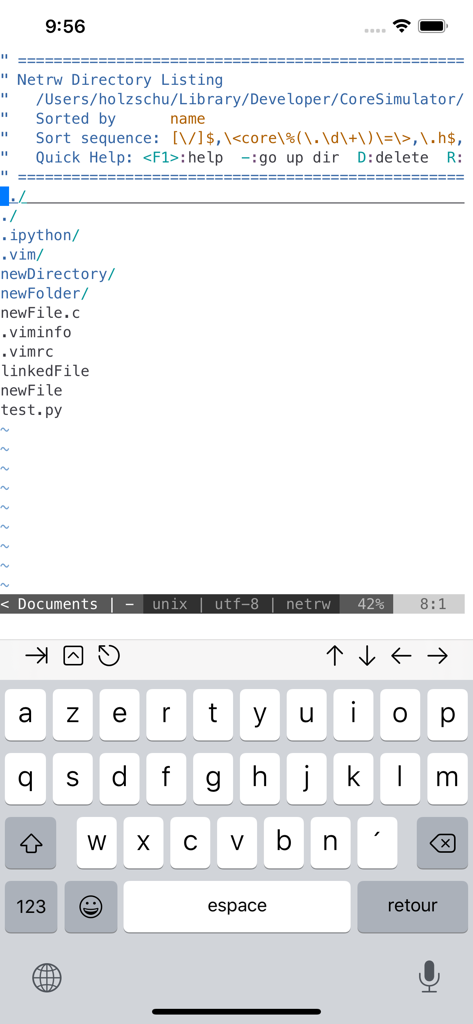
A-Shell mini Terminal-Oberfläche, die eine Verzeichnisliste mit Dateien wie Python und Vim auf einem iPhone anzeigt
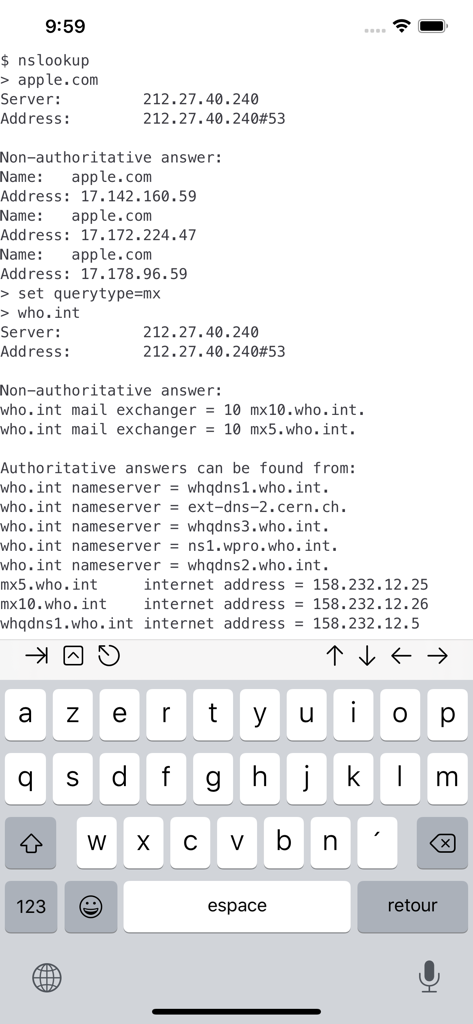
a-Shell mini Terminal-App auf dem iPhone, die den nslookup-Befehl für DNS-Abfragen ausführt
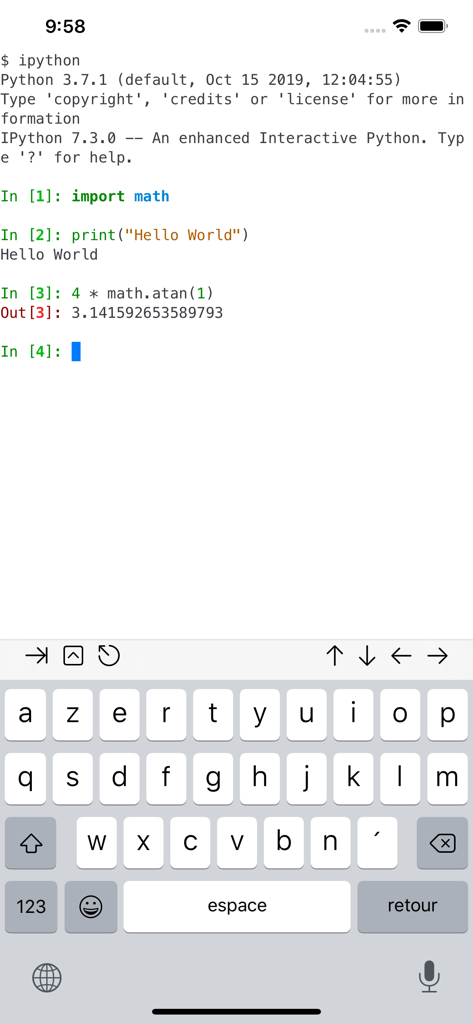
A-Shell mini Terminal-Emulator-Oberfläche, die eine interaktive IPython-Sitzung mit Python-Code auf einem iPhone ausführt
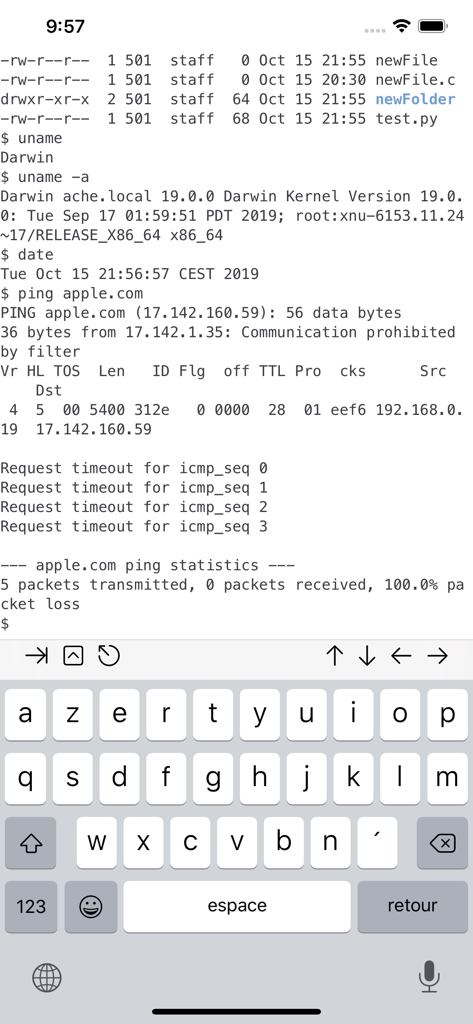
A-Shell mini Terminal-Oberfläche, die Unix-Befehle wie uname und ping auf dem iPhone anzeigt
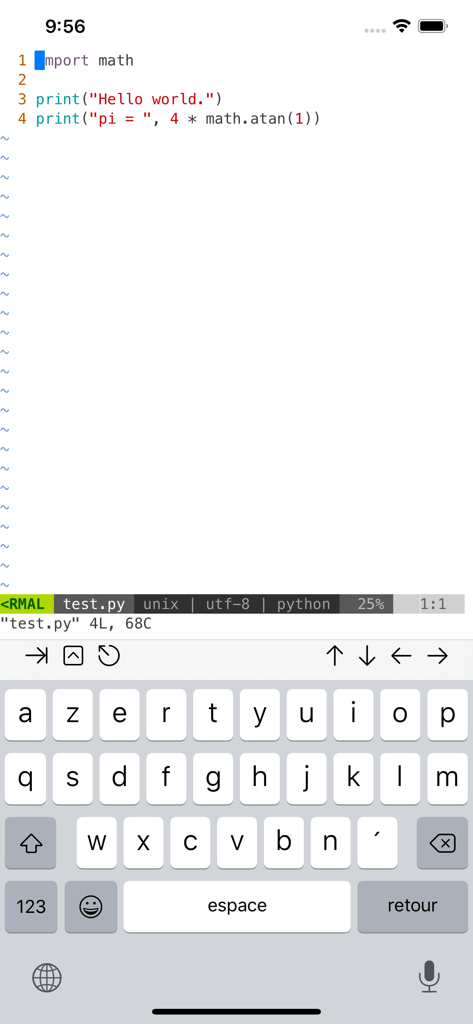
Python-Codebearbeitung in Vim auf a-Shell mini für iOS
Beschreibung
Download
Ähnliche Apps
Apps mit ähnlichen Funktionen und Nutzererfahrung


Diese Seite ist keine offizielle Seite der App oder ihres Entwicklers, sondern eine unabhängige redaktionelle Veröffentlichung, die zu Informations- und Kommentarzwecken erstellt wurde. Sofern nicht ausdrücklich anders angegeben, sind weder die App noch ihr Entwickler mit MWM, Apple, Google Play, dem App-Herausgeber oder dem Entwickler der App verbunden, von ihnen unterstützt, gesponsert, autorisiert oder anderweitig offiziell verbunden, und nichts auf dieser Seite impliziert, dass die App unter Verwendung der Dienste von MWM entwickelt wurde. Alle Marken, Logos, Screenshots und andere Inhalte bleiben Eigentum ihrer jeweiligen Inhaber.