
Diese Seite ist keine offizielle Seite der App oder ihres Entwicklers, sondern eine unabhängige redaktionelle Veröffentlichung, die zu Informations- und Kommentarzwecken erstellt wurde. Sofern nicht ausdrücklich anders angegeben, sind weder die App noch ihr Entwickler mit MWM, Apple, Google Play, dem App-Herausgeber oder dem Entwickler der App verbunden, von ihnen unterstützt, gesponsert, autorisiert oder anderweitig offiziell verbunden, und nichts auf dieser Seite impliziert, dass die App unter Verwendung der Dienste von MWM entwickelt wurde. Alle Marken, Logos, Screenshots und andere Inhalte bleiben Eigentum ihrer jeweiligen Inhaber.


Animator Plus
Verwandeln Sie Ihr iPad in ein leistungsstarkes Animationsstudio. Meistern Sie die Kunst der Cel-Animation mit intuitivem Onion-Skinning, unbegrenzten Ebenen und 4K-Export, entwickelt für die nächste Generation digitaler Kreativer.
Downloads
18K+Bewertung
Bewertungen gesamt
0Herausgeber
Kategorie
Graphics & DesignSprachen
1Neueste Version
1.4Größe
1.9 MBErstveröffentlichung
27. Apr. 2017Meistern Sie die Kunst der handgezeichneten Animation
Entwickelt für das iPad und den Apple Pencil, bietet Animator Plus eine leistungsstarke, intuitive Suite für Kreative, um unterwegs professionelle Frame-by-Frame-Animationen zu erstellen.
Professionelles Zeichenwerkzeug
Erleben Sie eine flüssige, druckempfindliche Leinwand mit anpassbaren Pinseln und Formen, optimiert für die Präzision des Apple Pencil.
Erweiterte Cel-Verwaltung
Perfektionieren Sie Ihre Bewegungen mit Onion-Skinning, unbegrenzten Ebenen und intuitiver Timeline-Bearbeitung, um flüssige, lebensechte Charakter-Loops zu erstellen.
Die folgenden Screenshots und die Beschreibung stammen direkt aus dem offiziellen Store-Eintrag der App und sind Eigentum des Entwicklers.
App Store
Screenshots
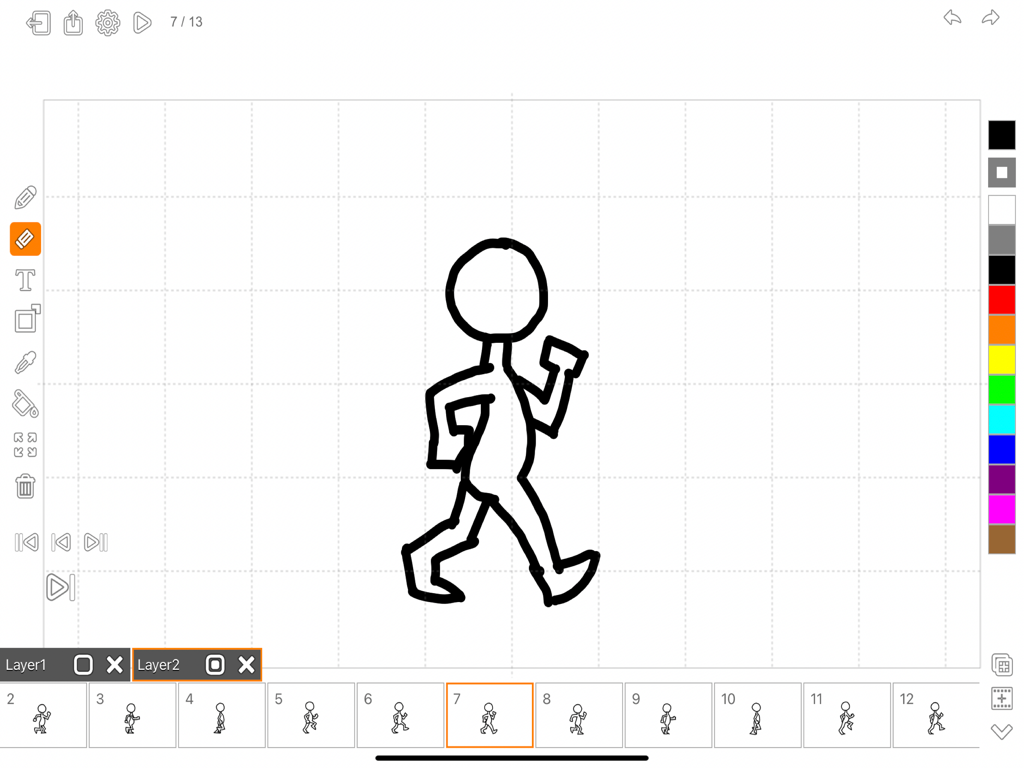
Oberfläche der Animator Plus App, die eine handgezeichnete Gehstange auf einer Animationszeitleiste zeigt.
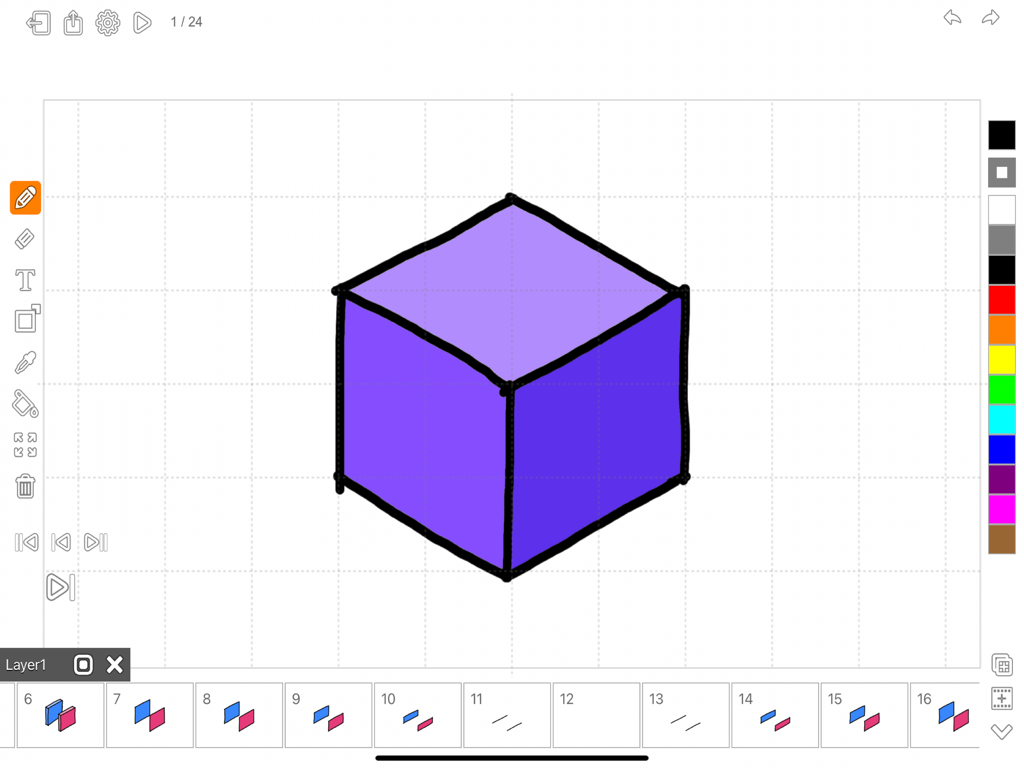
Animator Plus-Oberfläche, die eine lila Würfelzeichnung mit einer Frame-by-Frame-Animationszeitleiste zeigt
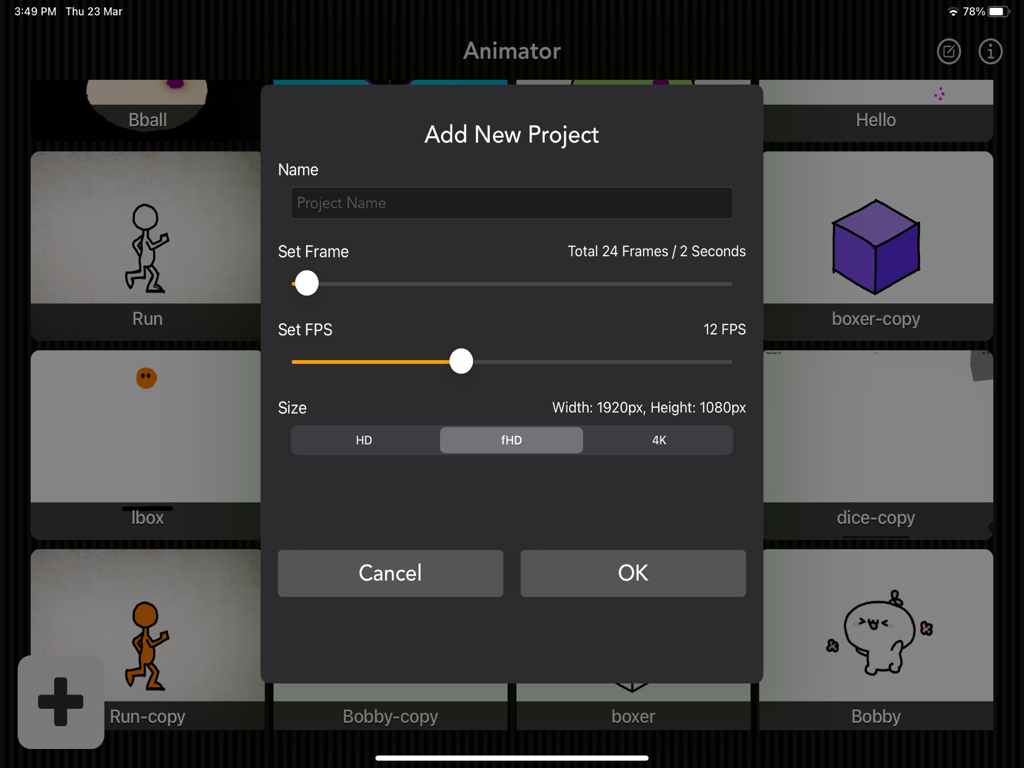
Neues Projekt-Menü in Animator Plus mit Einstellungen für Bildrate und Auflösung
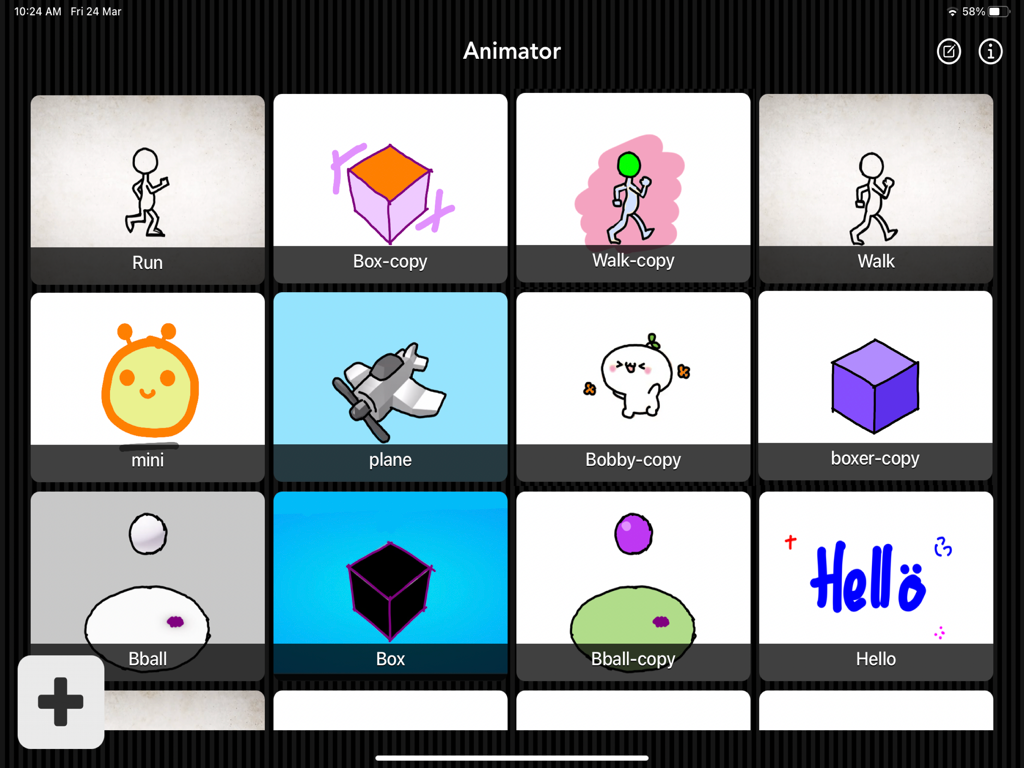
Gittergalerie von handgezeichneten Animationsprojekten in der Animator Plus App mit verschiedenen Charakterzeichnungen und Formen.
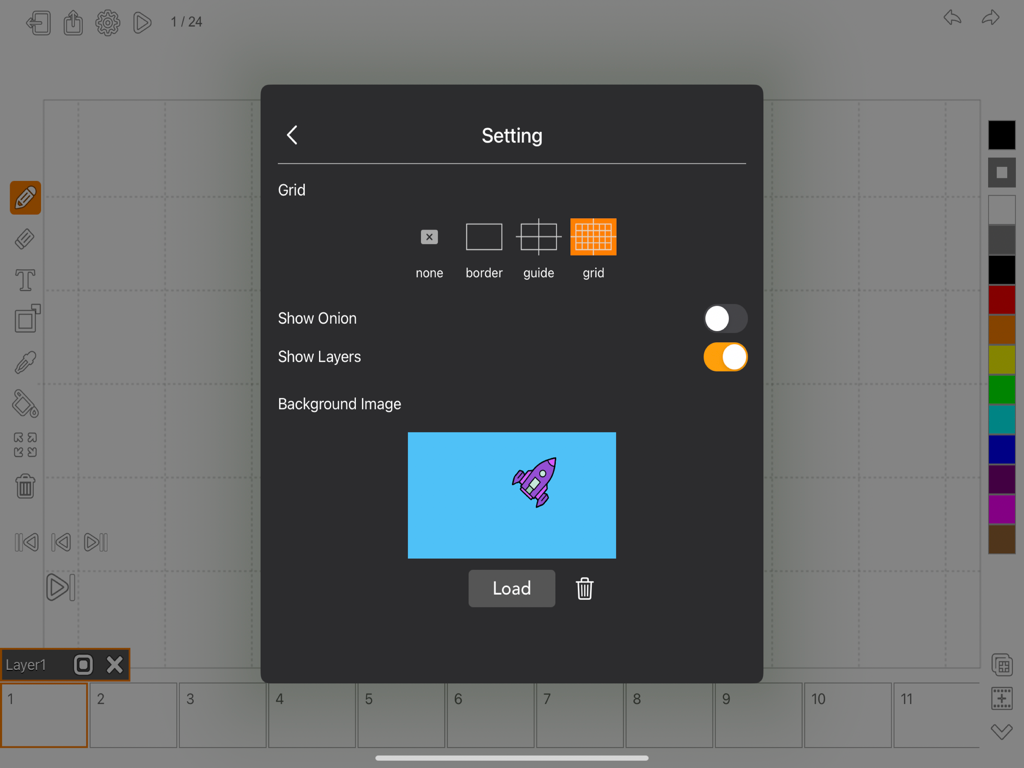
Einstellungen-Menü in Animator Plus mit Rasteroptionen und Hintergrundbildauswahl für Animationsprojekte.
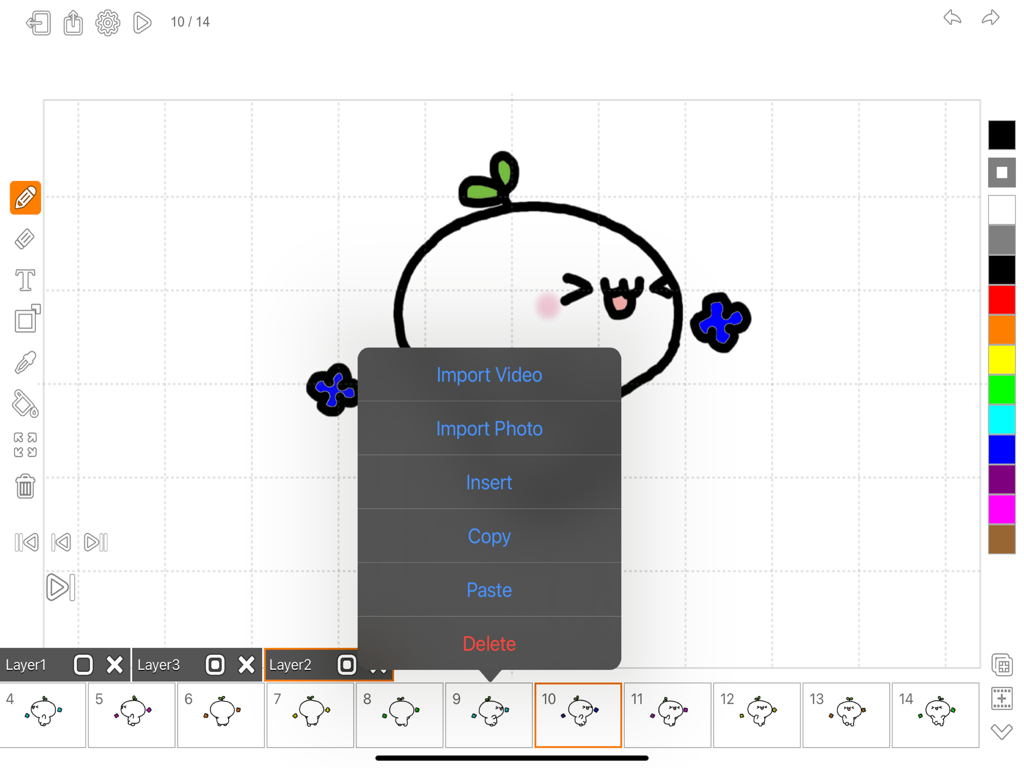
Animator Plus App-Oberfläche mit handgezeichneten Animationstools und Frames
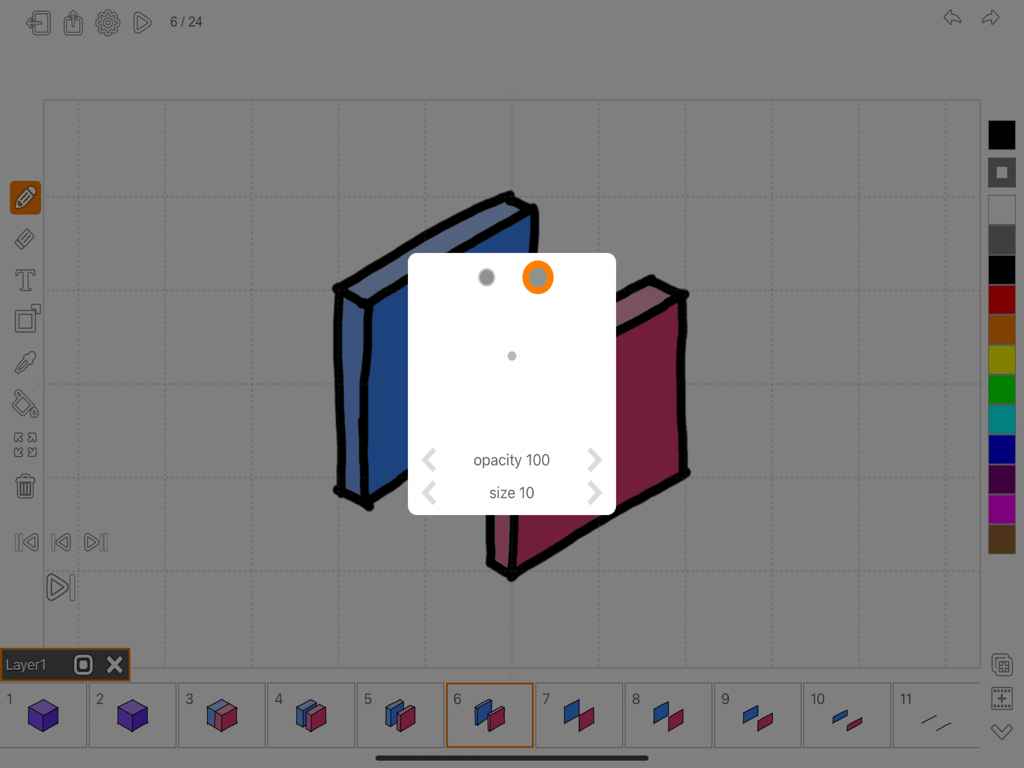
Oberfläche der Animator Plus Animations-App für das iPad mit Pinsel-Einstellungen und einer Frame-Zeitleiste.
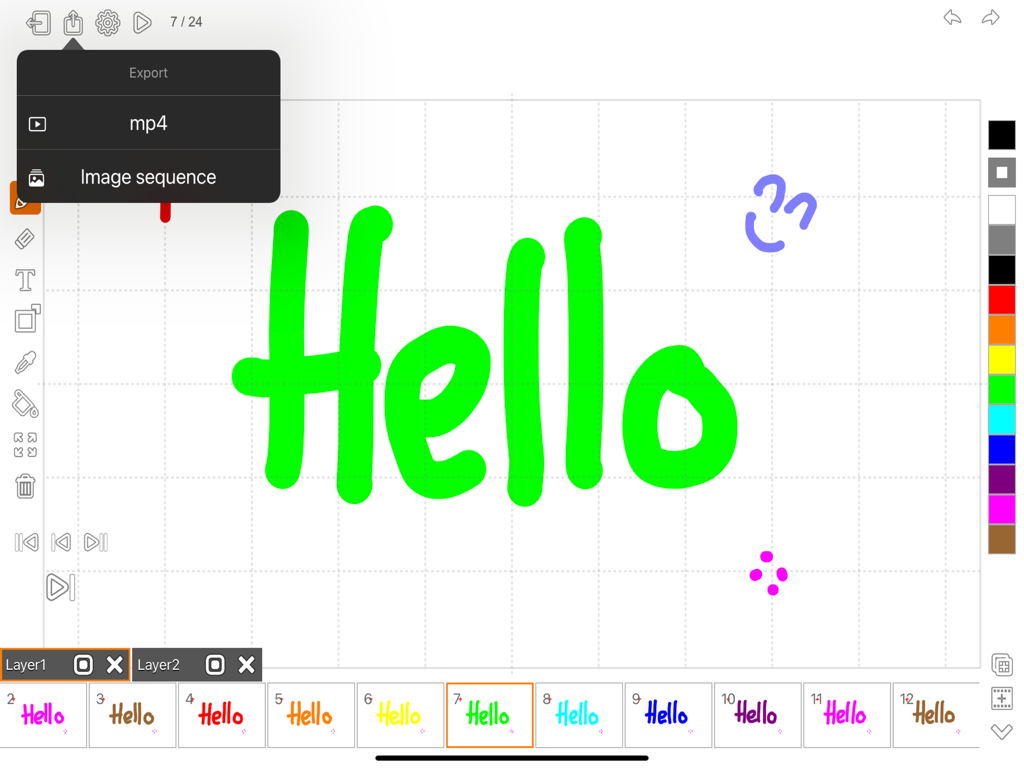
Animator Plus-Oberfläche auf dem iPad, die das Exportmenü für mp4 und Bildsequenzen mit einer bunten Animationszeitleiste zeigt
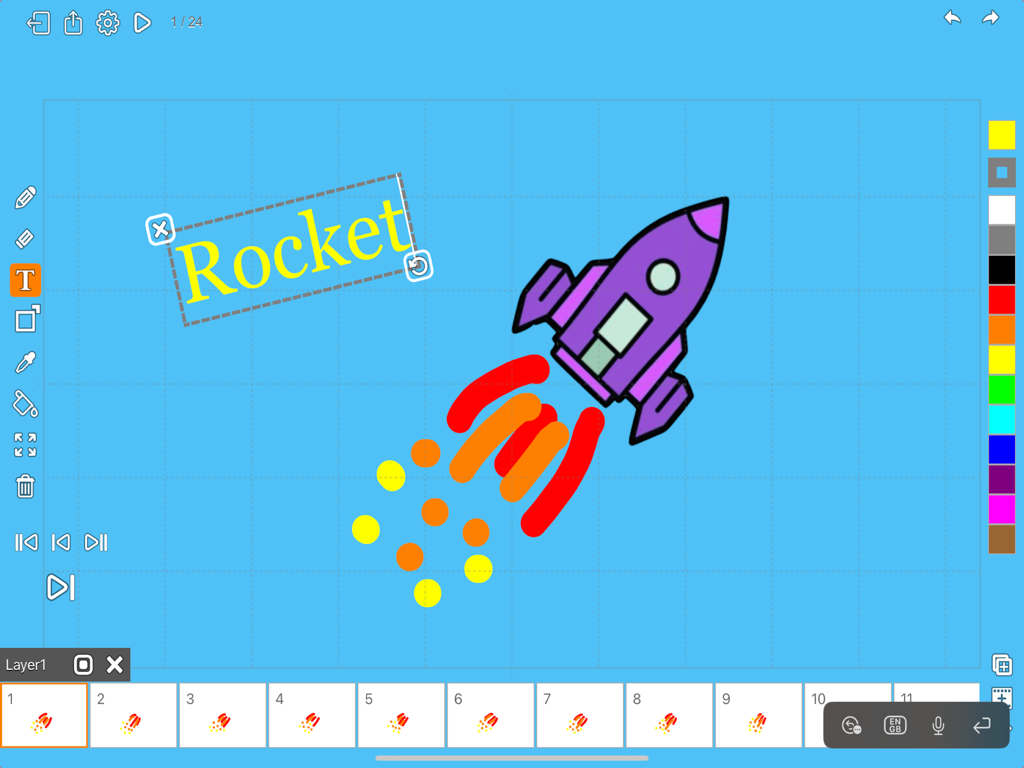
Oberfläche der Animator Plus App auf dem iPad, die eine Raketenzeichnung und eine Frame-by-Frame-Animationszeitleiste zeigt.
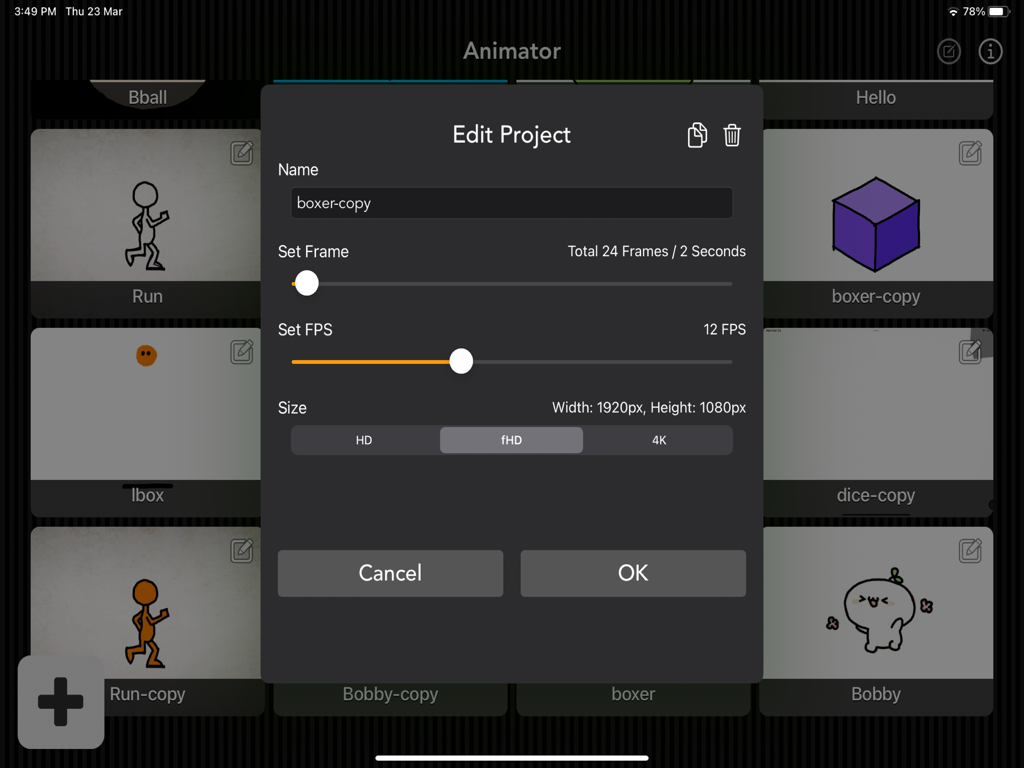
Oberfläche der Animator Plus App, die Projekteinstellungen für Bildrate und Auflösung auf einem iPad zeigt
Beschreibung
Download
Ähnliche Apps
Top-gerankte Apps in derselben Kategorie

iScreen - Widgets & Wallpaper
Xiamen ShenZhuo Information Technology Co., Ltd.

Kling AI: AI Image&Video Maker
LOHAS GAMES PTE. LTD.

Home AI - AI Interior Design
HUBX YAZILIM HIZMETLERI ANONIM SIRKETI

ibis Paint X
ibis inc.

Dreamina AI: Image&Video Maker
BYTEDANCE PTE. LTD.

ThemeKit: Widget & Icon Themes
Woohoo Tech. Ltd.

Colorful Widget- Widget&Themes
Guangzhou ZHIFENG Information Technology Co.,Ltd.

Sketchbook®
Sketchbook, Inc.

AR Drawing: Sketch & Paint
Digital Solutions Technologies Limited
Diese Seite ist keine offizielle Seite der App oder ihres Entwicklers, sondern eine unabhängige redaktionelle Veröffentlichung, die zu Informations- und Kommentarzwecken erstellt wurde. Sofern nicht ausdrücklich anders angegeben, sind weder die App noch ihr Entwickler mit MWM, Apple, Google Play, dem App-Herausgeber oder dem Entwickler der App verbunden, von ihnen unterstützt, gesponsert, autorisiert oder anderweitig offiziell verbunden, und nichts auf dieser Seite impliziert, dass die App unter Verwendung der Dienste von MWM entwickelt wurde. Alle Marken, Logos, Screenshots und andere Inhalte bleiben Eigentum ihrer jeweiligen Inhaber.