
Diese Seite ist keine offizielle Seite der App oder ihres Entwicklers, sondern eine unabhängige redaktionelle Veröffentlichung, die zu Informations- und Kommentarzwecken erstellt wurde. Sofern nicht ausdrücklich anders angegeben, sind weder die App noch ihr Entwickler mit MWM, Apple, Google Play, dem App-Herausgeber oder dem Entwickler der App verbunden, von ihnen unterstützt, gesponsert, autorisiert oder anderweitig offiziell verbunden, und nichts auf dieser Seite impliziert, dass die App unter Verwendung der Dienste von MWM entwickelt wurde. Alle Marken, Logos, Screenshots und andere Inhalte bleiben Eigentum ihrer jeweiligen Inhaber.


AnyMirror: Mirror Screen to PC
Verbessern Sie Ihre hybride Arbeit, Ihren digitalen Unterricht und Ihre Live-Streams. Spiegeln Sie nahtlos Ihr iPhone oder iPad ohne Verzögerungen, kommentieren Sie in Echtzeit und verwandeln Sie Ihr Mobilgerät in eine professionelle Webcam und ein Mikrofon.
Downloads
8K+Bewertung
Bewertungen gesamt
0Herausgeber
Kategorie
UtilitiesSprachen
3Neueste Version
1.1.1Größe
71.4 MBErstveröffentlichung
27. Sept. 2021Verbessern Sie Ihren professionellen Workflow
Mehr als nur Spiegelung. AnyMirror kombiniert High-Definition-Casting mit professionellen Tools, die Ihnen helfen, wie ein Profi auf jedem PC oder Mac zu unterrichten, zu präsentieren und zu erstellen.
Profi-Webcam & Mikrofon
Verbessern Sie Ihre virtuellen Meetings sofort. Nutzen Sie die 4K-Kamera Ihres iPhones als hochwertige drahtlose Webcam für Zoom, Teams und professionelle Streams.
Verzögerungsfreie USB-Verbindung
Erleben Sie ultra-flüssige Spiegelung ohne Latenz. Perfekt für kritische App-Demonstrationen, Mobile Gaming und Echtzeit-Content-Erstellung.
Die folgenden Screenshots und die Beschreibung stammen direkt aus dem offiziellen Store-Eintrag der App und sind Eigentum des Entwicklers.
App Store
Screenshots
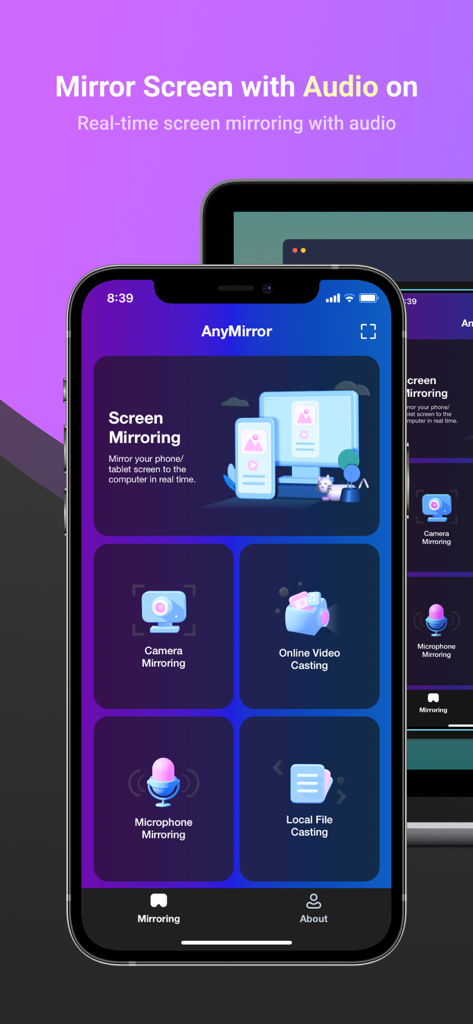
AnyMirror App-Bildschirm auf einem iPhone, der Spiegelungsoptionen für Audio und Kamera auf einen PC anzeigt
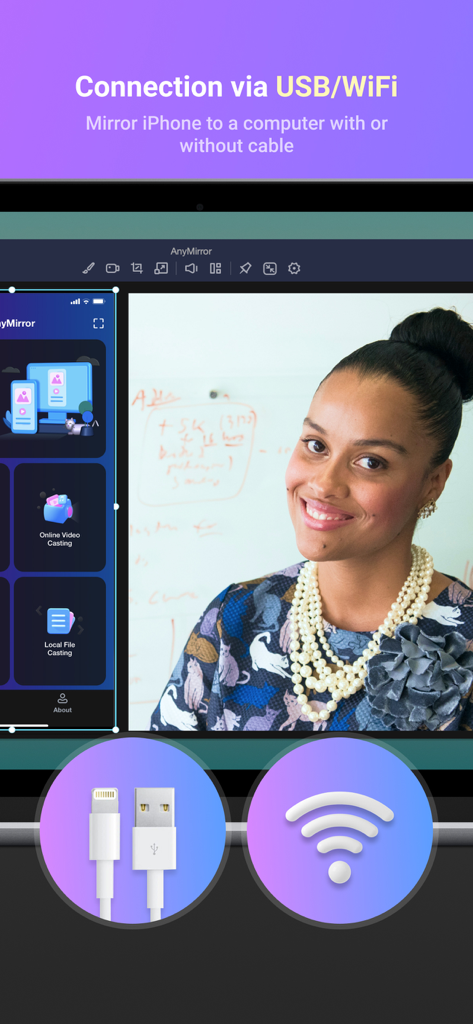
AnyMirror-Oberfläche, die Optionen für die Bildschirmspiegelungsverbindung über USB und WLAN anzeigt
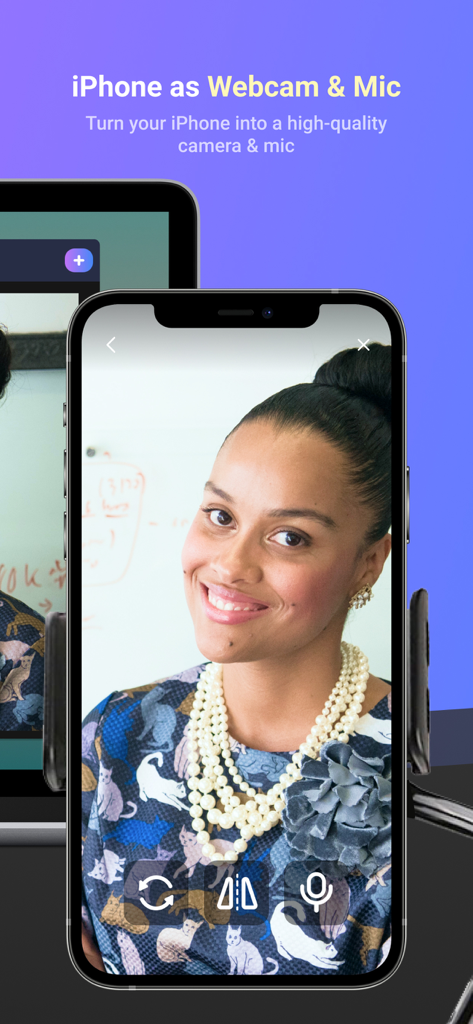
iPhone als hochwertige Webcam und Mikrofon für den PC verwendet
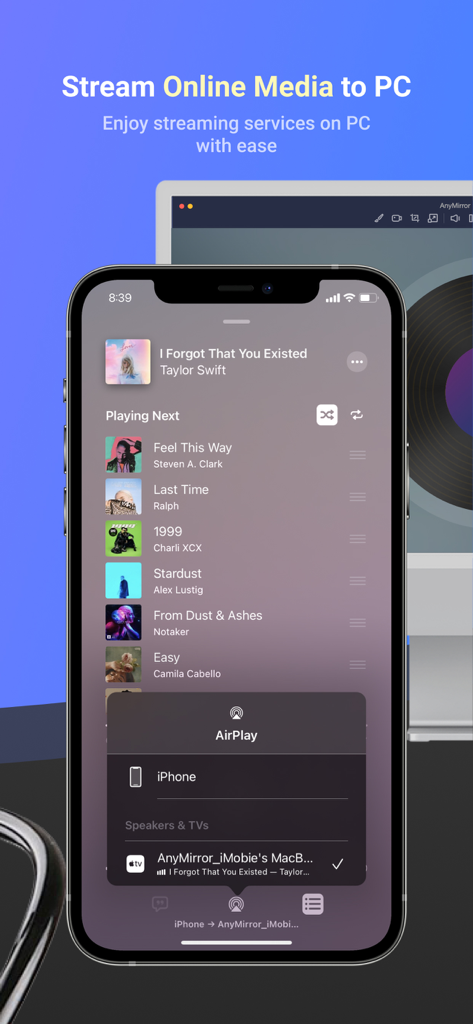
iPhone streamt eine Musik-Player-App mit AnyMirror auf einen Computerbildschirm
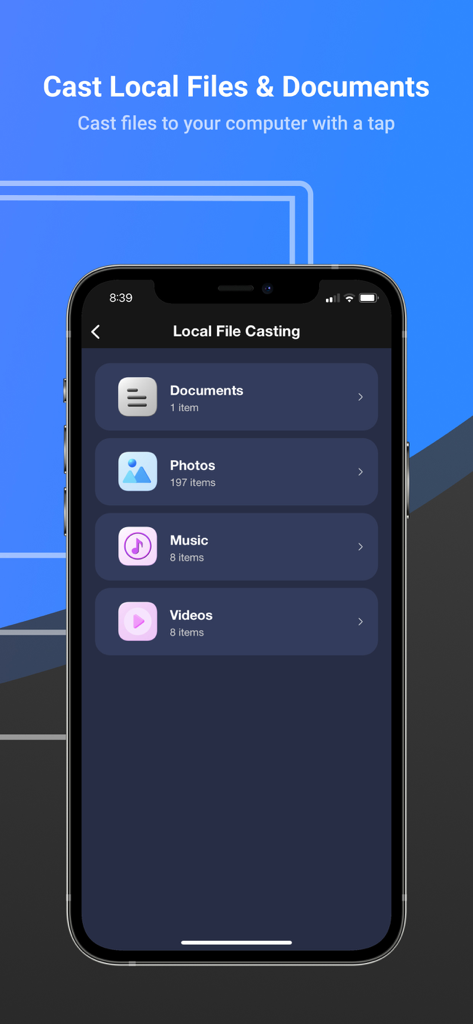
AnyMirror App-Oberfläche zum Übertragen lokaler Dokumente, Fotos, Musik und Videos auf einen Computer
Beschreibung
Download
Ähnliche Apps
Top-gerankte Apps in derselben Kategorie

Google LLC

Google Chrome
Google LLC

中国移动(手机营业厅)
China Mobile Online Services Co., Ltd.

Google Authenticator
Google LLC

CNH do Brasil
Servicos e Informacoes do Brasil

Cleanup: Phone Storage Cleaner
DEEP FLOW SOFTWARE SERVICES - FZCO

gov.br
Servicos e Informacoes do Brasil

中国电信-全国统一官方服务平台
CHINA TELECOM Corporation Ltd.

Microsoft Edge: AI Browser
Microsoft Corporation
Diese Seite ist keine offizielle Seite der App oder ihres Entwicklers, sondern eine unabhängige redaktionelle Veröffentlichung, die zu Informations- und Kommentarzwecken erstellt wurde. Sofern nicht ausdrücklich anders angegeben, sind weder die App noch ihr Entwickler mit MWM, Apple, Google Play, dem App-Herausgeber oder dem Entwickler der App verbunden, von ihnen unterstützt, gesponsert, autorisiert oder anderweitig offiziell verbunden, und nichts auf dieser Seite impliziert, dass die App unter Verwendung der Dienste von MWM entwickelt wurde. Alle Marken, Logos, Screenshots und andere Inhalte bleiben Eigentum ihrer jeweiligen Inhaber.