aRDP Pro - RDP Remote Desktop
Herunterladen auf App Store

Diese Seite ist keine offizielle Seite der App oder ihres Entwicklers, sondern eine unabhängige redaktionelle Veröffentlichung, die zu Informations- und Kommentarzwecken erstellt wurde. Sofern nicht ausdrücklich anders angegeben, sind weder die App noch ihr Entwickler mit MWM, Apple, Google Play, dem App-Herausgeber oder dem Entwickler der App verbunden, von ihnen unterstützt, gesponsert, autorisiert oder anderweitig offiziell verbunden, und nichts auf dieser Seite impliziert, dass die App unter Verwendung der Dienste von MWM entwickelt wurde. Alle Marken, Logos, Screenshots und andere Inhalte bleiben Eigentum ihrer jeweiligen Inhaber.

Logo von aRDP Pro - RDP Remote Desktop
Herunterladen auf App Store

aRDP Pro - RDP Remote Desktop

Steuern Sie Windows- und Linux-Maschinen nahtlos von Ihrem iOS-Gerät aus. Entwickelt für Systemadministratoren, die Open-Source-Transparenz, Unterstützung für externe Hardware und verschlüsseltes Tunneling verlangen.

Kennzahlen

Downloads

2K+

Bewertung

5.0/5

Bewertungen gesamt

0

Herausgeber

iordan iordanov

Kategorie

Productivity

Sprachen

5

Neueste Version

56

Größe

17.7 MB

Erstveröffentlichung

25. Apr. 2022
Funktionen

Enterprise-Funktionen in Ihrer Tasche

Erleben Sie die Sicherheit von SSH-Tunneling und die Flexibilität von Open-Source-RDP auf Ihren iOS-Geräten. Entwickelt für Ingenieure, die mehr als nur eine einfache Verbindung verlangen.

Sicheres SSH-Tunneling

Schützen Sie Ihre Infrastruktur mit integriertem SSH-Tunneling und Unterstützung für öffentliche/private Schlüssel für sicheren Fernzugriff hinter jeder Firewall.

Präzision im Desktop-Stil

Verwandeln Sie Ihr iPad in eine Workstation mit nativer Unterstützung für Magic Trackpad, externe Mäuse und erweiterte Tastenkombinationen wie Strg+Alt+Entf.

Die folgenden Screenshots und die Beschreibung stammen direkt aus dem offiziellen Store-Eintrag der App und sind Eigentum des Entwicklers.

App Store

Screenshots
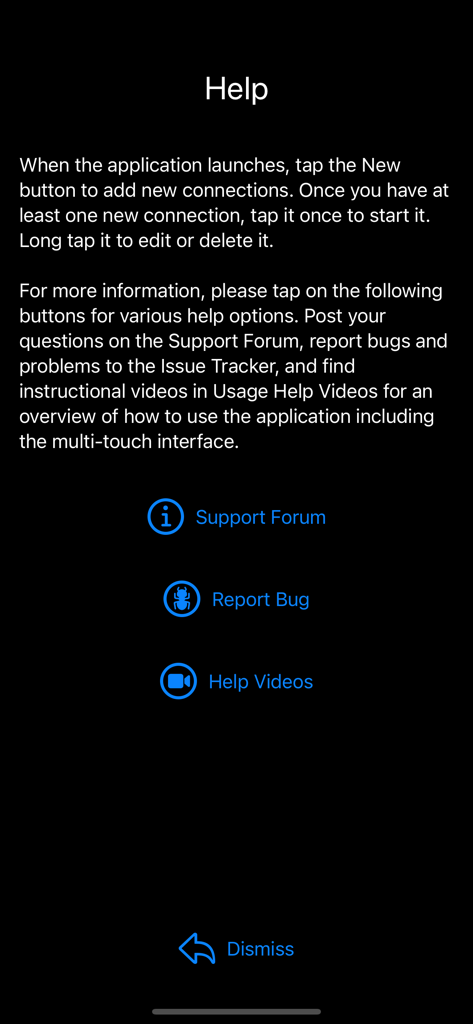
aRDP Pro - RDP Remote Desktop - Der Hilfe-Bildschirm der aRDP Pro App mit Links zu Support-Foren und Fehlerberichtsoptionen.
Der Hilfe-Bildschirm der aRDP Pro App mit Links zu Support-Foren und Fehlerberichtsoptionen.

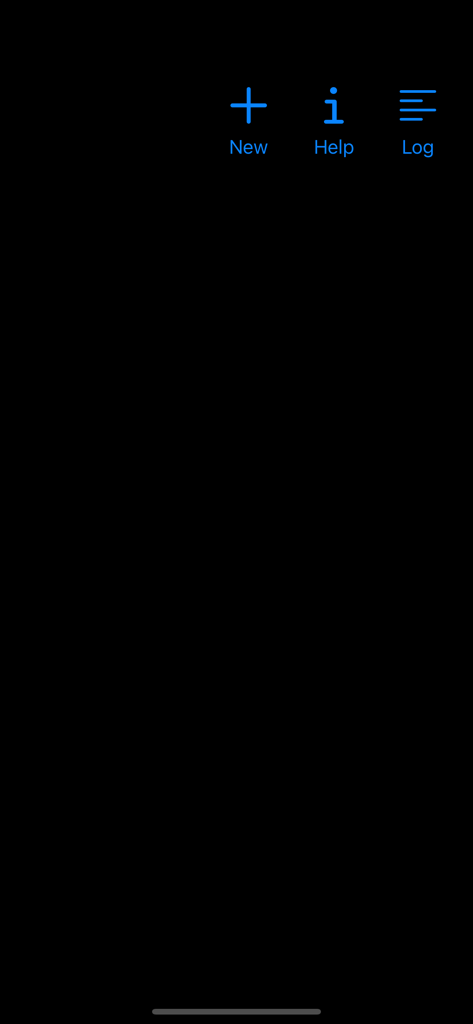
aRDP Pro - RDP Remote Desktop - Startbildschirm der aRDP Pro Remotedesktop-App mit blauen Symbolen für Neues Hilfe und Protokoll
Startbildschirm der aRDP Pro Remotedesktop-App mit blauen Symbolen für Neues Hilfe und Protokoll

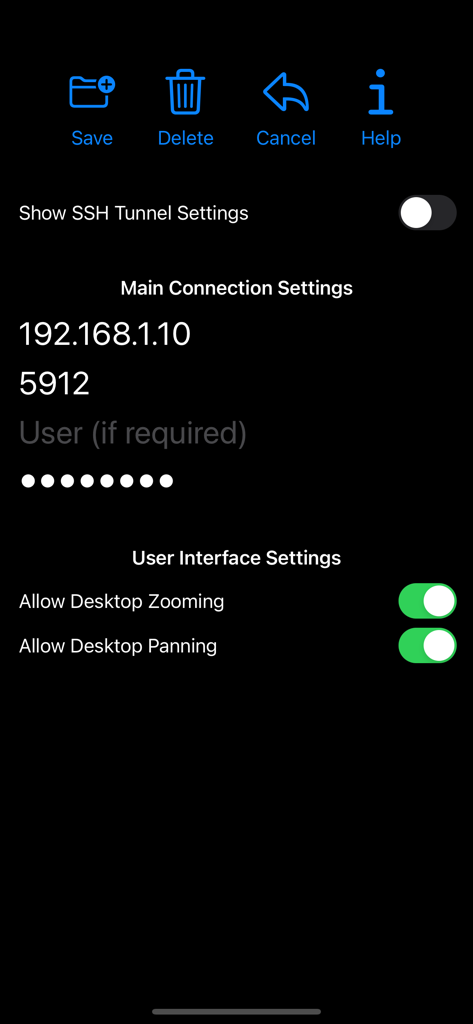
aRDP Pro - RDP Remote Desktop - Einstellungsbildschirm für die Verbindung der aRDP Pro App mit IP- und UI-Optionen
Einstellungsbildschirm für die Verbindung der aRDP Pro App mit IP- und UI-Optionen

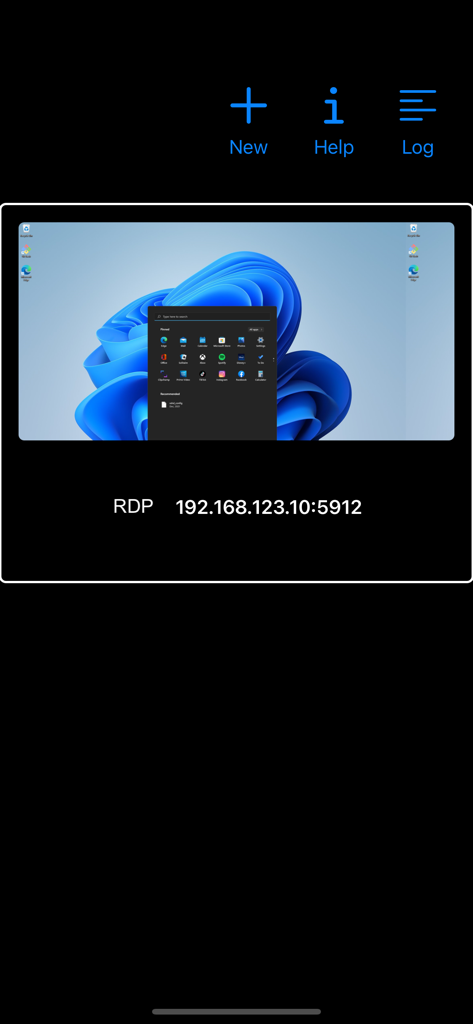
aRDP Pro - RDP Remote Desktop - Die Benutzeroberfläche der aRDP Pro App zeigt eine gespeicherte Remotedesktop-Verbindung mit einer Vorschau des Windows 11 Desktops und der IP-Adresse.
Die Benutzeroberfläche der aRDP Pro App zeigt eine gespeicherte Remotedesktop-Verbindung mit einer Vorschau des Windows 11 Desktops und der IP-Adresse.

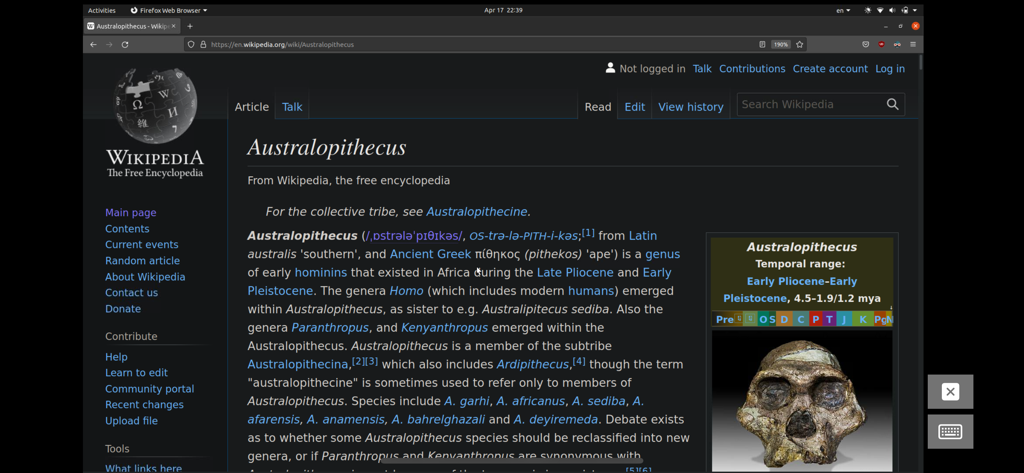
aRDP Pro - RDP Remote Desktop - Remotedesktopsitzung auf einem Mobilgerät, die einen Ubuntu Linux Desktop mit geöffnetem Webbrowser anzeigt.

Remotedesktopsitzung auf einem Mobilgerät, die einen Ubuntu Linux Desktop mit geöffnetem Webbrowser anzeigt.

Beschreibung

Thank you for supporting my work and GPL open-source software by buying aRDP Pro! If you are unhappy, please don't give us a bad review, instead, request a refund and get in touch by email support _at_ morpheusly _dot_ com: https://support.apple.com/en-ca/118223 Need a VNC app for controlling your Mac remotely? https://apps.apple.com/app/bvnc-pro/id1506461202 Need a SPICE or Proxmox or oVirt client for controlling virtual machines remotely? https://apps.apple.com/app/aspice-pro/id1560593107 If aRDP doesn't work for you or you're unhappy, please do not ask for help in a review but do post your question in the forum: https://groups.google.com/forum/#!forum/bvnc-ardp-aspice-opaque-remote-desktop-clients Windows Instructions - Enabling Remote Desktop on Windows: https://docs.microsoft.com/en-us/windows-server/remote/remote-desktop-services/clients/remote-desktop-allow-access - Optionally, for much improved security aRDP Pro supports SSH tunnelling. - To enable OpenSSH on Windows: https://learn.microsoft.com/en-us/windows-server/administration/openssh/openssh_install_firstuse Linux Instructions - Requires Ubuntu 22.04+ NOTE: If failing to connect, try disabling "Request Remote Resolution Requests" from Advanced Settings https://help.ubuntu.com/stable/ubuntu-help/sharing-desktop.html - Xrdp on any supported Linux Distribution https://www.digitalocean.com/community/tutorials/how-to-enable-remote-desktop-protocol-using-xrdp-on-ubuntu-22-04 Report bugs: https://github.com/iiordanov/remote-desktop-clients/issues aRDP is a secure, SSH capable, open source RDP protocol client that uses FreeRDP open-source library. Its features include: - Remote control of Windows and Linux computers using the RDP protocol - Simulated Touchpad and two Direct input touch modes to choose from - RDP Gateway support - RDP Config File support (.rdp extension) - Custom Scaling - Audio support - External keyboard support - External mouse support - Magic Trackpad support - Multi-language support - Multi-keyboard layout support - choose your keyboard layout while setting up the connection - Multi-touch control over the remote mouse. One finger tap left-clicks, two-finger tap right-clicks, and three-finger tap middle-clicks - Right and middle-dragging if you don't lift the first finger that tapped - Scrolling with a two-finger drag - Pinch-zooming - SSH tunnelling for added security or to reach machines behind a firewall. - SSH public/private (pubkey) support - Full rotation support. Use the central lock rotation on your device to disable rotation - Full desktop visibility even with soft keyboard extended - Dynamic resolution changes, allowing you to reconfigure your desktop while connected - UI Optimizations for different screen sizes (for tablets and smartphones) - On-screen Ctrl, Alt, Tab, Super, Shift, Del, PageUp, PageDown, Function and Arrow keys - Available on-device help on creating a new connection in the Menu when setting up connections - Clipboard integration for copy/pasting from your device Planned features: - Many RDP Session customization options GPL source code here: https://gitlab.com/iiordanov/remote-desktop-clients-ios

Download

Herunterladen auf App Store

Diese Seite ist keine offizielle Seite der App oder ihres Entwicklers, sondern eine unabhängige redaktionelle Veröffentlichung, die zu Informations- und Kommentarzwecken erstellt wurde. Sofern nicht ausdrücklich anders angegeben, sind weder die App noch ihr Entwickler mit MWM, Apple, Google Play, dem App-Herausgeber oder dem Entwickler der App verbunden, von ihnen unterstützt, gesponsert, autorisiert oder anderweitig offiziell verbunden, und nichts auf dieser Seite impliziert, dass die App unter Verwendung der Dienste von MWM entwickelt wurde. Alle Marken, Logos, Screenshots und andere Inhalte bleiben Eigentum ihrer jeweiligen Inhaber.








