
Diese Seite ist keine offizielle Seite der App oder ihres Entwicklers, sondern eine unabhängige redaktionelle Veröffentlichung, die zu Informations- und Kommentarzwecken erstellt wurde. Sofern nicht ausdrücklich anders angegeben, sind weder die App noch ihr Entwickler mit MWM, Apple, Google Play, dem App-Herausgeber oder dem Entwickler der App verbunden, von ihnen unterstützt, gesponsert, autorisiert oder anderweitig offiziell verbunden, und nichts auf dieser Seite impliziert, dass die App unter Verwendung der Dienste von MWM entwickelt wurde. Alle Marken, Logos, Screenshots und andere Inhalte bleiben Eigentum ihrer jeweiligen Inhaber.

au editor - audio cutter
Entfessle deine Kreativität mit KI-Stimmseparation, Rauschunterdrückung und professionellen Mixing-Tools. Der ultimative mobile Arbeitsplatz für Musiker, Podcaster und Content-Ersteller.
Downloads
180K+Bewertung
Bewertungen gesamt
500Herausgeber
Kategorie
MusicSprachen
12Neueste Version
1.13.8Größe
204.2 MBErstveröffentlichung
8. Sept. 2023Professionelle Studio-Power, direkt in deiner Tasche
Verwandle dein iPhone oder iPad in eine vollwertige Produktionssuite mit KI-gesteuerten Werkzeugen, die für die nächste Generation von Musikschaffenden und Social-Media-Influencern entwickelt wurden.
KI-gestützte Magie
Trenne Stimmen oder entferne Begleitungen sofort mit fortschrittlicher KI und mache es zum ultimativen Werkzeug für die Erstellung viraler Remixe und Song-Cover.
Professionelles Mehrspur-Mixing
Laye, arrangiere und mische mehrere Audiospuren mit Desktop-Präzision über eine Benutzeroberfläche, die für die mobile Produktion optimiert ist.
Die folgenden Screenshots und die Beschreibung stammen direkt aus dem offiziellen Store-Eintrag der App und sind Eigentum des Entwicklers.
App Store
Screenshots
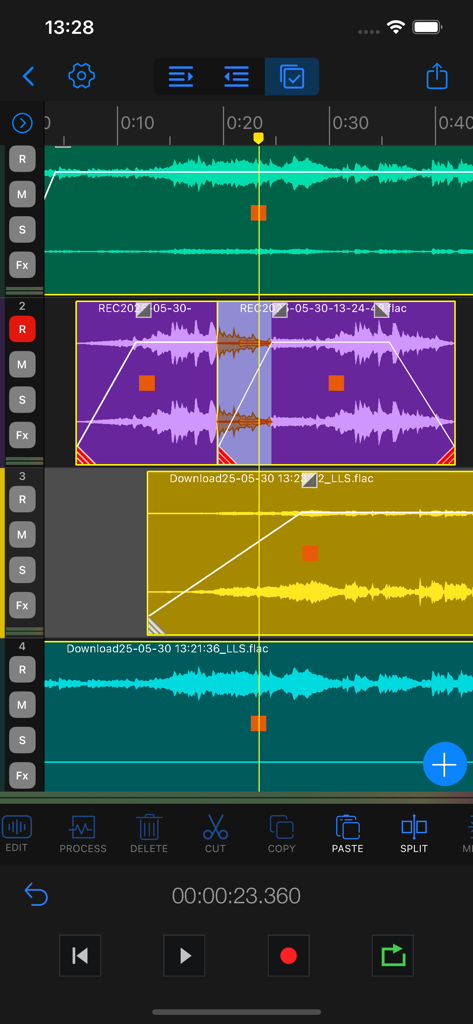
Au Editor Mehrspur-Timeline-Ansicht mit Wellenformbearbeitung und Audio-Tools
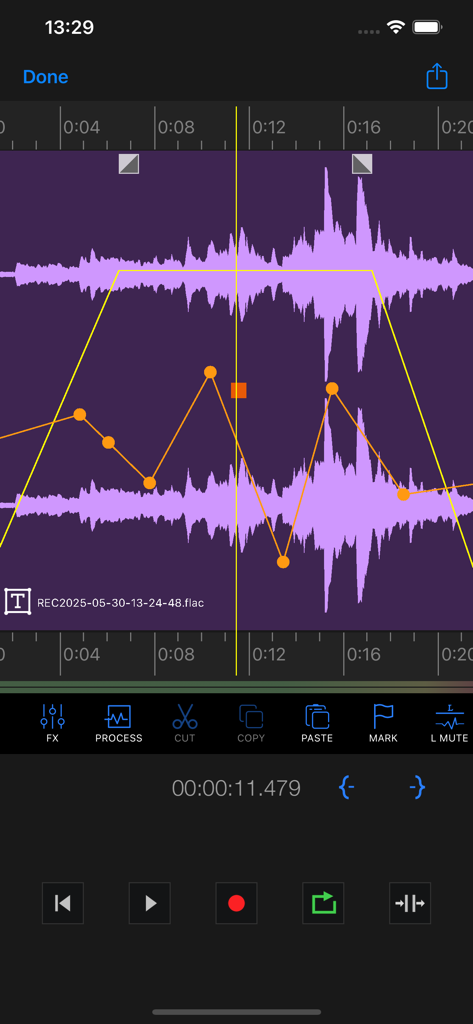
Oberfläche von Au Editor, die eine Audio-Wellenform mit Lautstärkekurven-Anpassungen zeigt
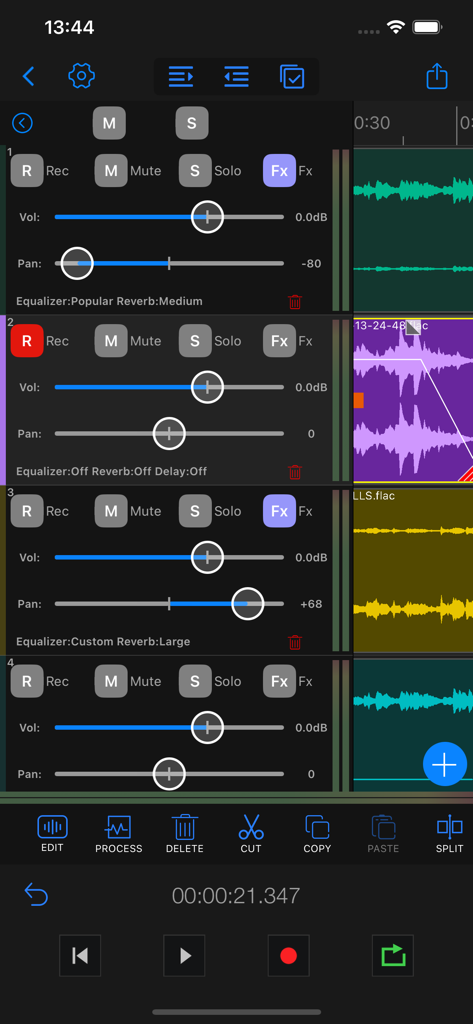
Screenshot der Mehrspur-Oberfläche der Au Editor App, die Lautstärkeregler, Panning-Steuerelemente und Audioeffekte für mehrere Aufnahmespuren zeigt.
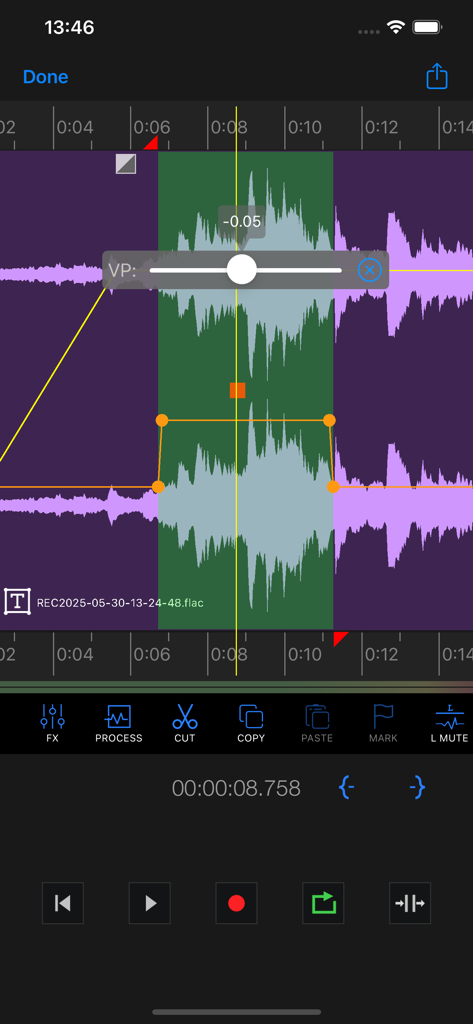
Smartphone-Oberfläche von Au Editor, die Mehrspur-Wellenformbearbeitung mit Lautstärkeregelung und Transportwerkzeugen zeigt.
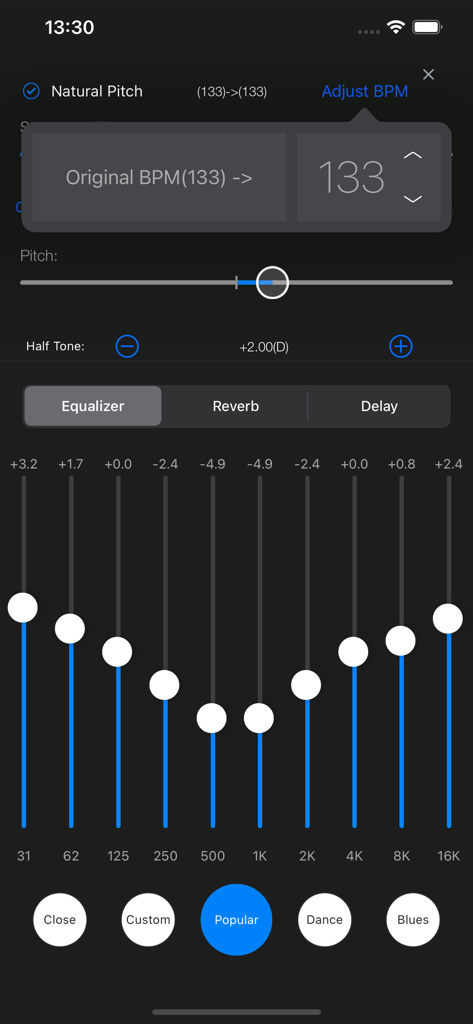
Au Editor Mobile-Oberfläche mit einem 10-Band-Equalizer und Tonhöhenanpassungswerkzeugen für professionelle Audiobearbeitung.
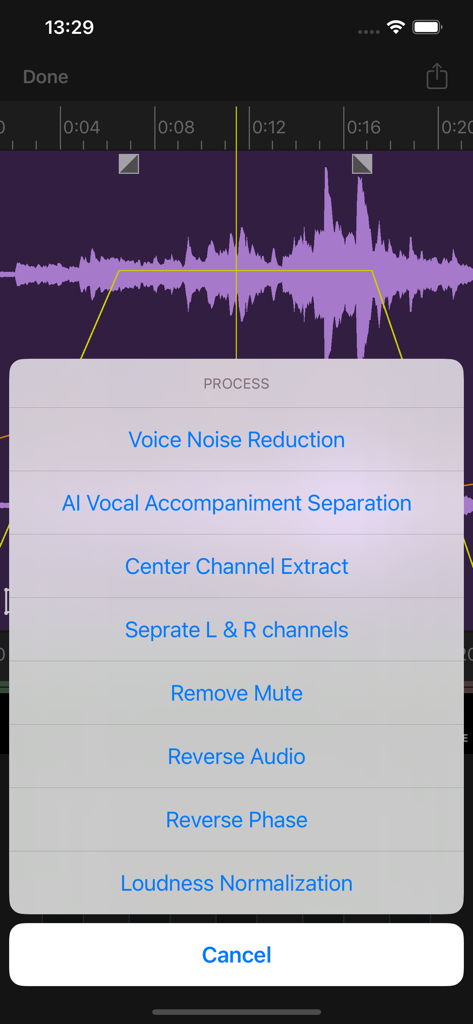
Menü für Audioverarbeitung der Au Editor App mit Optionen für KI-Stimmseparation und Rauschunterdrückung
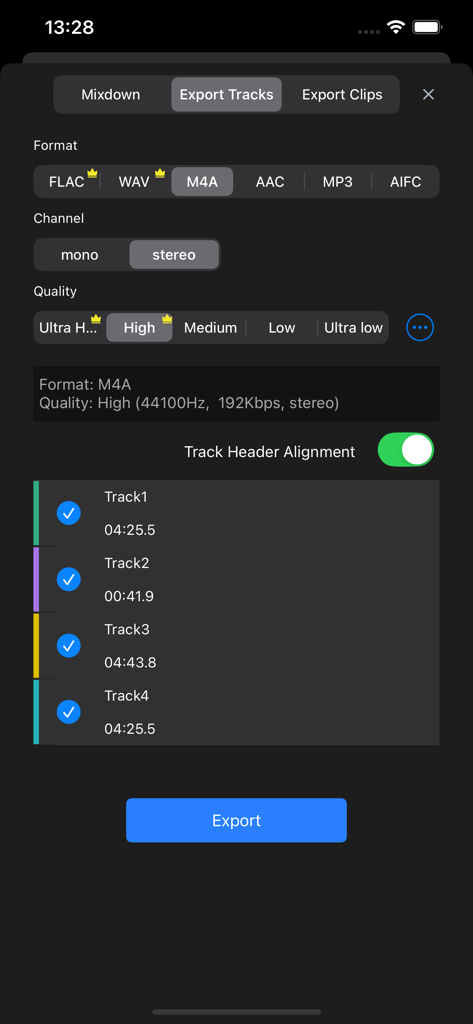
Oberfläche zum Exportieren von Audiospuren in der Au Editor App mit Auswahl von Format, Qualität und Kanälen
Beschreibung
Download
Ähnliche Apps
Apps mit ähnlichen Funktionen und Nutzererfahrung

WavePad音频和音乐编辑器
NCH Software

Audio Editor - Music editor
苏娟 陈

SoundLab - Audio Editor
孛 刘

Microphone Live-Voice Recorder
Arpenik Katikyan

Ferrite Recording Studio
Wooji Juice Ltd

WavePad Music and Audio Editor
NCH Software

Audio Editor - AudioLab, Mixer
Innovation Software Development 360 LLC

Audio Editor: Video to Audio
文 夏

Audio Editor:Music Editor
燕倩 费
Diese Seite ist keine offizielle Seite der App oder ihres Entwicklers, sondern eine unabhängige redaktionelle Veröffentlichung, die zu Informations- und Kommentarzwecken erstellt wurde. Sofern nicht ausdrücklich anders angegeben, sind weder die App noch ihr Entwickler mit MWM, Apple, Google Play, dem App-Herausgeber oder dem Entwickler der App verbunden, von ihnen unterstützt, gesponsert, autorisiert oder anderweitig offiziell verbunden, und nichts auf dieser Seite impliziert, dass die App unter Verwendung der Dienste von MWM entwickelt wurde. Alle Marken, Logos, Screenshots und andere Inhalte bleiben Eigentum ihrer jeweiligen Inhaber.