
Diese Seite ist keine offizielle Seite der App oder ihres Entwicklers, sondern eine unabhängige redaktionelle Veröffentlichung, die zu Informations- und Kommentarzwecken erstellt wurde. Sofern nicht ausdrücklich anders angegeben, sind weder die App noch ihr Entwickler mit MWM, Apple, Google Play, dem App-Herausgeber oder dem Entwickler der App verbunden, von ihnen unterstützt, gesponsert, autorisiert oder anderweitig offiziell verbunden, und nichts auf dieser Seite impliziert, dass die App unter Verwendung der Dienste von MWM entwickelt wurde. Alle Marken, Logos, Screenshots und andere Inhalte bleiben Eigentum ihrer jeweiligen Inhaber.

Audio Converter & Video to MP3
Das ultimative mobile Toolkit für Kreative und Profis, um Audio einfach aus Videos zu extrahieren und jedes Format zu konvertieren – keine Anmeldung erforderlich.
Downloads
123K+Bewertung
Bewertungen gesamt
1K+Herausgeber
Kategorie
UtilitiesSprachen
9Neueste Version
4.0Größe
29.0 MBErstveröffentlichung
1. Mai 2024Das ultimative Audio-Toolkit für Kreative
Konvertieren Sie Formate, extrahieren Sie Audio aus Videos und erhalten Sie Sekundenschnelle Studioqualität. Professionelle Verarbeitung direkt auf Ihrem iPhone.
Sofortige Videoextraktion
Verwandeln Sie Bildschirmaufnahmen oder Social-Media-Clips in hochwertige MP3s für Ihr nächstes kreatives Projekt.
Universelle Formatunterstützung
Konvertieren Sie mühelos zwischen MP3, WAV, AAC und FLAC, um die Lücke zwischen all Ihren Geräten zu schließen.
Die folgenden Screenshots und die Beschreibung stammen direkt aus dem offiziellen Store-Eintrag der App und sind Eigentum des Entwicklers.
App Store
Screenshots
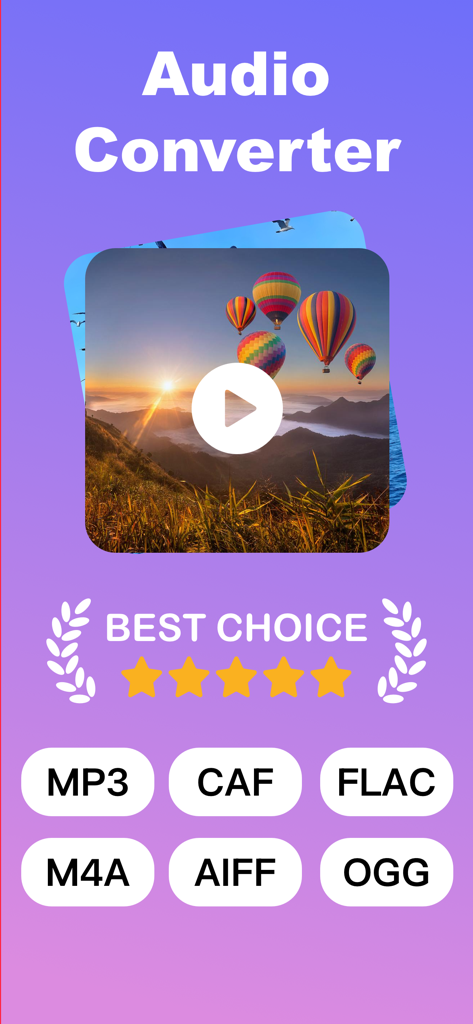
Audio Converter App-Bildschirm, der die Konvertierung von Video in MP3 und unterstützte Formate wie MP3, FLAC und M4A anzeigt
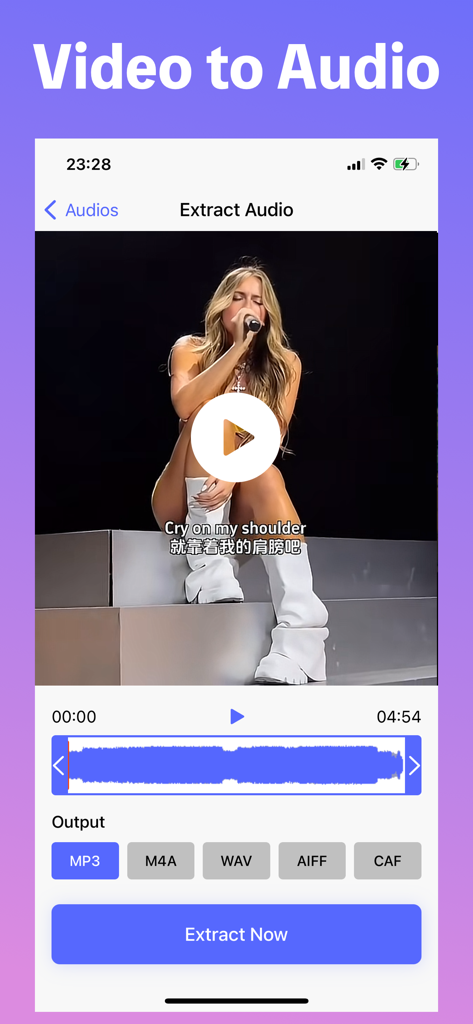
Eine iPhone-App-Oberfläche, die den Prozess der Audioextraktion aus einem Video zeigt, mit Optionen für MP3-, M4A-, WAV-, AIFF- und CAF-Formate.
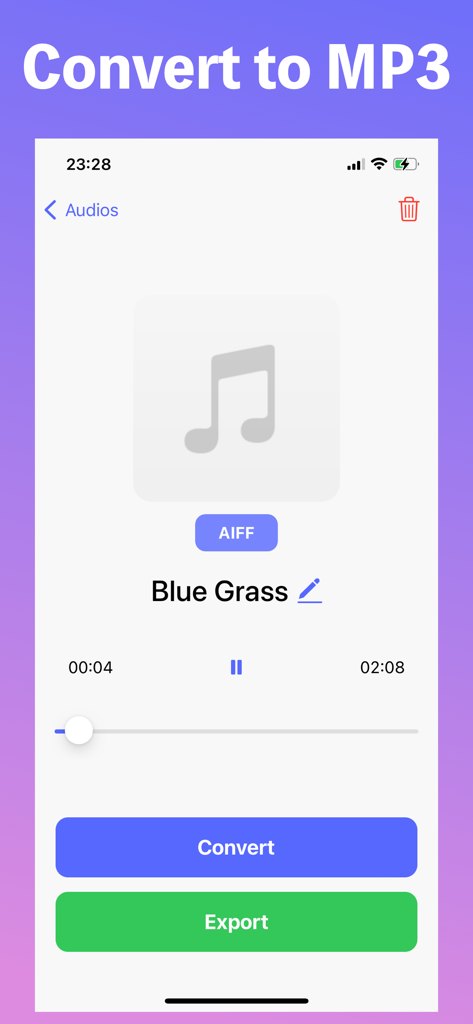
Mobile App-Oberfläche zur Konvertierung von Audiodateien in das MP3-Format mit Schaltflächen für Konvertierung und Export
Beschreibung
Download
Ähnliche Apps
Apps mit ähnlichen Funktionen und Nutzererfahrung

MP3 Converter -Audio Extractor
妍 岳

Audio Editor - Music Mixer
妍 岳

MP3 Converter: Video to Audio
Fitness Labs SRL

Audio Editor: MP3 Converter
ZHN Co., Ltd.

MP3 Converter - video2mp3
ZHN Co., Ltd.

EZAudioCut - Audio Editor Lite
龙刚 李

Audio Extractor-Audio Editing
正军 刘

Audio Editor & Music Mixer
Wuhan Net Power Technology Co., Ltd
Audio Converter-Video to Audio
俊鹏 位
Diese Seite ist keine offizielle Seite der App oder ihres Entwicklers, sondern eine unabhängige redaktionelle Veröffentlichung, die zu Informations- und Kommentarzwecken erstellt wurde. Sofern nicht ausdrücklich anders angegeben, sind weder die App noch ihr Entwickler mit MWM, Apple, Google Play, dem App-Herausgeber oder dem Entwickler der App verbunden, von ihnen unterstützt, gesponsert, autorisiert oder anderweitig offiziell verbunden, und nichts auf dieser Seite impliziert, dass die App unter Verwendung der Dienste von MWM entwickelt wurde. Alle Marken, Logos, Screenshots und andere Inhalte bleiben Eigentum ihrer jeweiligen Inhaber.