
Diese Seite ist keine offizielle Seite der App oder ihres Entwicklers, sondern eine unabhängige redaktionelle Veröffentlichung, die zu Informations- und Kommentarzwecken erstellt wurde. Sofern nicht ausdrücklich anders angegeben, sind weder die App noch ihr Entwickler mit MWM, Apple, Google Play, dem App-Herausgeber oder dem Entwickler der App verbunden, von ihnen unterstützt, gesponsert, autorisiert oder anderweitig offiziell verbunden, und nichts auf dieser Seite impliziert, dass die App unter Verwendung der Dienste von MWM entwickelt wurde. Alle Marken, Logos, Screenshots und andere Inhalte bleiben Eigentum ihrer jeweiligen Inhaber.


Authenticator ® App
Online-Sicherheit ist ein Witz, bis MWMs App sie ernst nimmt. Nutzer finden hier die digitale Festung, die ihre Zugangsdaten verdient haben.
Downloads
1M+Bewertung
Bewertungen gesamt
8.9KHerausgeber
Kategorie
ProductivitySprachen
12Neueste Version
3.0.1Größe
130.6 MBErstveröffentlichung
31. März 2024Eine umfassende Bewertung der Kernfunktionen zur digitalen Sicherheit und Nutzerfreundlichkeit.
Analyse der Authenticator ® App
Passwort-Leck-Erkennung
Dieses Tool benachrichtigt Nutzer proaktiv, wenn ihre Passwörter online kompromittiert wurden, und bietet somit einen wichtigen Schutz vor Datenlecks.
Sichere Cloud-Backups
Die App gewährleistet die Sicherheit der Daten durch sichere Cloud-Backups, wodurch ein Verlust des Zugangs zu wichtigen Konten verhindert wird und eine einfache Wiederherstellung möglich ist.
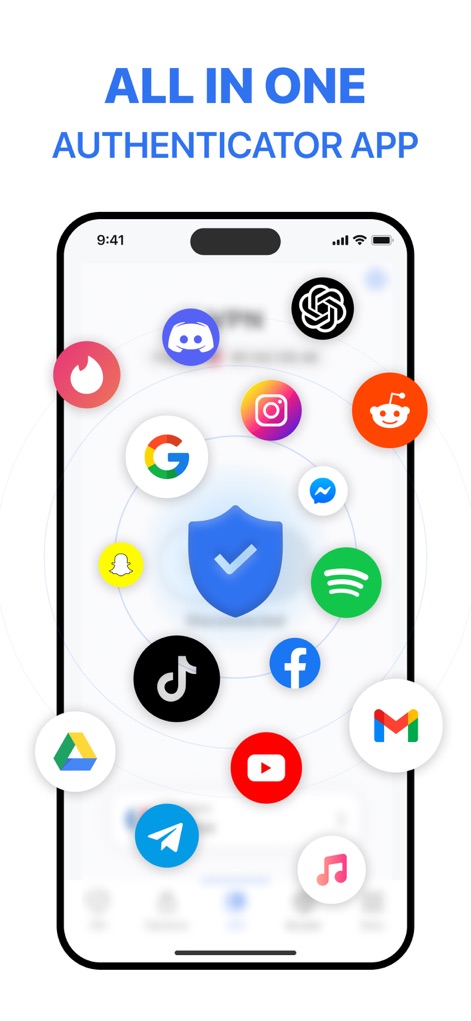
Schutz für über 1.000 Apps
Es ermöglicht Nutzern, die Zwei-Faktor-Authentifizierung für über 1.000 Apps und Dienste einzurichten, was eine breite Abdeckung und Kompatibilität bietet.
Erweiterte Sicherheit mit Face ID/Touch ID
Die App schützt sich selbst durch biometrische Authentifizierung via Face ID oder Touch ID, wodurch unbefugter Zugriff auf die Sicherheitsfunktionen der Anwendung verhindert wird.
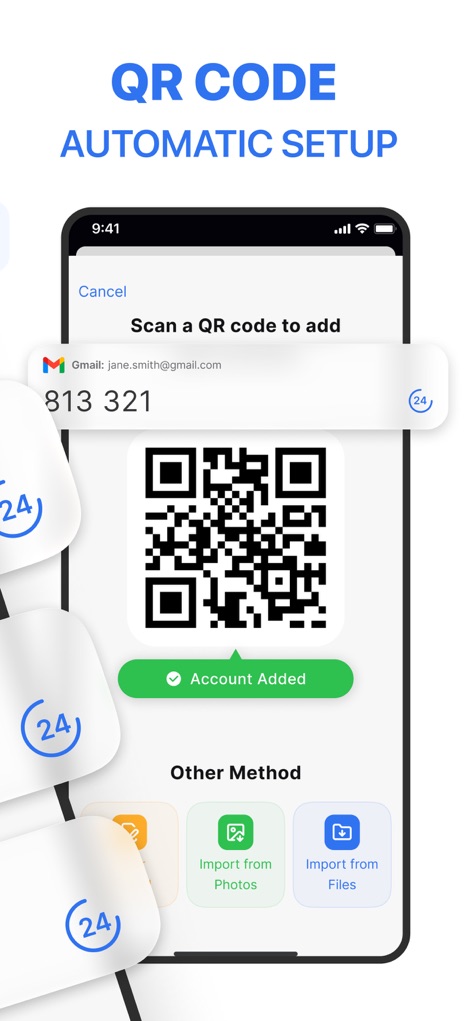
Einfache Einrichtung per QR-Scan
Die App vereinfacht die Einrichtung der Zwei-Faktor-Authentifizierung durch einfaches Scannen von QR-Codes, was einen schnellen und unkomplizierten Start ermöglicht.
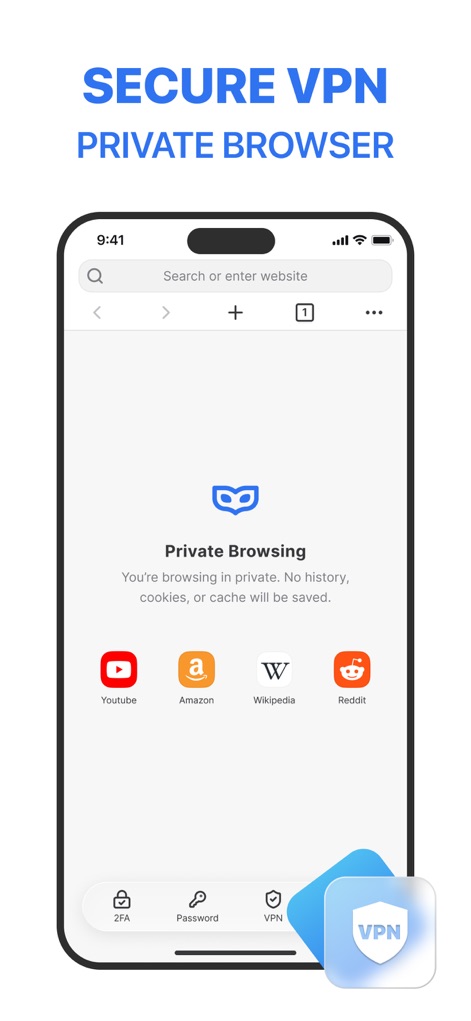
VPN-Schutz
Dieses Tool bietet VPN-Schutz, um die Online-Privatsphäre und Sicherheit in öffentlichen Netzwerken zu gewährleisten, indem der Datenverkehr verschlüsselt und die IP-Adresse verborgen wird.
Passwort- und Konto-AutoFill
Es verfügt über eine AutoFill-Funktion, die das schnelle und sichere Anmelden bei Websites und Apps durch automatisches Ausfüllen von Anmeldedaten ermöglicht.
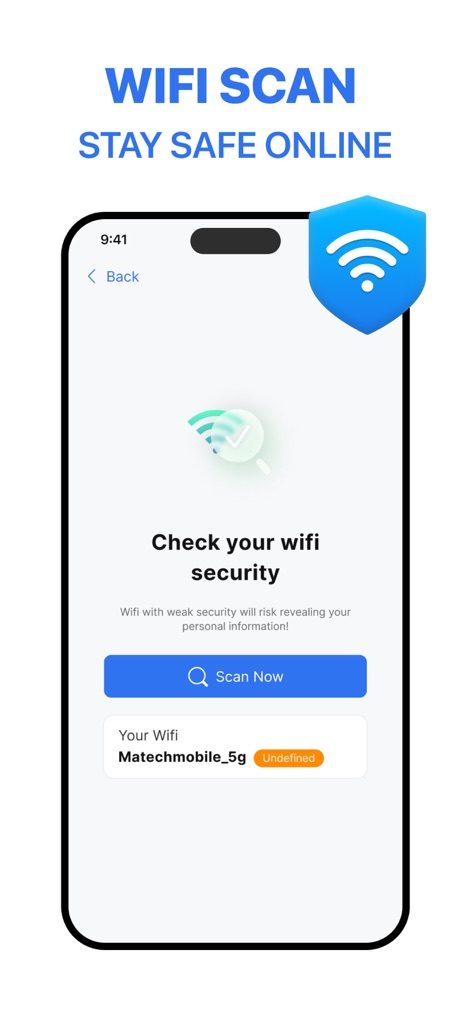
Wi-Fi-Sicherheitsscanner
Die App beinhaltet einen Wi-Fi-Sicherheitsscanner, der unsichere Netzwerke erkennt und Nutzer vor potenziellen Datenlecks schützt, wenn sie sich mit öffentlichem WLAN verbinden.
Privates Browsen
Die App bietet eine private Browserfunktion, die die Online-Aktivitäten der Nutzer vor neugierigen Blicken schützt und die digitale Privatsphäre verbessert.
Organisation mit Ordnern
Es ermöglicht Nutzern, ihre gesicherten Apps in Ordnern zu organisieren, was die Übersichtlichkeit verbessert und den schnellen Zugriff auf wichtige Konten erleichtert.
Häufig gestellte Fragen
Alles, was Sie über wissen müssen Authenticator ® App
What is Authenticator App - FastOTP?
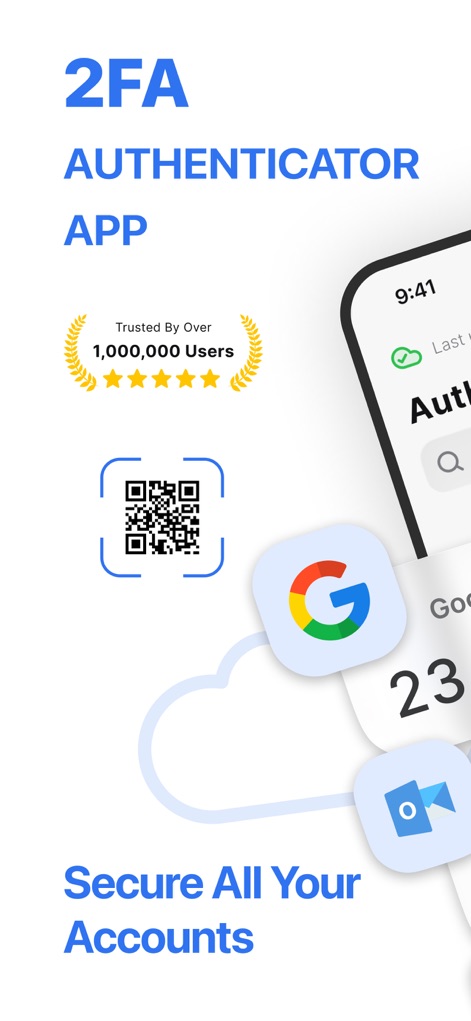
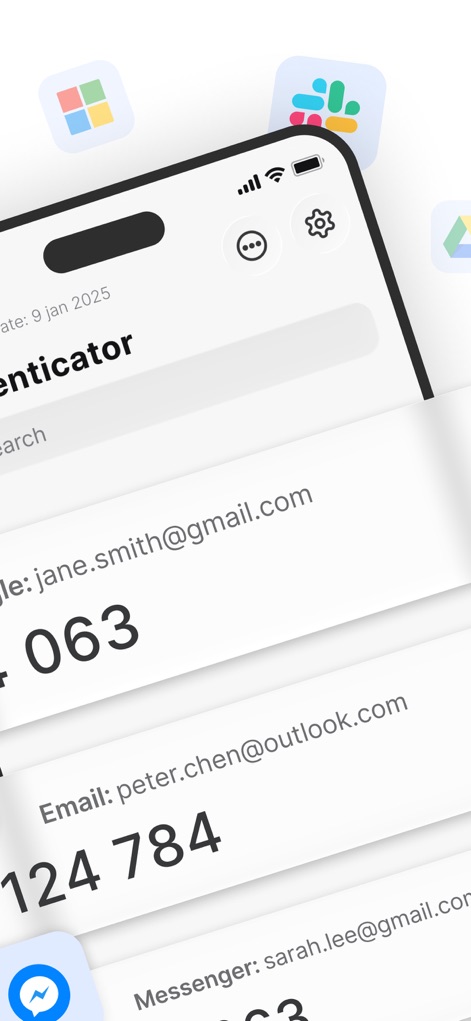
Authenticator App - FastOTP is an all-in-one security solution that manages two-factor authentication (2FA) codes and passwords. It adds an extra layer of security to over 1,000 online accounts.
How does Authenticator App - FastOTP set up two-factor authentication?
Authenticator App - FastOTP offers easy 2FA setup by scanning a QR code. This method provides instant, time-sensitive security codes, streamlining the process of securing your accounts.
Does Authenticator App - FastOTP protect many applications?
Yes, Authenticator App - FastOTP integrates with over 1,000 apps. It protects popular services like Gmail, Facebook, Instagram, and Twitter, securing all your accounts effortlessly.
Does Authenticator App - FastOTP include password leak detection?
Yes, Authenticator App - FastOTP features password leak detection. It notifies users if any of their passwords have been compromised online by checking for data breaches.
Can Authenticator App - FastOTP secure my online browsing?
Yes, Authenticator App - FastOTP provides VPN protection. This feature ensures privacy and security by encrypting your traffic and hiding your IP address on any network, including public Wi-Fi.
Does Authenticator App - FastOTP offer password autofill functionality?
Yes, Authenticator App - FastOTP includes Password & Account AutoFill. This smart system securely fills in saved usernames and passwords, enabling one-tap logins to websites and apps.
Is my data backed up with Authenticator App - FastOTP?
Yes, Authenticator App - FastOTP provides secure cloud backups. This feature ensures your data is safe and accessible, preventing loss of access to your accounts.
How can I secure access to the Authenticator App - FastOTP itself?
Authenticator App - FastOTP offers advanced security options like Face ID, Touch ID, or a strong password. This adds an extra layer of protection, preventing unauthorized access to the app.
Does Authenticator App - FastOTP offer private browsing?
Yes, Authenticator App - FastOTP includes private browsing features. It keeps your online activity safe from prying eyes by offering a fast browser without trackers or history logs.
How does Authenticator App - FastOTP handle subscriptions?
Payment for Authenticator App - FastOTP is charged to your iTunes account upon confirmation. Manage subscriptions and auto-renewal in Account Settings; auto-renewal occurs 24 hours before the period ends unless canceled.
Can Authenticator App - FastOTP scan Wi-Fi networks for security?
Yes, Authenticator App - FastOTP includes a Wi-Fi Security Scanner. This tool detects and helps avoid unsafe networks, protecting your data from potential breaches.
Die folgenden Screenshots und die Beschreibung stammen direkt aus dem offiziellen Store-Eintrag der App und sind Eigentum des Entwicklers.
App Store
Screenshots


Beschreibung
Download
Ähnliche Apps
Apps mit ähnlichen Funktionen und Nutzererfahrung

Proton Pass - Password Manager
Proton AG

Dashlane Password Manager
Dashlane

Password Manager - mSecure
mSeven Software, LLC

Kepttor Password Manager
MACREL SRL SEMPLIFICATA

DataVault Manager - Encrypted
MIKHAIL SHERSHNEV

Authenticator ·
SMM service, s.r.o.

Bitwarden Password Manager
Bitwarden Inc

Authenticator App ⁸
AGILE CODE LIMITED

Authenticator App ℗
RHO DEVELOPERS LLC
Diese Seite ist keine offizielle Seite der App oder ihres Entwicklers, sondern eine unabhängige redaktionelle Veröffentlichung, die zu Informations- und Kommentarzwecken erstellt wurde. Sofern nicht ausdrücklich anders angegeben, sind weder die App noch ihr Entwickler mit MWM, Apple, Google Play, dem App-Herausgeber oder dem Entwickler der App verbunden, von ihnen unterstützt, gesponsert, autorisiert oder anderweitig offiziell verbunden, und nichts auf dieser Seite impliziert, dass die App unter Verwendung der Dienste von MWM entwickelt wurde. Alle Marken, Logos, Screenshots und andere Inhalte bleiben Eigentum ihrer jeweiligen Inhaber.