
Diese Seite ist keine offizielle Seite der App oder ihres Entwicklers, sondern eine unabhängige redaktionelle Veröffentlichung, die zu Informations- und Kommentarzwecken erstellt wurde. Sofern nicht ausdrücklich anders angegeben, sind weder die App noch ihr Entwickler mit MWM, Apple, Google Play, dem App-Herausgeber oder dem Entwickler der App verbunden, von ihnen unterstützt, gesponsert, autorisiert oder anderweitig offiziell verbunden, und nichts auf dieser Seite impliziert, dass die App unter Verwendung der Dienste von MWM entwickelt wurde. Alle Marken, Logos, Screenshots und andere Inhalte bleiben Eigentum ihrer jeweiligen Inhaber.


Authenticator App : Scan & 2FA
Schließen Sie sich Tausenden von Nutzern an, die uns vertrauen, um über 1000 Plattformen zu schützen. Sichern Sie nahtlos Ihre Bank-, Sozial- und Arbeitskonten mit biometrischer Authentifizierung und verschlüsselten iCloud-Backups, die sicherstellen, dass Sie nie den Zugriff verlieren.
Downloads
24K+Bewertung
Bewertungen gesamt
100Herausgeber
Kategorie
UtilitiesSprachen
33Neueste Version
1.0.9Größe
152.0 MBErstveröffentlichung
16. Feb. 2025Unerschütterliche Sicherheit für Ihre digitale Welt
Schützen Sie Ihre Bank-, Krypto- und professionellen Konten mit einer verschlüsselten, nativen Apple 2FA-Lösung, die für völlige Seelenruhe entwickelt wurde.
Verlieren Sie nie wieder den Zugriff
Beseitigen Sie die Angst, Ihr Telefon zu verlieren. Ihre Codes sind verschlüsselt und in iCloud gesichert, sodass Sie Ihre digitalen Schlüssel sofort auf jedem Gerät wiederherstellen können.
Ein Schlüssel für über 1000 Apps
Von Coinbase und Amazon bis GitHub und LinkedIn, verwalten Sie Ihre gesamte Multi-Faktor-Authentifizierung in einem optimierten Hub, der auf Ihr geschäftiges digitales Leben zugeschnitten ist.
Die folgenden Screenshots und die Beschreibung stammen direkt aus dem offiziellen Store-Eintrag der App und sind Eigentum des Entwicklers.
App Store
Screenshots
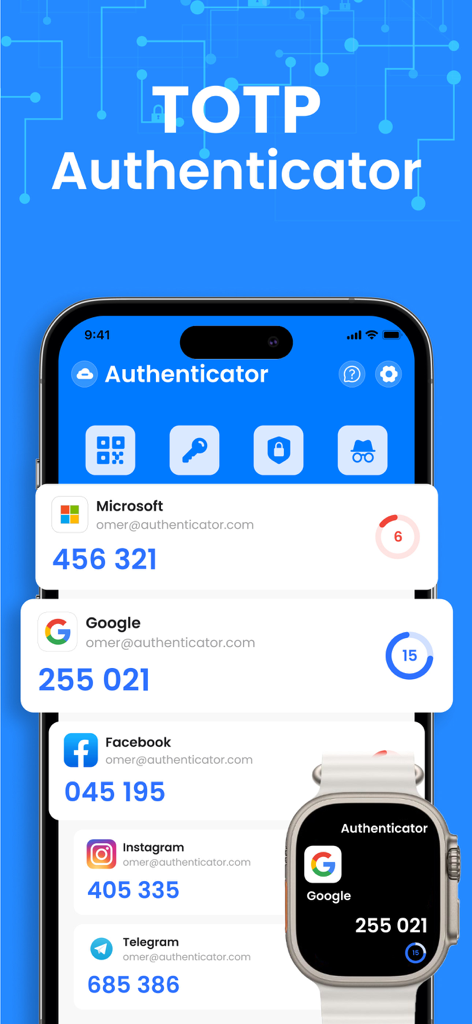
iPhone und Apple Watch mit Zwei-Faktor-Authentifizierungscodes für Microsoft, Google und Social-Media-Konten
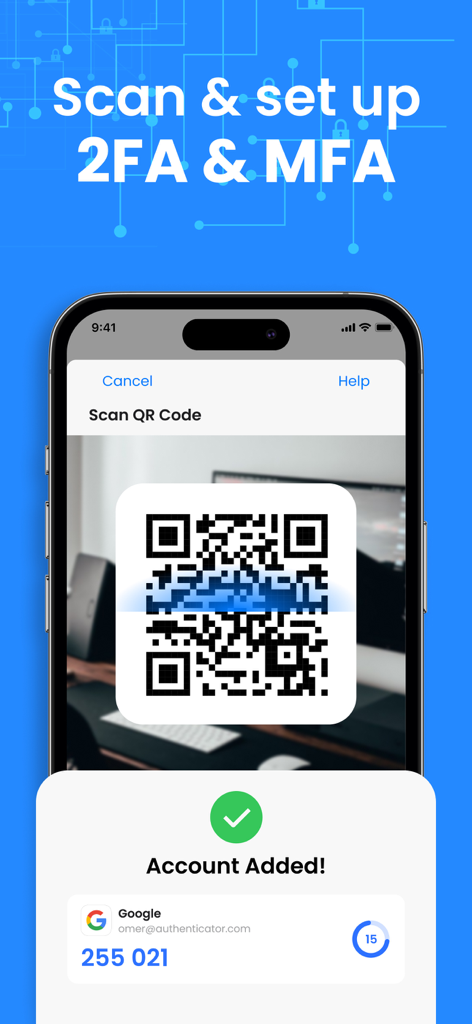
iPhone scannt einen QR-Code zur Einrichtung der Zwei-Faktor-Authentifizierung für ein Google-Konto
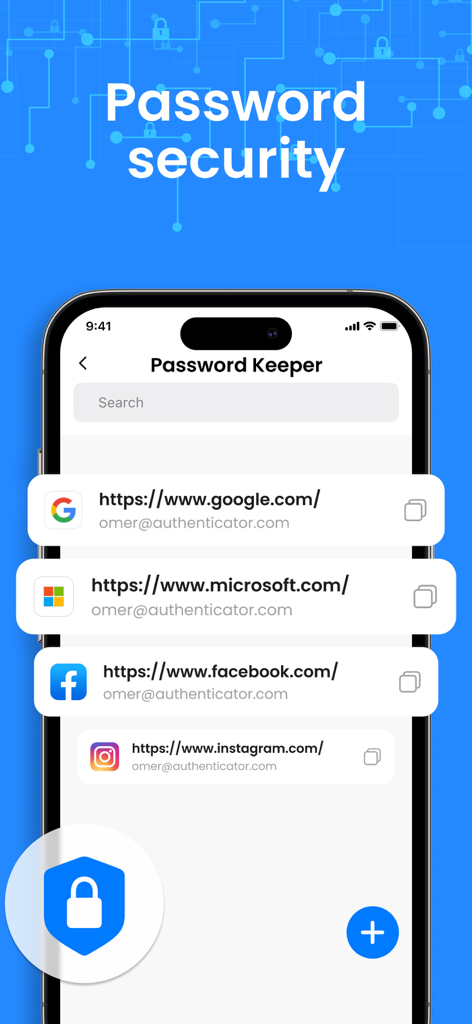
Ein Smartphone-Bildschirm mit der Funktion Passwort-Tresor und einer Liste gesicherter Konten für Google, Microsoft und Facebook
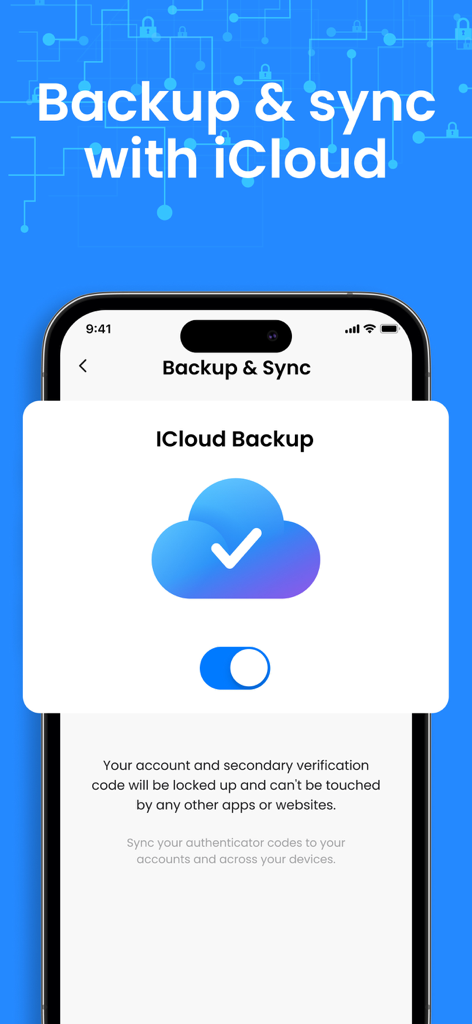
Oberfläche der Authenticator App mit der iCloud-Backup- und Synchronisierungsfunktion für 2FA-Codes.
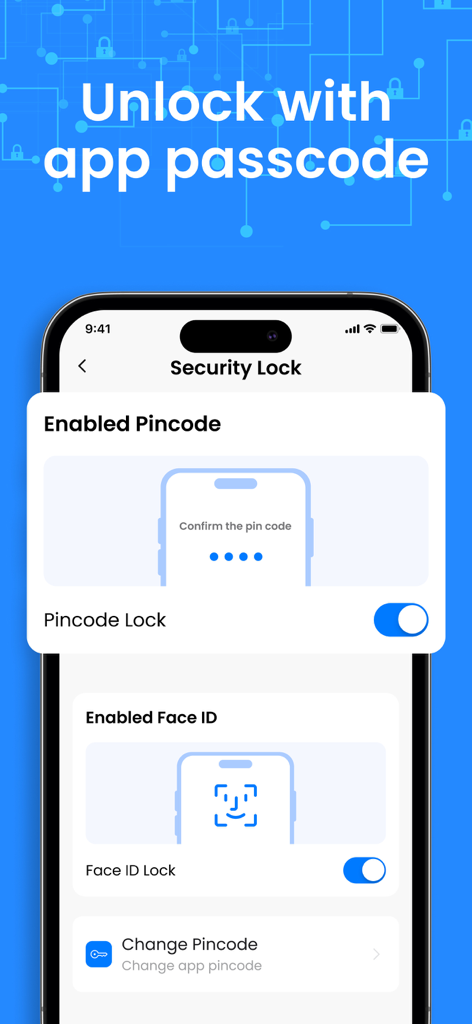
Sicherheitseinstellungen der Authenticator App mit aktivierten PIN-Code- und Face-ID-Optionen.
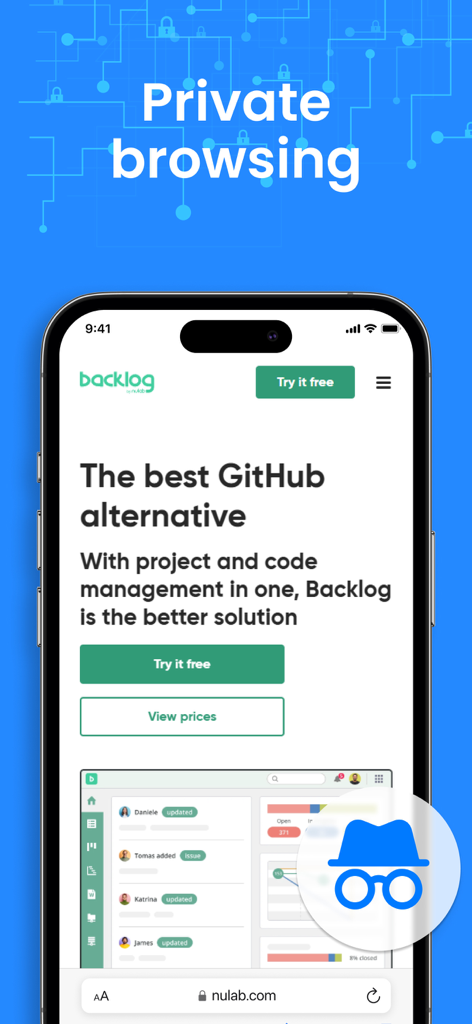
Ein iPhone-Bildschirm, der die private Browserfunktion innerhalb der Authenticator App zeigt
Beschreibung
Download
Ähnliche Apps
Apps mit ähnlichen Funktionen und Nutzererfahrung

Google Authenticator
Google LLC
Duo Mobile
Duo Security LLC
Authenticator App+
Rocket Apps GmbH

Authenticator App - 2FA &. MFA
APPLY DIJITAL HIZMETLER TICARET LIMITED SIRKETI

authenticator . app
Mustafa Uz

SafeNet MobilePASS+
Thales DIS (Singapore) Pte Ltd

Čítačka
Tatra banka, a.s.

Authenticator App - SafeAuth
Brilliant App Limited

Authenticator App - 2FA Auth
UNIVERSE DIJITAL HIZMETLER LIMITED SIRKETI
Diese Seite ist keine offizielle Seite der App oder ihres Entwicklers, sondern eine unabhängige redaktionelle Veröffentlichung, die zu Informations- und Kommentarzwecken erstellt wurde. Sofern nicht ausdrücklich anders angegeben, sind weder die App noch ihr Entwickler mit MWM, Apple, Google Play, dem App-Herausgeber oder dem Entwickler der App verbunden, von ihnen unterstützt, gesponsert, autorisiert oder anderweitig offiziell verbunden, und nichts auf dieser Seite impliziert, dass die App unter Verwendung der Dienste von MWM entwickelt wurde. Alle Marken, Logos, Screenshots und andere Inhalte bleiben Eigentum ihrer jeweiligen Inhaber.