
Diese Seite ist keine offizielle Seite der App oder ihres Entwicklers, sondern eine unabhängige redaktionelle Veröffentlichung, die zu Informations- und Kommentarzwecken erstellt wurde. Sofern nicht ausdrücklich anders angegeben, sind weder die App noch ihr Entwickler mit MWM, Apple, Google Play, dem App-Herausgeber oder dem Entwickler der App verbunden, von ihnen unterstützt, gesponsert, autorisiert oder anderweitig offiziell verbunden, und nichts auf dieser Seite impliziert, dass die App unter Verwendung der Dienste von MWM entwickelt wurde. Alle Marken, Logos, Screenshots und andere Inhalte bleiben Eigentum ihrer jeweiligen Inhaber.


BABYMONSTER LIGHT STICK
Verbessern Sie Ihr Konzerterlebnis, indem Sie Ihren Sitzplatz synchronisieren für eine choreografierte Lichtshow und gestalten Sie Ihren eigenen Glanz mit einem vollständigen Farbrad im Selbstmodus.
Downloads
57K+Bewertung
Bewertungen gesamt
0Herausgeber
Kategorie
EntertainmentSprachen
6Neueste Version
1.0.5Größe
85.0 MBErstveröffentlichung
7. Nov. 2024Entfesseln Sie Ihren MONSTIEZ-Geist
Verwandeln Sie Ihren BABYMONSTER LIGHT STICK in ein mächtiges Werkzeug für Verbindung, Kreativität und Konzertmagie.
Seien Sie Teil des Ozeans
Synchronisieren Sie Ihre Sitzplatzinformationen, um an der synchronisierten Live-Performance teilzunehmen. Spüren Sie die Energie, wenn Ihr Stick im Einklang mit der Musik und Tausenden von Fans pulsiert.
Ihre Farben, Ihr Vibe
Übernehmen Sie die kreative Kontrolle mit dem Selbstmodus. Nutzen Sie das digitale Farbrad, um Ihren Glanz für ästhetische Raumdekoration oder virale TikTok-Inhalte anzupassen.
Die folgenden Screenshots und die Beschreibung stammen direkt aus dem offiziellen Store-Eintrag der App und sind Eigentum des Entwicklers.
App Store
Screenshots
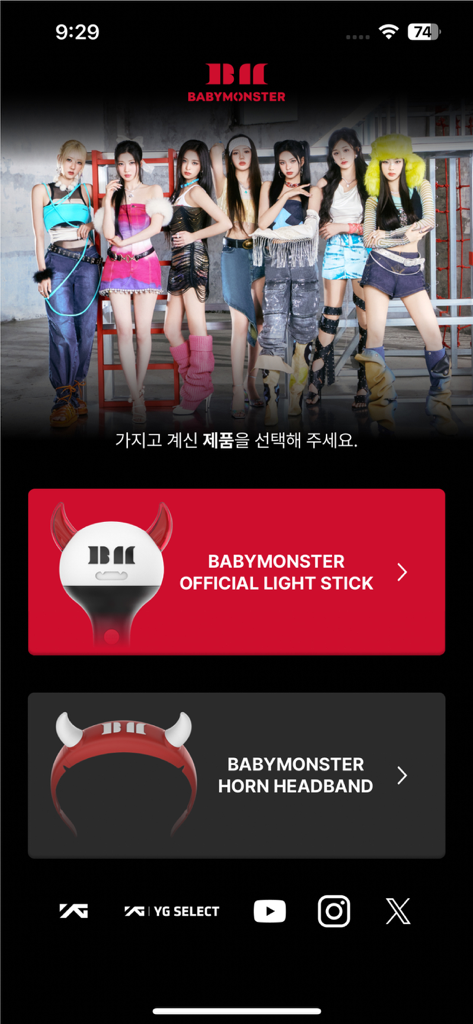
Startbildschirm der BABYMONSTER-App mit Optionen zur Auswahl des offiziellen Leuchtstabs oder des Teufelshörner-Stirnbandes.
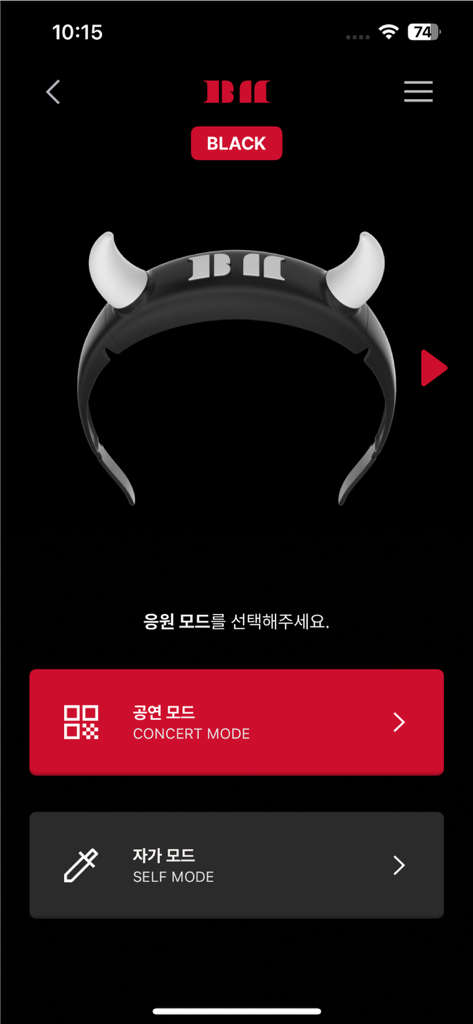
Oberfläche der BABYMONSTER-Leuchtstab-App, die die Modi Konzertmodus und Selbstmodus mit einem Bild eines Teufelshörner-Leuchtstabs anzeigt.
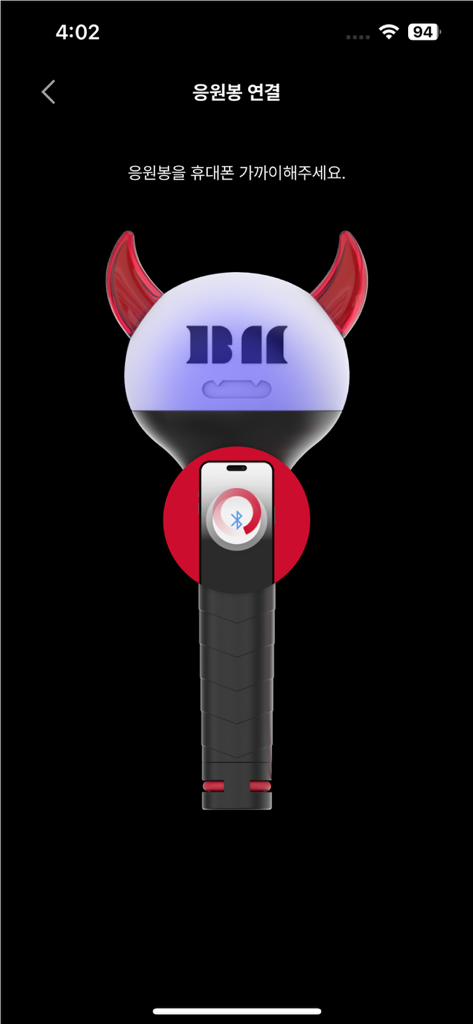
Oberfläche der BABYMONSTER LIGHT STICK App mit einer grafischen Anleitung zur Bluetooth-Kopplung mit einem Smartphone.
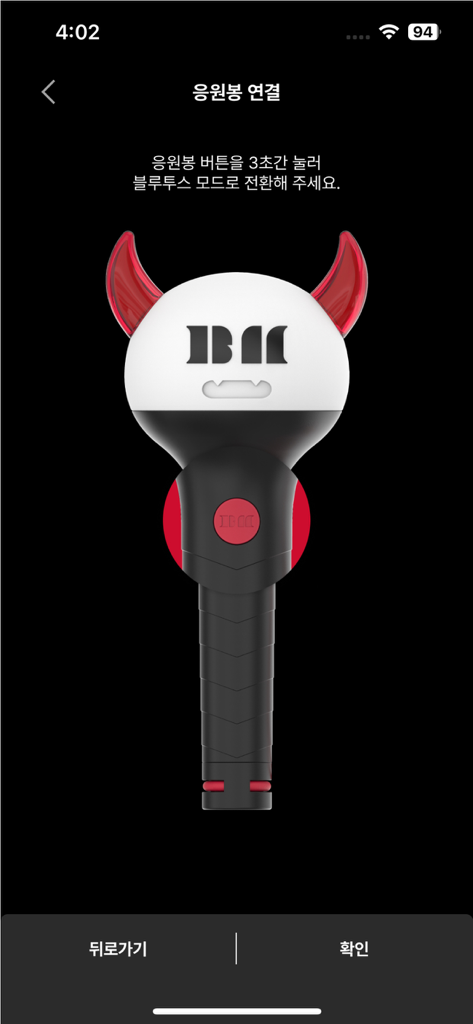
Eine Illustration des offiziellen BABYMONSTER-Leuchtstabs auf dem Bluetooth-Verbindungsbildschirm.
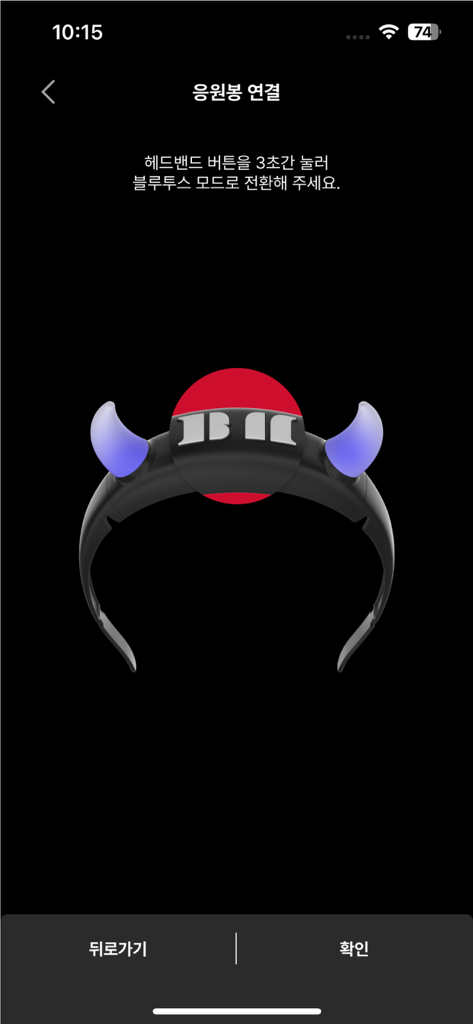
Bluetooth-Kopplungs-Oberfläche für die BABYMONSTER-Leuchtstab-App, die ein leuchtendes Stirnband-Symbol anzeigt.
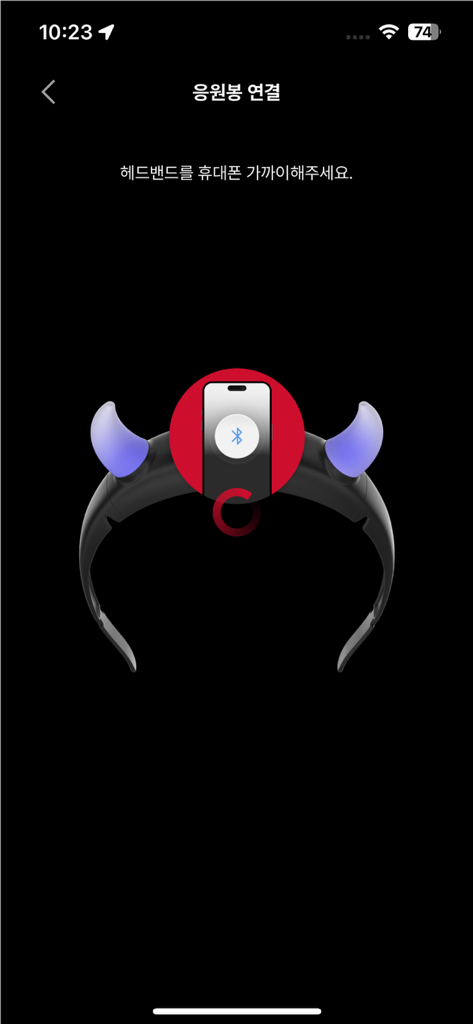
Smartphone-Bildschirm, der den Bluetooth-Kopplungsprozess für das BABYMONSTER-Leuchtstab-Stirnband-Accessoire anzeigt.
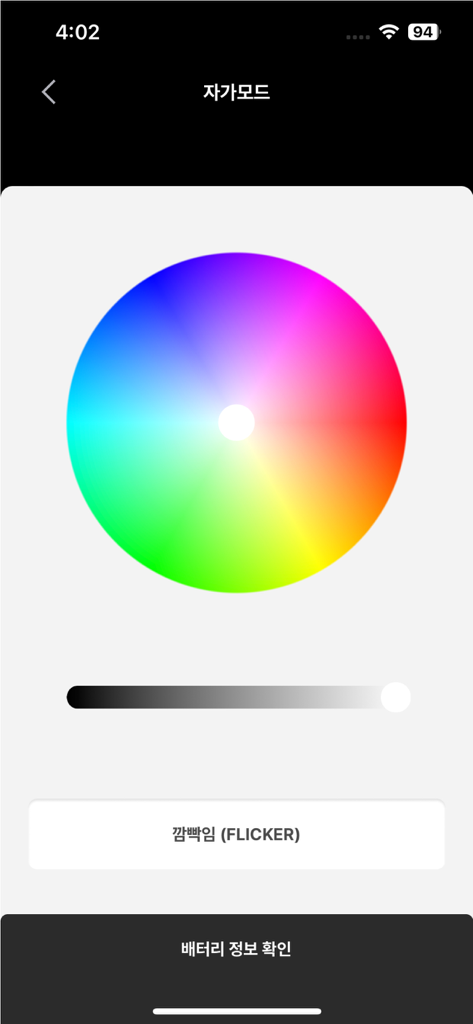
Oberfläche der BABYMONSTER Light Stick App, die ein Farbrad für individuelle Lichteffekte im Selbstmodus anzeigt.
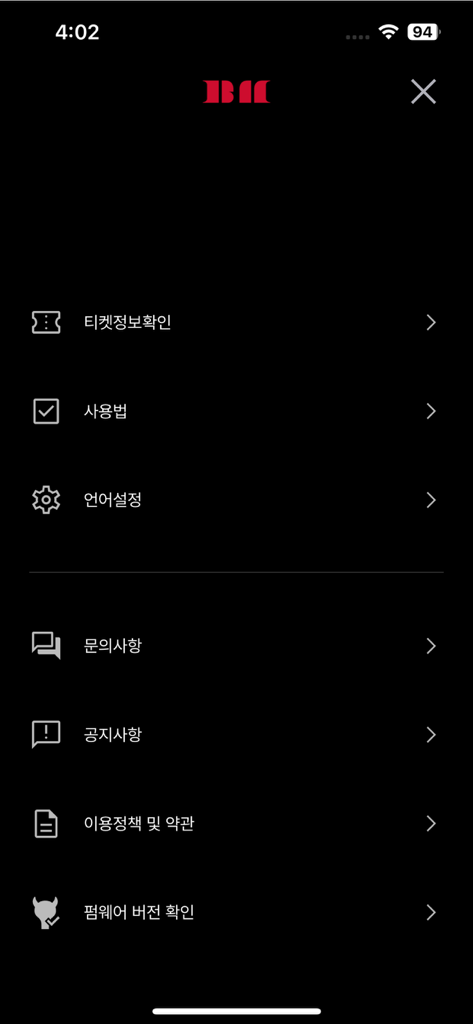
Einstellungsmenü-Bildschirm der mobilen BABYMONSTER LIGHT STICK App mit Optionen für Ticketinformationen und Geräteeinrichtung.
Beschreibung
Download
Ähnliche Apps
Apps mit ähnlichen Funktionen und Nutzererfahrung
Arntreal
ANDREA ALBRIZIO

Brickit App
Brickit inc
LEGO® Super Mario™
LEGO System A/S
Jurassic World Play
Mattel
LEGO® TECHNIC® CONTROL+
LEGO System A/S
SmartRace for Carrera Digital
Marc Bonsels
Fukuoka / Collecting Forest
teamLab Inc.

BTS OFFICIAL LIGHT STICK
FANLIGHT Co., Ltd

LEGO® DUPLO® Trains
LEGO System A/S
Diese Seite ist keine offizielle Seite der App oder ihres Entwicklers, sondern eine unabhängige redaktionelle Veröffentlichung, die zu Informations- und Kommentarzwecken erstellt wurde. Sofern nicht ausdrücklich anders angegeben, sind weder die App noch ihr Entwickler mit MWM, Apple, Google Play, dem App-Herausgeber oder dem Entwickler der App verbunden, von ihnen unterstützt, gesponsert, autorisiert oder anderweitig offiziell verbunden, und nichts auf dieser Seite impliziert, dass die App unter Verwendung der Dienste von MWM entwickelt wurde. Alle Marken, Logos, Screenshots und andere Inhalte bleiben Eigentum ihrer jeweiligen Inhaber.