
Diese Seite ist keine offizielle Seite der App oder ihres Entwicklers, sondern eine unabhängige redaktionelle Veröffentlichung, die zu Informations- und Kommentarzwecken erstellt wurde. Sofern nicht ausdrücklich anders angegeben, sind weder die App noch ihr Entwickler mit MWM, Apple, Google Play, dem App-Herausgeber oder dem Entwickler der App verbunden, von ihnen unterstützt, gesponsert, autorisiert oder anderweitig offiziell verbunden, und nichts auf dieser Seite impliziert, dass die App unter Verwendung der Dienste von MWM entwickelt wurde. Alle Marken, Logos, Screenshots und andere Inhalte bleiben Eigentum ihrer jeweiligen Inhaber.


Business Card Scanner + Reader
Hören Sie auf, Stunden mit manueller Dateneingabe zu verschwenden. Scannen, organisieren und exportieren Sie Kontakte mühelos mit fortschrittlicher OCR-Technologie und sicherer Cloud-Synchronisierung in Ihr CRM.
Downloads
26K+Bewertung
Bewertungen gesamt
1K+Herausgeber
Kategorie
BusinessSprachen
69Neueste Version
1.0.50Größe
59.7 MBErstveröffentlichung
6. Feb. 2021Verwandeln Sie jeden Händedruck in eine digitale Verbindung
Hören Sie auf, Stunden mit manueller Dateneingabe zu verschwenden. Unser KI-gestützter Scanner erfasst, organisiert und synchronisiert Ihre Geschäftskontakte sofort, damit Sie nie wieder einen Lead verpassen.
Präzisions-KI-Scan
Fortschrittliche OCR-Technologie erfasst Namen, Titel und E-Mails mit nahezu perfekter Genauigkeit in Sekundenschnelle und spart Ihnen Stunden mühsamer Arbeit.
Cloud-Backup & Synchronisierung
Halten Sie Ihr professionelles Netzwerk sicher und zugänglich auf all Ihren Geräten mit automatischer Cloud-Synchronisierung und sicherer Speicherung.
Die folgenden Screenshots und die Beschreibung stammen direkt aus dem offiziellen Store-Eintrag der App und sind Eigentum des Entwicklers.
App Store
Screenshots
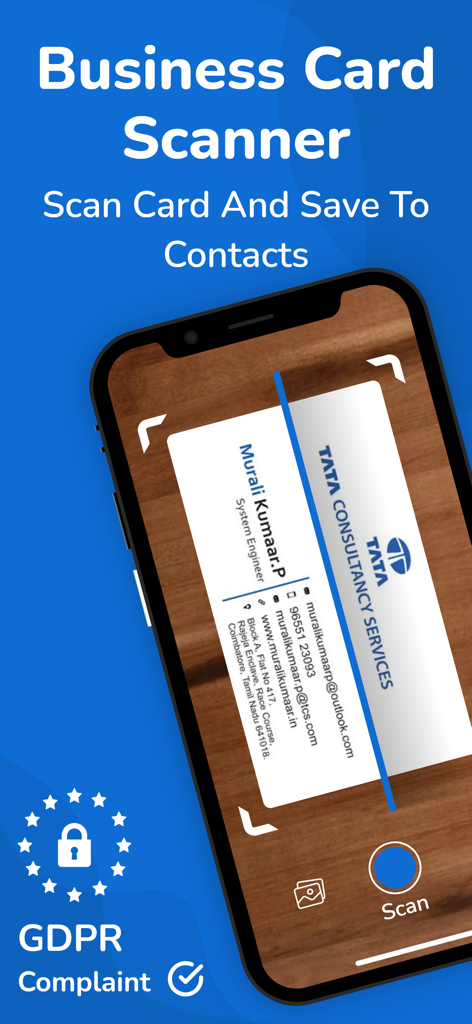
Ein Smartphone scannt eine physische Visitenkarte, um Kontaktinformationen digital zu speichern
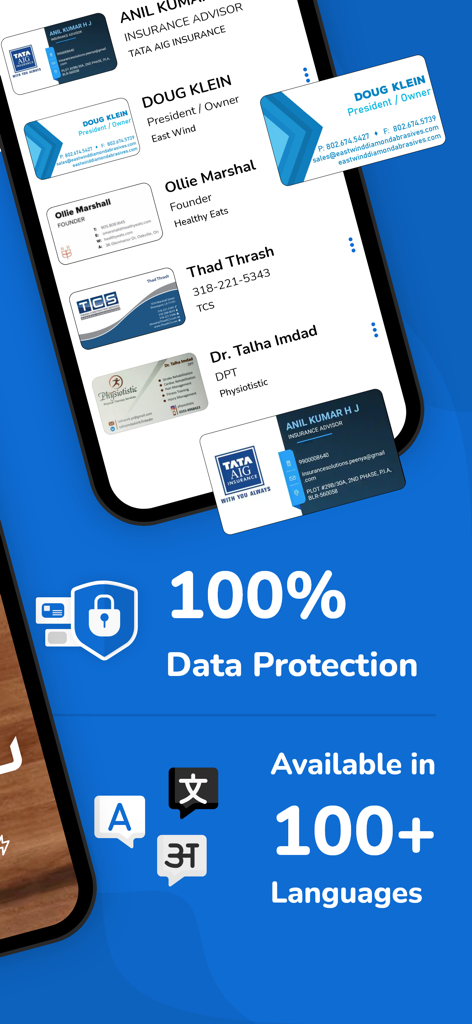
Oberfläche einer Visitenkarten-Scanner-App, die Datenschutzfunktionen und Unterstützung für über 100 Sprachen hervorhebt.
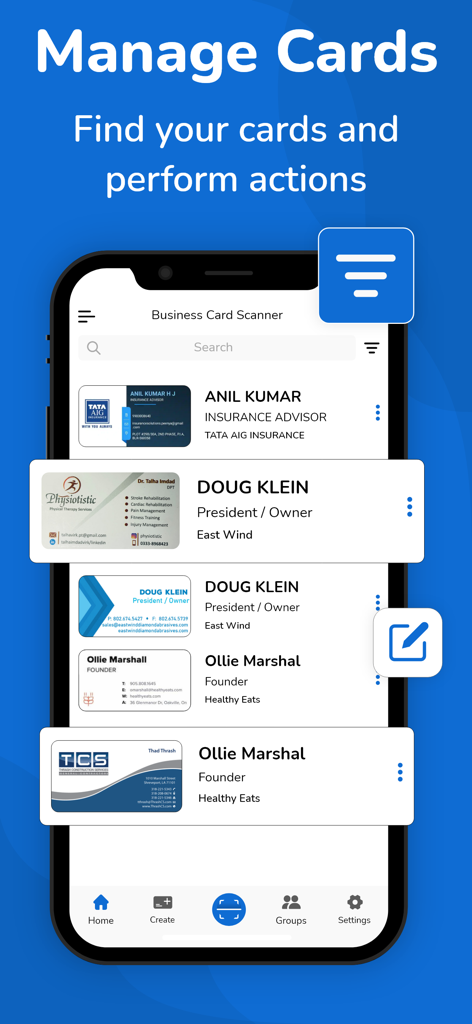
Bildschirm eines Mobiltelefons mit der Funktion "Karten verwalten" der Visitenkarten-Scanner-App mit einer Liste digitalisierter Kontakte.
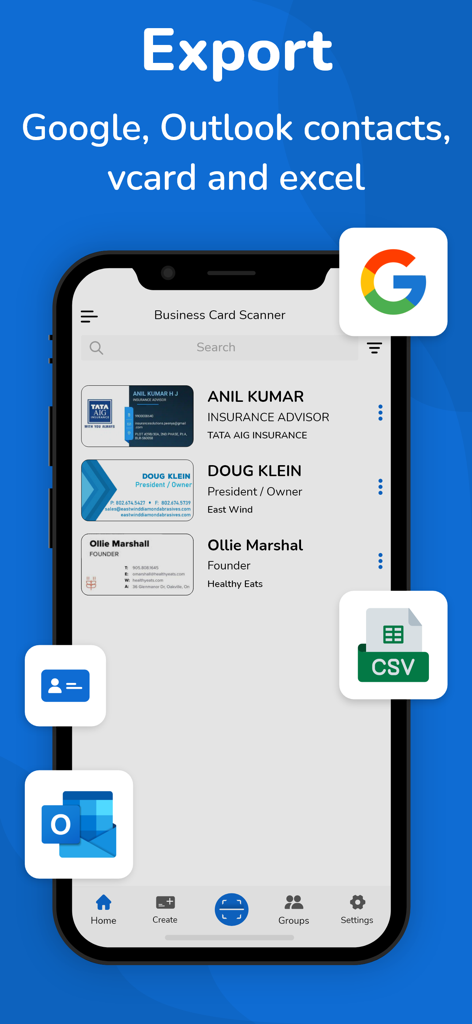
Oberfläche der Visitenkarten-Scanner-App mit Exportoptionen nach Google Outlook vCard und CSV
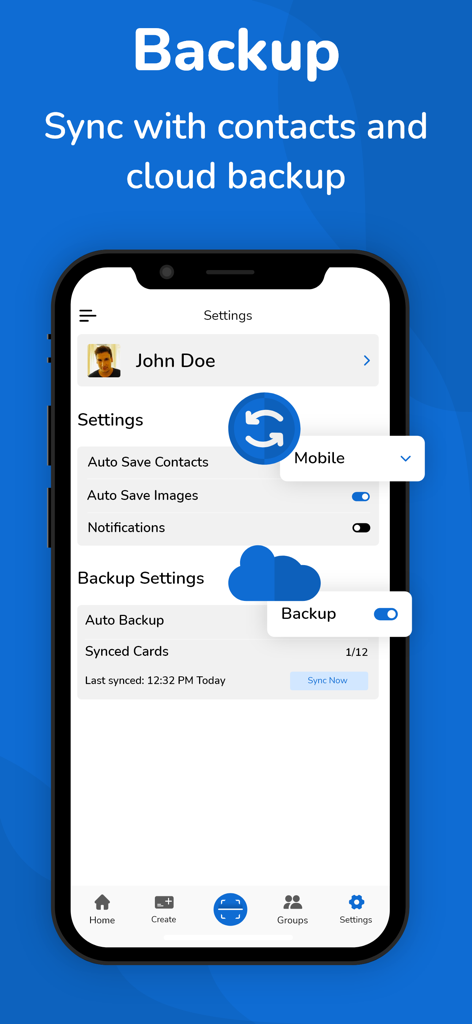
Einstellungsbildschirm der Visitenkarten-Scanner-App mit Optionen für Cloud-Backup und Kontaktsynchronisierung
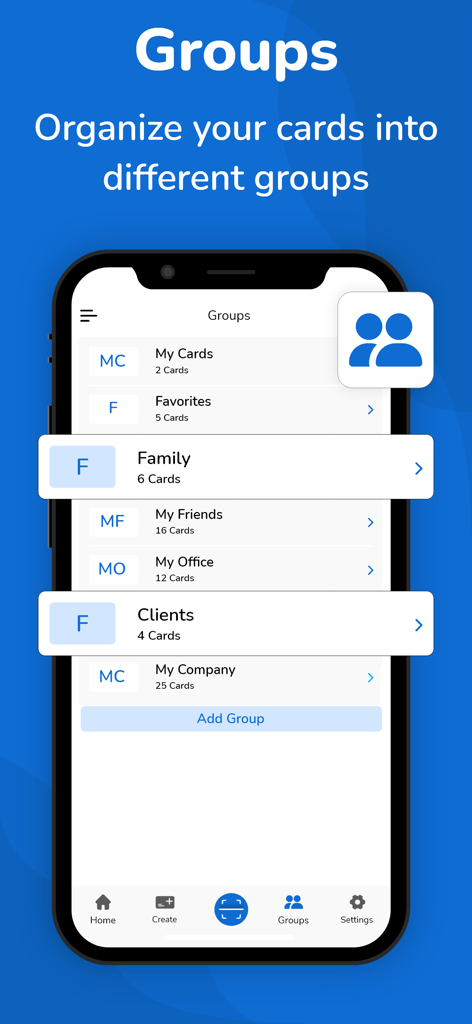
Oberfläche der Visitenkarten-Scanner-App mit Kontaktkategorisierung in Gruppen wie Kunden und Büro.
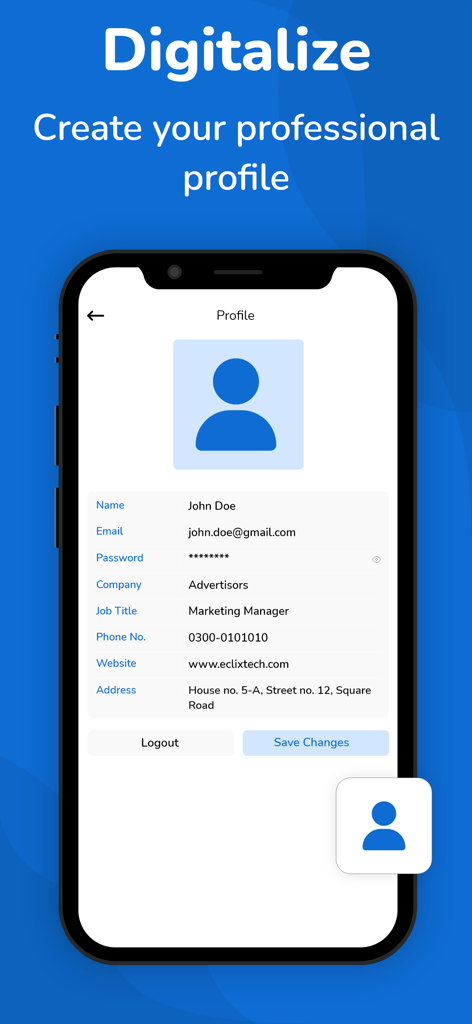
Smartphone-Bildschirm, der die Einrichtung des professionellen Profils in der Visitenkarten-Scanner-App zeigt
Beschreibung
Download
Ähnliche Apps
Top-gerankte Apps in derselben Kategorie

Microsoft Teams
Microsoft Corporation

Zoom Workplace
Zoom Communications, Inc.

WhatsApp Business
WhatsApp Inc.

Indeed Job Search
Indeed Inc.

LinkedIn: Network & Job Finder
LinkedIn Corporation

Adobe Acrobat Reader: Sign PDF
Adobe Inc.

WeCom-Work Communication&Tools
Tencent Technology (Shenzhen) Company Limited

BOSS直聘-招聘求职找工作神器
Beijing China Product Bo Farce Network Technology Co., Ltd.

DingDing - Redefine Work in AI
DingTalk Technology Co., Ltd.
Diese Seite ist keine offizielle Seite der App oder ihres Entwicklers, sondern eine unabhängige redaktionelle Veröffentlichung, die zu Informations- und Kommentarzwecken erstellt wurde. Sofern nicht ausdrücklich anders angegeben, sind weder die App noch ihr Entwickler mit MWM, Apple, Google Play, dem App-Herausgeber oder dem Entwickler der App verbunden, von ihnen unterstützt, gesponsert, autorisiert oder anderweitig offiziell verbunden, und nichts auf dieser Seite impliziert, dass die App unter Verwendung der Dienste von MWM entwickelt wurde. Alle Marken, Logos, Screenshots und andere Inhalte bleiben Eigentum ihrer jeweiligen Inhaber.