C Vault : Privacy Vault

C Vault : Privacy Vault

Herunterladen auf App Store
Logo von C Vault : Privacy Vault

C Vault: Versteckte Privatsphäre hinter einer echten Uhr

Der ultimative unsichtbare Schrank für Ihre Fotos, Videos und privaten Notizen. Sichern Sie Ihre Medien mit Zeit-Passwörtern, machen Sie Einbrecher-Selfies und surfen Sie spurlos im Web.

Herausgeber

FENIL PATEL

Kategorie

Utilities

Downloads

84K+

Bewertung

4.6/5

Bewertungen gesamt

3K+

Sprachen

9

Ein Blick hinter die Uhr

Entdecken Sie die Oberfläche, die von 84K+ Nutzern verwendet wird.

C Vault App-Oberfläche mit mehreren Ordnern zur Kategorisierung versteckter Fotos und Dateien
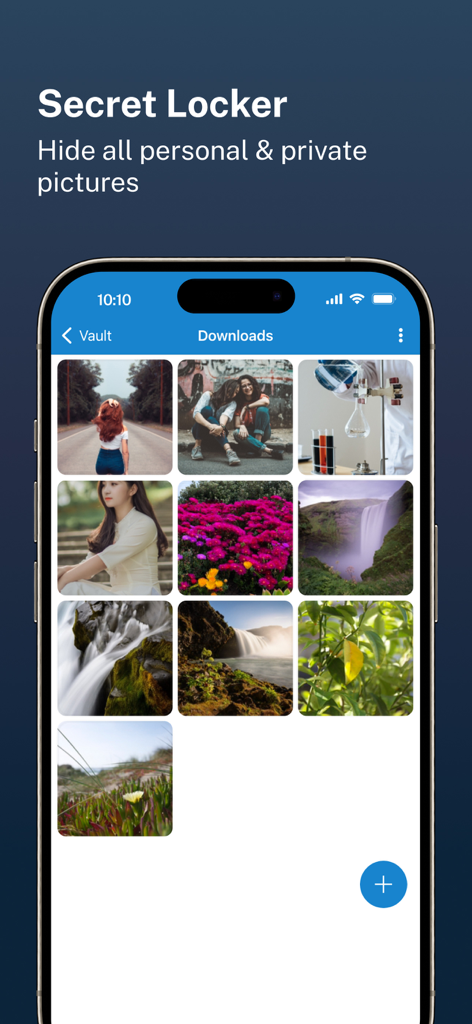
C Vault App-Oberfläche mit mehreren Ordnern zur Kategorisierung versteckter Fotos und Dateien

C Vault App-Oberfläche mit einer Galerie versteckter persönlicher Fotos in einem geheimen Schrank.
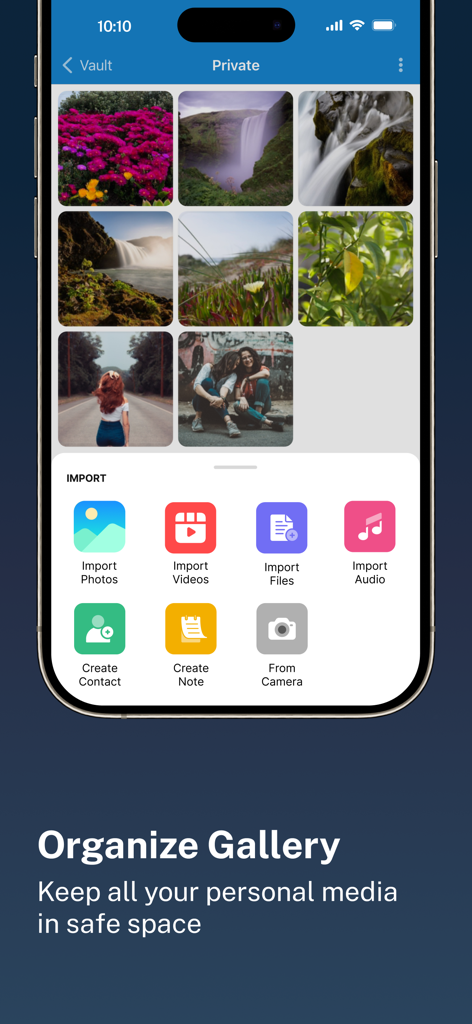
C Vault App-Oberfläche mit einer Galerie versteckter persönlicher Fotos in einem geheimen Schrank.

C Vault App-Oberfläche mit einer organisierten privaten Fotogalerie und einem Importmenü für verschiedene Dateitypen
C Vault App-Oberfläche mit einer organisierten privaten Fotogalerie und einem Importmenü für verschiedene Dateitypen

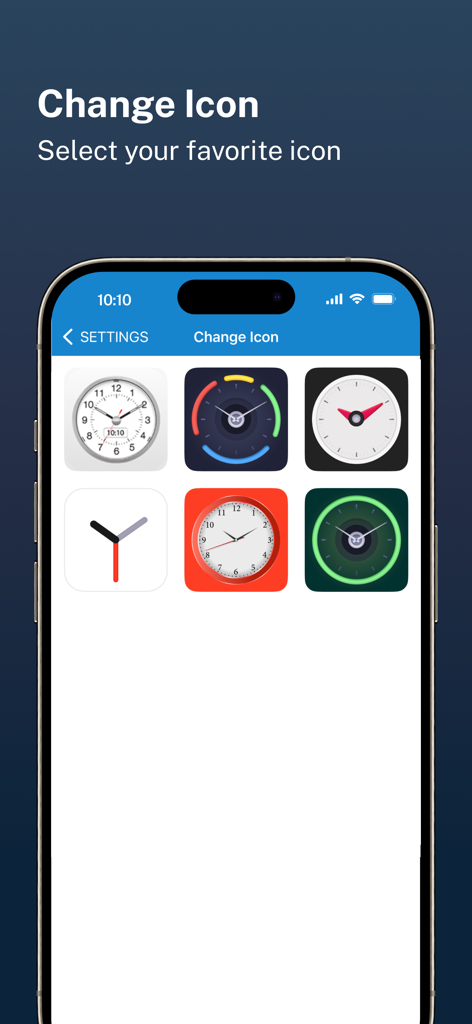
Eine Auswahl an Uhr-Themen-Symbolen für die C Vault Privatsphäre-App-Oberfläche
Eine Auswahl an Uhr-Themen-Symbolen für die C Vault Privatsphäre-App-Oberfläche

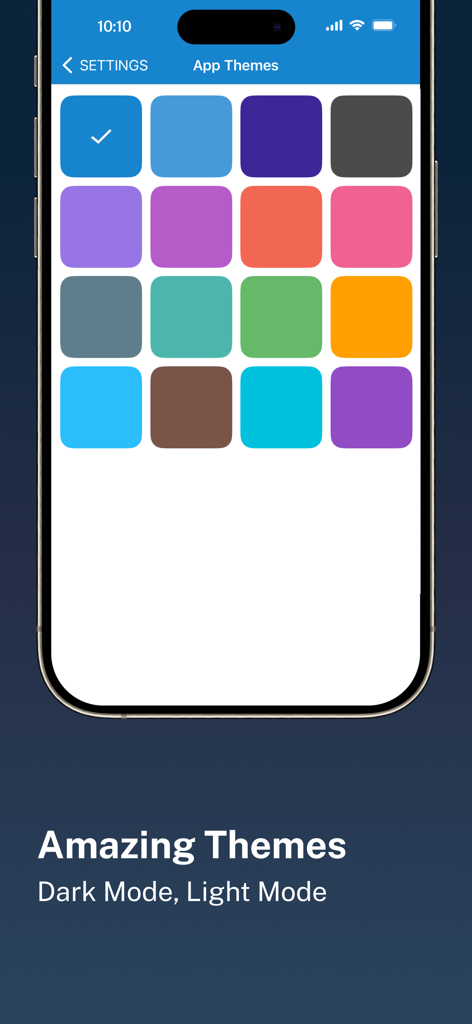
Eine mobile Oberfläche, die eine Vielzahl von farbenfrohen App-Designoptionen für die C Vault Privatsphäre-App anzeigt.
Eine mobile Oberfläche, die eine Vielzahl von farbenfrohen App-Designoptionen für die C Vault Privatsphäre-App anzeigt.

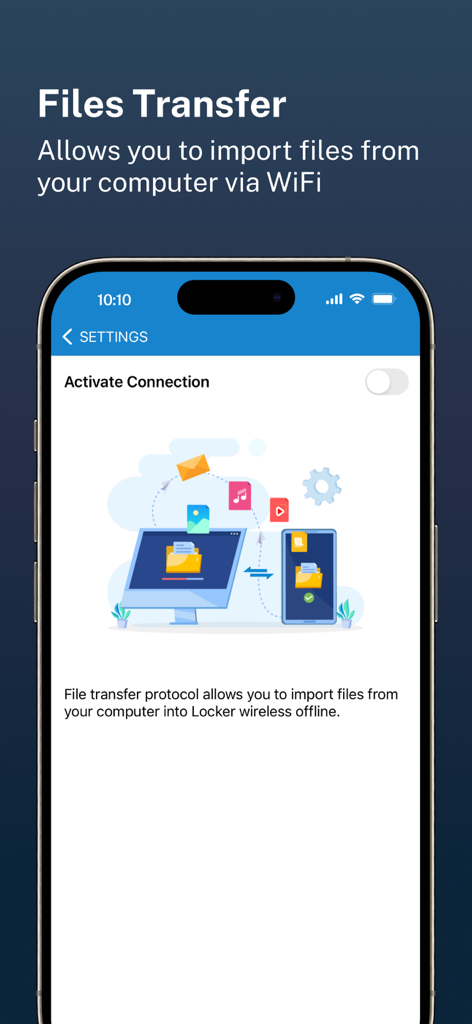
C Vault App-Bildschirm, der die drahtlose Dateiübertragung vom Computer zum Telefon über WLAN anzeigt

C Vault App-Bildschirm, der die drahtlose Dateiübertragung vom Computer zum Telefon über WLAN anzeigt

Ihre private Welt, bei voller Sichtbarkeit versteckt

Die Tools, die diese App auszeichnen, gewählt von 84K+ Nutzern.

🕒

Tarnkappen-Uhr-Oberfläche

Nur Sie kennen die geheime Zeit. Ihr Tresor bleibt für andere unsichtbar und erscheint als normale Uhr auf Ihrem Startbildschirm, um Neugier zu vermeiden.

📸

Einbruchsalarm & Selfies

Erwischen Sie Spanner auf frischer Tat. Die App nimmt automatisch ein Foto von jedem auf, der versucht, mit einem falschen Passwort auf Ihren Tresor zuzugreifen, und liefert sofort Beweise.

☁️

Vollständiger Datenbesitz

Ihre Daten bleiben Ihre. Wir speichern Ihre Dateien nie auf unseren Servern – genießen Sie sichere, verschlüsselte Backups direkt auf Ihr persönliches Laufwerk für die volle Kontrolle und Privatsphäre.

Über die App

Alles, was Sie über wissen müssen C Vault : Privacy Vault.

Beschreibung

C Vault is photo locker & video locker app with great privacy protection to easily hide photos, hide videos & files. 
Top Features:

 • Import Pictures & Videos: Keep photos & videos safe into the Cloak⁺. View hidden photos inside the C Vault app. You can hide video in many formats. You can also play videos inside vault without unlock the file.
 • Private Audio: Hide music and voice notes. • Notes & Contacts: Whether you want to create a list of things you keep in your documents or write down your private feelings. you can do so securely with the ‘Create Notes’ feature. You can also create contacts inside this C Vault app. 
• Album Cover: You can set your desired album cover..

 • Private Browser: Private web browser to download and Lock photos, hide videos and music audios from the Internet. 

• Save Intruder Photos: Capture a picture of anyone who tries to open C Vault using wrong time password.

 • Themes: Choose different type of locker theme colours to beautify your app experience. • Cloud Backup: Easily backup your private photos, videos and files into your own Drive. Helps to prevent loss of important data and restore your data in case of loss or theft of device. • Device migration: Transfer all files seamlessly to the new device app works like the old one. How to set up the password?
 Step 1: Launch the ClockV app and the clock hands will be moved at 00:00 position for password setup.
 Step 2: Move the hour and/or minute clock hand to set a desired time password and press the Center button of the clock to confirm.
 Step 3: Now repeat the same password again and press the Center button of the clock to confirm. The vault will be open!

 How to unlock the app?
 Step 1: Launch ClockV, Press the Center button of the clock. The Clock Hands will be moved to the 00:00 positions.
 Step 2: Now you can move the clock hour and/or minute hands manually to your password position and press the Center button again to validate. Now you can hide photos, videos & other files. 

Forgot password?
 Question: What can I do if I forgot my password?
 Answer: Launch ClockV and press the Center button of the clock. Set 10:10 time by moving hour and minute clock hands and press the Center button again. It will open password recovery option. You must have set the password recovery option in order to use it. Disclaimer: To ensure your utmost security, C Vault does not keep your photos or data on any kind of our server. It uses the internal storage of your device for local storage and your own Drive account to backup and restore from online. If you delete the app, your photos & data saved in the app locally will also be deleted. So make sure to export your photos, videos and files from the app to your device's public storage if you need to delete the app for any reason! Premium Subscription: C Vault includes an optional auto-renewable subscription to access current and future premium categories: Note: Check within the app for exact pricing for your region - 1 month subscription USD 2.99 - 1 year subscription with 7 days free trial USD 9.99 - Lifetime premium subscription USD 19.99 • Payment will be charged to your iTunes account at confirmation of purchase and will automatically renew (at the duration/price selected) unless auto-renew is turned off at least 24 hours before the end of the current period. • Account will be charged for renewal within 24-hours prior to the end of the current period, and identify the cost of the renewal. • Any unused portion of a free trial period, if offered, will be forfeited when the user purchases a subscription to that publication, where applicable. • You can manage your subscription and/or turn off auto-renewal by going to your iTunes Account Settings, but refunds will not be given for any unused portion of the term. Terms of Service: https://clock-the-vault.web.app/terms-of-use-ios.html Privacy Policy: https://clock-the-vault.web.app/privacy-policy-ios.html

Neueste Version

32.0

Größe

76.7 MB

Erstveröffentlichung

30. Apr. 2021

Holen Sie sich Ihre Privatsphäre zurück bei voller Sichtbarkeit

Schließen Sie sich über 84.000 Benutzern an, die ihre Fotos, Videos und Notizen hinter der ultimativen Uhrenverkleidung schützen. Sichern Sie Ihr digitales Leben noch heute.

Herunterladen auf App Store

App information, icons, screenshots, and descriptions displayed on this page are sourced from the Apple App Store and are the property of their respective developers. Download estimates and rankings are based on MWM's proprietary models and may not reflect actual figures. This page is provided for informational and analytical purposes only.

Believe this page infringes your intellectual property? File a dispute