
Diese Seite ist keine offizielle Seite der App oder ihres Entwicklers, sondern eine unabhängige redaktionelle Veröffentlichung, die zu Informations- und Kommentarzwecken erstellt wurde. Sofern nicht ausdrücklich anders angegeben, sind weder die App noch ihr Entwickler mit MWM, Apple, Google Play, dem App-Herausgeber oder dem Entwickler der App verbunden, von ihnen unterstützt, gesponsert, autorisiert oder anderweitig offiziell verbunden, und nichts auf dieser Seite impliziert, dass die App unter Verwendung der Dienste von MWM entwickelt wurde. Alle Marken, Logos, Screenshots und andere Inhalte bleiben Eigentum ihrer jeweiligen Inhaber.


Cadmio - CAD visualization
Verwandeln Sie Ihre .STEP-, .STL- und .OBJ-Dateien mit kuratierten Material-Voreinstellungen und AR in beeindruckende interaktive Modelle. Entwickelt für das iPad Pro, ist es der schnellste Weg, Ihre Designs zu präsentieren und die Zustimmung der Kunden überall zu erhalten.
Downloads
89K+Bewertung
Bewertungen gesamt
200Herausgeber
Kategorie
Graphics & DesignSprachen
5Neueste Version
3.14.1Größe
1.5 GBErstveröffentlichung
11. Aug. 2021Verbessern Sie Ihre Präsentationen
Verwandeln Sie Ihre STEP-, STL- und OBJ-Dateien in interaktive 3D-Erlebnisse. Beeindrucken Sie Stakeholder mit professionellen Materialien und immersiver AR, alles von Ihrem iPad aus.
Sofortige High-Fidelity-Wiedergabe
Überspringen Sie die Desktop-Renderfarm. Verwenden Sie kuratierte Material- und Umgebungs-Voreinstellungen, um atemberaubende Bilder in Sekunden statt Stunden zu erstellen.
Immersive Augmented Reality
Erwecken Sie Ihre Designs auf dem Produktionsboden oder im Konferenzraum zum Leben, indem Sie 3D-Modelle mit einem Fingertipp in die reale Welt einfügen.
Die folgenden Screenshots und die Beschreibung stammen direkt aus dem offiziellen Store-Eintrag der App und sind Eigentum des Entwicklers.
App Store
Screenshots
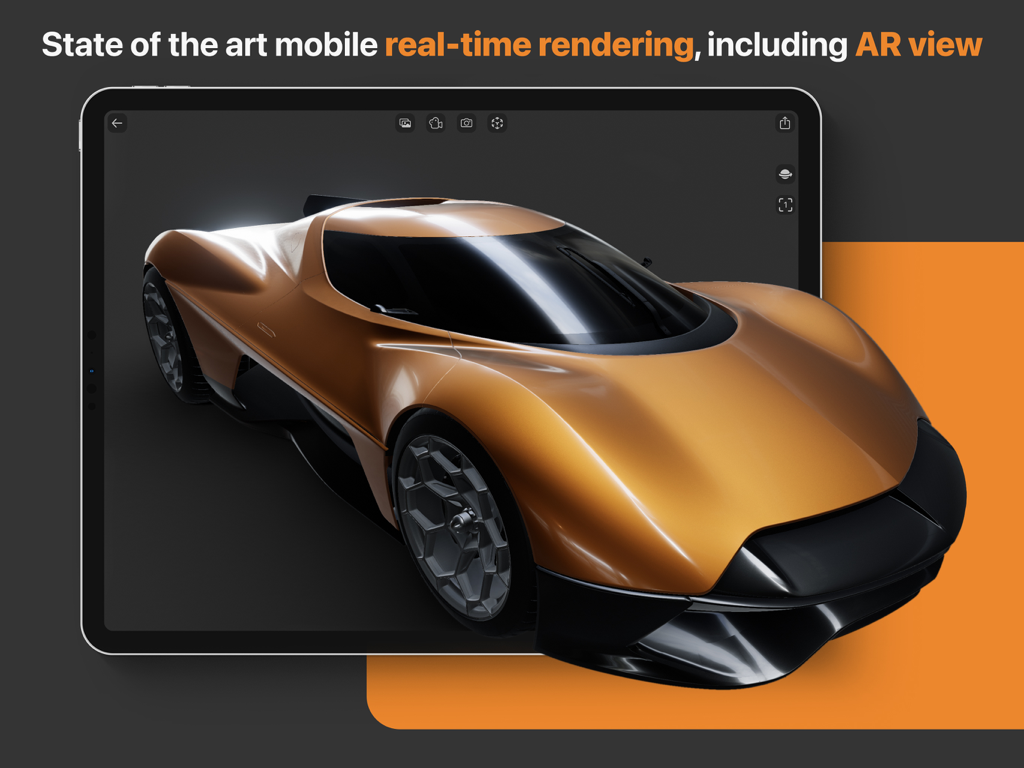
Echtzeit-3D-Rendering eines orangefarbenen Supersportwagens auf einem iPad mit der Cadmio-App
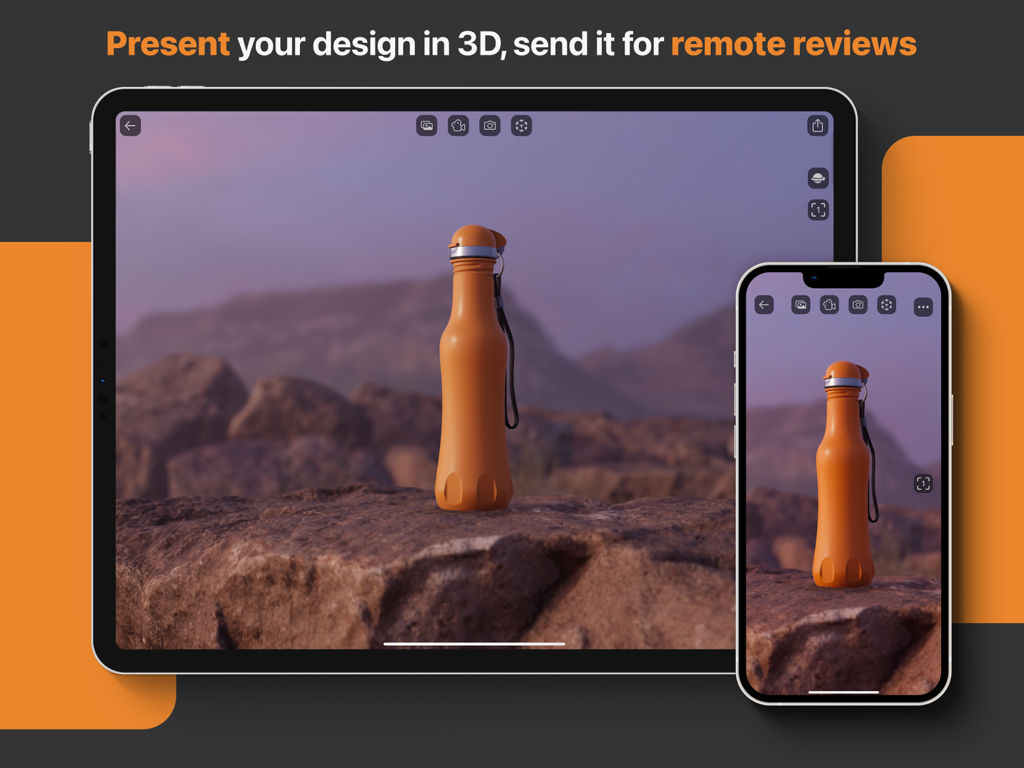
3D-CAD-Visualisierung einer orangefarbenen Flasche auf iPad und iPhone für Fern-Designüberprüfungen
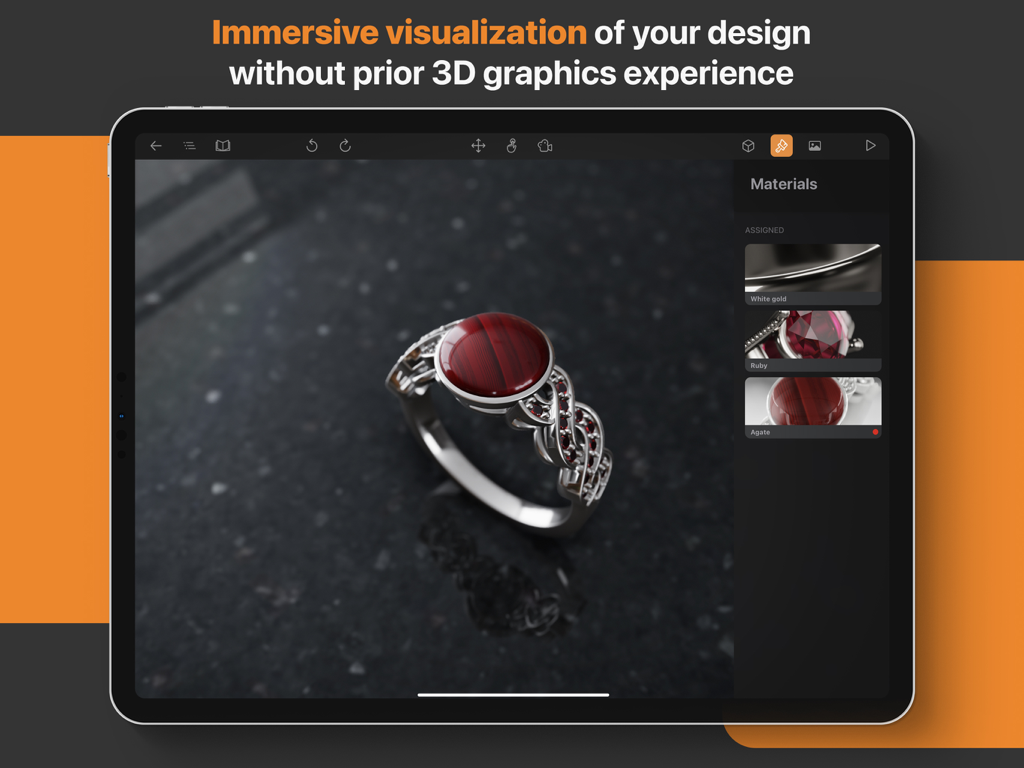
Eine 3D-CAD-Visualisierung eines Rubinrings, der auf einem iPad mit der Cadmio-App bearbeitet wird
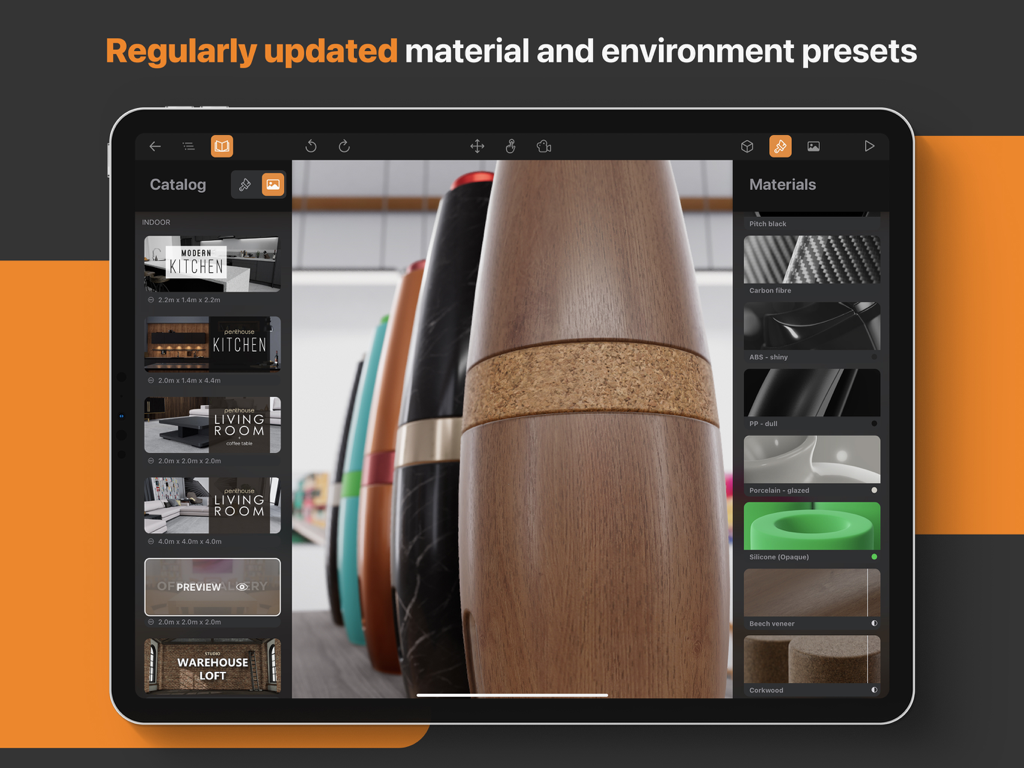
Cadmio-App-Oberfläche auf dem iPad, die Material- und Umgebungs-Voreinstellungen für die 3D-CAD-Visualisierung zeigt
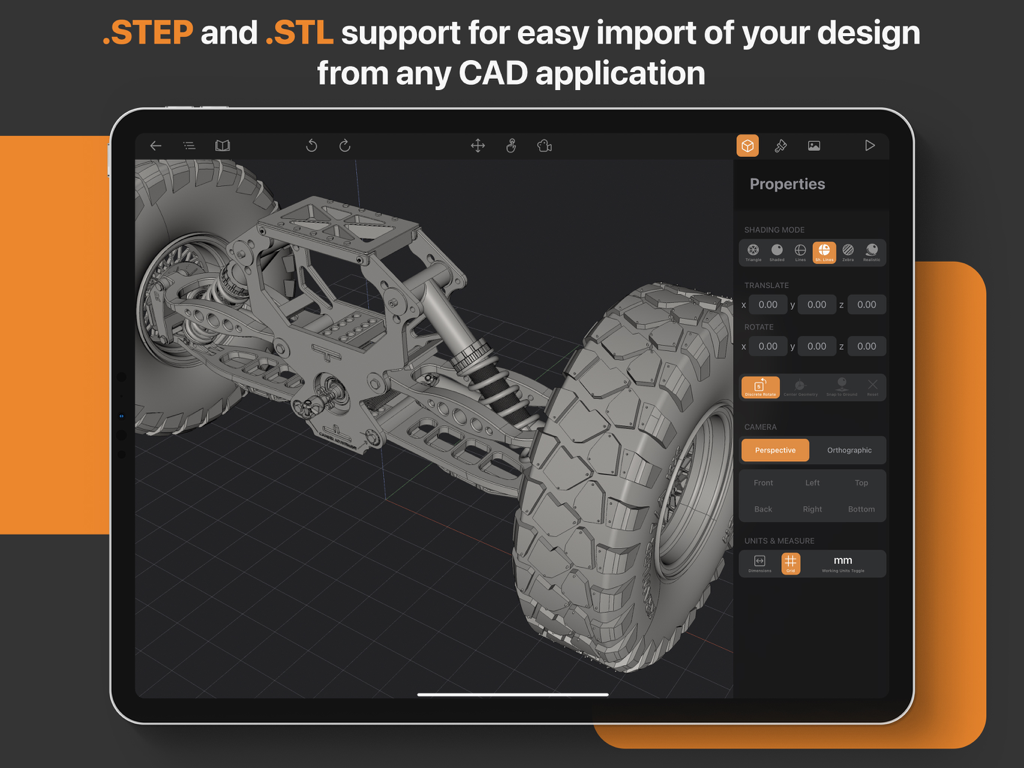
Cadmio-App auf dem iPad, die ein 3D-mechanisches CAD-Modell mit Eigenschaften und Importeinstellungen für STEP- und STL-Dateien anzeigt
Beschreibung
Download
Ähnliche Apps
Apps mit ähnlichen Funktionen und Nutzererfahrung

Figma
Figma, Inc.

Autodesk Fusion
Autodesk

CAD快速看图-专业DWG快速看图
永龙 王

BIMx
Graphisoft SE

VSD Viewer for Visio Drawings
Nektony LLC

图纸通-CAD快速看图,手机看图神器
Wuhan New Dimension Systems Co. Ltd.

Draw Maps: Map Notes
Bluefield GIS, Inc.

eDrawings
Dassault Systemes SolidWorks Corporation

eDrawings Pro
Dassault Systemes SolidWorks Corporation
Diese Seite ist keine offizielle Seite der App oder ihres Entwicklers, sondern eine unabhängige redaktionelle Veröffentlichung, die zu Informations- und Kommentarzwecken erstellt wurde. Sofern nicht ausdrücklich anders angegeben, sind weder die App noch ihr Entwickler mit MWM, Apple, Google Play, dem App-Herausgeber oder dem Entwickler der App verbunden, von ihnen unterstützt, gesponsert, autorisiert oder anderweitig offiziell verbunden, und nichts auf dieser Seite impliziert, dass die App unter Verwendung der Dienste von MWM entwickelt wurde. Alle Marken, Logos, Screenshots und andere Inhalte bleiben Eigentum ihrer jeweiligen Inhaber.