
Diese Seite ist keine offizielle Seite der App oder ihres Entwicklers, sondern eine unabhängige redaktionelle Veröffentlichung, die zu Informations- und Kommentarzwecken erstellt wurde. Sofern nicht ausdrücklich anders angegeben, sind weder die App noch ihr Entwickler mit MWM, Apple, Google Play, dem App-Herausgeber oder dem Entwickler der App verbunden, von ihnen unterstützt, gesponsert, autorisiert oder anderweitig offiziell verbunden, und nichts auf dieser Seite impliziert, dass die App unter Verwendung der Dienste von MWM entwickelt wurde. Alle Marken, Logos, Screenshots und andere Inhalte bleiben Eigentum ihrer jeweiligen Inhaber.
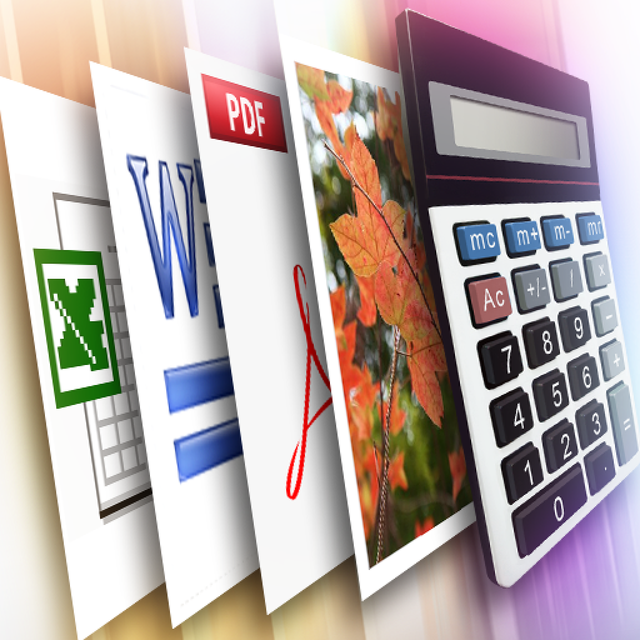

Calculator SAFE – Protect Private Photo & Documents
Vermeiden Sie Peinlichkeiten und wahren Sie Ihre persönliche Privatsphäre. Sichern Sie Ihre sensiblen Fotos und Dokumente in einem unsichtbaren Tresor, den niemand vermuten wird.
Downloads
22K+Bewertung
Bewertungen gesamt
100Herausgeber
Kategorie
ProductivitySprachen
1Neueste Version
1.3.0Größe
-Erstveröffentlichung
23. Nov. 2010Privatsphäre, die sich unauffällig versteckt
Sichern Sie Ihre sensibelsten Medien und Dokumente hinter einer voll funktionsfähigen Taschenrechner-Oberfläche. Niemand wird je vermuten, dass Ihr privater Tresor existiert.
Tarnkappen-Taschenrechner
Ein voll funktionsfähiges Mathe-Tool, das als perfekte Tarnung dient. Es bleibt unauffällig auf Ihrem Startbildschirm, um Neugier von Freunden oder Familie zu vermeiden.
Sicheres Schütteln zum Entsperren
Gehen Sie über einfache PINs hinaus. Verwenden Sie eine einzigartige Kombination aus einem geheimen Code und einem physischen Geräteschütteln, um Ihre versteckten Dateien anzuzeigen und so ultimative digitale Grenzen zu gewährleisten.
Die folgenden Screenshots und die Beschreibung stammen direkt aus dem offiziellen Store-Eintrag der App und sind Eigentum des Entwicklers.
App Store
Screenshots
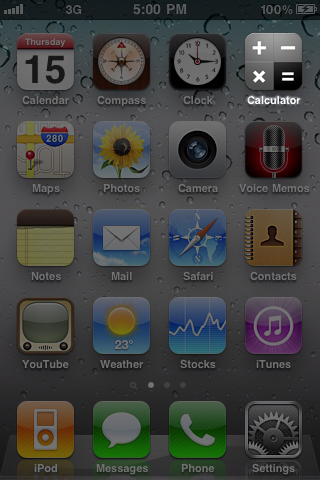
Das App-Symbol von Calculator SAFE wird auf dem Startbildschirm eines iPhones als Tarnung für einen geheimen Tresor angezeigt
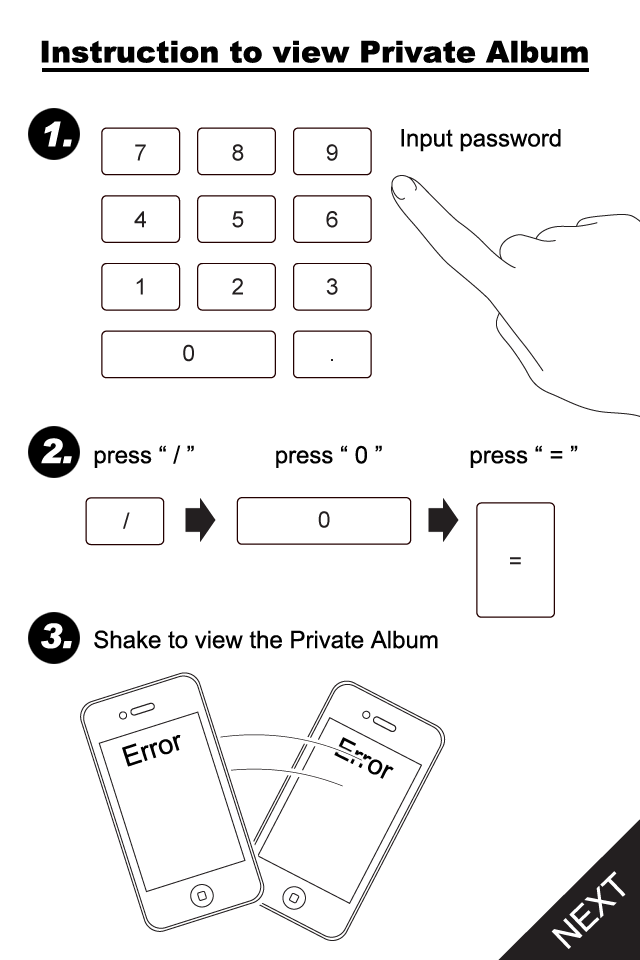
Schritt-für-Schritt-Anleitung zum Zugriff auf das private Album in Calculator SAFE, einschließlich Eingabe des Passworts und Geräteschütteln
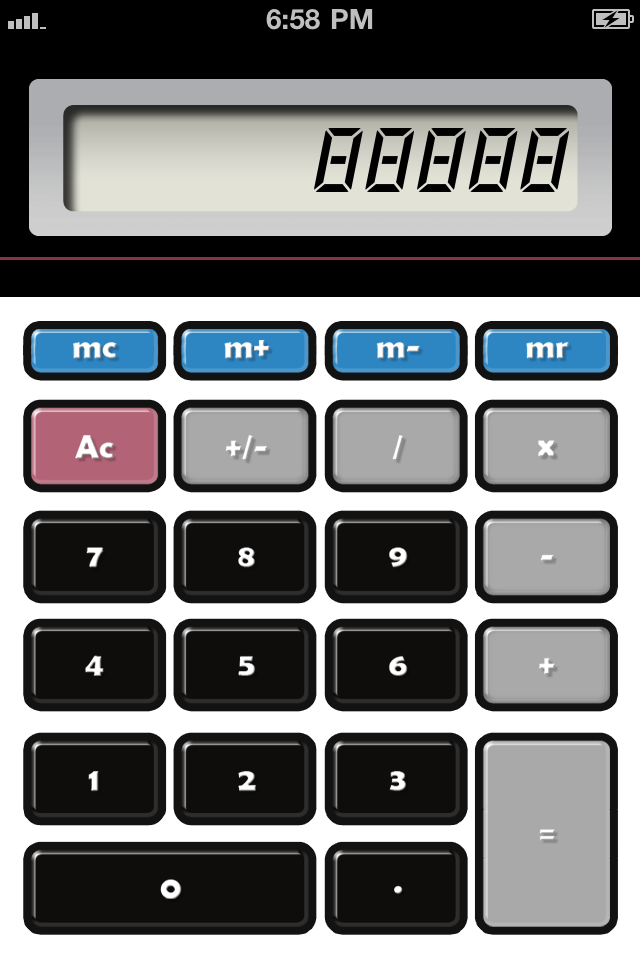
Standard-Taschenrechner-Oberfläche, die als geheimer Tresor für private Fotos und Dokumente verwendet wird
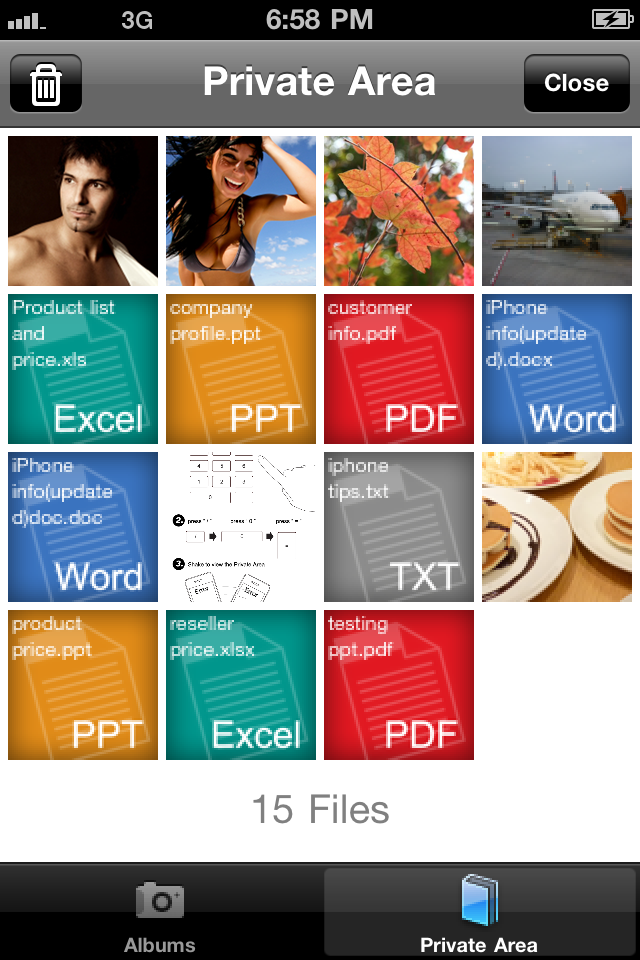
Raster des privaten Bereichs, das versteckte Fotos und Dokumente in Calculator SAFE zeigt
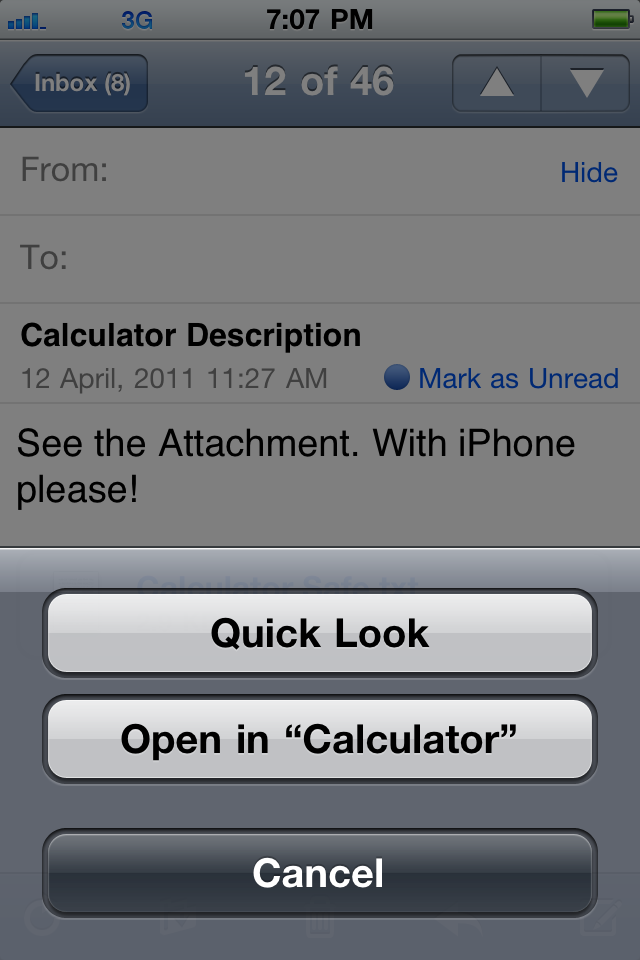
iOS Mail-Oberfläche mit einer Option zum Öffnen eines Anhangs in Calculator SAFE
Beschreibung
Download
Ähnliche Apps
Top-gerankte Apps in derselben Kategorie

ChatGPT
OpenAI OpCo, LLC

Google Gemini
Google LLC

Grok
X.AI Corporation

Gmail - Email by Google
Google LLC

千问 - 阿里最强大模型官方AI助手
Shanghai Zhixin Puhui Technology Co., Ltd.

Google Drive
Google LLC

Microsoft Authenticator
Microsoft Corporation

Google Sheets
Google LLC

Google Docs
Google LLC
Diese Seite ist keine offizielle Seite der App oder ihres Entwicklers, sondern eine unabhängige redaktionelle Veröffentlichung, die zu Informations- und Kommentarzwecken erstellt wurde. Sofern nicht ausdrücklich anders angegeben, sind weder die App noch ihr Entwickler mit MWM, Apple, Google Play, dem App-Herausgeber oder dem Entwickler der App verbunden, von ihnen unterstützt, gesponsert, autorisiert oder anderweitig offiziell verbunden, und nichts auf dieser Seite impliziert, dass die App unter Verwendung der Dienste von MWM entwickelt wurde. Alle Marken, Logos, Screenshots und andere Inhalte bleiben Eigentum ihrer jeweiligen Inhaber.