Chess-Studio
Chess-Studio
Herunterladen auf App Store

Diese Seite ist keine offizielle Seite der App oder ihres Entwicklers, sondern eine unabhängige redaktionelle Veröffentlichung, die zu Informations- und Kommentarzwecken erstellt wurde. Sofern nicht ausdrücklich anders angegeben, sind weder die App noch ihr Entwickler mit MWM, Apple, Google Play, dem App-Herausgeber oder dem Entwickler der App verbunden, von ihnen unterstützt, gesponsert, autorisiert oder anderweitig offiziell verbunden, und nichts auf dieser Seite impliziert, dass die App unter Verwendung der Dienste von MWM entwickelt wurde. Alle Marken, Logos, Screenshots und andere Inhalte bleiben Eigentum ihrer jeweiligen Inhaber.


Logo von Chess-Studio
Herunterladen auf App Store

Chess-Studio

Die All-in-One-Workstation für Turnierspieler. Verwalten Sie PGNs, führen Sie Stockfish 17.1 mit neuronalen Netzen aus und verfeinern Sie Ihr Spiel mit Elite-Tools, die für tiefes Studium unterwegs entwickelt wurden.

Kennzahlen

Downloads

255K+

Bewertung

4.7/5

Bewertungen gesamt

400

Herausgeber

Giordano Vicoli

Kategorie

Games

Sprachen

4

Neueste Version

4.7.3

Größe

285.4 MB

Erstveröffentlichung

12. Aug. 2013
Funktionen

Fortschrittliche Werkzeuge für ernsthafte Spieler

Chess-Studio bringt professionelles Datenbankmanagement und Elite-Engine-Analyse auf Ihr Mobilgerät, speziell entwickelt für den aufstrebenden Turnierspieler.

Elite-Engine-Integration

Analysieren Sie Stellungen mit Stockfish 17.1 und neuronalen Netzen für Desktop-genaue Genauigkeit auf Ihrem iPhone oder iPad.

Umfassendes Datenbanklabor

Verwalten Sie PGN-Bibliotheken, synchronisieren Sie über iCloud und greifen Sie direkt in Ihrer persönlichen Studien-Workstation auf 'The Week in Chess' zu.

Die folgenden Screenshots und die Beschreibung stammen direkt aus dem offiziellen Store-Eintrag der App und sind Eigentum des Entwicklers.

App Store

Screenshots
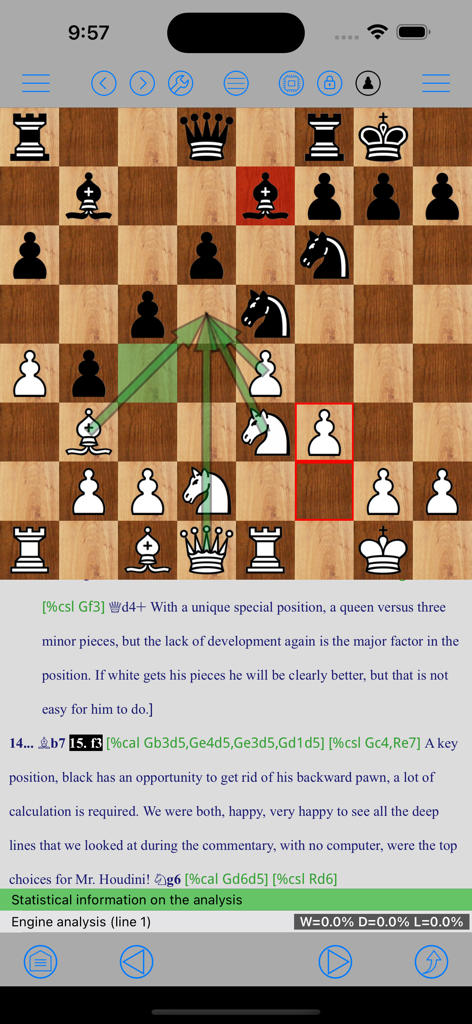
Chess-Studio - Screenshot von Chess-Studio, der ein Schachbrett mit grafischen Pfeilen zur Zuganalyse und textuellen Partien-Annotationen zeigt
Screenshot von Chess-Studio, der ein Schachbrett mit grafischen Pfeilen zur Zuganalyse und textuellen Partien-Annotationen zeigt

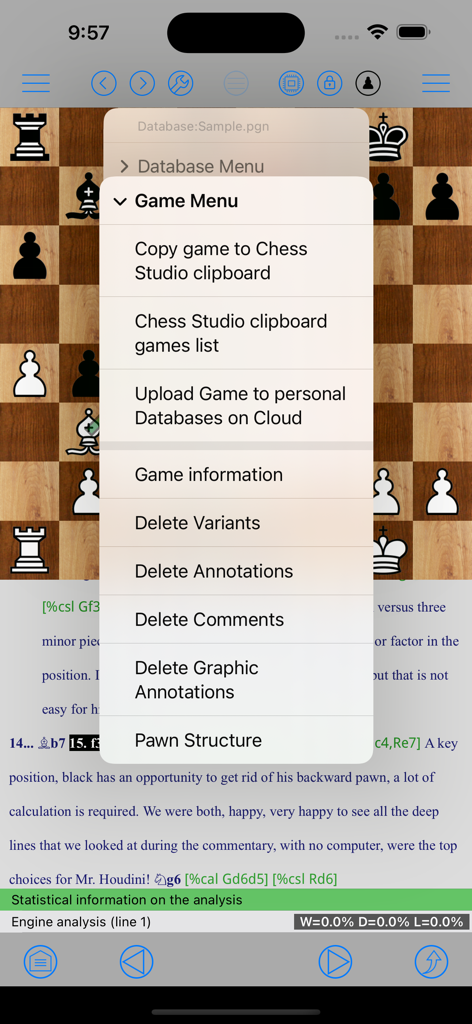
Chess-Studio - Screenshot der Chess-Studio-App, der das Partienverwaltungsmenü über einem Schachbrett und einer Partienanalyse zeigt.
Screenshot der Chess-Studio-App, der das Partienverwaltungsmenü über einem Schachbrett und einer Partienanalyse zeigt.

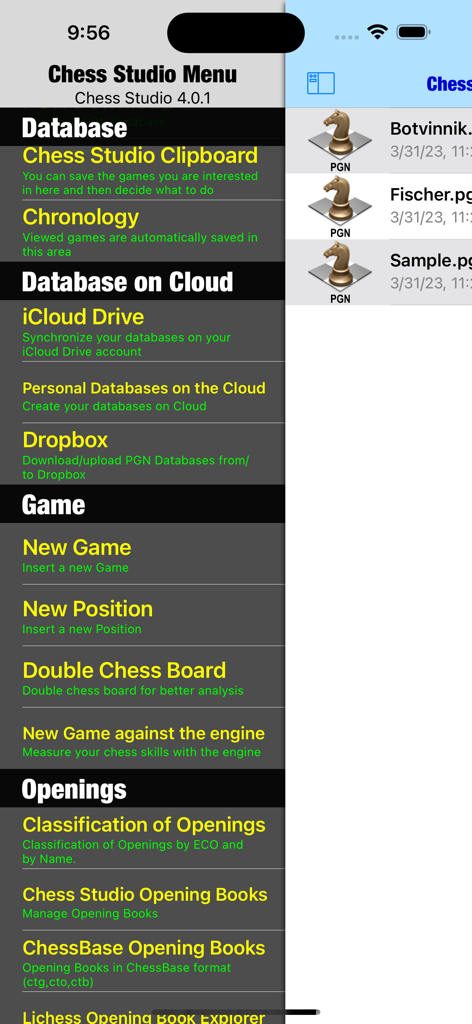
Chess-Studio - Hauptmenü der Chess-Studio-App mit Optionen für Datenbank-Cloud und Partienanalyse
Hauptmenü der Chess-Studio-App mit Optionen für Datenbank-Cloud und Partienanalyse

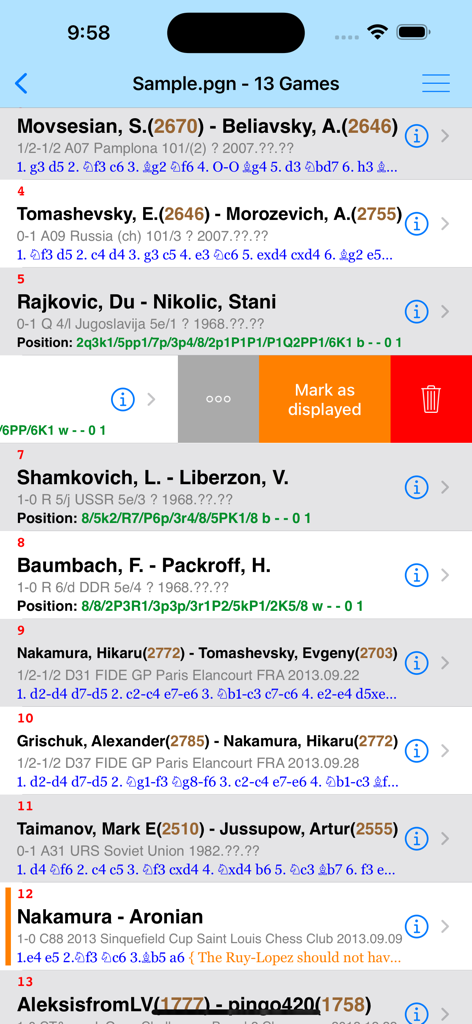
Chess-Studio - Eine Liste von Schachpartien im PGN-Format innerhalb der Chess-Studio-App, die Spielerrankings und Züge anzeigt.
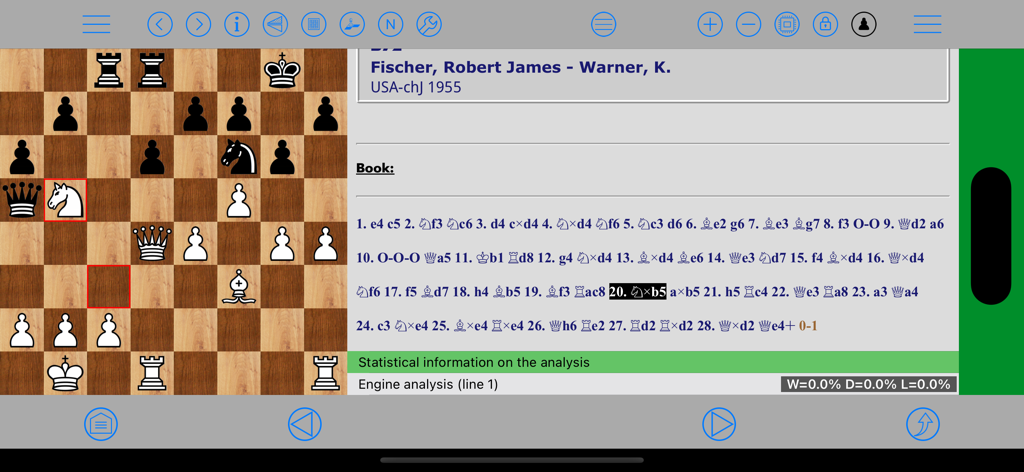
Eine Liste von Schachpartien im PGN-Format innerhalb der Chess-Studio-App, die Spielerrankings und Züge anzeigt.

Chess-Studio - Chess-Studio App-Oberfläche im Querformat, die ein Schachbrett und PGN-Zugnotation für die Partienanalyse zeigt
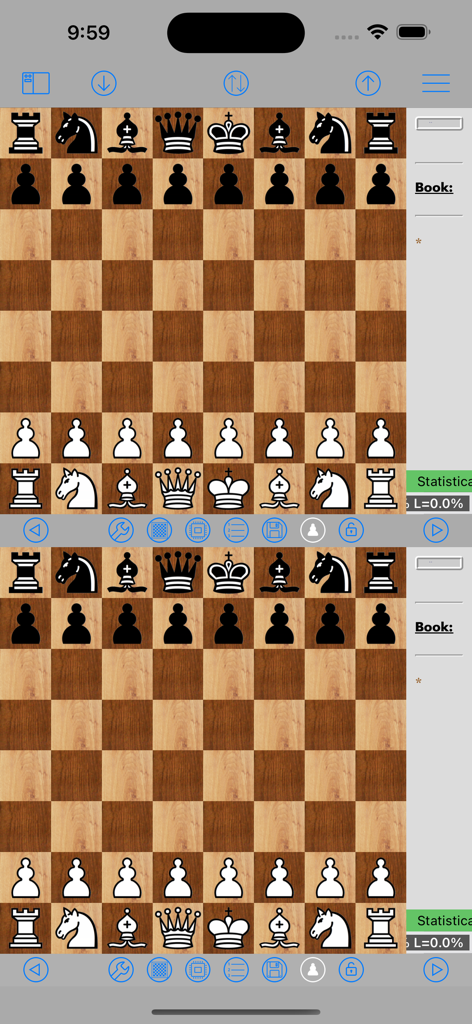
Chess-Studio App-Oberfläche im Querformat, die ein Schachbrett und PGN-Zugnotation für die Partienanalyse zeigt

Chess-Studio - Doppel-Schachbrett-Oberfläche in der Chess-Studio-App zur Partienanalyse
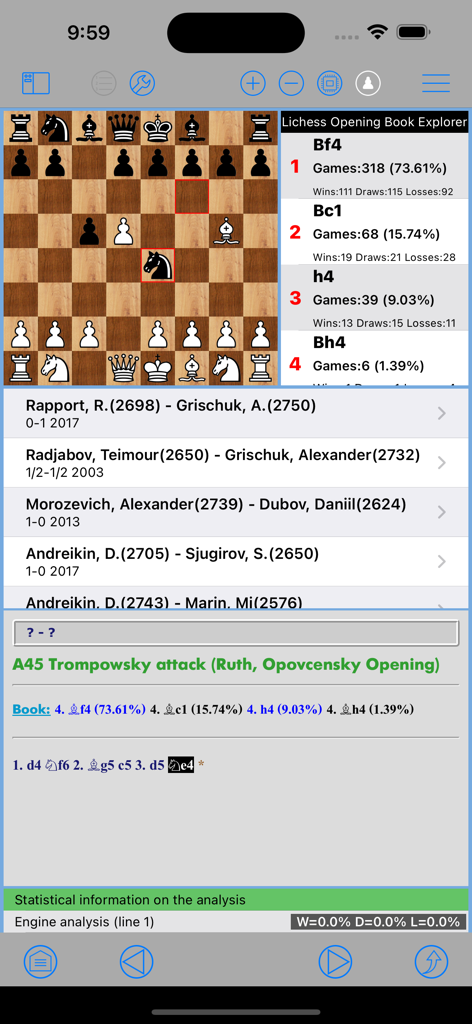
Doppel-Schachbrett-Oberfläche in der Chess-Studio-App zur Partienanalyse

Chess-Studio - Chess-Studio App-Oberfläche, die eine Eröffnungsbuchanalyse und Zugstatistiken für den Trompowsky-Angriff anzeigt.
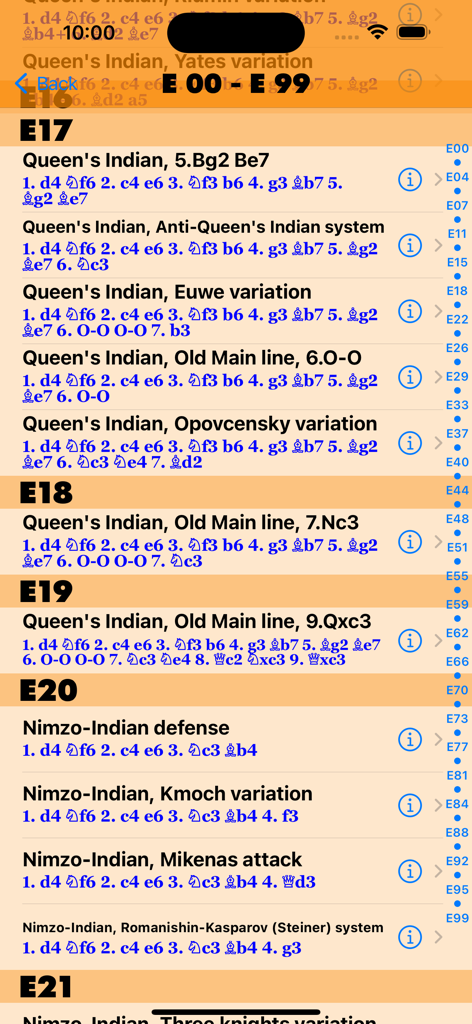
Chess-Studio App-Oberfläche, die eine Eröffnungsbuchanalyse und Zugstatistiken für den Trompowsky-Angriff anzeigt.

Chess-Studio - Liste von Schach-Eröffnungsvarianten und ECO-Codes in der Chess-Studio-App
Liste von Schach-Eröffnungsvarianten und ECO-Codes in der Chess-Studio-App

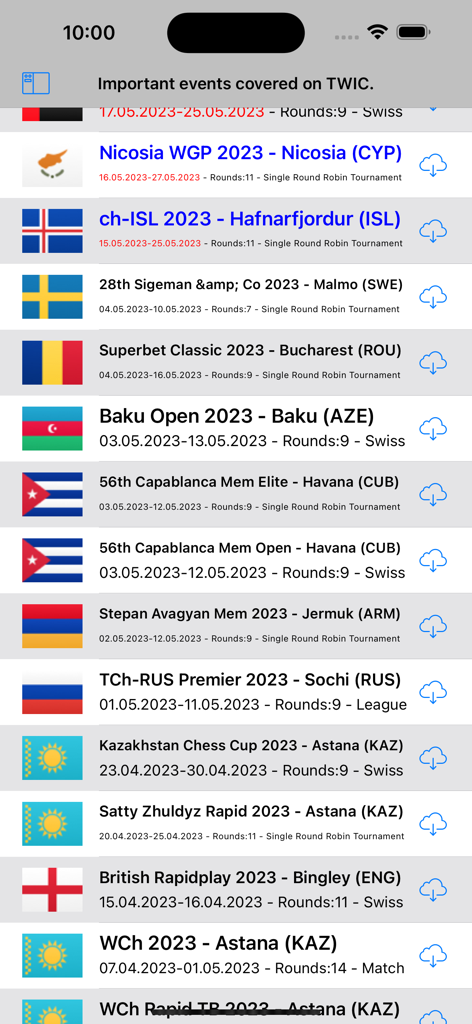
Chess-Studio - Liste internationaler Schachturnierspiele, die von TWIC heruntergeladen werden können.
Liste internationaler Schachturnierspiele, die von TWIC heruntergeladen werden können.

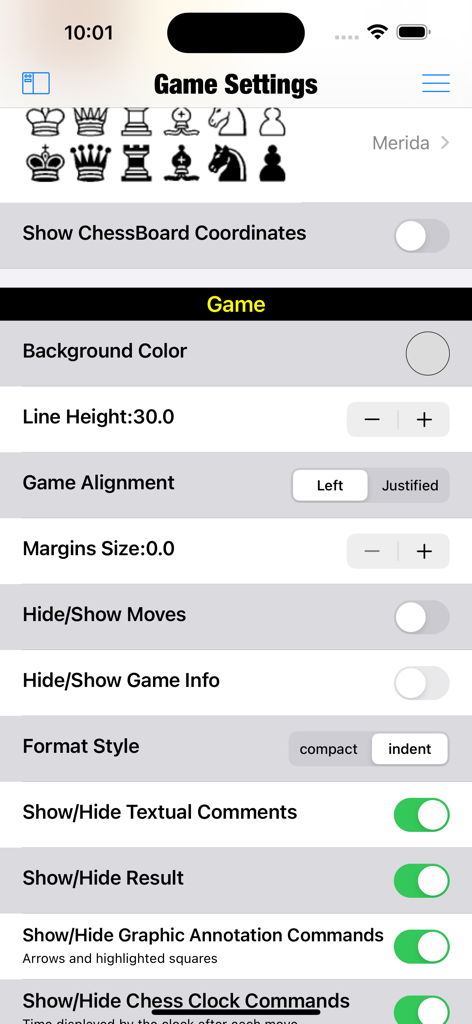
Chess-Studio - Chess-Studio Partie-Einstellungen-Bildschirm mit Optionen zur visuellen Anpassung und Notation

Chess-Studio Partie-Einstellungen-Bildschirm mit Optionen zur visuellen Anpassung und Notation

Beschreibung

Chess Studio is the first and only application for iPhone and iPad able to manage chess databases and games in PGN format in a complete and efficient way. Chess Studio is an application designed and built for those players who really want to deepen their knowledge in the field of chess, studying chess regularly and participate in tournaments. Chess Studio allows you to: • Read database and games in PGN format (also with extended notation of moves). • Create, delete and modify folders and databases. • View games with annotations and textual comments and keep track of the displayed games. • Use a double chessboard on the same screen for better game analysis. • Visualize moves and variants in compact mode or indented mode. • Modify existing games with move annotation and textual comments. • Insert new games and positions. • Insert, replay and analyze games in Chess 960 mode. • Insert moves with annotations and textual comments. • Insert variation, subvariations etc. • Insert and visualize graphical annotation (colored arrows and highlighted squares). • Share Databases and Games through Airdrop. • Download chess database from internet. • Download chess database directly from PGN Mentor site. • Import games, database and Opening Books from other applications. • Merge two or more databases. • Copy/Paste games and positions. • Analyze games with Stockfish 17.1 Engine with the support of the Neural Networks (up to 5 lines of analysis simultaneously) with the support of the Engine Evaluation Bar. • Replay games automatically. • Visualize Pawn structure. • Manage Variations and sub-variatons: delete and promote variations. • Read the weekly Magazine The New In Chess (TWIC) and download the games. • Uploading and Downloading PGN Database to/from Dropbox, Google Drive, OneDrive. • Three different modes for moving pieces. • Analyze endgames with Endgame Tablebases. • Analyze and study Chess Openings in the Chess Openings Section. • Create and manage Opening Books in Polyglot format. • Import and manage ChessBase Opening Books (ctg format). • Automatically classify a database according to ECO code. • Replay, enter and analyze Chess 960 games (Fischer Random Chess). • Play against the engine both in standard mode and in Chess 960 mode. • Play online through the LiChess platform • Train by solving Puzzles • ChessBase Database support. • Diagram Recognition: this feature allows the user to take and/or upload photos of chess diagrams and convert them into PGN format positions. Other features and technical details: • Modify the board size. • Professional chess fonts and figurines for moves notation and annotation. • Preview of the game in the board tapping the Info button. • Quick search feature. • Advanced search feature. • Complete management of Null Moves with Tutorial. • Visualization of ECO code and Opening during game replay or game insertion. • Visualization of Book Openings during game replay or game insertion. • Portrait/Landscape mode for all devices. • Support of Slide Over and Split View mode. • Function to move up within variants and subvariants. • iOS 26 compatible and optimized for all the devices. • Sharing of databases across devices via iCloud Drive (also with Chess Studio for Mac OS). • Sound option. • Support for iPad Pro Keyboard or bluetooth keyboard. • VoiceOver/Accessibility support. • Direct contact via email with the developer to report problems, ask for explanation and suggestions (very quick answer!). • Languages: English, Italian, Spanish and German. Complete description at: https://chessstudio.wordpress.com/chess-studio/ The application is continuously updated with new features and improvements. To view the terms of service visit https://www.apple.com/legal/internet-services/itunes/dev/stdeula/ No registration! No advertising! No sharing of personal data!

Download

Herunterladen auf App Store

Diese Seite ist keine offizielle Seite der App oder ihres Entwicklers, sondern eine unabhängige redaktionelle Veröffentlichung, die zu Informations- und Kommentarzwecken erstellt wurde. Sofern nicht ausdrücklich anders angegeben, sind weder die App noch ihr Entwickler mit MWM, Apple, Google Play, dem App-Herausgeber oder dem Entwickler der App verbunden, von ihnen unterstützt, gesponsert, autorisiert oder anderweitig offiziell verbunden, und nichts auf dieser Seite impliziert, dass die App unter Verwendung der Dienste von MWM entwickelt wurde. Alle Marken, Logos, Screenshots und andere Inhalte bleiben Eigentum ihrer jeweiligen Inhaber.








