
Diese Seite ist keine offizielle Seite der App oder ihres Entwicklers, sondern eine unabhängige redaktionelle Veröffentlichung, die zu Informations- und Kommentarzwecken erstellt wurde. Sofern nicht ausdrücklich anders angegeben, sind weder die App noch ihr Entwickler mit MWM, Apple, Google Play, dem App-Herausgeber oder dem Entwickler der App verbunden, von ihnen unterstützt, gesponsert, autorisiert oder anderweitig offiziell verbunden, und nichts auf dieser Seite impliziert, dass die App unter Verwendung der Dienste von MWM entwickelt wurde. Alle Marken, Logos, Screenshots und andere Inhalte bleiben Eigentum ihrer jeweiligen Inhaber.
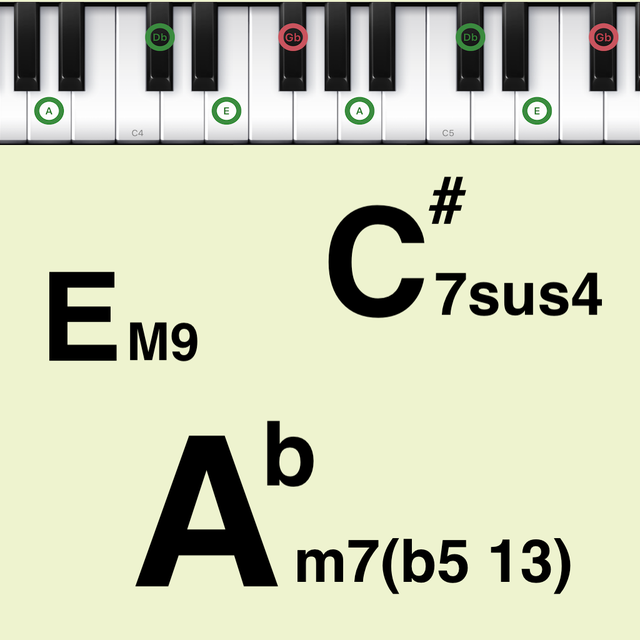

Chords Pad
Beherrschen Sie komplexe Harmonien und erstellen Sie mühelos professionelle Akkordfolgen. Von Bedroom-Produzenten bis zu Musiktheorie-Studenten – lösen Sie die perfekte Stimmführung mit benutzerdefinierten Pads und Bluetooth-MIDI-Integration aus.
Downloads
24K+Bewertung
Bewertungen gesamt
400Herausgeber
Kategorie
MusicSprachen
2Neueste Version
2.5.2Größe
9.1 MBErstveröffentlichung
3. Juli 2019Komplexe Harmonien in Sekunden meistern
Ob Sie ein Bedroom-Produzent oder ein Musiktheorie-Student sind, Chords Pad vereinfacht das Songwriting mit visuellen Werkzeugen und professioneller MIDI-Konnektivität, die für Ihren mobilen Workflow entwickelt wurden.
Visuelle Akkord-Pads
Überspringen Sie die Notenblätter. Tippen Sie auf intuitive Pads, um Klavierplatzierungen sofort zu visualisieren und Voicings zu hören, wodurch komplexe Theorie für jeden Lernenden zugänglich wird.
Tension Chords auf Profi-Niveau
Schalten Sie diesen 'teuren' Sound frei. Greifen Sie einfach auf 9., 11. und 13. Intervalle zu, um Ihren Kompositionen professionelle Jazz-, Neo-Soul- und Lo-Fi-Texturen zu verleihen.
Die folgenden Screenshots und die Beschreibung stammen direkt aus dem offiziellen Store-Eintrag der App und sind Eigentum des Entwicklers.
App Store
Screenshots
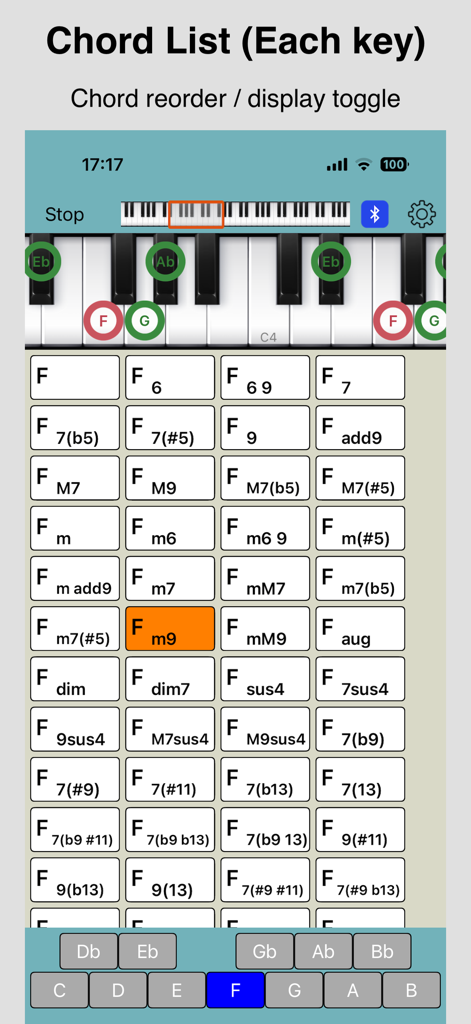
Screenshot der Chords Pad App, der eine Liste von Klavierakkorden und eine Klaviervisualisierung anzeigt
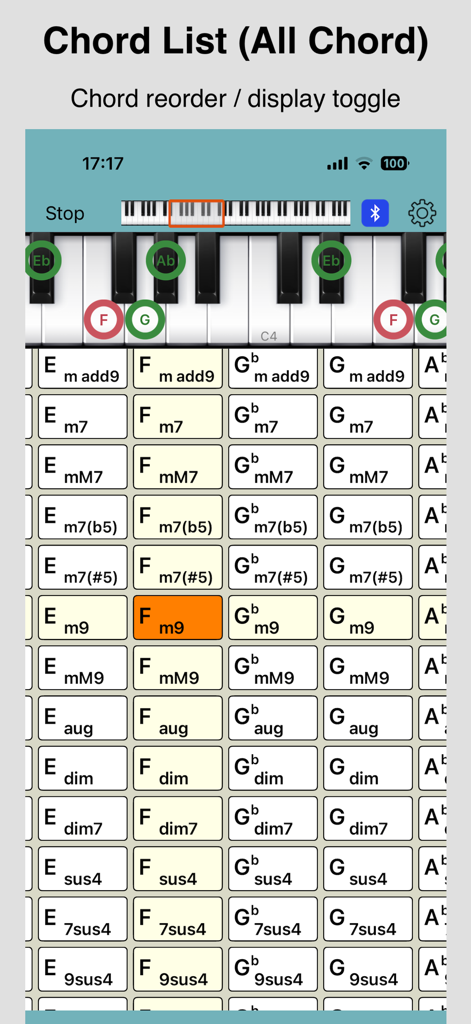
Ein Screenshot der Chords Pad App, der ein Raster verschiedener Musikakkorde und ein Klavier zeigt, das bestimmte Akkordtöne hervorhebt.
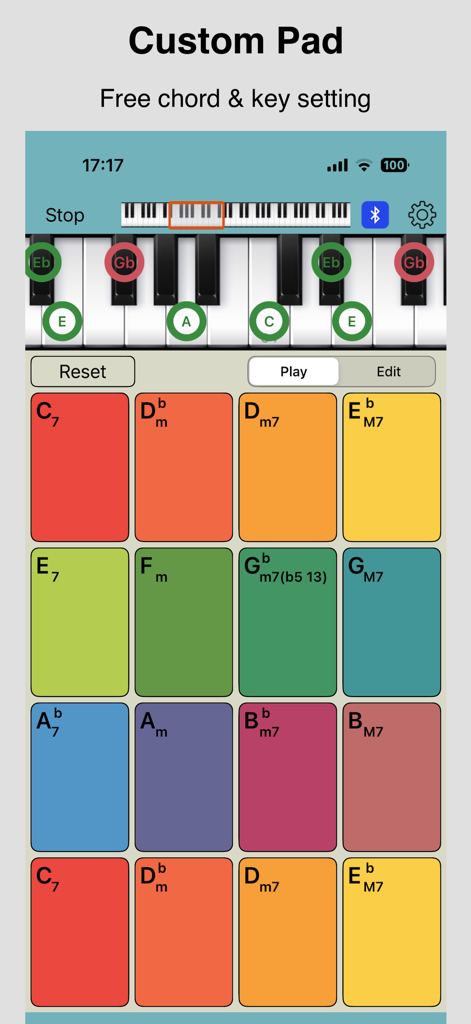
Chords Pad App-Oberfläche mit bunten benutzerdefinierten Akkord-Pads und einer Klaviervisualisierung.
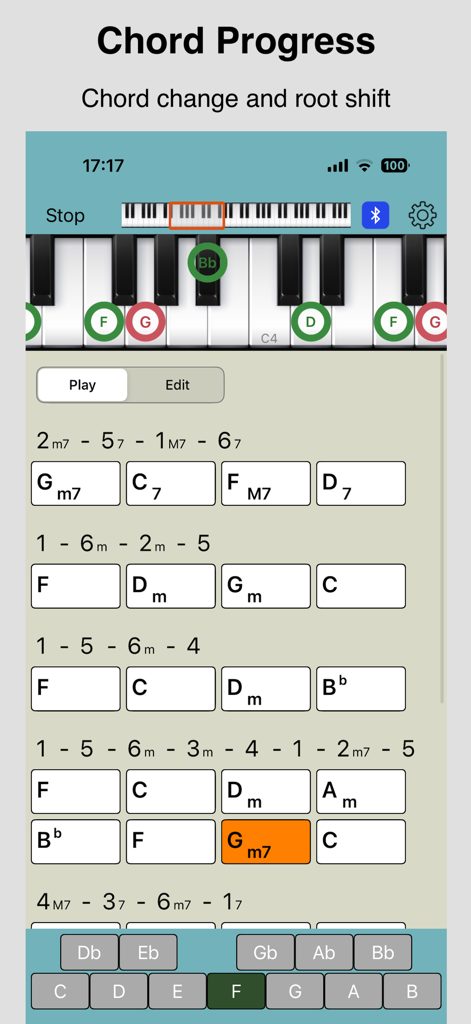
Chords Pad App-Oberfläche mit Akkordfolgenlisten und einem virtuellen Klavier mit visuellen Fingerplatzierungen.
Beschreibung
Download
Ähnliche Apps
Top-gerankte Apps in derselben Kategorie

Spotify: Music and Podcasts
Spotify

YouTube Music
Google LLC

Shazam: Find Music & Concerts
Apple Inc.

SoundCloud: The Music You Love
SoundCloud Global Limited & Co KG

Suno - AI Songs & Music
Suno Inc.

QQ音乐 - 听我想听
Tencent Technology (Shenzhen) Company Limited

Audiomack - Play Music Offline
Audiomack, Inc.

GuitarTuna: Tune & Play Guitar
Yousician Ltd

BandLab – Music Maker & Beats
BandLab Singapore Pte Ltd
Diese Seite ist keine offizielle Seite der App oder ihres Entwicklers, sondern eine unabhängige redaktionelle Veröffentlichung, die zu Informations- und Kommentarzwecken erstellt wurde. Sofern nicht ausdrücklich anders angegeben, sind weder die App noch ihr Entwickler mit MWM, Apple, Google Play, dem App-Herausgeber oder dem Entwickler der App verbunden, von ihnen unterstützt, gesponsert, autorisiert oder anderweitig offiziell verbunden, und nichts auf dieser Seite impliziert, dass die App unter Verwendung der Dienste von MWM entwickelt wurde. Alle Marken, Logos, Screenshots und andere Inhalte bleiben Eigentum ihrer jeweiligen Inhaber.