
Diese Seite ist keine offizielle Seite der App oder ihres Entwicklers, sondern eine unabhängige redaktionelle Veröffentlichung, die zu Informations- und Kommentarzwecken erstellt wurde. Sofern nicht ausdrücklich anders angegeben, sind weder die App noch ihr Entwickler mit MWM, Apple, Google Play, dem App-Herausgeber oder dem Entwickler der App verbunden, von ihnen unterstützt, gesponsert, autorisiert oder anderweitig offiziell verbunden, und nichts auf dieser Seite impliziert, dass die App unter Verwendung der Dienste von MWM entwickelt wurde. Alle Marken, Logos, Screenshots und andere Inhalte bleiben Eigentum ihrer jeweiligen Inhaber.

Circuit Planner
Schließen Sie die Lücke zwischen einfachen Skizzen und komplexem CAD. Erstellen Sie präzise, hochwertige Schaltpläne unterwegs mit über 1.000 Symbolen, automatischen Verbindungen und vollem Offline-Zugriff – keine Abonnements erforderlich.
Downloads
5K+Bewertung
Bewertungen gesamt
0Herausgeber
Kategorie
ProductivitySprachen
2Neueste Version
2.15Größe
5.8 MBErstveröffentlichung
8. Okt. 2024Professionelle Schaltpläne, vereinfacht
Schließen Sie die Lücke zwischen einfachen Skizzen und komplexer CAD-Software. Entwerfen, dokumentieren und exportieren Sie hochwertige IEC-Schaltpläne direkt von Ihrem Mobilgerät.
Schnelles, präzises Design
Erstellen Sie schneller Schaltpläne mit einem automatischen Verbindungssystem und Rasterpräzision, optimiert für Touch und Apple Pencil.
Über 1.000 IEC-Standard-Symbole
Greifen Sie auf eine riesige Bibliothek hochwertiger Komponenten für Automatisierungs-, erneuerbare Energien- und Steuerungssysteme zu, alle für eine einfache Suche kategorisiert.
Die folgenden Screenshots und die Beschreibung stammen direkt aus dem offiziellen Store-Eintrag der App und sind Eigentum des Entwicklers.
App Store
Screenshots
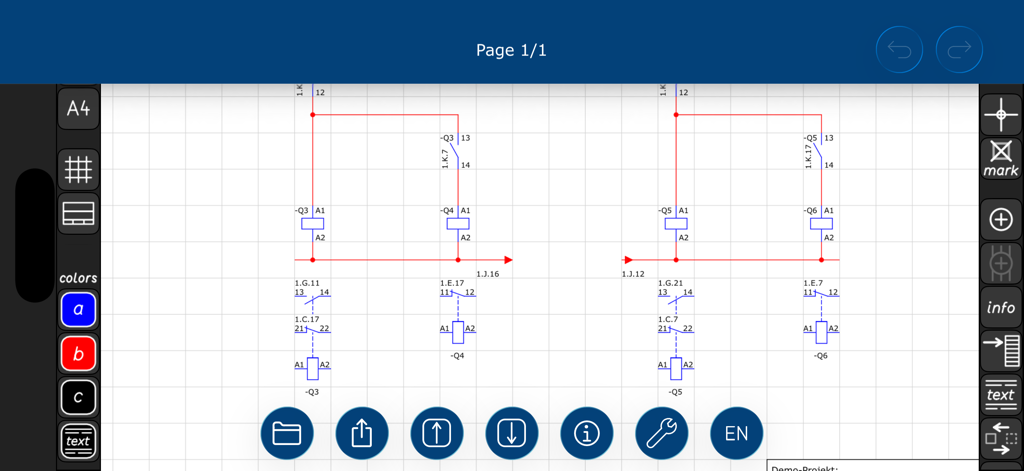
Ein Elektrotechnik-Schaltplan, der mit IEC-Symbolen in Circuit Planner entworfen wird
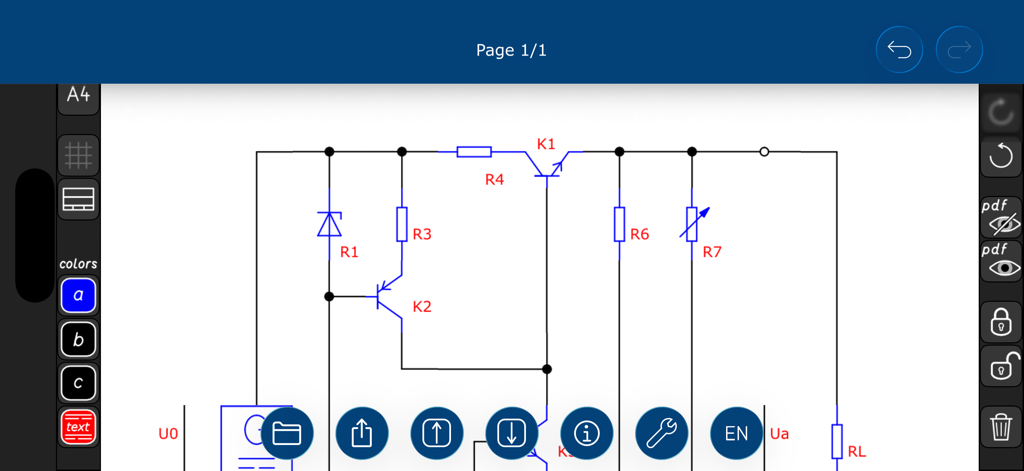
Elektrischer Schaltplan mit IEC-Symbolen in der Circuit Planner App
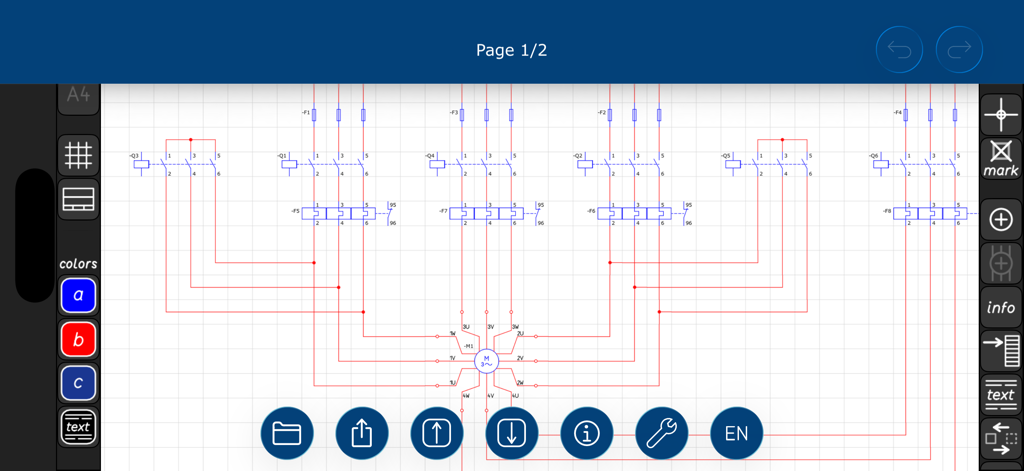
Ein detaillierter elektrischer Schaltplan mit IEC-Standard-Symbolen und Verdrahtung, entworfen in der Circuit Planner App-Oberfläche
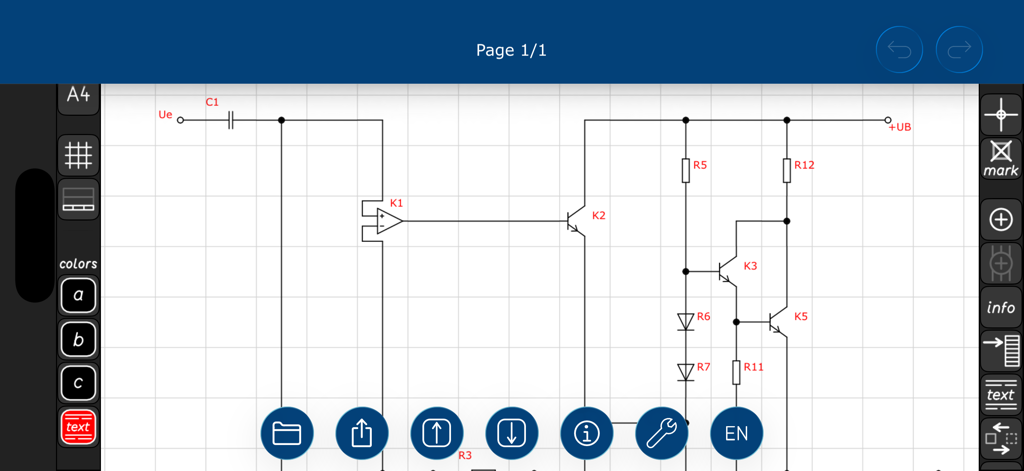
Elektronischer Schaltplan mit Transistoren und Widerständen, entworfen in der Circuit Planner App
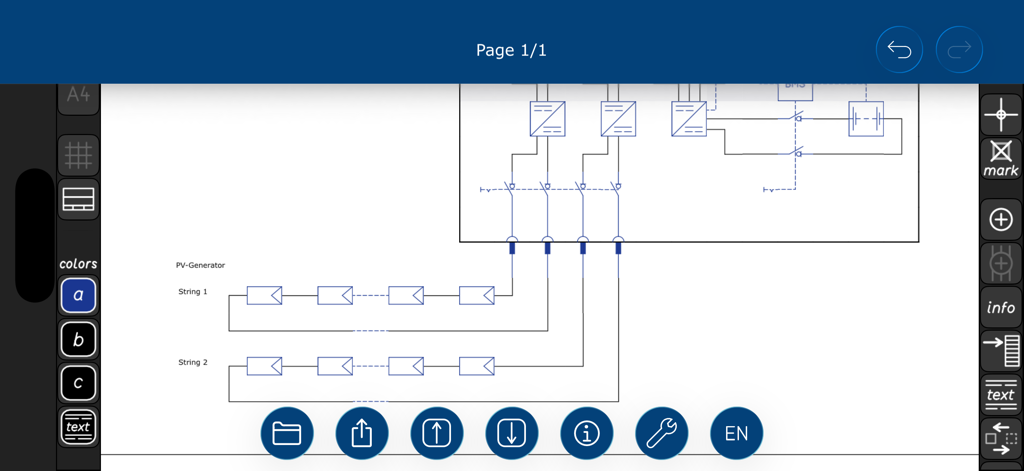
Schaltplan-Design eines Solar-PV-Generators in der Circuit Planner App
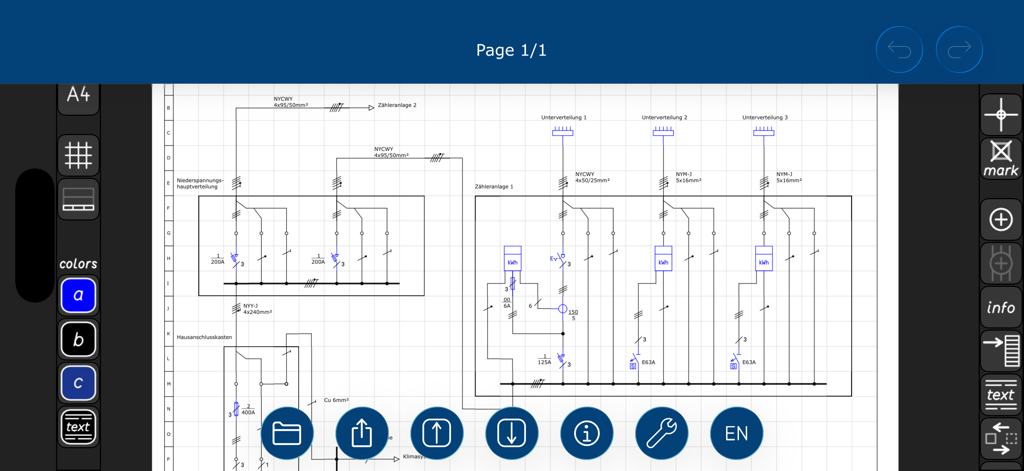
Ein detaillierter elektrischer Schaltplan, der in der Circuit Planner App mit IEC-Symbolen und Werkzeugen entworfen wird
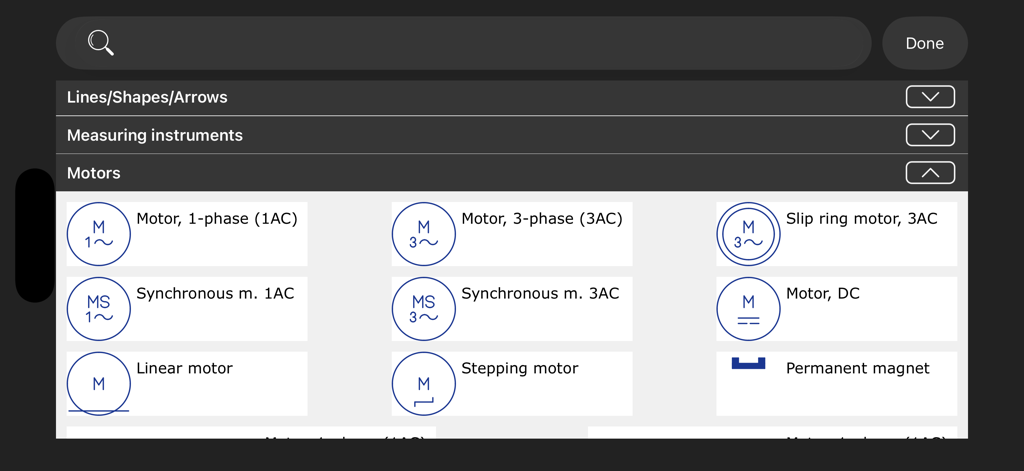
Eine Bibliothek von IEC-Motorschaltzeichen für elektrische Schaltpläne in der Circuit Planner App
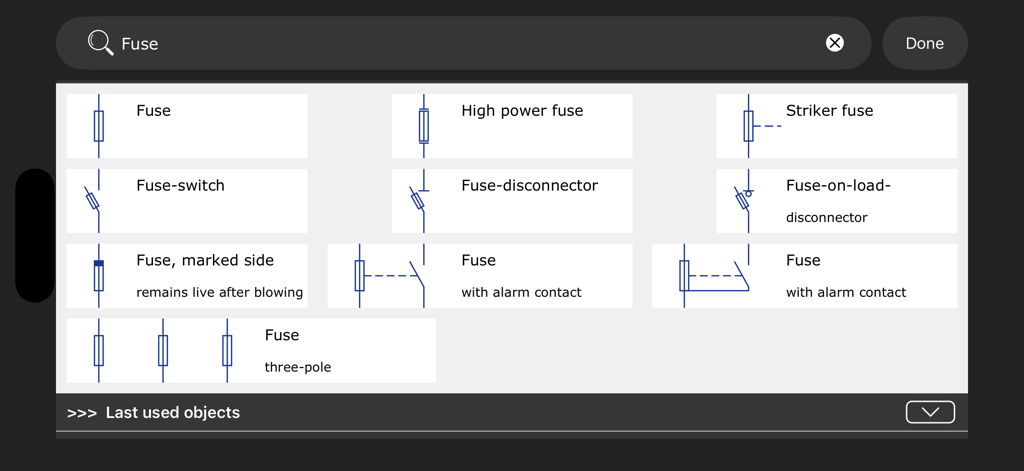
Suchergebnisse in der Circuit Planner App, die verschiedene IEC-elektrische Sicherungssymbole und Komponenten anzeigen
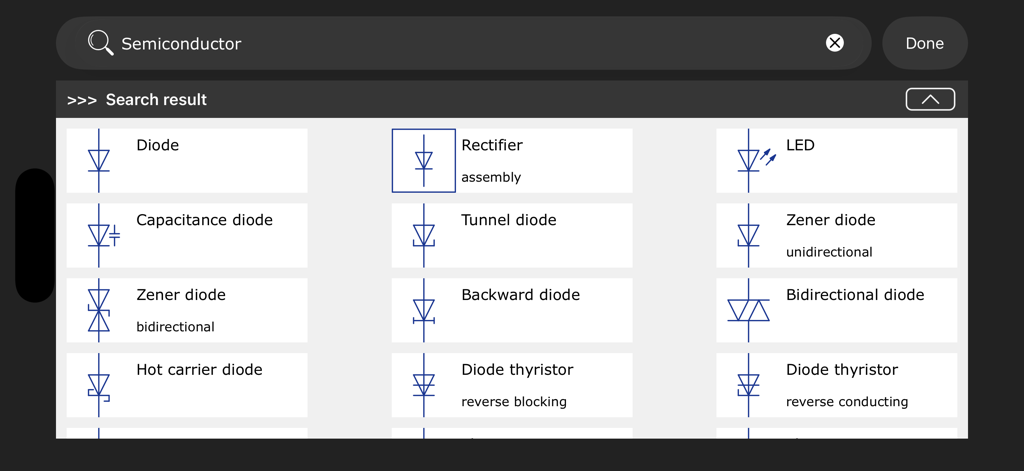
Ein Suchergebnisraster in der Circuit Planner App, das verschiedene IEC-Halbleitersymbole wie Dioden und Gleichrichter anzeigt
Beschreibung
Download
Ähnliche Apps
Top-gerankte Apps in derselben Kategorie

ChatGPT
OpenAI OpCo, LLC

Google Gemini
Google LLC

Grok
X.AI Corporation

Gmail - Email by Google
Google LLC

千问 - 阿里最强大模型官方AI助手
Shanghai Zhixin Puhui Technology Co., Ltd.

Google Drive
Google LLC

Microsoft Authenticator
Microsoft Corporation

Google Sheets
Google LLC

Google Docs
Google LLC
Diese Seite ist keine offizielle Seite der App oder ihres Entwicklers, sondern eine unabhängige redaktionelle Veröffentlichung, die zu Informations- und Kommentarzwecken erstellt wurde. Sofern nicht ausdrücklich anders angegeben, sind weder die App noch ihr Entwickler mit MWM, Apple, Google Play, dem App-Herausgeber oder dem Entwickler der App verbunden, von ihnen unterstützt, gesponsert, autorisiert oder anderweitig offiziell verbunden, und nichts auf dieser Seite impliziert, dass die App unter Verwendung der Dienste von MWM entwickelt wurde. Alle Marken, Logos, Screenshots und andere Inhalte bleiben Eigentum ihrer jeweiligen Inhaber.