
Diese Seite ist keine offizielle Seite der App oder ihres Entwicklers, sondern eine unabhängige redaktionelle Veröffentlichung, die zu Informations- und Kommentarzwecken erstellt wurde. Sofern nicht ausdrücklich anders angegeben, sind weder die App noch ihr Entwickler mit MWM, Apple, Google Play, dem App-Herausgeber oder dem Entwickler der App verbunden, von ihnen unterstützt, gesponsert, autorisiert oder anderweitig offiziell verbunden, und nichts auf dieser Seite impliziert, dass die App unter Verwendung der Dienste von MWM entwickelt wurde. Alle Marken, Logos, Screenshots und andere Inhalte bleiben Eigentum ihrer jeweiligen Inhaber.


Clipboard PRO: Paste Anywhere
Eliminieren Sie Reibungsverluste und meistern Sie Ihren Workflow. Organisieren Sie Code-Snippets, Design-Assets und wichtige Dokumente an einem sicheren Ort, sofort synchronisiert auf Ihrem iPhone, iPad und Mac.
Downloads
15K+Bewertung
Bewertungen gesamt
0Herausgeber
Kategorie
UtilitiesSprachen
3Neueste Version
1.29.1Größe
54.8 MBErstveröffentlichung
23. Nov. 2020Grenzenlose Produktivität
Optimieren Sie Ihren professionellen Workflow mit einer zentralen Anlaufstelle für jeden Link, jedes Code-Snippet und jedes Asset, das Sie benötigen, nahtlos synchronisiert über Ihr gesamtes Apple-Ökosystem.
Benutzerdefinierte Tastatur mit einem Fingertipp
Greifen Sie direkt aus jeder App auf Ihre gesamte Bibliothek von Snippets, Hashtags und Antwortvorlagen zu, ohne jemals die Ansicht wechseln zu müssen.
Nahtlose iCloud-Synchronisierung
Ihre Clips begleiten Sie vom iPhone über den Mac bis zum iPad. Kopieren Sie auf Ihrem mobilen Gerät und fügen Sie es sofort auf Ihrem Arbeitsplatz ein.
Die folgenden Screenshots und die Beschreibung stammen direkt aus dem offiziellen Store-Eintrag der App und sind Eigentum des Entwicklers.
App Store
Screenshots
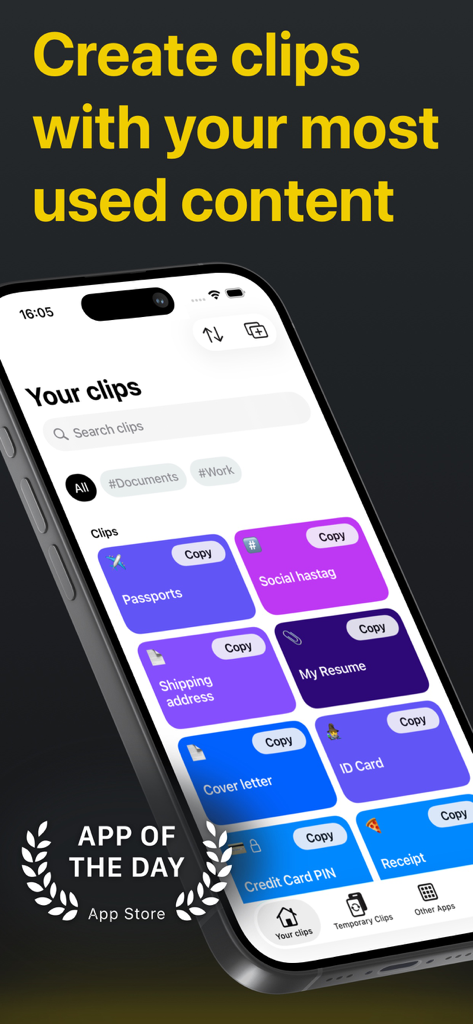
Clipboard PRO App-Oberfläche, die organisierte Clips für Dokumente und Text auf einem iPhone zeigt
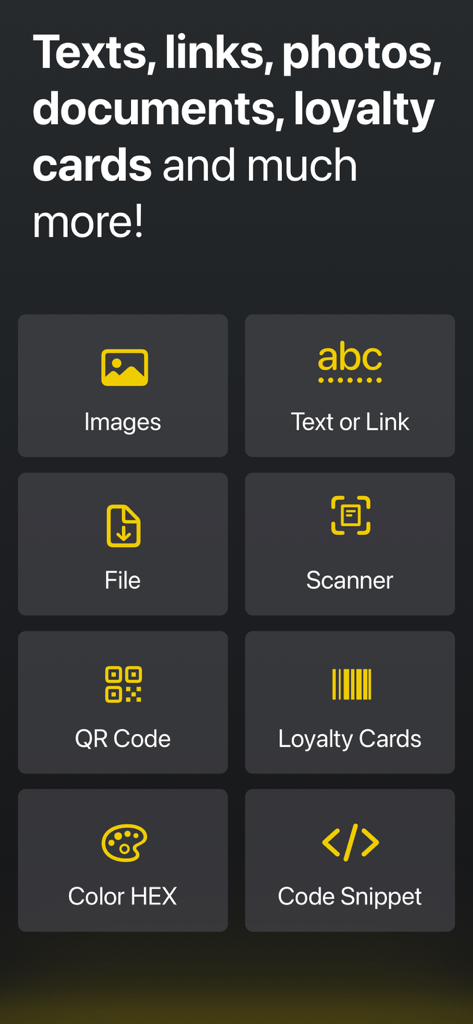
Ein Raster von Produktivitätsfunktionen in der Clipboard PRO App, einschließlich Scanner, QR-Code und Code-Snippet-Tools
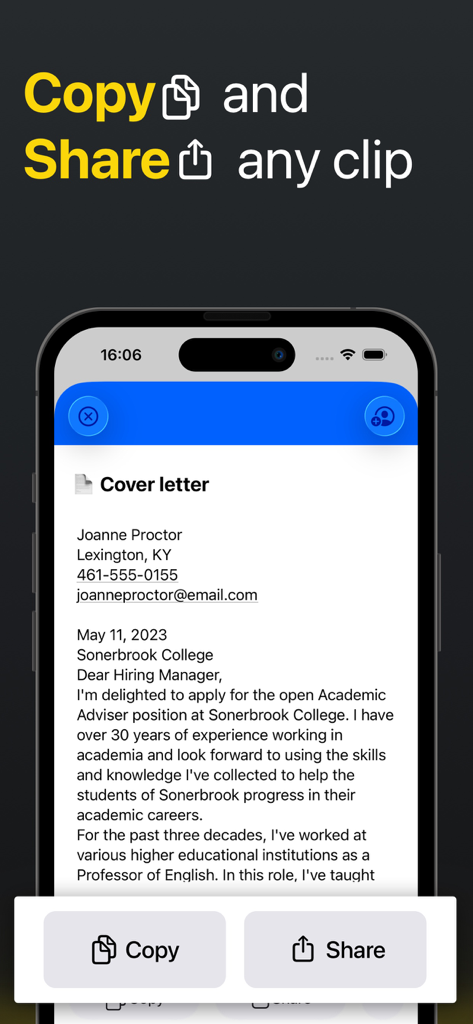
Smartphone-Bildschirm, der Kopier- und Schaltflächen zum Teilen eines Dokumentenclips in der Clipboard PRO App zeigt
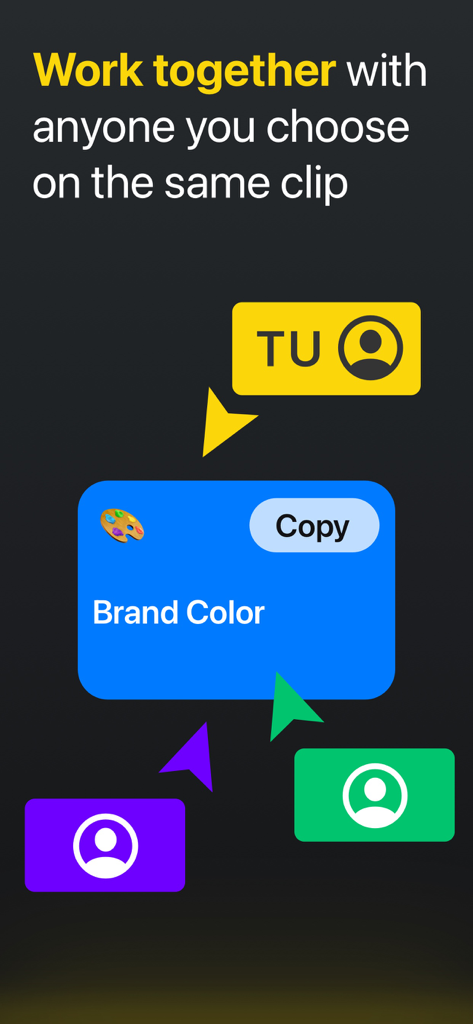
Oberfläche, die mehrere Benutzer zeigt, die an einem gemeinsam genutzten Markenfarben-Clip zusammenarbeiten
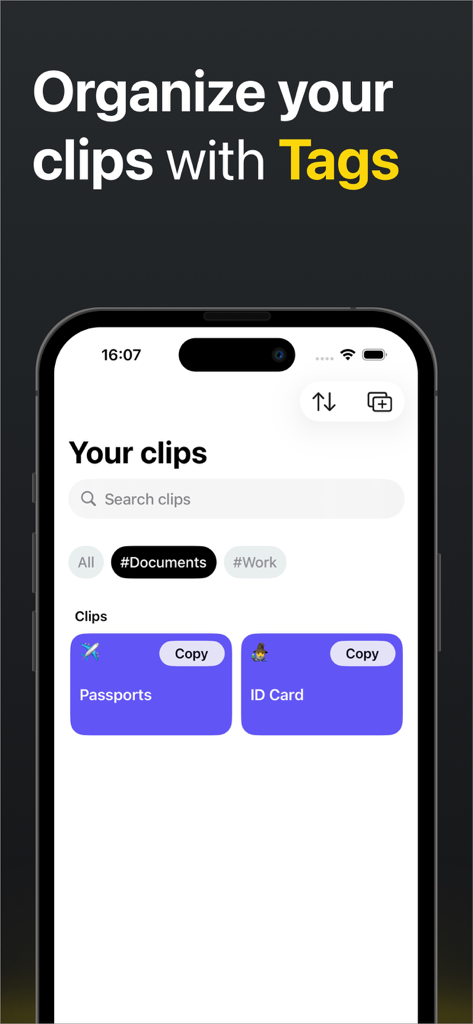
Oberfläche der Clipboard PRO App, die mit Dokumenten- und Arbeits-Tags organisierte Clips zeigt
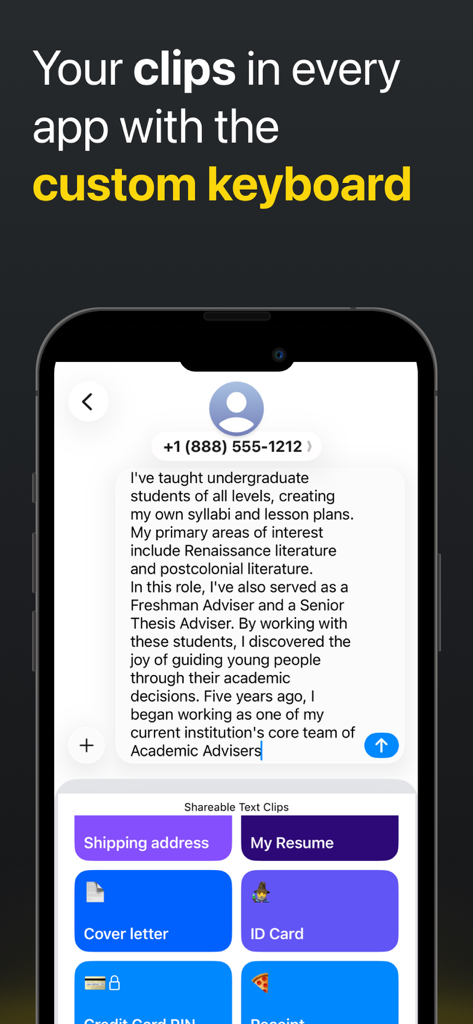
Ein Smartphone, das die benutzerdefinierte Tastatur von Clipboard PRO mit gespeicherten Clips zum schnellen Einfügen in eine Textnachricht zeigt
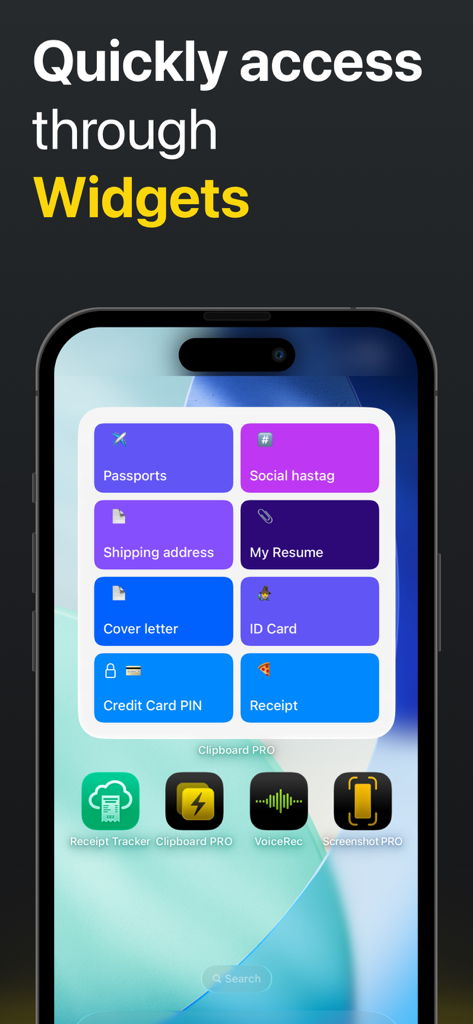
Clipboard PRO iOS-Widget, das Verknüpfungen für Reisepässe, Lebensläufe und andere Clips anzeigt
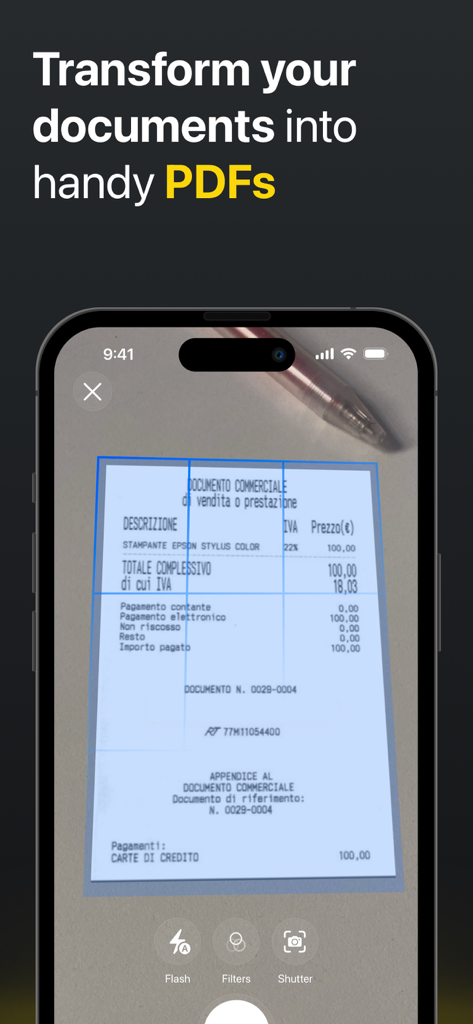
iPhone-Oberfläche, die die Dokumentenscanner-Funktion in Clipboard PRO zeigt, um PDFs von physischen Quittungen zu erstellen
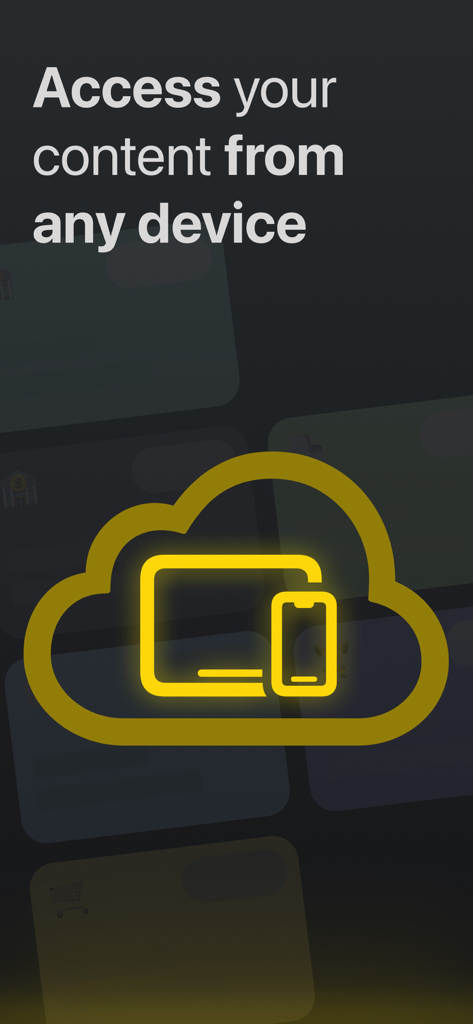
Clipboard PRO iCloud-Synchronisierung für den Zugriff von jedem Gerät

Grafik, die ein goldenes Vorhängeschloss mit einem Face ID-Symbol und dem Text Schützen Sie Ihre Clips mit Face ID zeigt.
Beschreibung
Download
Ähnliche Apps
Top-gerankte Apps in derselben Kategorie

Google LLC

Google Chrome
Google LLC

中国移动(手机营业厅)
China Mobile Online Services Co., Ltd.

Google Authenticator
Google LLC

CNH do Brasil
Servicos e Informacoes do Brasil

Cleanup: Phone Storage Cleaner
DEEP FLOW SOFTWARE SERVICES - FZCO

gov.br
Servicos e Informacoes do Brasil

Microsoft Edge: AI Browser
Microsoft Corporation

Super VPN Fly 2026
YUNFAN TECHNOLOGY CO., LIMITED
Diese Seite ist keine offizielle Seite der App oder ihres Entwicklers, sondern eine unabhängige redaktionelle Veröffentlichung, die zu Informations- und Kommentarzwecken erstellt wurde. Sofern nicht ausdrücklich anders angegeben, sind weder die App noch ihr Entwickler mit MWM, Apple, Google Play, dem App-Herausgeber oder dem Entwickler der App verbunden, von ihnen unterstützt, gesponsert, autorisiert oder anderweitig offiziell verbunden, und nichts auf dieser Seite impliziert, dass die App unter Verwendung der Dienste von MWM entwickelt wurde. Alle Marken, Logos, Screenshots und andere Inhalte bleiben Eigentum ihrer jeweiligen Inhaber.