Conference Room Display 2

Conference Room Display 2

Herunterladen auf App Store
Logo von Conference Room Display 2

Konferenzraum-Display 2: Der sichere, gebrandete Weg zur Verwaltung Ihres Arbeitsplatzes

Verwandeln Sie iPads in professionelle Meetingraum-Schilder ohne Cloud-Abhängigkeit. Genießen Sie absolute Privatsphäre, Ad-hoc-Buchung und vollständiges Corporate Branding, das innerhalb Ihres internen Netzwerks bleibt.

Herunterladen auf App Store

Herausgeber

Sebastian Bub

Kategorie

Business

Downloads

400

Bewertung

4.4/5

Bewertungen gesamt

0

Sprachen

33

Professionalität auf dem Display

Entdecken Sie die Oberfläche, die von 400 Nutzern verwendet wird.
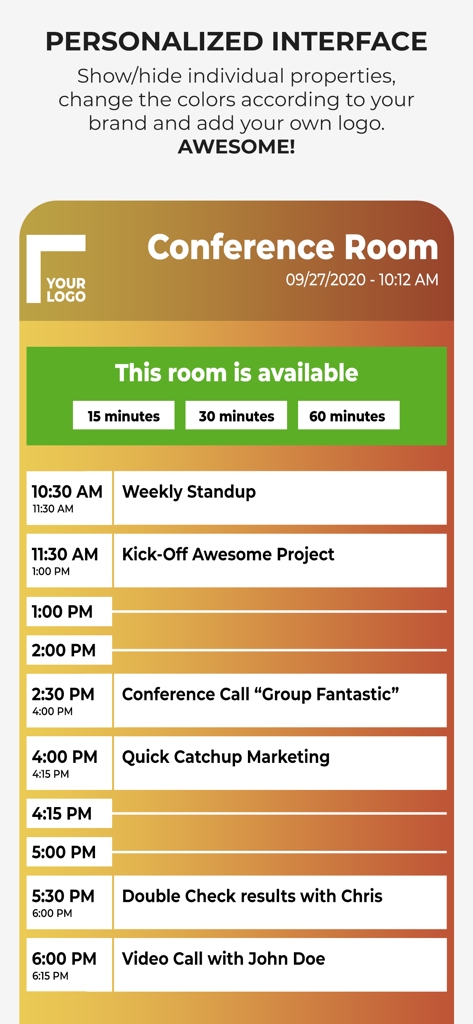
Personalisiertes Konferenzraum-Display mit Tagesplan und Ad-hoc-Buchungsoptionen

Personalisiertes Konferenzraum-Display mit Tagesplan und Ad-hoc-Buchungsoptionen

Oberfläche einer Konferenzraum-Buchungs-App, die eine tägliche Meetingliste und Raumverfügbarkeit auf einem iPad anzeigt.

Oberfläche einer Konferenzraum-Buchungs-App, die eine tägliche Meetingliste und Raumverfügbarkeit auf einem iPad anzeigt.

Eine Konferenzraum-Display-Oberfläche mit Optionen für sofortige Meeting-Buchungen und einem Tagesplan.

Eine Konferenzraum-Display-Oberfläche mit Optionen für sofortige Meeting-Buchungen und einem Tagesplan.

Optimieren Sie die Effizienz Ihres Büros

Die Tools, die diese App auszeichnen, gewählt von 400 Nutzern.

🛡️

Datenschutzfreundliche Architektur

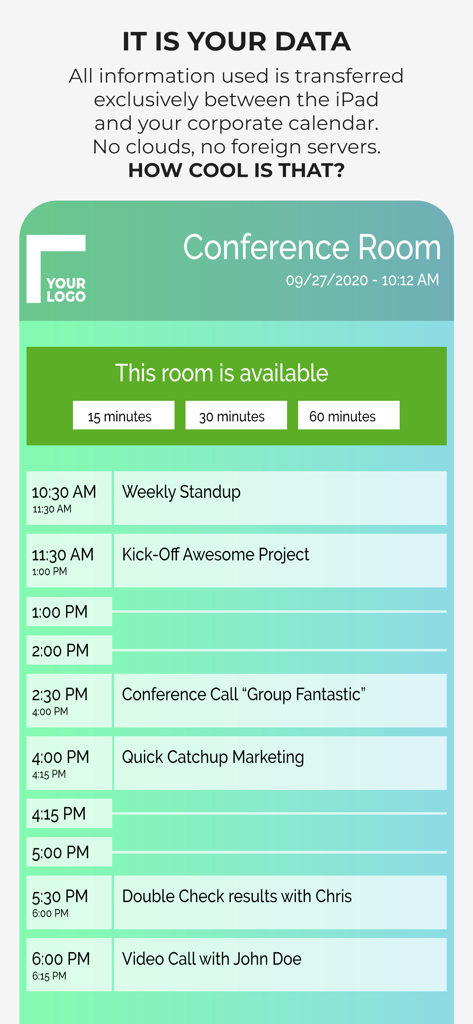
Beseitigen Sie Sicherheitsrisiken mit einer No-Cloud-Lösung. Ihre Kalenderdaten bleiben innerhalb Ihres lokalen Netzwerks und erfordern keine externen Server oder Zugriff durch Dritte.

🖌️

Vollständiges Corporate Branding

Bewahren Sie ein erstklassiges Büro-Erscheinungsbild, indem Sie jedes Pixel anpassen. Laden Sie Ihre eigenen Unternehmensschriftarten, Logos und Markenfarben für eine nahtlose professionelle Identität hoch.

Sofortige Ad-Hoc-Buchungen

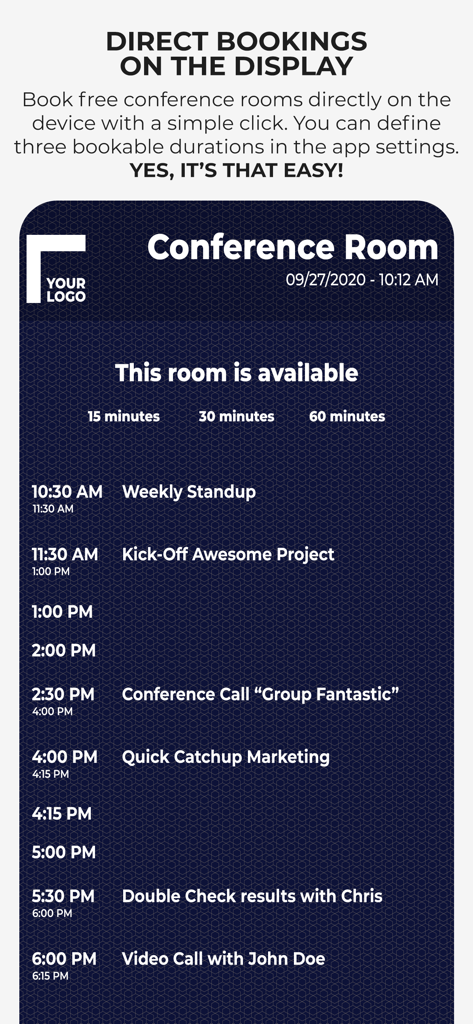
Reduzieren Sie Reibungsverluste bei der Raumnutzung, indem Sie es Mitarbeitern ermöglichen, verfügbare Räume direkt am Gerät zu buchen, perfekt synchronisiert mit Ihren Exchange- oder Google-Kalendern.

Über die App

Alles, was Sie über wissen müssen Conference Room Display 2.

Beschreibung

Use an iPad or iPhone outside of your conference rooms to show the day's schedule in your corporate design. ***Privacy is ensured.*** The App ensures that meeting participants are in the right place. It is highly customizable to adapt to the corporate design of your company: Colors, Your Corporate Font, Logo, Background Image. ◉ NO CLOUDS! NO SERVERS! The app uses the calendar of the device and integrated into the normal workflow of your employees. You schedule a meeting with your calendar app by inviting the room. The data does not leave your company and stays in your calendar system. You can use any calendar type which is supported by the device (iCloud, Gmail, Outlook/Exchange or any CalDAV Kalender). User have the possibility to book a free meeting room on the device (ad hoc and anonymously). Test the app as long as you want to ensure that it fits in your corporate IT environment. Here is a complete feature list. Visit our website to get additional information: • Privacy: No Cloud! No additional server required! • Set Conference Room Name • Adapt all Colors • Upload a logo • Set your own Background Image • Change the Font • Upload your Corporate Font • Support for Ad Hoc Bookings with different length • Adapt what is shown • Free Hours • Only show data of current day • Show Current Event more prominent • Show/Hide All-Day Events • Additional Text for an Event • Anonymize an Event completely • Enable/Disable Event Properties and change the order • Screensaver • Monitoring of the App (if you have to manage many rooms) • MDM Support Simply get in touch with us if you have any questions. For detailed configuration instructions, visit our website at http://www.ipad-conference-room-booking-display.com/ Local configuration can be shared via iTunes File Sharing or Files App (copy all files to another device). You can also define the configuration in json format. When you want to permanently use the app, it requires a monthly subscription (auto-renewable). The subscription period is one month. Subscriptions will automatically renew unless canceled within 24-hours before the end of the current period. You can always manage your subscriptions and renewals in your iTunes Account. If you have any questions concerning VPP, MDM or Enterprise support, please contact us. Terms of Use: https://www.apple.com/legal/internet-services/itunes/dev/stdeula/ Disclaimer: Continuous use of the device may decrease the display and/or battery life.

Neueste Version

1.7

Größe

3.5 MB

Erstveröffentlichung

22. Sept. 2018

Professionelle Meeting-Displays ohne Datenschutzrisiken

Die sichere, serverlose Lösung für IT-Manager und Workplace Ops. Optimieren Sie noch heute die Ästhetik Ihres Büros mit einem vollständig anpassbaren Display, das in Ihrem lokalen Netzwerk bleibt.

Herunterladen auf App Store

App information, icons, screenshots, and descriptions displayed on this page are sourced from the Apple App Store and are the property of their respective developers. Download estimates and rankings are based on MWM's proprietary models and may not reflect actual figures. This page is provided for informational and analytical purposes only.

Believe this page infringes your intellectual property? File a dispute