Connect My PC

Connect My PC

Herunterladen auf App Store
Logo von Connect My PC

Connect My PC: Professionelles Remotedesktop für Windows Server & PCs

Verwalten Sie Ihre Workstations sicher von überall. Erleben Sie die vollständige Desktop-Steuerung auf Ihrem iPhone oder iPad mit einem präzisen virtuellen Touchpad, Modifikatortasten und nativer Unterstützung für Windows Professional und Server Editionen.

Herausgeber

Hana Mobile LLC

Kategorie

Business

Downloads

260K+

Bewertung

2.9/5

Bewertungen gesamt

100

Sprachen

13

Totale Desktop-Kontrolle

Entdecken Sie die Oberfläche, die von 260K+ Nutzern verwendet wird.
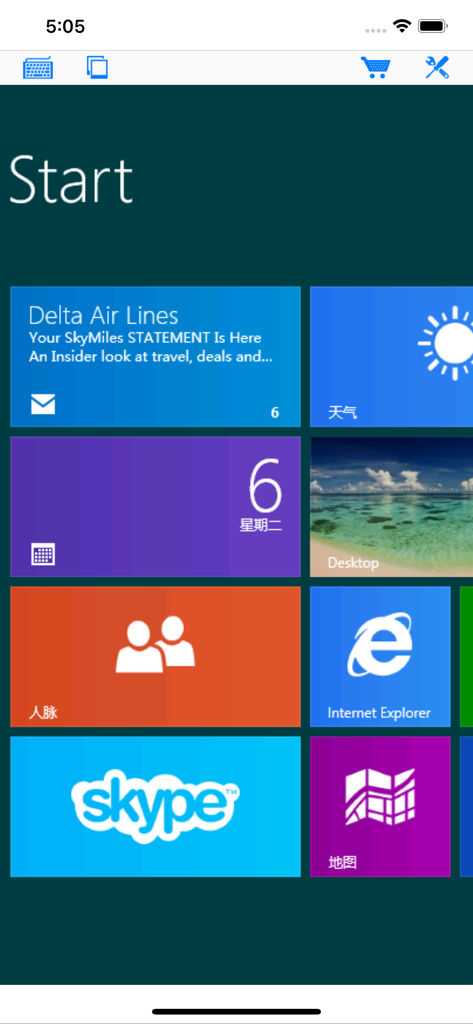
Connect My PC App zeigt einen Remote-Windows-Startbildschirm mit verschiedenen App-Kacheln auf einem Mobilgerät an

Connect My PC App zeigt einen Remote-Windows-Startbildschirm mit verschiedenen App-Kacheln auf einem Mobilgerät an

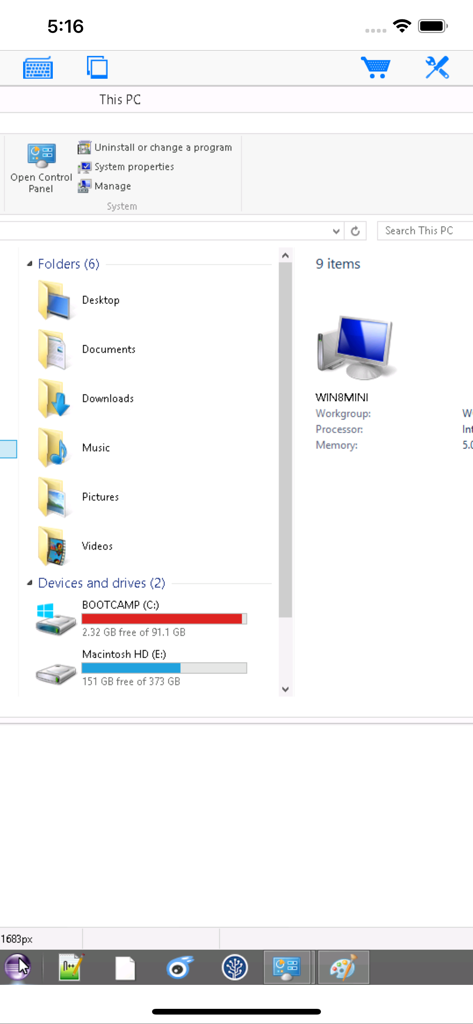
Windows-Datei-Explorer-Ansicht in der Connect My PC Remote-Desktop-App

Windows-Datei-Explorer-Ansicht in der Connect My PC Remote-Desktop-App

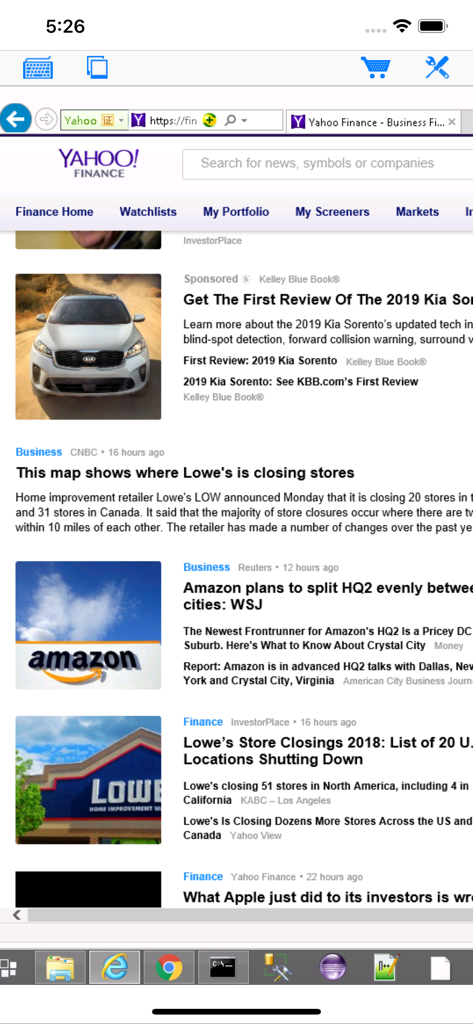
Connect My PC App zeigt eine Remote-Windows-Desktop-Sitzung auf einem iPhone-Bildschirm an

Connect My PC App zeigt eine Remote-Windows-Desktop-Sitzung auf einem iPhone-Bildschirm an

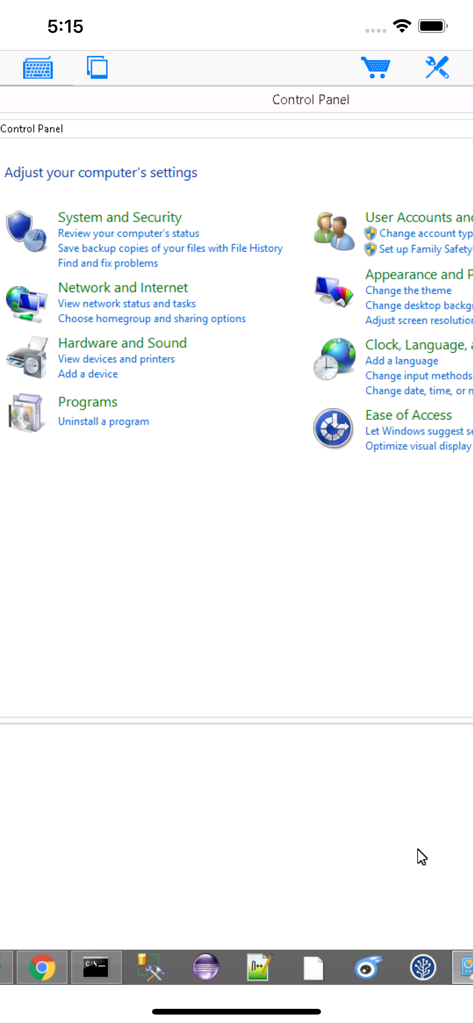
Fernzugriff auf die Windows-Systemsteuerung über die Connect My PC Mobile App

Fernzugriff auf die Windows-Systemsteuerung über die Connect My PC Mobile App

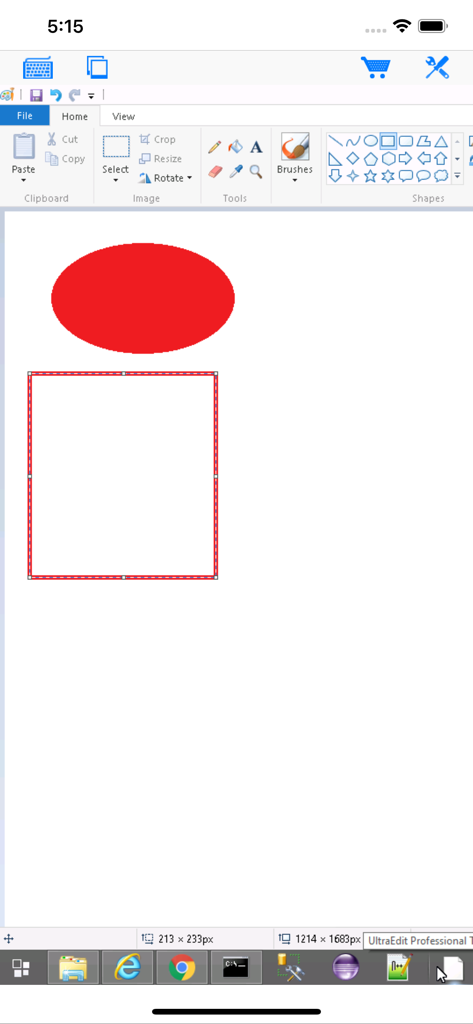
Connect My PC App zeigt einen Remote-Windows-Desktop mit geöffnetem Paint auf einem iPhone-Bildschirm an.

Connect My PC App zeigt einen Remote-Windows-Desktop mit geöffnetem Paint auf einem iPhone-Bildschirm an.

Professionelle Remotedesktop-Leistung

Die Tools, die diese App auszeichnen, gewählt von 260K+ Nutzern.

🖱️

Präzise Maussteuerung

Navigieren Sie mühelos durch komplexe Windows-Software mit einem virtuellen Touchpad, das für kritische Aufgaben und präzises Rechtsklicken entwickelt wurde.

⌨️

Volles Modifikatortastenfeld

Führen Sie essenzielle Tastenkombinationen wie Strg+Alt+Entf und komplexe Tastenfolgen mit einer dedizierten Modifikatortastatur für professionelle Arbeitsabläufe aus.

🖥️

Unterstützung für Enterprise & Server

Zuverlässige RDP-Konnektivität für Windows Server, Professional und Enterprise Editionen, einschließlich Unterstützung für ältere Infrastrukturen.

Über die App

Alles, was Sie über wissen müssen Connect My PC.

Beschreibung

Optimized to use iPhone XS Max screen! Designed for both iPad and iPhone!! Connect My PC let you access Windows PC from anywhere at anytime! Note: Not all Windows support remote desktop. Check below for supported platforms or download the tool from http://www.hanamobiles.com/tools/HanaEasyConfig.exe Features: - Portrait and landscape mode - Multiple connections - Support various resolutions and colors - Modifier keypad including Shift, Ctrl and Alt which enables you to press almost any key combinations. - Cut, copy & paste and other shortcuts keypad, including HOME, END, PAGE UP, PAGE DOWN, Arrow keys, etc. - Virtual mouse pad for precise and easy mouse control - Better mouse pad with virtual left and right mouse button - Easy dragging and resizing using virtual mousepad - Startup password protection - International keyboard support for many languages, including French, German, Korean, Russian etc. - Video output (need iPad or iOS4 and output connector) - Easy to use design Supported Platform: - Windows XP Professional - Windows Vista Business/Enterprise/Ultimate - Windows 7 Professional/Enterprise/Ultimate - Windows Server 2000/2003/2008 Important: The following systems are NOT supported: - Windows XP Home - Windows Vista Home Basic/Premium - Windows 7 Home Starter/Basic/Premium - Others not listed in "Supported Platform" section Note: Others Windows versions not listed in "Supported Platform" section are NOT supported. Setup Instructions: http://www.hanajobs.com/mobile/posts/list/6960.page How to enable Windows Remote Desktop? - Windows XP: http://www.microsoft.com/windowsXp/using/mobility/getstarted/Remoteintro.mspx - Windows Vista/Windows 7: http://www.howtogeek.com/howto/windows-vista/turn-on-remote-desktop-in-windows-vista/ http://windows.microsoft.com/en-US/windows-vista/Remote-Desktop-Connection-frequently-asked-questions Send your comments/suggestions to hanamobiles@gmail.com or visit our website.

Neueste Version

1.3.2

Größe

12.6 MB

Erstveröffentlichung

20. März 2010

Volle Kontrolle über Ihre Workstations von überall

Erleben Sie professionelles RDP mit Unterstützung für Windows Server und Altsysteme. Laden Sie Connect My PC noch heute herunter für präzisen, sicheren und mobilen Desktop-Zugriff.

Herunterladen auf App Store

App information, icons, screenshots, and descriptions displayed on this page are sourced from the Apple App Store and are the property of their respective developers. Download estimates and rankings are based on MWM's proprietary models and may not reflect actual figures. This page is provided for informational and analytical purposes only.

Believe this page infringes your intellectual property? File a dispute