
Diese Seite ist keine offizielle Seite der App oder ihres Entwicklers, sondern eine unabhängige redaktionelle Veröffentlichung, die zu Informations- und Kommentarzwecken erstellt wurde. Sofern nicht ausdrücklich anders angegeben, sind weder die App noch ihr Entwickler mit MWM, Apple, Google Play, dem App-Herausgeber oder dem Entwickler der App verbunden, von ihnen unterstützt, gesponsert, autorisiert oder anderweitig offiziell verbunden, und nichts auf dieser Seite impliziert, dass die App unter Verwendung der Dienste von MWM entwickelt wurde. Alle Marken, Logos, Screenshots und andere Inhalte bleiben Eigentum ihrer jeweiligen Inhaber.

Construction Master Pro Calc
Vermeiden Sie kostspielige Fehler und sparen Sie Zeit auf der Baustelle. Beherrschen Sie Fuß-Zoll-Brüche, komplexe rechtwinklige Ausrichtungen und Volumenberechnungen mit der Präzision des weltweit vertrauenswürdigsten Bau-Rechners, jetzt auf Ihrem Gerät verfügbar.
Downloads
606K+Bewertung
Bewertungen gesamt
38K+Herausgeber
Kategorie
UtilitiesSprachen
1Neueste Version
12.10.17Größe
95.3 MBErstveröffentlichung
5. Mai 2010Gebaut für Profis, die alles bauen
Der Industriestandard Construction Master Pro bietet fortschrittliche Dimensionsberechnungen, rechtwinklige Lösungen und Teamkollaboration direkt in Ihrer Tasche.
Eliminieren Sie Bruch-Kopfschmerzen
Arbeiten Sie direkt in Fuß-Zoll-Brüchen und metrischen Einheiten. Vermeiden Sie manuelle Umrechnungsfehler und sparen Sie Zeit bei jeder Schätzung und Zuschnittliste.
Meistern Sie komplexe Ausrichtungen
Sofortige Lösungen für Sparren, Treppen und Neigungen. Bewältigen Sie rechtwinklige Berechnungen und trigonometrische Funktionen, ohne ein Handbuch zu wälzen.
Die folgenden Screenshots und die Beschreibung stammen direkt aus dem offiziellen Store-Eintrag der App und sind Eigentum des Entwicklers.
App Store
Screenshots
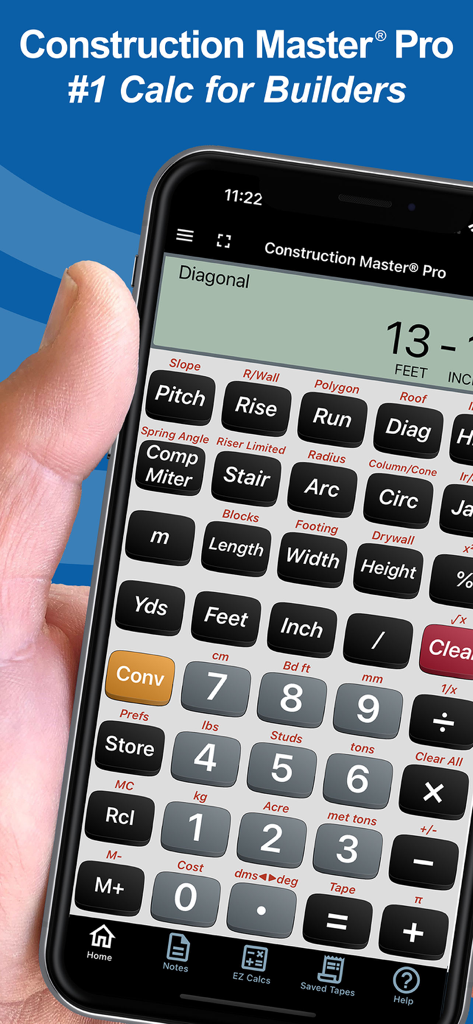
Hand hält ein Smartphone, das die Construction Master Pro Rechner-App für Bauprofis anzeigt
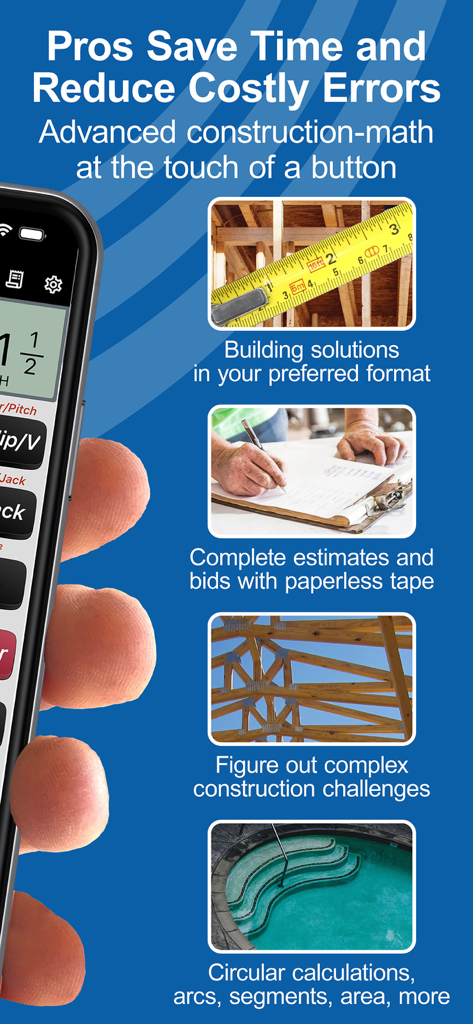
Übersicht der Funktionen der Construction Master Pro App, einschließlich Baulösungen, Schätzungen und komplexer Mathematik für Profis.

Benutzerbewertungen und Fünf-Sterne-Bewertungen für die Construction Master Pro Calc App
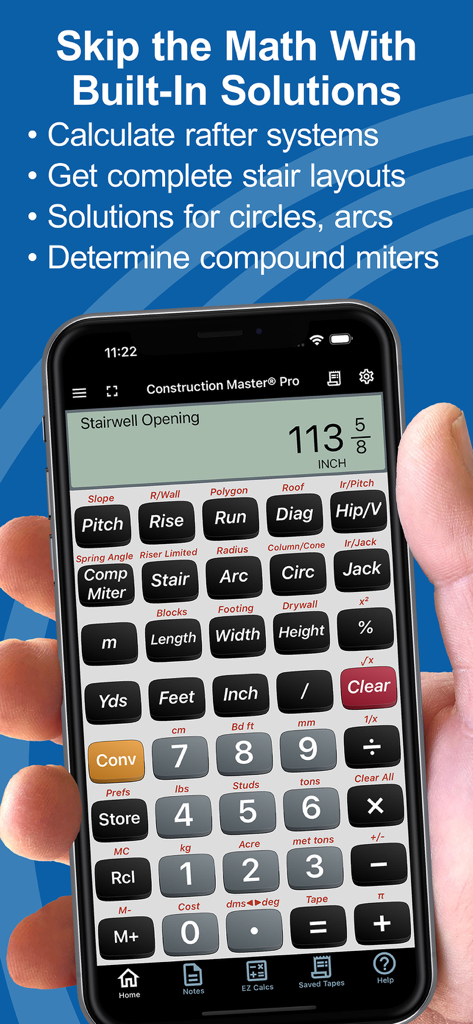
Eine Hand hält ein Smartphone, das die Construction Master Pro Rechner-App mit einer Berechnung für eine Treppenöffnung zeigt
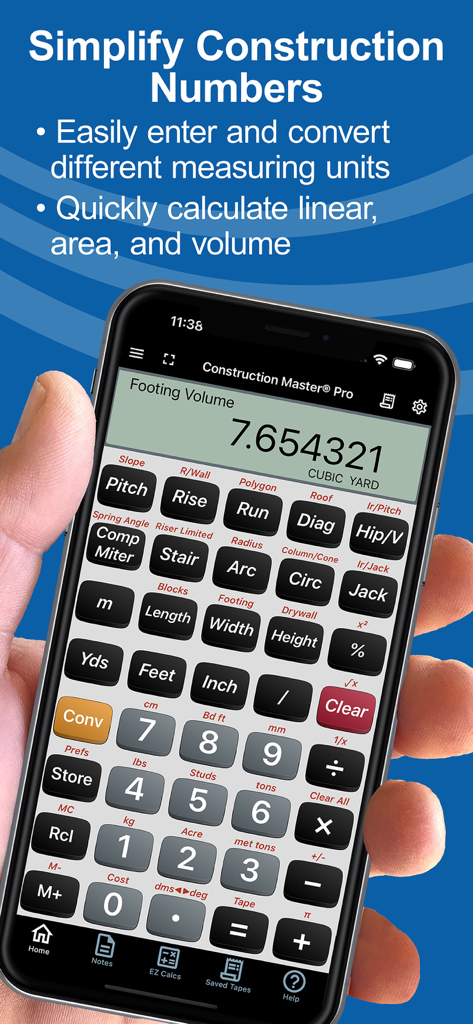
Smartphone zeigt die Construction Master Pro Rechner-App mit einer Berechnung des Fundamentvolumens an
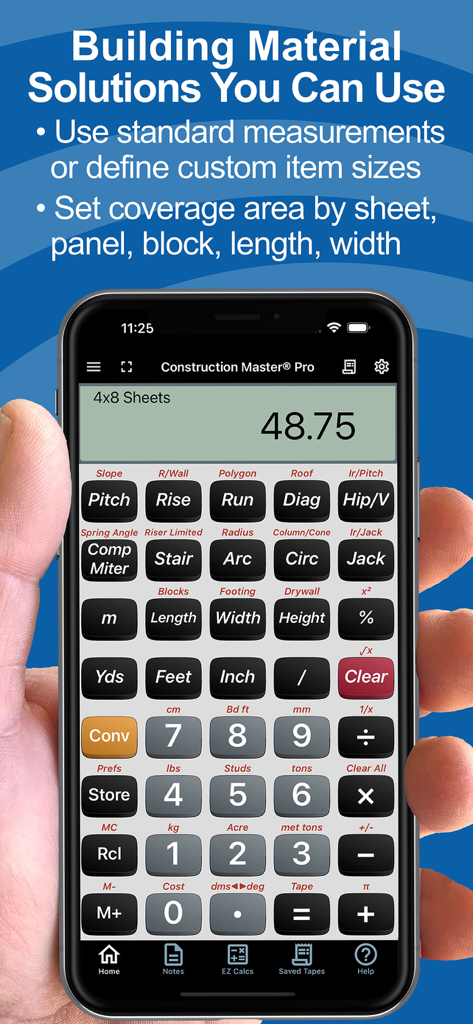
Construction Master Pro Calc App zeigt Materialmengenberechnungen auf einem Smartphone an
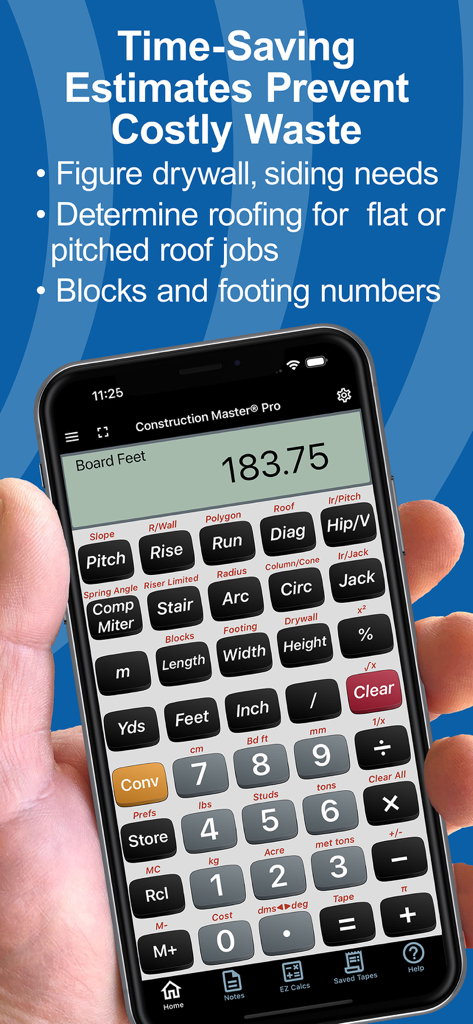
Hand hält ein Telefon mit der Construction Master Pro Rechner-App mit Materialschätzungsfunktionen
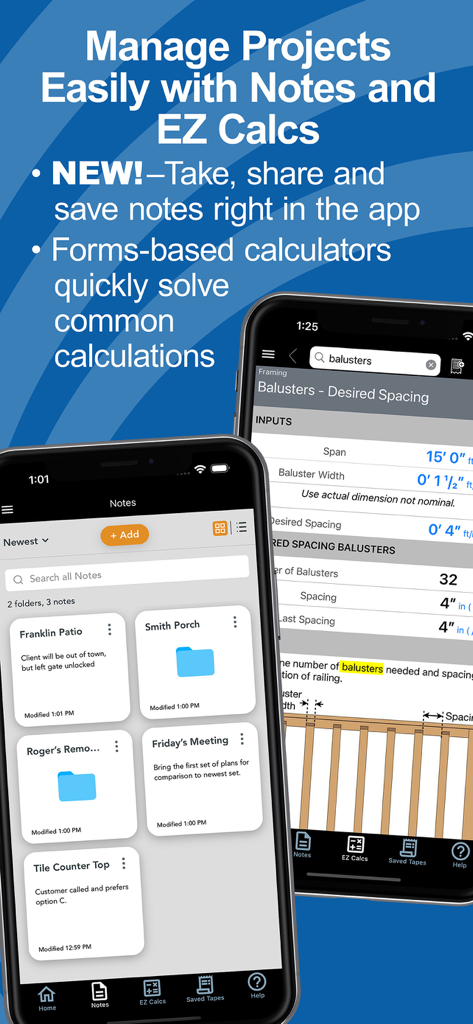
Construction Master Pro App-Oberfläche zeigt Projektnotizen und ein EZ Calcs-Formular für den Abstand von Balustern
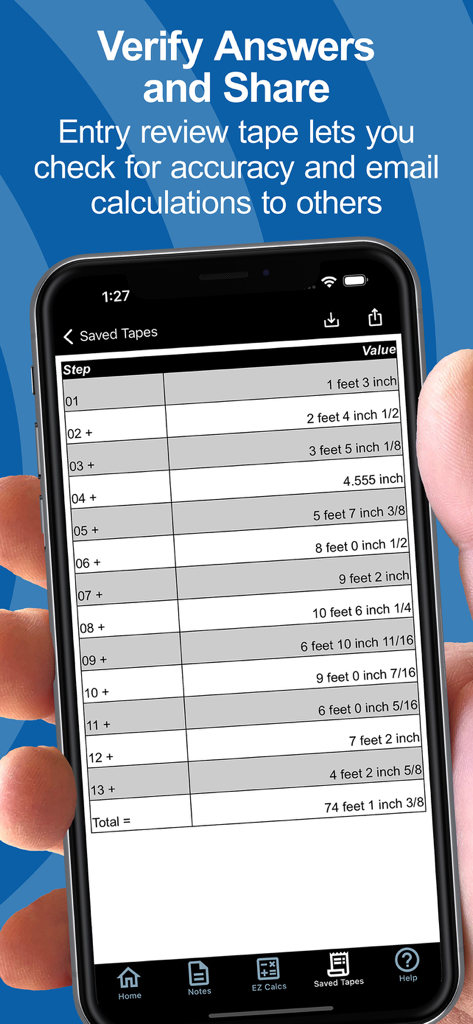
Ein Smartphone-Bildschirm zeigt die Funktion „Gespeicherte Maße“ mit einer Liste von Dimensionsberechnungen für Bauzwecke und einer Endsumme an
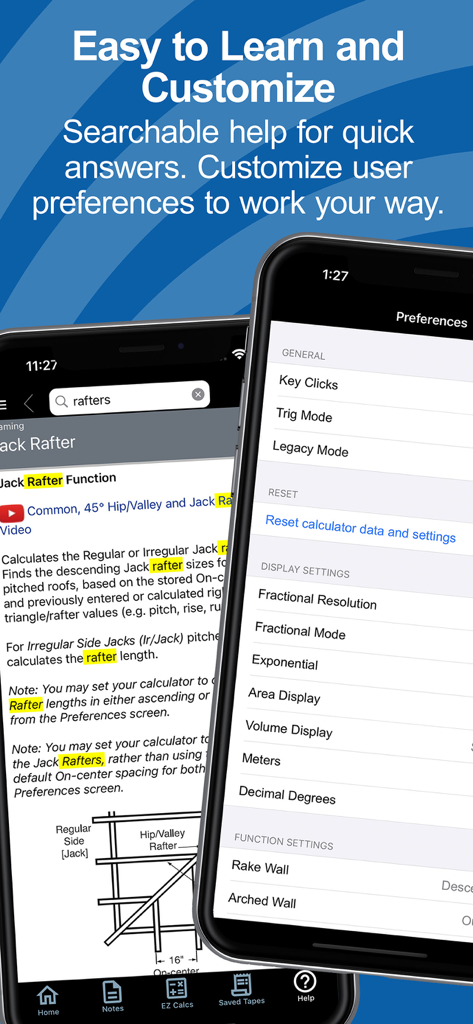
Bildschirme für die durchsuchbare Hilfe und Benutzereinstellungen in der Construction Master Pro App
Beschreibung
Download
Ähnliche Apps
Apps mit ähnlichen Funktionen und Nutzererfahrung
BA Financial Calculator
Angel Montana

Astrology Master
ibrahim veli

Sporty's E6B Flight Computer
Sporty's Pilot Shop
BA Financial Calculator (PRO)
Angel Montana
Construction Master 5 Calc
Calculated Industries, Inc.
Pipe Trades Pro Calc
Calculated Industries, Inc.

Qualifier Plus IIIx/fx
Calculated Industries, Inc.

Resolutioner
Sun Apps, LLC

CliniCalc Medical Calculator
Medicon Apps
Diese Seite ist keine offizielle Seite der App oder ihres Entwicklers, sondern eine unabhängige redaktionelle Veröffentlichung, die zu Informations- und Kommentarzwecken erstellt wurde. Sofern nicht ausdrücklich anders angegeben, sind weder die App noch ihr Entwickler mit MWM, Apple, Google Play, dem App-Herausgeber oder dem Entwickler der App verbunden, von ihnen unterstützt, gesponsert, autorisiert oder anderweitig offiziell verbunden, und nichts auf dieser Seite impliziert, dass die App unter Verwendung der Dienste von MWM entwickelt wurde. Alle Marken, Logos, Screenshots und andere Inhalte bleiben Eigentum ihrer jeweiligen Inhaber.