
Diese Seite ist keine offizielle Seite der App oder ihres Entwicklers, sondern eine unabhängige redaktionelle Veröffentlichung, die zu Informations- und Kommentarzwecken erstellt wurde. Sofern nicht ausdrücklich anders angegeben, sind weder die App noch ihr Entwickler mit MWM, Apple, Google Play, dem App-Herausgeber oder dem Entwickler der App verbunden, von ihnen unterstützt, gesponsert, autorisiert oder anderweitig offiziell verbunden, und nichts auf dieser Seite impliziert, dass die App unter Verwendung der Dienste von MWM entwickelt wurde. Alle Marken, Logos, Screenshots und andere Inhalte bleiben Eigentum ihrer jeweiligen Inhaber.


Contacts - Phone Dialer
Übernehmen Sie die volle Kontrolle über Ihr digitales Adressbuch. Führen Sie mühelos Duplikate zusammen, organisieren Sie Gruppen und sichern Sie Ihre wertvollsten Kontakte mit Ein-Tipp-Backups.
Downloads
900Bewertung
Bewertungen gesamt
0Herausgeber
Kategorie
ProductivitySprachen
1Neueste Version
1.0Größe
27.2 MBErstveröffentlichung
25. Feb. 2025Meistern Sie Ihre Kontakte mit Leichtigkeit
Hören Sie auf, sich mit digitalem Durcheinander und Datenverlust herumzuschlagen. Unser All-in-One-Manager vereinfacht Ihre Kommunikation und hält Ihr gesamtes Netzwerk sicher und organisiert.
Intelligente Duplikatbereinigung
Scannen und führen Sie sofort wiederholte Einträge zusammen, um ein sauberes Adressbuch in professioneller Qualität ohne manuellen Aufwand wiederherzustellen.
Backups für Seelenfrieden
Schützen Sie Ihr wertvollstes digitales Gut. Planen Sie automatische Backups, um sicherzustellen, dass Ihre Kontakte immer sicher sind, auch während Telefon-Upgrades.
Die folgenden Screenshots und die Beschreibung stammen direkt aus dem offiziellen Store-Eintrag der App und sind Eigentum des Entwicklers.
App Store
Screenshots
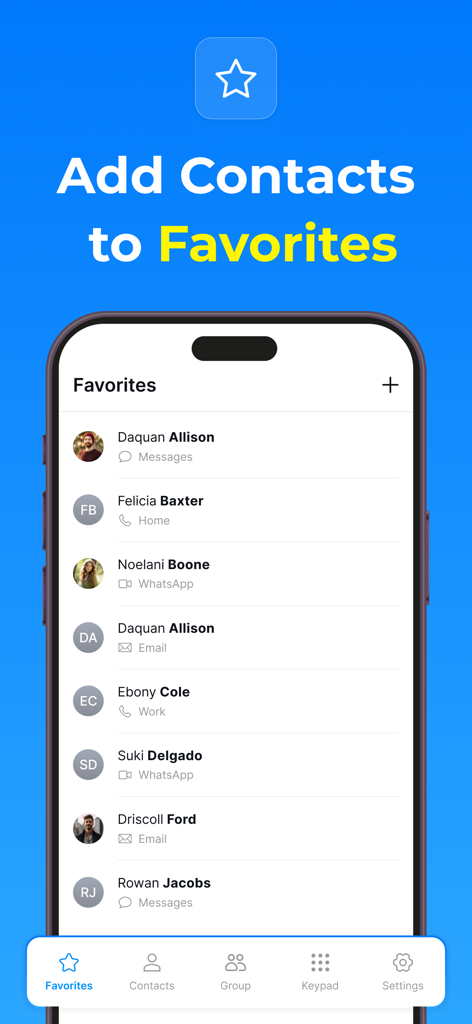
Screenshot der Favoritenliste in der Kontakte Telefonwähler-App, die schnellen Zugriff auf gespeicherte Kontakte zeigt
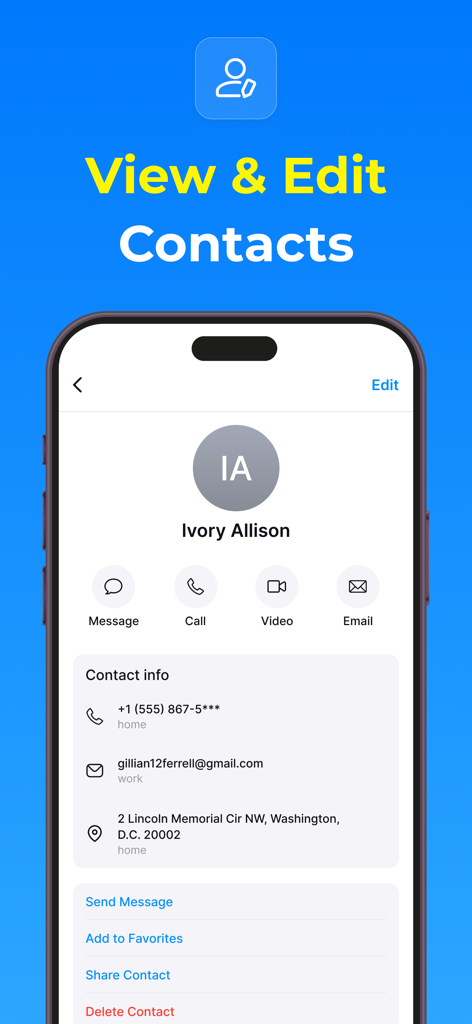
Ein Smartphone-Bildschirm, der ein Kontaktprofil mit Optionen zur Anzeige und Bearbeitung von Kontaktinformationen und schnellen Kommunikationsschaltflächen anzeigt.
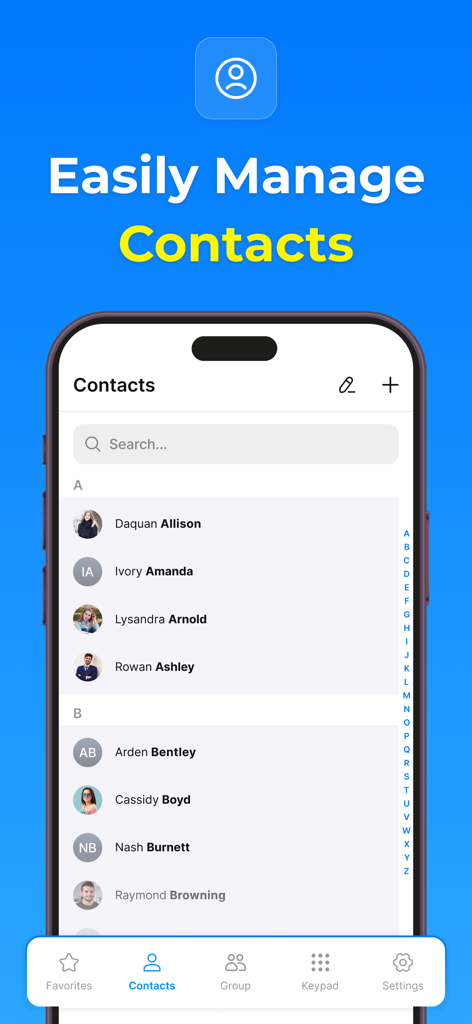
Benutzeroberfläche einer Kontaktmanagement-App, die eine Liste von Kontakten mit einer Suchleiste und einem Navigationsmenü anzeigt
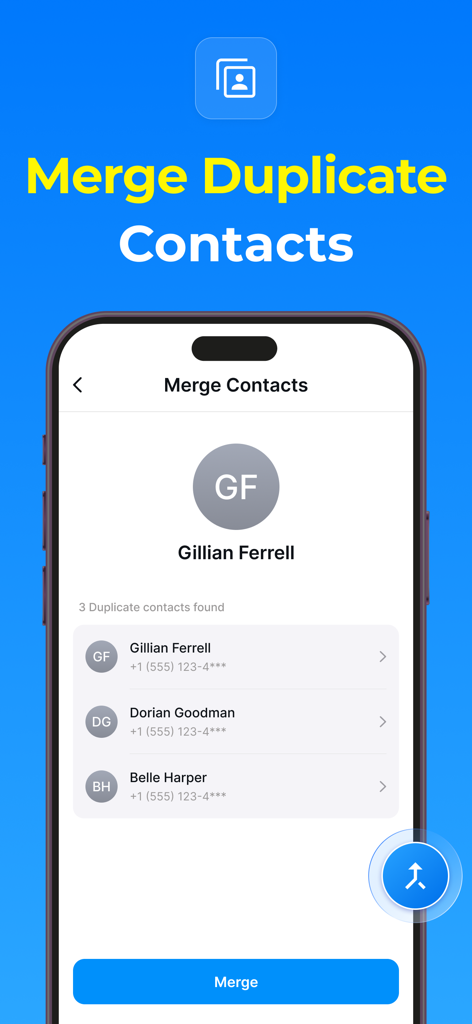
Ein Screenshot der Kontakte Telefonwähler-App, der den Bildschirm zum Zusammenführen doppelter Kontakte mit einer Liste von Kontakten und einer Schaltfläche zum Zusammenführen anzeigt.
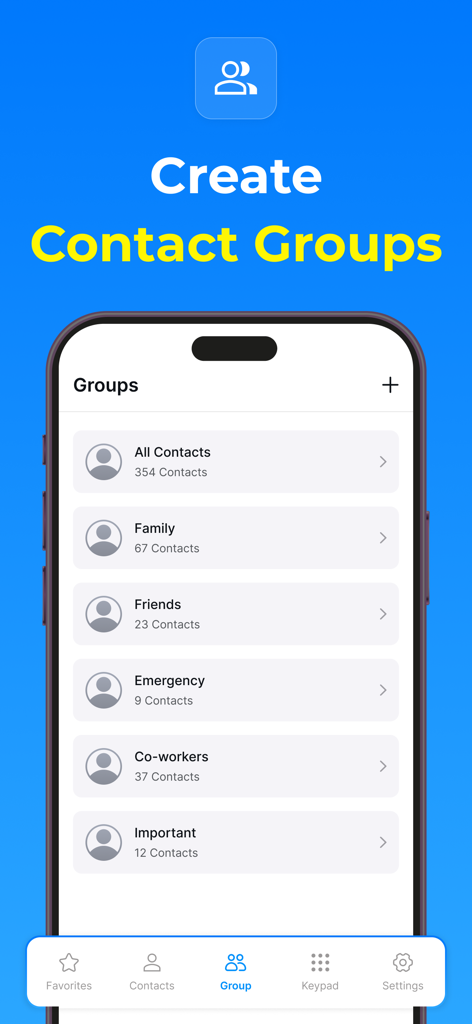
Smartphone-Bildschirm, der die Benutzeroberfläche der Kontaktgruppenverwaltung in der Kontakte Telefonwähler-App mit Kategorien wie Familie, Freunde und Kollegen anzeigt
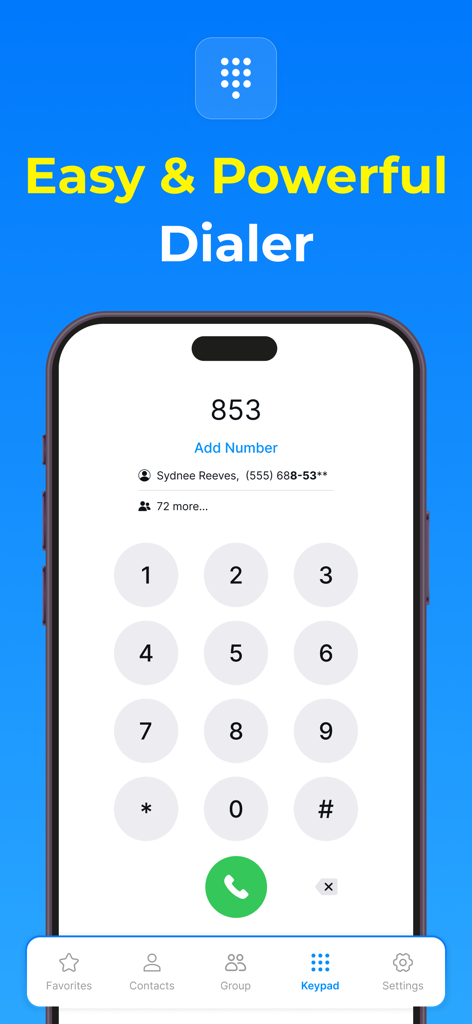
Eine mobile Telefonwähler-Oberfläche mit einer numerischen Tastatur und Kontaktvorschlägen
Beschreibung
Download
Ähnliche Apps
Top-gerankte Apps in derselben Kategorie

ChatGPT
OpenAI OpCo, LLC

Google Gemini
Google LLC

Grok
X.AI Corporation

Gmail - Email by Google
Google LLC

千问 - 阿里最强大模型官方AI助手
Shanghai Zhixin Puhui Technology Co., Ltd.

Google Drive
Google LLC

Microsoft Authenticator
Microsoft Corporation

Google Sheets
Google LLC

Google Docs
Google LLC
Diese Seite ist keine offizielle Seite der App oder ihres Entwicklers, sondern eine unabhängige redaktionelle Veröffentlichung, die zu Informations- und Kommentarzwecken erstellt wurde. Sofern nicht ausdrücklich anders angegeben, sind weder die App noch ihr Entwickler mit MWM, Apple, Google Play, dem App-Herausgeber oder dem Entwickler der App verbunden, von ihnen unterstützt, gesponsert, autorisiert oder anderweitig offiziell verbunden, und nichts auf dieser Seite impliziert, dass die App unter Verwendung der Dienste von MWM entwickelt wurde. Alle Marken, Logos, Screenshots und andere Inhalte bleiben Eigentum ihrer jeweiligen Inhaber.