
Diese Seite ist keine offizielle Seite der App oder ihres Entwicklers, sondern eine unabhängige redaktionelle Veröffentlichung, die zu Informations- und Kommentarzwecken erstellt wurde. Sofern nicht ausdrücklich anders angegeben, sind weder die App noch ihr Entwickler mit MWM, Apple, Google Play, dem App-Herausgeber oder dem Entwickler der App verbunden, von ihnen unterstützt, gesponsert, autorisiert oder anderweitig offiziell verbunden, und nichts auf dieser Seite impliziert, dass die App unter Verwendung der Dienste von MWM entwickelt wurde. Alle Marken, Logos, Screenshots und andere Inhalte bleiben Eigentum ihrer jeweiligen Inhaber.

Cross Stitch Pattern Creator
Das ultimative, tablet-optimierte Werkzeug für moderne Macher. Wandle Bilder um, verwende offizielle DMC-Garnfarben und erstelle professionelle Muster für dein nächstes Erbstückprojekt.
Downloads
2K+Bewertung
Bewertungen gesamt
0Herausgeber
Kategorie
Graphics & DesignSprachen
1Neueste Version
8Größe
12.2 MBErstveröffentlichung
18. Jan. 2024Gestalte deine eigenen Meisterwerke
Das ultimative digitale Studio für moderne Macher. Von der sofortigen Bildkonvertierung bis zur präzisen DMC-Farbanpassung – entwerfe individuelle Muster, die einzigartig sind.
Verwandle Erinnerungen in Muster
Lade jedes Foto eines Haustiers, eines geliebten Menschen oder einer Landschaft hoch und wandle es sofort in ein professionelles Stichgitter um.
Profi-Werkzeuge für Präzision
Gestalte mit der vollständigen DMC-Garnbibliothek, Rückstichwerkzeugen und klaren Symbolen, um sicherzustellen, dass deine digitale Kunst auf Stoff perfekt aussieht.
Die folgenden Screenshots und die Beschreibung stammen direkt aus dem offiziellen Store-Eintrag der App und sind Eigentum des Entwicklers.
App Store
Screenshots
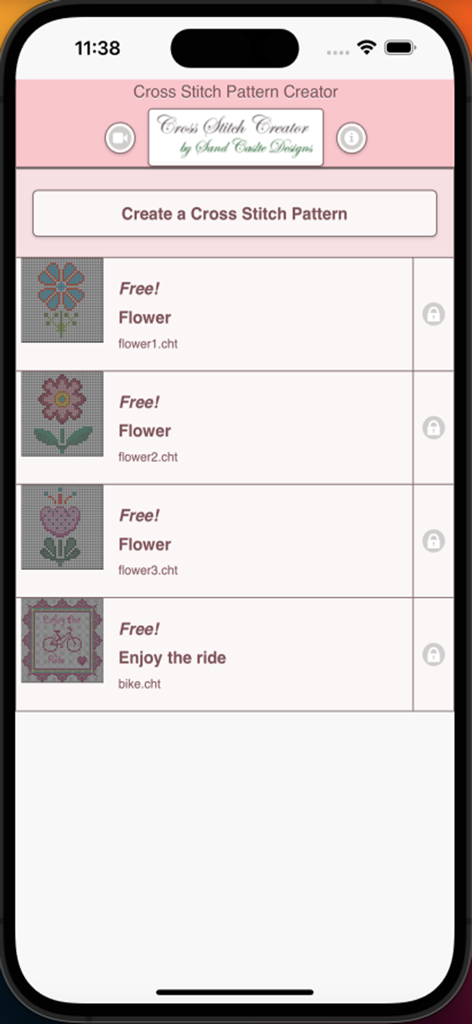
Startbildschirm der Cross Stitch Pattern Creator App mit einer Liste kostenloser Blumen- und Fahrradmuster
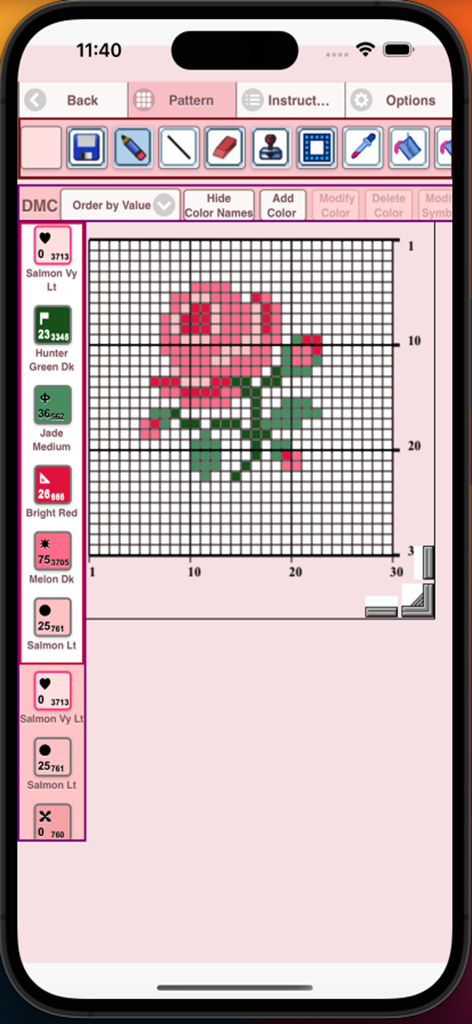
Kreuzstichmuster-Ersteller-App mit einem Rosen-Design auf einem Gitter mit DMC-Garnfarbcodes
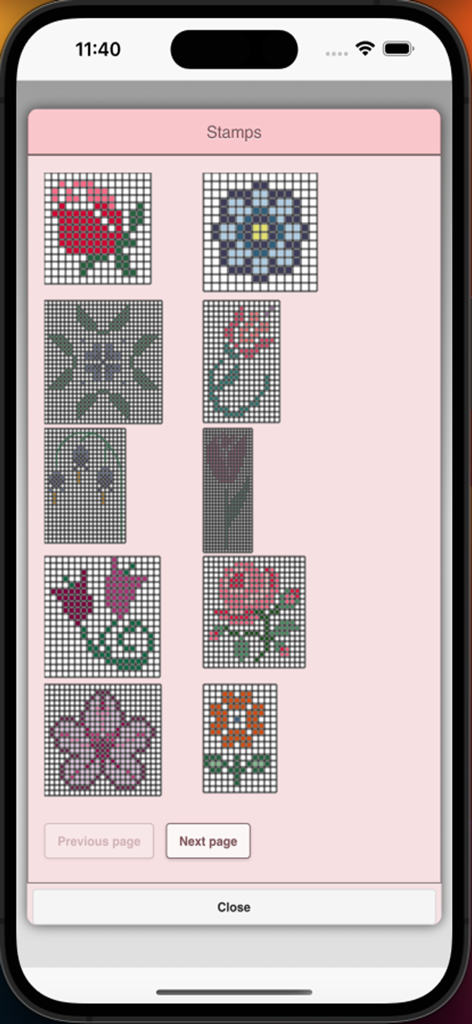
Eine Bibliothek von floralen Stempeln zur Erstellung von Kreuzstichmustern in einer mobilen App
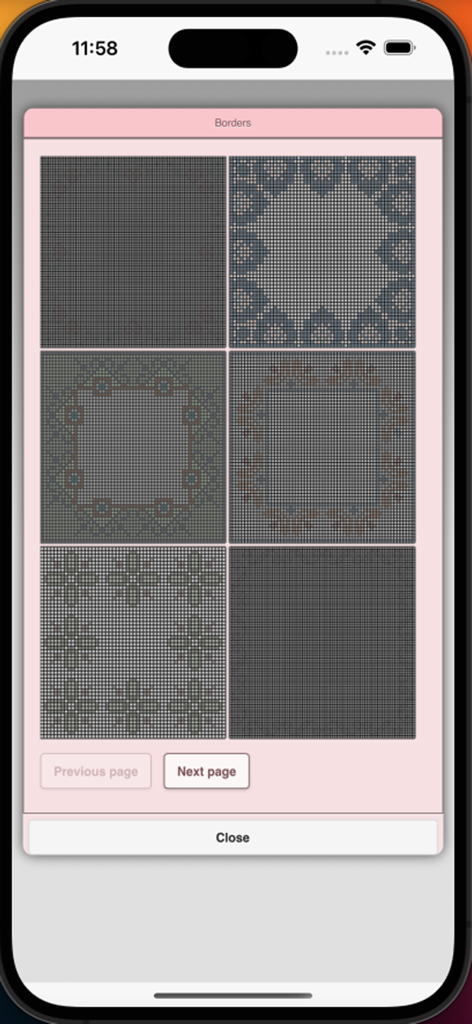
Auswahl an Kreuzstich-Randmustern im App-Menü
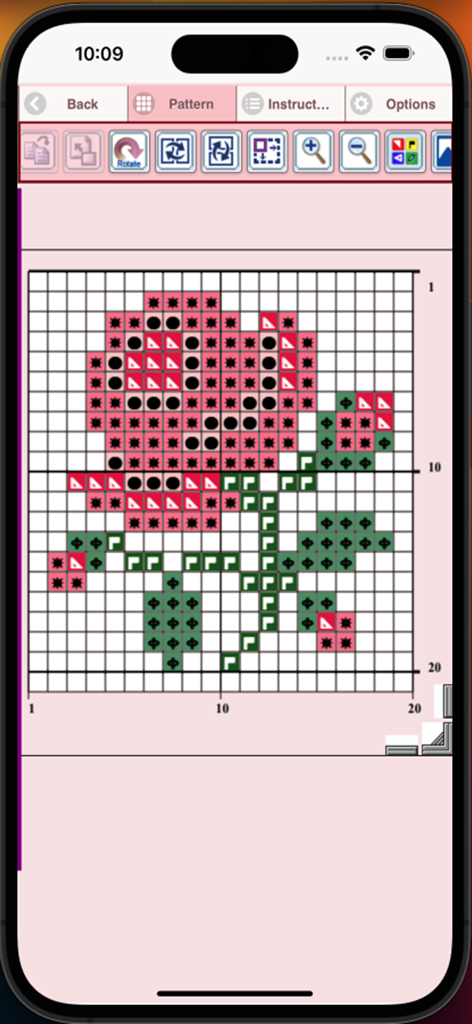
Kreuzstichmuster-Ersteller-App-Oberfläche mit einem Rosenblütendesign auf einem nummerierten Gitter mit Symbolen
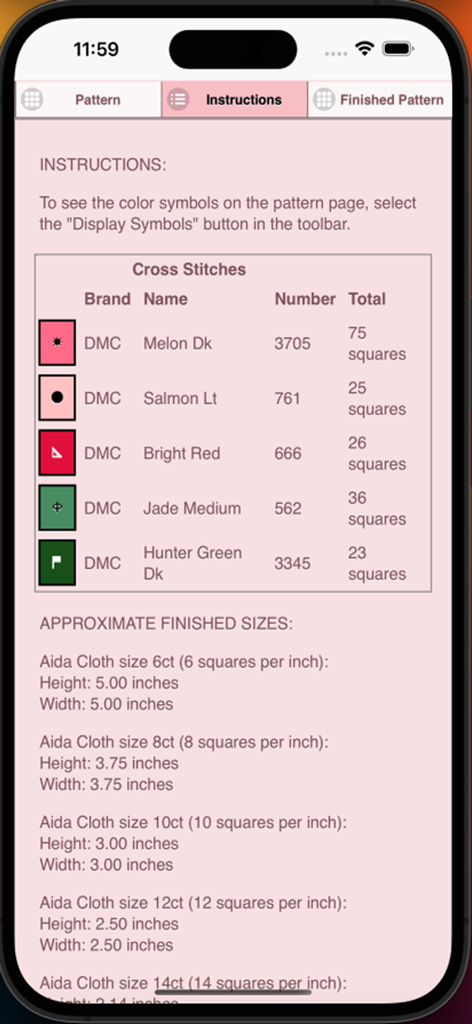
Kreuzstichmuster-Anleitung mit DMC-Garnfarben und Aida-Tuchgröße
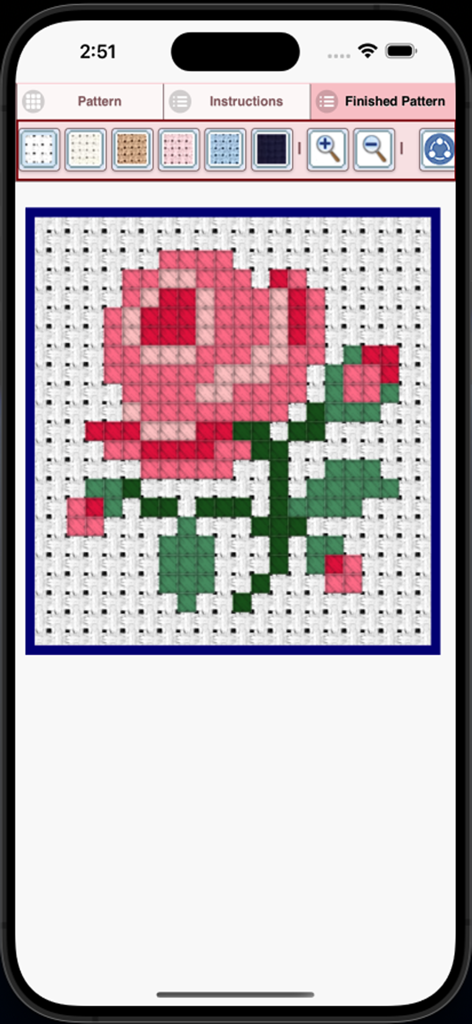
Vorschau des fertigen rosa Rosen-Kreuzstichmusters in der App
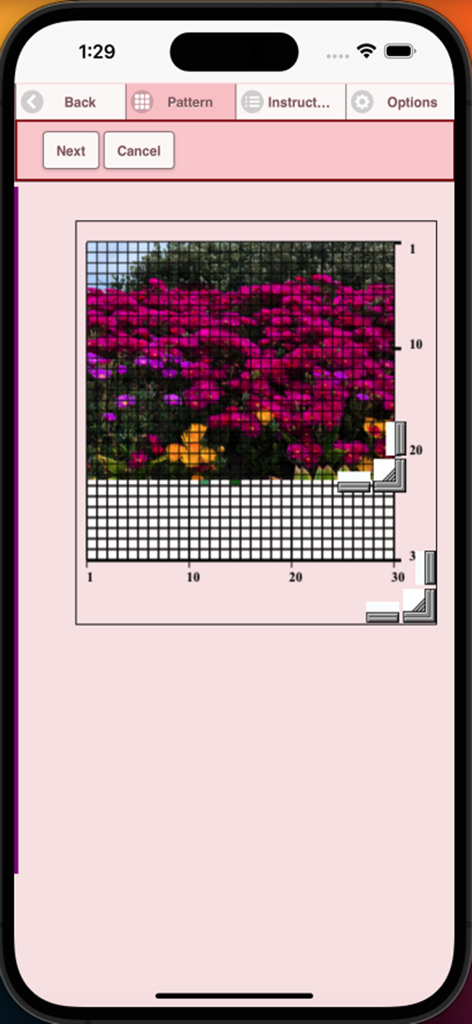
Eine mobile App-Oberfläche, die zeigt, wie ein Foto von Blumen in ein Kreuzstichgittermuster umgewandelt wird
Beschreibung
Download
Ähnliche Apps
Top-gerankte Apps in derselben Kategorie

Kling AI: AI Image&Video Maker
LOHAS GAMES PTE. LTD.

iScreen - Widgets & Wallpaper
Xiamen ShenZhuo Information Technology Co., Ltd.

Dreamina AI: Image&Video Maker
BYTEDANCE PTE. LTD.

Home AI - AI Interior Design
HUBX YAZILIM HIZMETLERI ANONIM SIRKETI

ibis Paint X
ibis inc.

ThemeKit: Widget & Icon Themes
Woohoo Tech. Ltd.

Sketchbook®
Sketchbook, Inc.

Colorful Widget- Widget&Themes
Guangzhou ZHIFENG Information Technology Co.,Ltd.

ReRoom AI: Interior Design
GM UniverseApps Limited
Diese Seite ist keine offizielle Seite der App oder ihres Entwicklers, sondern eine unabhängige redaktionelle Veröffentlichung, die zu Informations- und Kommentarzwecken erstellt wurde. Sofern nicht ausdrücklich anders angegeben, sind weder die App noch ihr Entwickler mit MWM, Apple, Google Play, dem App-Herausgeber oder dem Entwickler der App verbunden, von ihnen unterstützt, gesponsert, autorisiert oder anderweitig offiziell verbunden, und nichts auf dieser Seite impliziert, dass die App unter Verwendung der Dienste von MWM entwickelt wurde. Alle Marken, Logos, Screenshots und andere Inhalte bleiben Eigentum ihrer jeweiligen Inhaber.