
Diese Seite ist keine offizielle Seite der App oder ihres Entwicklers, sondern eine unabhängige redaktionelle Veröffentlichung, die zu Informations- und Kommentarzwecken erstellt wurde. Sofern nicht ausdrücklich anders angegeben, sind weder die App noch ihr Entwickler mit MWM, Apple, Google Play, dem App-Herausgeber oder dem Entwickler der App verbunden, von ihnen unterstützt, gesponsert, autorisiert oder anderweitig offiziell verbunden, und nichts auf dieser Seite impliziert, dass die App unter Verwendung der Dienste von MWM entwickelt wurde. Alle Marken, Logos, Screenshots und andere Inhalte bleiben Eigentum ihrer jeweiligen Inhaber.

Data Transfer - MobileTrans
Schließen Sie sich 1,5 Millionen Nutzern an, die stressfrei zwischen iOS und Android wechseln. Übertragen Sie WhatsApp, Fotos und Kontakte mit Lichtgeschwindigkeit, ohne Datenverbrauch und bei voller Privatsphäre.
Downloads
5M+Bewertung
Bewertungen gesamt
5K+Herausgeber
Kategorie
UtilitiesSprachen
12Neueste Version
4.7.29Größe
264.5 MBErstveröffentlichung
21. Jan. 2021Ihr neues Handy, in wenigen Minuten voll ausgestattet
Hören Sie auf, auf langsame Clouds und fehlerhafte Kabel zu warten. Übertragen Sie Ihr gesamtes digitales Leben – Fotos, WhatsApp-Chats und Apps – mit blitzschneller lokaler Technologie, die für den modernen Wechsler entwickelt wurde.
Vollständige WhatsApp-Migration
Übertragen Sie jeden Chat, Aufkleber und jede Mediendatei nahtlos zwischen iOS und Android. Verlieren Sie nie wieder Ihre wichtigsten Chatverläufe, wenn Sie die Marke wechseln.
200x schneller als Bluetooth
Übertragen Sie 1 GB 4K-Video in nur 30 Sekunden. Unsere Hochgeschwindigkeits-Hotspot-Technologie sorgt dafür, dass Ihre Daten sofort übertragen werden, ohne Ihr mobiles Datenvolumen zu verbrauchen.
Häufig gestellte Fragen
Alles, was Sie über wissen müssen Data Transfer - MobileTrans
Was ist MobileTrans und was macht es?
MobileTrans ist ein Datenübertragungstool, das Inhalte wie Fotos, Videos, Kontakte, WhatsApp-Daten, Musik, Dateien, Aufnahmen, Dokumente, Apps und Kalender zwischen Handys überträgt. Es unterstützt plattformübergreifende Übertragungs-, Backup- und Wiederherstellungsfunktionen.
Welche Arten von Daten kann ich mit MobileTrans übertragen?
MobileTrans unterstützt die Übertragung aller Datentypen, einschließlich Bildern, Videos, WhatsApp-Daten, Audio, Kontakten, Musik, Dokumenten und Kalenderereignissen auf Ihr neues Mobiltelefon. Es verarbeitet auch gängige Dateiformate wie Word, Excel, PowerPoint und PDF.
Unterstützt MobileTrans die plattformübergreifende Datenübertragung zwischen verschiedenen Handymarken?
Ja, MobileTrans unterstützt die plattformübergreifende Datenübertragung. Es kann Daten von iOS auf Android, von Android auf iOS und von iOS auf iOS verschieben. Es ist nicht auf bestimmte Handymarken beschränkt.
Wie schnell ist die Datenübertragung mit der MobileTrans-App?
MobileTrans bietet blitzschnelle Datenübertragungsgeschwindigkeiten, bis zu 200x schneller als Bluetooth. Es erreicht eine Durchschnittsgeschwindigkeit von 30 MB/s, wodurch die Übertragung eines 1-GB-Videos in etwa 30 Sekunden ermöglicht wird.
Verbraucht MobileTrans während des Übertragungsvorgangs mobile Daten?
Nein, MobileTrans verbraucht während der Übertragung keine mobilen Daten. Es verwendet einen lokalen Hotspot für die direkte Datenübertragung zwischen Geräten, wodurch keine WLAN-Verbindung erforderlich ist und Ihr Datentarif geschont wird.
Wie verbinde ich zwei Geräte mit MobileTrans für die Datenübertragung?
Geräte werden in MobileTrans durch Scannen eines QR-Codes verbunden. Diese QR-Code-basierte Verbindung ermöglicht eine schnelle und sichere Kopplung zwischen zwei Geräten und unterstützt verschiedene Betriebssysteme und Handymarken.
Kann MobileTrans WhatsApp-Daten übertragen und sichern?
Ja, MobileTrans unterstützt die WhatsApp-Übertragung, einschließlich Chatverlauf, Fotos, Videos, Kontakte und Sticker. Es bietet auch Backup- und Wiederherstellungsfunktionen für WhatsApp-Daten, einschließlich iCloud-Wiederherstellung.
Ist MobileTrans eine sichere und private Anwendung für die Datenübertragung?
Ja, MobileTrans gewährleistet hohe Privatsphäre und Datensicherheit. Es fungiert als sichere Brücke für die Datenübertragung und priorisiert den Schutz der Privatsphäre und die sichere Migration von Benutzerinformationen zwischen Geräten.
Welche Abonnementoptionen sind für MobileTrans verfügbar?
MobileTrans bietet monatliche Abonnementpläne an, darunter Phone Transfer Monthly, Full Feature Monthly und WhatsApp Monthly. Abonnenten erhalten unbegrenzten Zugriff auf alle Funktionen wie Phone Transfer, File Transfer und iCloud Transfer.
Wie werden MobileTrans-Abonnements erneuert?
MobileTrans-Abonnements werden automatisch verlängert. Die Verlängerungsgebühren werden Ihrem iTunes-Konto innerhalb von 24 Stunden vor Ende des aktuellen Zeitraums belastet. Sie können die automatische Verlängerung jederzeit nach dem Kauf in Ihren Kontoeinstellungen verwalten und deaktivieren.
Die folgenden Screenshots und die Beschreibung stammen direkt aus dem offiziellen Store-Eintrag der App und sind Eigentum des Entwicklers.
App Store
Screenshots
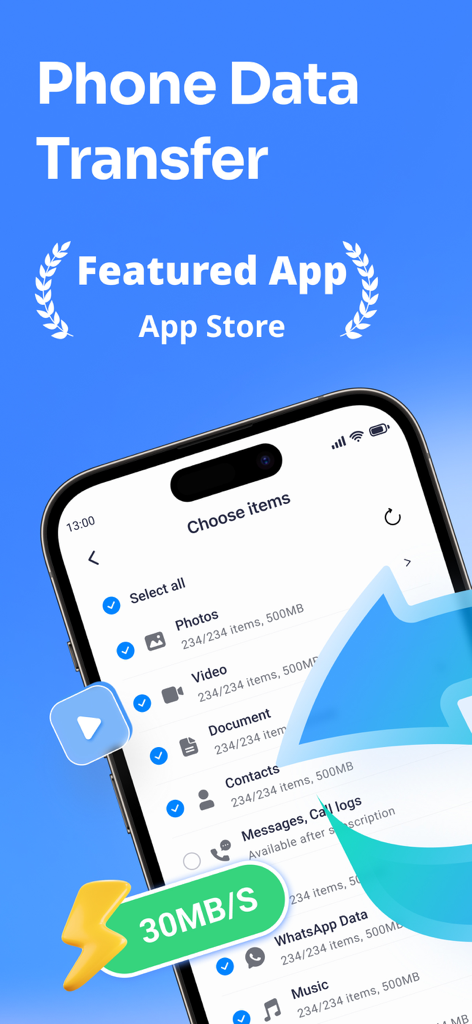
Ein Smartphone-Bildschirm, der die Benutzeroberfläche der MobileTrans-App mit Optionen zur Auswahl von Fotos und Videos für die schnelle Datenübertragung anzeigt
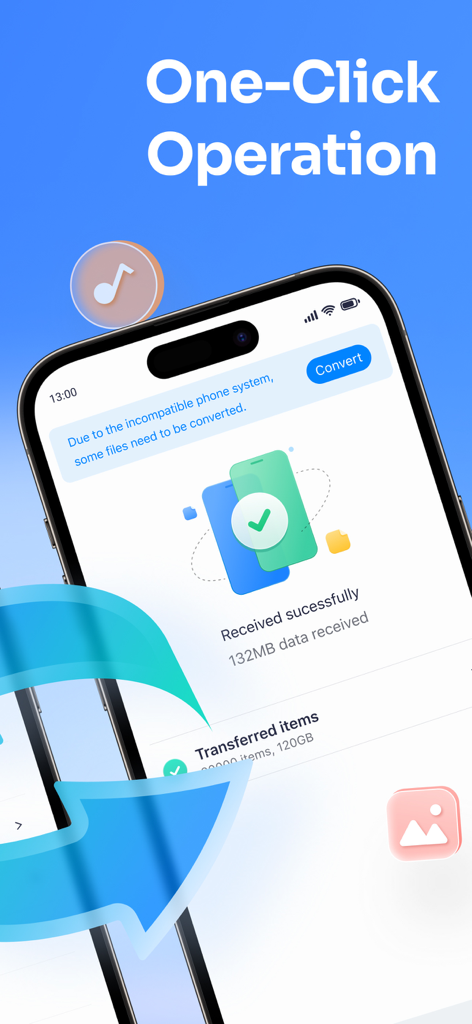
MobileTrans App-Oberfläche, die eine erfolgreiche Datenübertragung zwischen Smartphones mit der Überschrift 'Ein-Klick-Datenübertragung' zeigt.
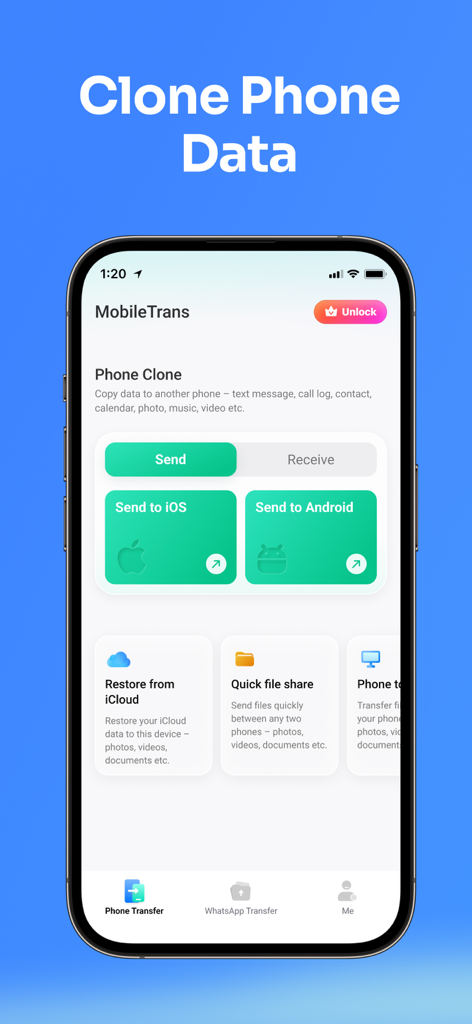
MobileTrans App-Bildschirm zum Klonen von Daten zwischen iOS- und Android-Telefonen
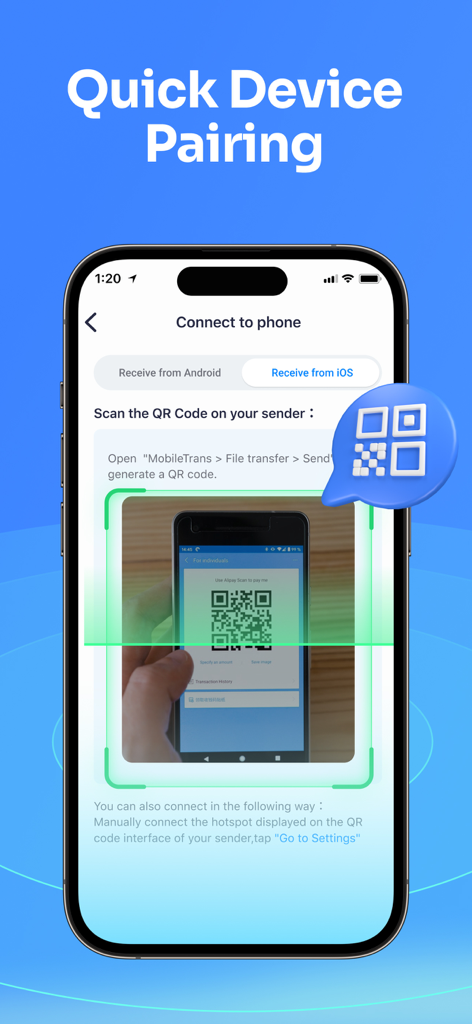
Smartphone scannt einen QR-Code auf einem anderen Mobilgerät, um sich für die Datenübertragung mit der MobileTrans-App zu koppeln
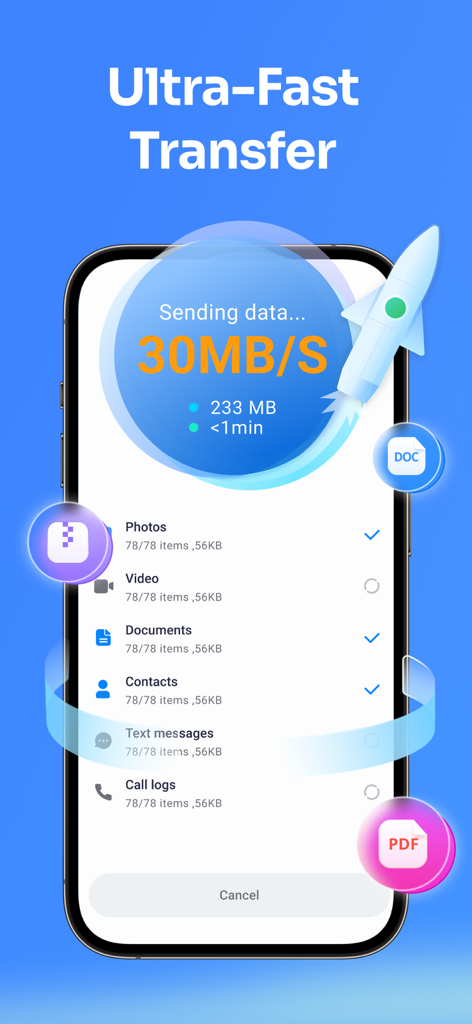
Smartphone-Bildschirm zeigt ultraschnelle Datenübertragung mit 30 MB pro Sekunde für Fotos und Videos
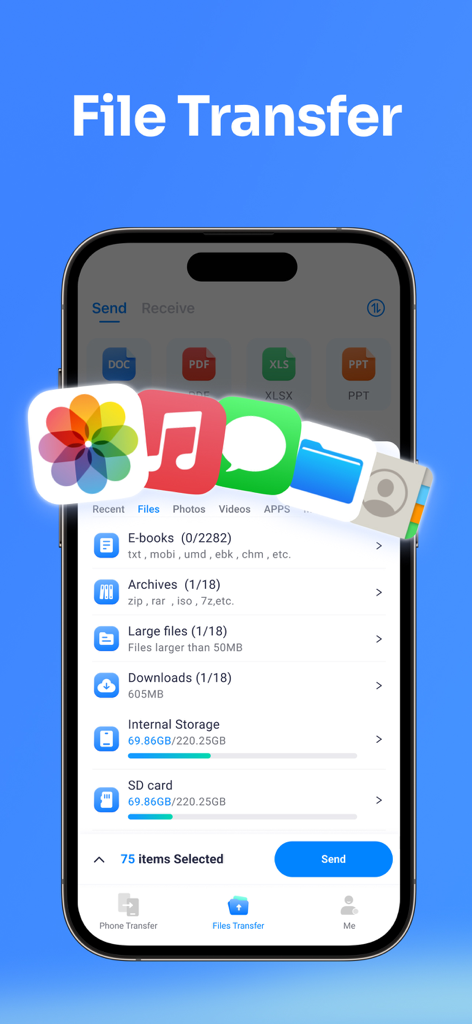
MobileTrans App-Oberfläche auf einem Smartphone, die Optionen zur Dateiübertragung für Fotos, Musik und Dokumente anzeigt
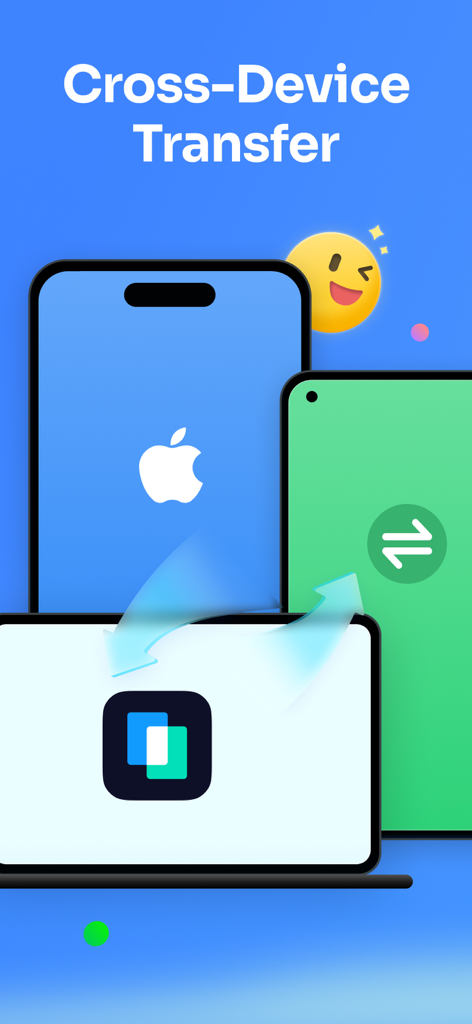
Grafik, die die Datenübertragung zwischen einem iPhone, einem Android-Gerät und einem Laptop-Bildschirm zeigt.
Beschreibung
Download
Ähnliche Apps
Apps mit ähnlichen Funktionen und Nutzererfahrung

Data Transfer - Copy My Data
Simple Health Limited

互传 - 快速换机数据迁移智能助手
家呈 郭

Copy My Data - Smart Transfer
Red Sky Labs, SOCIEDAD LIMITADA
Smart Switch - Copy My Data
学斌 林
Copy My Data - Mobile Transfer
KHD Plaza LLC

Phone Clone - Smart Switch .
俊杰 刘

Smart Switch: Data Transfer
Zadore Tracy
Smart Switch: Copy & Move Data
JW Marketing group s.r.o.
手机同步传输-同步转移数据文件
冰 杜
Diese Seite ist keine offizielle Seite der App oder ihres Entwicklers, sondern eine unabhängige redaktionelle Veröffentlichung, die zu Informations- und Kommentarzwecken erstellt wurde. Sofern nicht ausdrücklich anders angegeben, sind weder die App noch ihr Entwickler mit MWM, Apple, Google Play, dem App-Herausgeber oder dem Entwickler der App verbunden, von ihnen unterstützt, gesponsert, autorisiert oder anderweitig offiziell verbunden, und nichts auf dieser Seite impliziert, dass die App unter Verwendung der Dienste von MWM entwickelt wurde. Alle Marken, Logos, Screenshots und andere Inhalte bleiben Eigentum ihrer jeweiligen Inhaber.