
Diese Seite ist keine offizielle Seite der App oder ihres Entwicklers, sondern eine unabhängige redaktionelle Veröffentlichung, die zu Informations- und Kommentarzwecken erstellt wurde. Sofern nicht ausdrücklich anders angegeben, sind weder die App noch ihr Entwickler mit MWM, Apple, Google Play, dem App-Herausgeber oder dem Entwickler der App verbunden, von ihnen unterstützt, gesponsert, autorisiert oder anderweitig offiziell verbunden, und nichts auf dieser Seite impliziert, dass die App unter Verwendung der Dienste von MWM entwickelt wurde. Alle Marken, Logos, Screenshots und andere Inhalte bleiben Eigentum ihrer jeweiligen Inhaber.


DEVONthink To Go 3
Sammeln, organisieren und automatisieren Sie Ihre Dokumente mit professionellen Werkzeugen, On-Device-OCR und absoluter Privatsphäre für Ihr Zweites Gehirn.
Downloads
5K+Bewertung
Bewertungen gesamt
5K+Herausgeber
Kategorie
ProductivitySprachen
3Neueste Version
3.8.14Größe
134.5 MBErstveröffentlichung
10. Feb. 2021Professionelles Wissensmanagement
Das ultimative 'Zweite Gehirn' für iPad und iPhone. Organisieren, automatisieren und sichern Sie Ihre wichtigsten Dokumente mit Desktop-Leistung.
On-Device-Intelligenz & OCR
Wandeln Sie Scans und Bilder sofort in durchsuchbare PDFs um. Verarbeiten Sie alles lokal auf Ihrem Gerät, um maximale Geschwindigkeit und absolute Privatsphäre zu gewährleisten.
Eiserne Privatsphäre & Synchronisierung
Übernehmen Sie die Kontrolle über Ihre Daten mit Ende-zu-Ende-Verschlüsselung. Synchronisieren Sie über lokales WLAN oder Cloud-Anbieter, ohne Ihre Dateien jemals an Dritte weiterzugeben.
Die folgenden Screenshots und die Beschreibung stammen direkt aus dem offiziellen Store-Eintrag der App und sind Eigentum des Entwicklers.
App Store
Screenshots
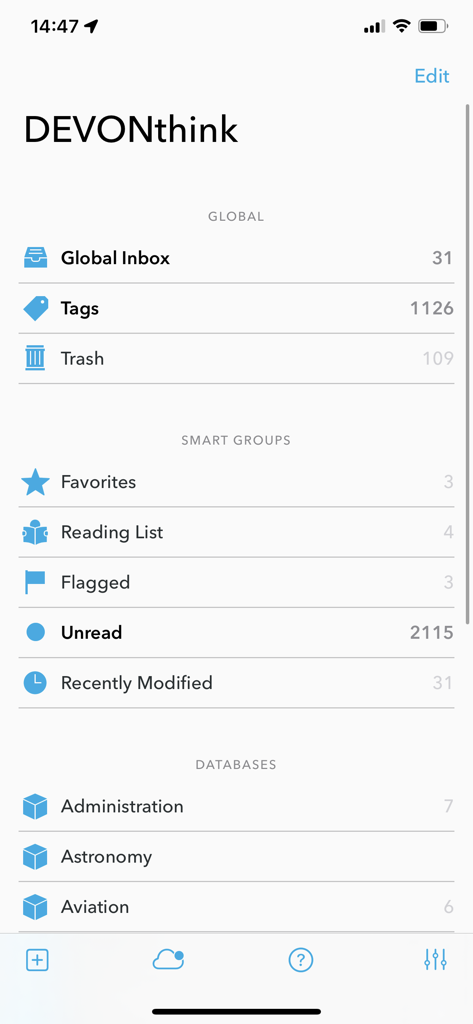
Hauptoberfläche von DEVONthink To Go 3 mit Dokumentendatenbanken und intelligenten Gruppen
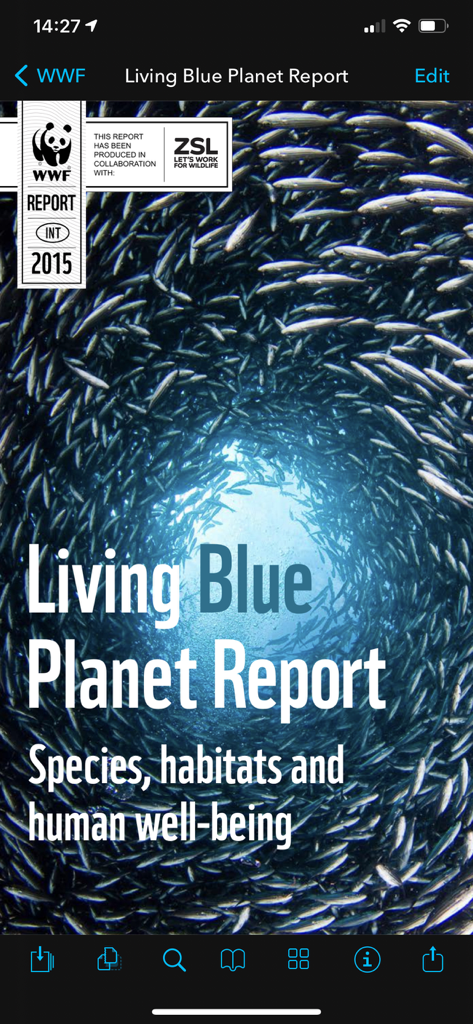
Ein PDF-Dokument, geöffnet in der mobilen App DEVONthink To Go 3, das das Titelbild des Living Blue Planet Reports zeigt.
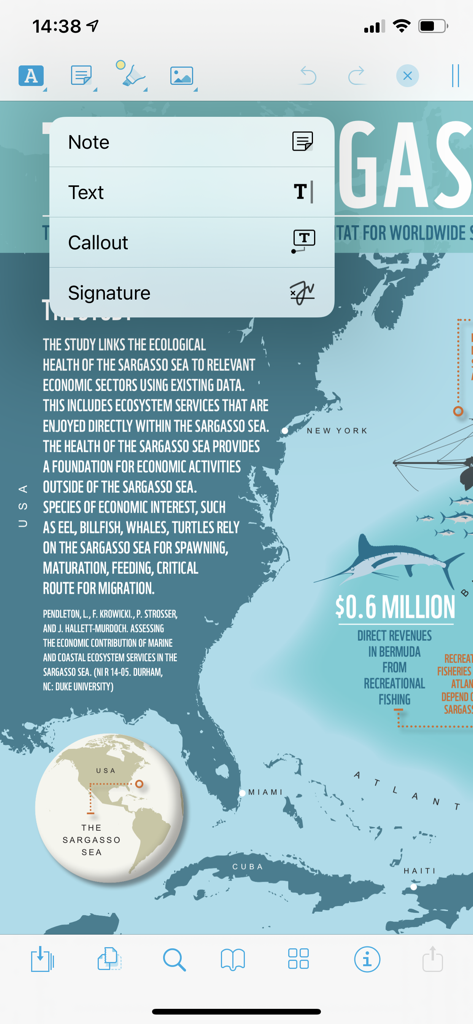
PDF-Kommentaroberfläche in DEVONthink To Go 3 mit Optionen für Notizen und Callouts
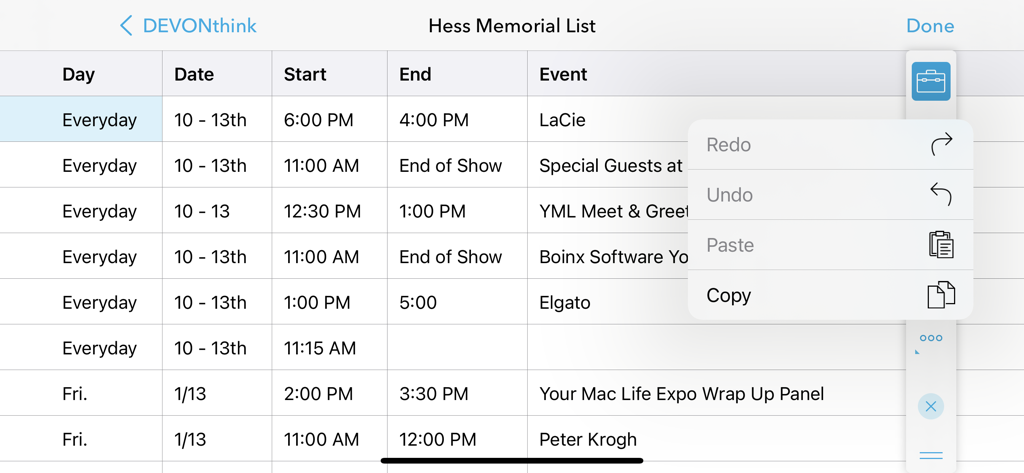
Tabellenansicht in DEVONthink To Go 3 mit einem geöffneten Bearbeitungsmenü für Kopier- und Einfügefunktionen
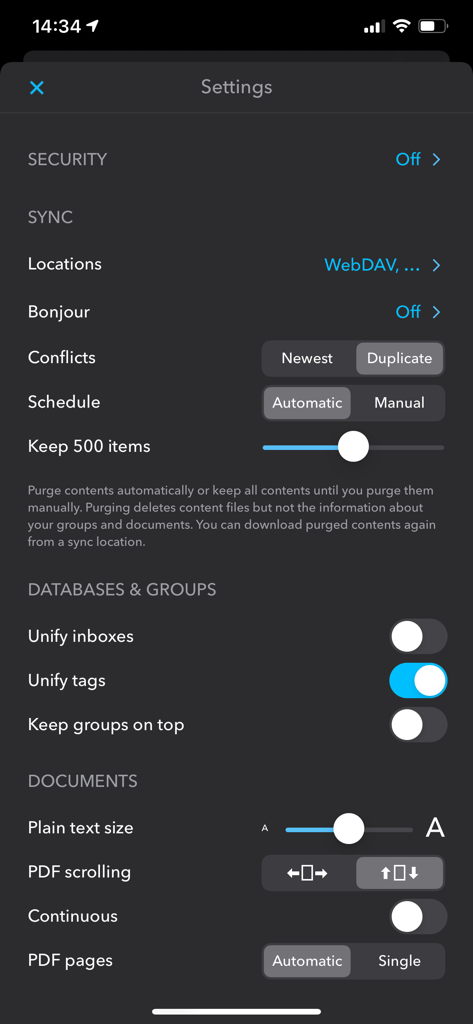
Einstellungsbildschirm von DEVONthink To Go 3 mit Optionen zur Synchronisierung und Datenbankkonfiguration.
Beschreibung
Download
Ähnliche Apps
Apps mit ähnlichen Funktionen und Nutzererfahrung

Notebook: Note Taking
Christopher Martin

InstaWrite AI - Notes taker
Thundervolcano Limited

Get笔记 - 你只管说,AI 帮你记下来
Beijing logicreation Information & Technology Co., Ltd

话袋AI笔记-云端速记 备忘录
Shanghai Miaohua Information Technology Co., Ltd

Fabric: AI Notes, Files, Ideas
WFHLAND, Inc.

Book Notion|notes reviews memo
Sho Kosaka

Cubox: AI Read-It-Later App
Suzhou Guaiqi Information Technology Co., Ltd.

Fieldy - AI note taker
Field Labs Inc.

mymind – Extend your mind
mymind, Inc.
Diese Seite ist keine offizielle Seite der App oder ihres Entwicklers, sondern eine unabhängige redaktionelle Veröffentlichung, die zu Informations- und Kommentarzwecken erstellt wurde. Sofern nicht ausdrücklich anders angegeben, sind weder die App noch ihr Entwickler mit MWM, Apple, Google Play, dem App-Herausgeber oder dem Entwickler der App verbunden, von ihnen unterstützt, gesponsert, autorisiert oder anderweitig offiziell verbunden, und nichts auf dieser Seite impliziert, dass die App unter Verwendung der Dienste von MWM entwickelt wurde. Alle Marken, Logos, Screenshots und andere Inhalte bleiben Eigentum ihrer jeweiligen Inhaber.