
Diese Seite ist keine offizielle Seite der App oder ihres Entwicklers, sondern eine unabhängige redaktionelle Veröffentlichung, die zu Informations- und Kommentarzwecken erstellt wurde. Sofern nicht ausdrücklich anders angegeben, sind weder die App noch ihr Entwickler mit MWM, Apple, Google Play, dem App-Herausgeber oder dem Entwickler der App verbunden, von ihnen unterstützt, gesponsert, autorisiert oder anderweitig offiziell verbunden, und nichts auf dieser Seite impliziert, dass die App unter Verwendung der Dienste von MWM entwickelt wurde. Alle Marken, Logos, Screenshots und andere Inhalte bleiben Eigentum ihrer jeweiligen Inhaber.


DropTalk教育法人向け
Befähigen Sie Schüler mit Autismus und Sprachstörungen durch anpassbare Kommunikationsbretter, visuelle Pläne und interaktive Timer. Entwickelt für Sprachtherapeuten und Pädagogen, um Unabhängigkeit zu fördern und Klassenraumübergänge zu optimieren.
Downloads
6K+Bewertung
Bewertungen gesamt
0Herausgeber
Kategorie
EducationSprachen
9Neueste Version
6.13.2Größe
424.6 MBErstveröffentlichung
23. Jan. 2013Jede Stimme im Klassenzimmer stärken
Das umfassende UK-Toolkit, entwickelt für Pädagogen und Sprachtherapeuten, um Kommunikationslücken zu schließen, Routinen zu verwalten und neurodivergente Lernende zu unterstützen.
Integrierte Kommunikation & Routinen
Mehr als nur Grundsprache. Kombinieren Sie Kommunikationsbretter mit visuellen Plänen und Timern, um Übergangsängste zu reduzieren und die Unabhängigkeit der Schüler zu fördern.
Personalisierter visueller Kontext
Verwandeln Sie die Lernumgebung, indem Sie Fotos aus der realen Welt importieren und vertraute Stimmen aufnehmen, um ein wirklich personen-zentriertes UK-Erlebnis zu schaffen.
Die folgenden Screenshots und die Beschreibung stammen direkt aus dem offiziellen Store-Eintrag der App und sind Eigentum des Entwicklers.
App Store
Screenshots
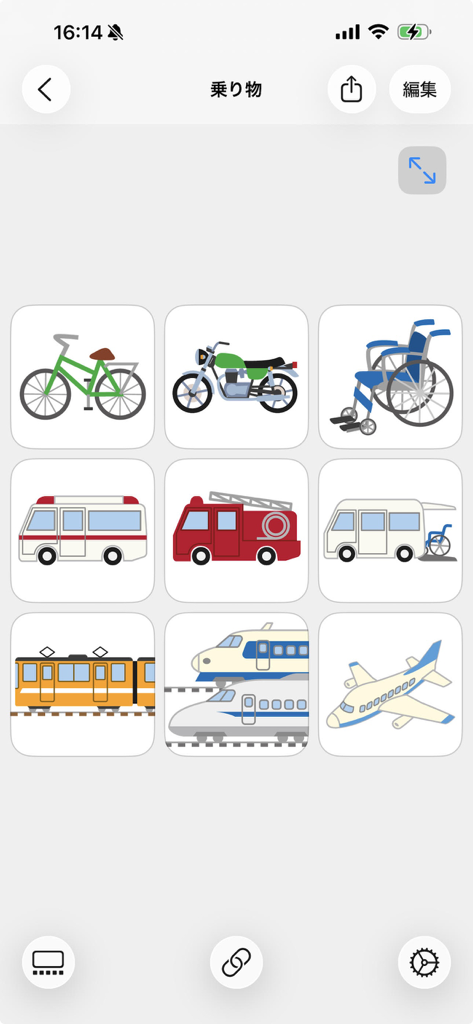
Ein 3x3-Raster mit Verkehrsmittelsymbolen wie Fahrrad, Rollstuhl, Krankenwagen und Zug in der DropTalk UK-App-Oberfläche.
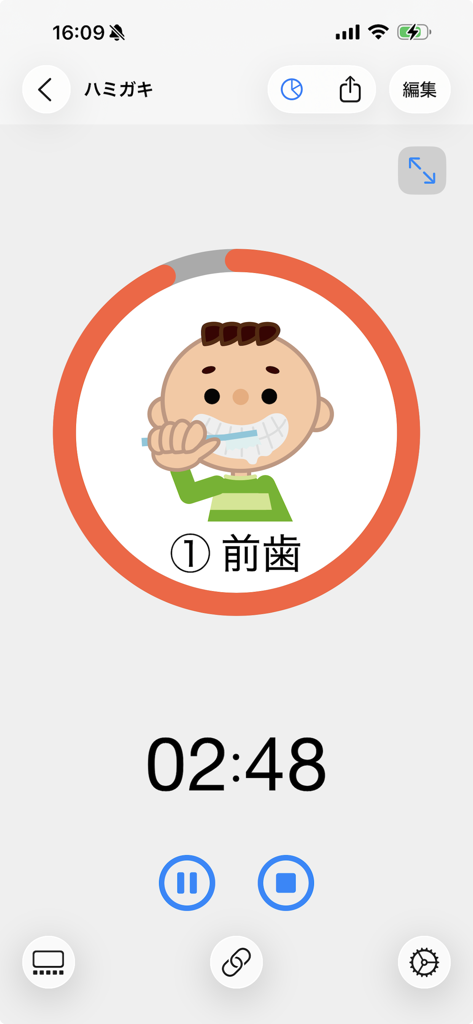
Eine visuelle Timer-Oberfläche in der DropTalk-App mit einem Countdown und einer Cartoon-Figur eines Jungen, der sich die Zähne putzt, zur Unterstützung der Sonderpädagogik.
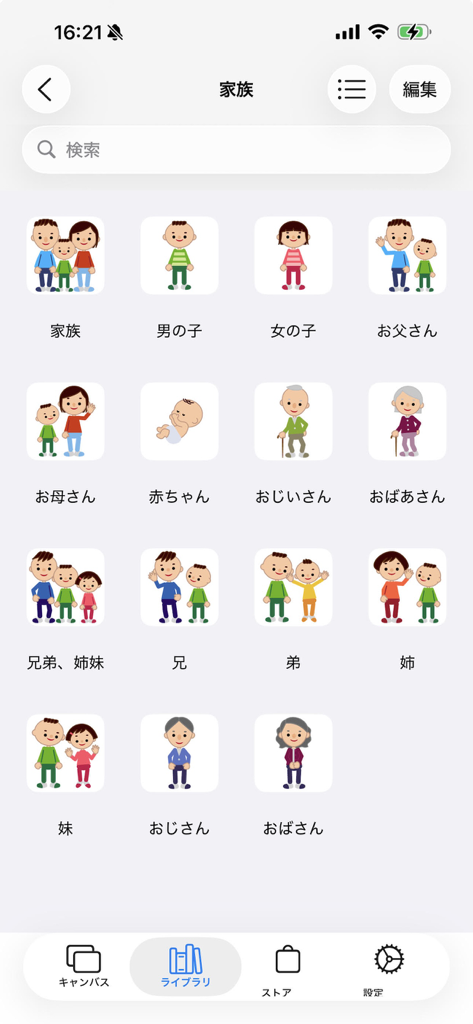
Ein Raster mit illustrierten Familiensymbolen in der DropTalk UK-App-Bibliothek, einschließlich Eltern und Großeltern.
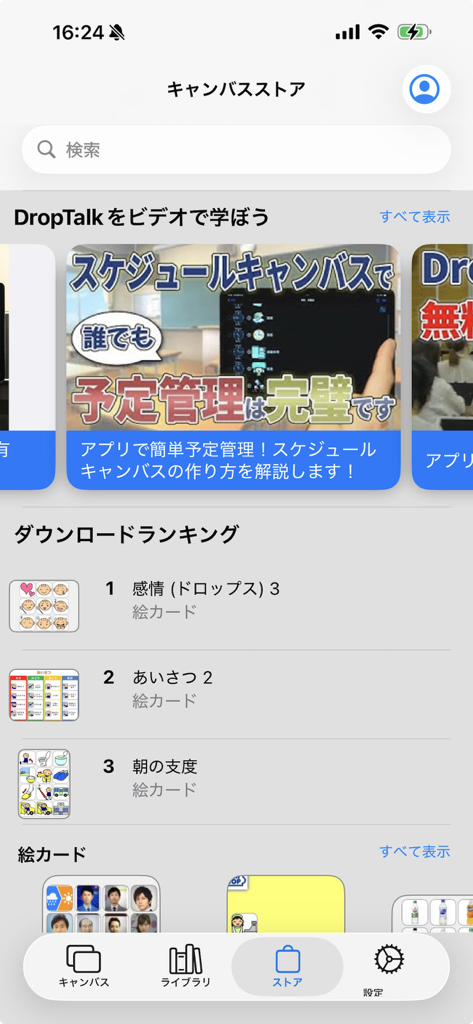
Die Canvas Store-Oberfläche der DropTalk-App, die Download-Rankings für visuelle Kommunikationskarten und Video-Tutorials für die Sonderpädagogik anzeigt.
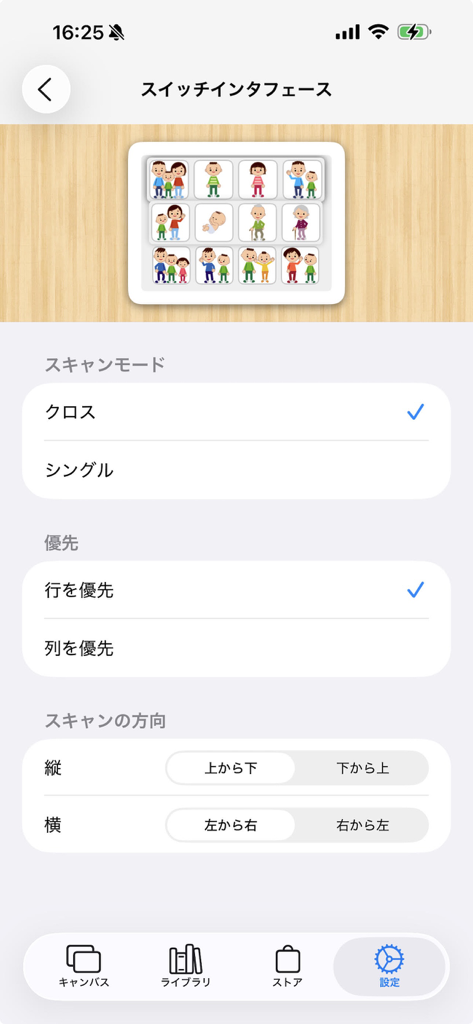
Einstellungsbildschirm zur Konfiguration der Tastersteuerungs-Barrierefreiheit in der DropTalk-App.
Beschreibung
Download
Ähnliche Apps
Top-gerankte Apps in derselben Kategorie

Duolingo - Language Lessons
Duolingo, Inc

Speak & Learn English: Learna
DEEP FLOW SOFTWARE SERVICES - FZCO

驾考宝典-科一科四驾驶证考试驾考通
Wuhan Jiakaobaodian Information Service Co., Ltd.

Toca Boca World
Toca Boca AB

Google Classroom
Google LLC

作业帮-中小学家长作业检查和辅导工具
Guangzhou Polar Future Culture Technology Co., Ltd

Gauth: AI Study Companion
GAUTHTECH PTE. LTD.

学信网
Student Information Consultation Service Co., Ltd.

ArtWorkout: Learn How to Draw
Aleksandr Ulitin
Diese Seite ist keine offizielle Seite der App oder ihres Entwicklers, sondern eine unabhängige redaktionelle Veröffentlichung, die zu Informations- und Kommentarzwecken erstellt wurde. Sofern nicht ausdrücklich anders angegeben, sind weder die App noch ihr Entwickler mit MWM, Apple, Google Play, dem App-Herausgeber oder dem Entwickler der App verbunden, von ihnen unterstützt, gesponsert, autorisiert oder anderweitig offiziell verbunden, und nichts auf dieser Seite impliziert, dass die App unter Verwendung der Dienste von MWM entwickelt wurde. Alle Marken, Logos, Screenshots und andere Inhalte bleiben Eigentum ihrer jeweiligen Inhaber.