
Diese Seite ist keine offizielle Seite der App oder ihres Entwicklers, sondern eine unabhängige redaktionelle Veröffentlichung, die zu Informations- und Kommentarzwecken erstellt wurde. Sofern nicht ausdrücklich anders angegeben, sind weder die App noch ihr Entwickler mit MWM, Apple, Google Play, dem App-Herausgeber oder dem Entwickler der App verbunden, von ihnen unterstützt, gesponsert, autorisiert oder anderweitig offiziell verbunden, und nichts auf dieser Seite impliziert, dass die App unter Verwendung der Dienste von MWM entwickelt wurde. Alle Marken, Logos, Screenshots und andere Inhalte bleiben Eigentum ihrer jeweiligen Inhaber.


eXODA Port Scanner
Identifizieren Sie Geräte, scannen Sie offene Ports und analysieren Sie die Latenz sofort. Hochleistungs-Netzwerkdiagnose für IT-Profis und Heimlab-Enthusiasten, entwickelt für Datenschutz und Geschwindigkeit unter macOS und iOS.
Downloads
0Bewertung
Bewertungen gesamt
0Herausgeber
Kategorie
UtilitiesSprachen
1Neueste Version
1.0.0Größe
18.1 MBErstveröffentlichung
15. Juni 2025Professionelle Netzwerkinformationen, vereinfacht
Übernehmen Sie die volle Kontrolle über Ihre lokale Infrastruktur mit Hochgeschwindigkeitsscans und tiefen Einblicken in Geräte, ohne jemals das Terminal berühren zu müssen.
Blitzschnelles paralleles Scannen
Entdecken Sie offene Ports und aktive Hosts in Sekundenschnelle. Unsere asynchrone Engine und intelligentes Caching liefern sofortige Ergebnisse über große Subnetze hinweg.
Tiefgreifende Geräteintelligenz
Identifizieren Sie alles in Ihrem Netzwerk. Verwenden Sie SNMP- und Printer-MIB-Protokolle, um automatisch Systembeschreibungen, Hostnamen und Anbieterdetails abzurufen.
Die folgenden Screenshots und die Beschreibung stammen direkt aus dem offiziellen Store-Eintrag der App und sind Eigentum des Entwicklers.
App Store
Screenshots
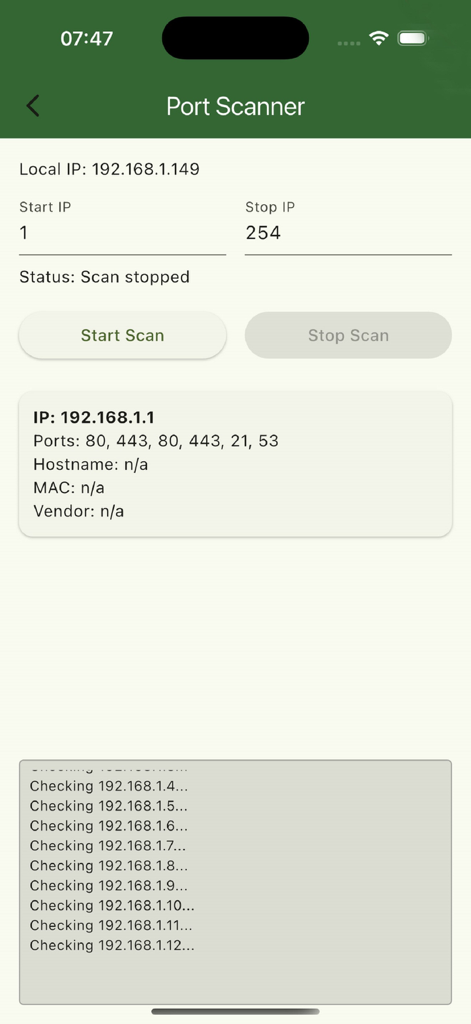
Oberfläche des eXODA Port Scanners, die Netzwerkergebnisse und offene Ports anzeigt
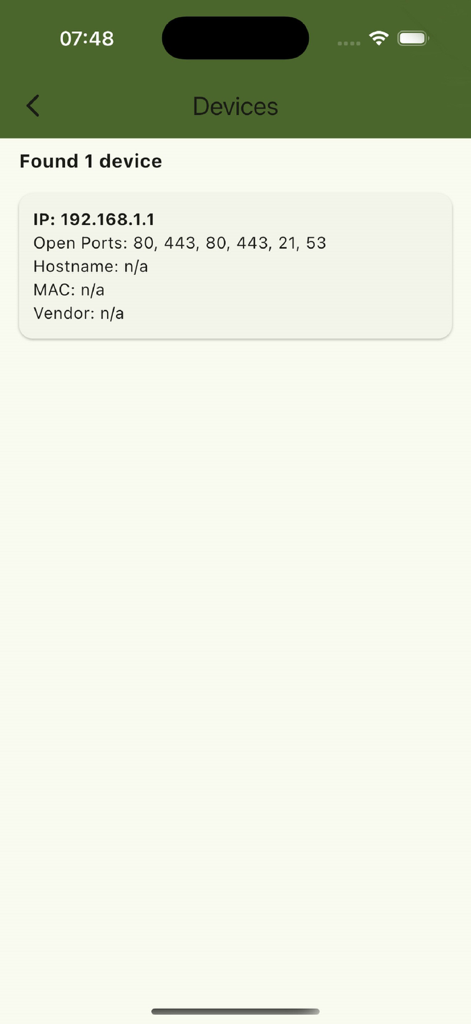
eXODA Port Scanner App-Bildschirm, der gefundene Geräte-IP und offene Ports anzeigt
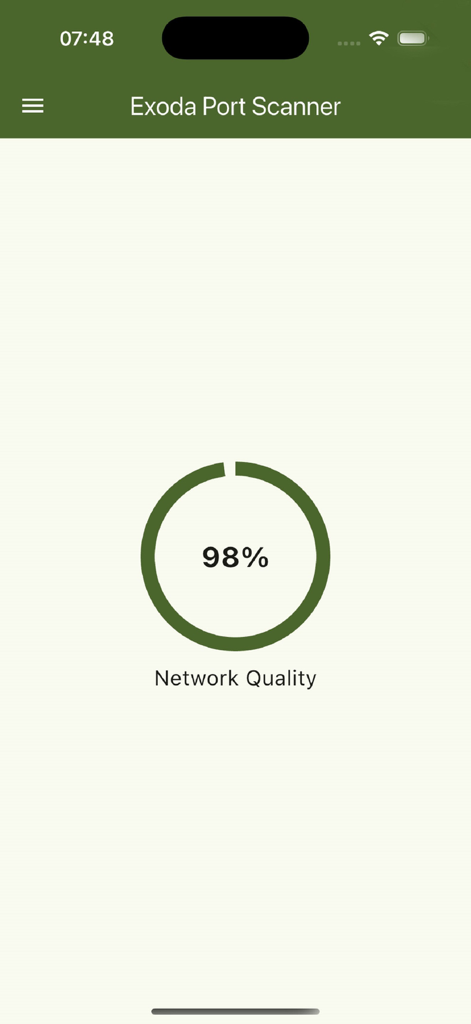
Exoda Port Scanner App-Oberfläche mit einer Netzwerqualität von 98 Prozent.
Beschreibung
Download
Ähnliche Apps
Top-gerankte Apps in derselben Kategorie

Google LLC

Google Chrome
Google LLC

中国移动(手机营业厅)
China Mobile Online Services Co., Ltd.

Google Authenticator
Google LLC

CNH do Brasil
Servicos e Informacoes do Brasil

Cleanup: Phone Storage Cleaner
DEEP FLOW SOFTWARE SERVICES - FZCO

gov.br
Servicos e Informacoes do Brasil

中国电信-全国统一官方服务平台
CHINA TELECOM Corporation Ltd.

Microsoft Edge: AI Browser
Microsoft Corporation
Diese Seite ist keine offizielle Seite der App oder ihres Entwicklers, sondern eine unabhängige redaktionelle Veröffentlichung, die zu Informations- und Kommentarzwecken erstellt wurde. Sofern nicht ausdrücklich anders angegeben, sind weder die App noch ihr Entwickler mit MWM, Apple, Google Play, dem App-Herausgeber oder dem Entwickler der App verbunden, von ihnen unterstützt, gesponsert, autorisiert oder anderweitig offiziell verbunden, und nichts auf dieser Seite impliziert, dass die App unter Verwendung der Dienste von MWM entwickelt wurde. Alle Marken, Logos, Screenshots und andere Inhalte bleiben Eigentum ihrer jeweiligen Inhaber.