
Diese Seite ist keine offizielle Seite der App oder ihres Entwicklers, sondern eine unabhängige redaktionelle Veröffentlichung, die zu Informations- und Kommentarzwecken erstellt wurde. Sofern nicht ausdrücklich anders angegeben, sind weder die App noch ihr Entwickler mit MWM, Apple, Google Play, dem App-Herausgeber oder dem Entwickler der App verbunden, von ihnen unterstützt, gesponsert, autorisiert oder anderweitig offiziell verbunden, und nichts auf dieser Seite impliziert, dass die App unter Verwendung der Dienste von MWM entwickelt wurde. Alle Marken, Logos, Screenshots und andere Inhalte bleiben Eigentum ihrer jeweiligen Inhaber.

Find My Earbuds: Device Finder
Hören Sie auf zu suchen und fangen Sie an zu finden. Nutzen Sie unser Präzisionsradar, den Richtungsweiser und das haptische Feedback, um Ihre AirPods, Fitbit oder jedes Bluetooth-Gerät zu orten, bevor der Akku leer ist.
Downloads
5K+Bewertung
Bewertungen gesamt
0Herausgeber
Kategorie
UtilitiesSprachen
1Neueste Version
1.5.4Größe
50.0 MBErstveröffentlichung
22. Mai 2023Hören Sie auf zu suchen, fangen Sie an zu finden
EarBuddy verwandelt Ihr iPhone in einen Hochleistungs-Scanner, um verlorene AirPods, Fitbits und Tracker zu finden, bevor der Akku leer ist.
Universelle Geräteerkennung
Identifizieren Sie Ihre Geräte namentlich – von Sony und Bose bis Apple und Fitbit – anstatt verwirrende technische MAC-Adressen anzuzeigen.
Intelligenter Richtungsweiser
Eliminieren Sie das Rätselraten mit einem visuellen Pfeil und einem 'Heiß oder Kalt'-Radar, das Sie direkt zum genauen Versteck Ihres Geräts führt.
Die folgenden Screenshots und die Beschreibung stammen direkt aus dem offiziellen Store-Eintrag der App und sind Eigentum des Entwicklers.
App Store
Screenshots
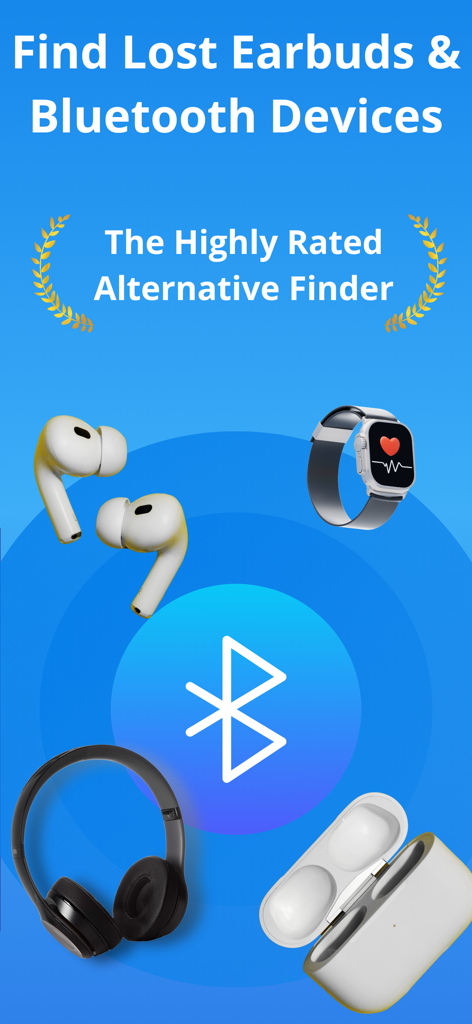
App-Bildschirm zum Finden verlorener Ohrhörer und Bluetooth-Geräte mit Symbolen von Kopfhörern und Smartwatches
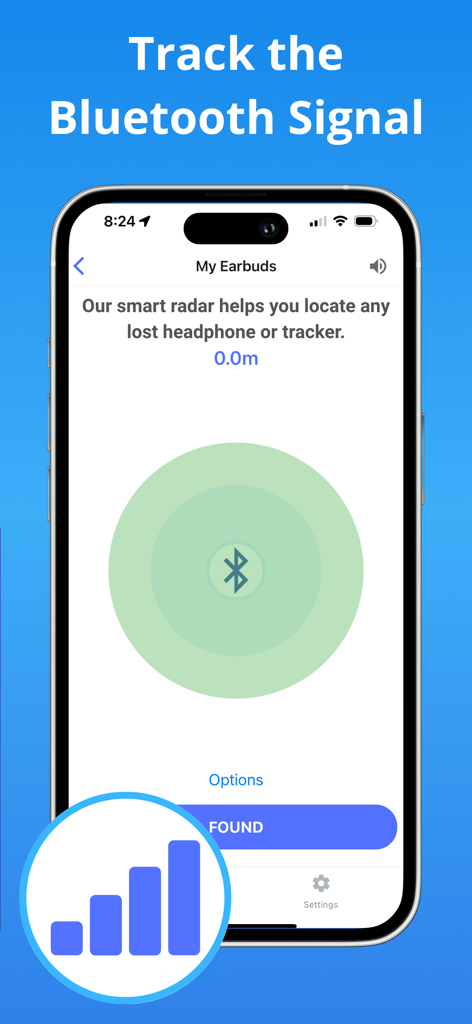
Smartphone-Bildschirm mit einer Radaroberfläche für Bluetooth-Signale zur Verfolgung verlorener Ohrhörer
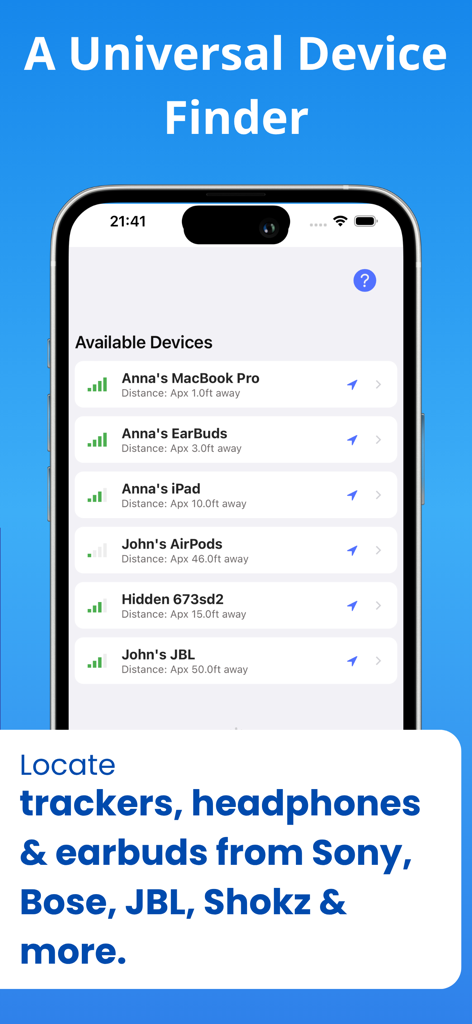
Finde Meine Ohrhörer-App zeigt eine Liste erkannter Bluetooth-Geräte mit Signalstärke und Entfernung
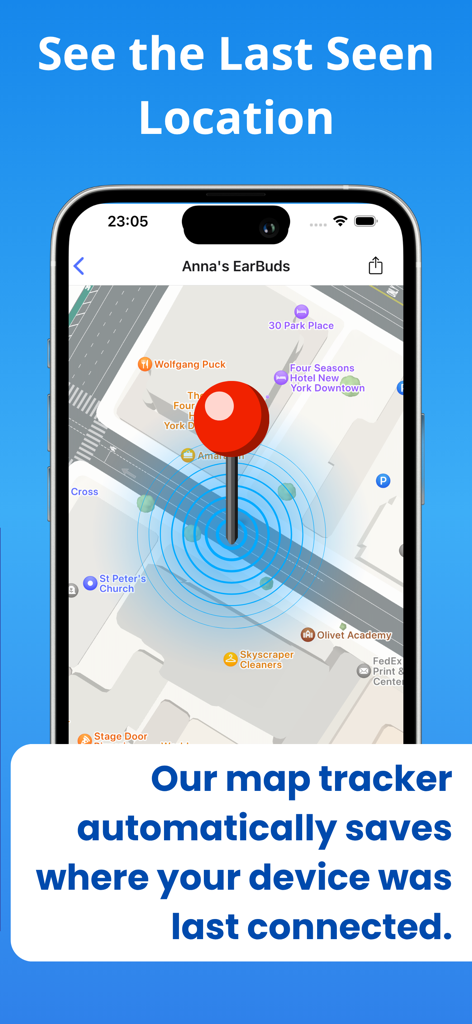
Kartenansicht in der App zeigt den zuletzt gesehenen Standort eines verlorenen Geräts
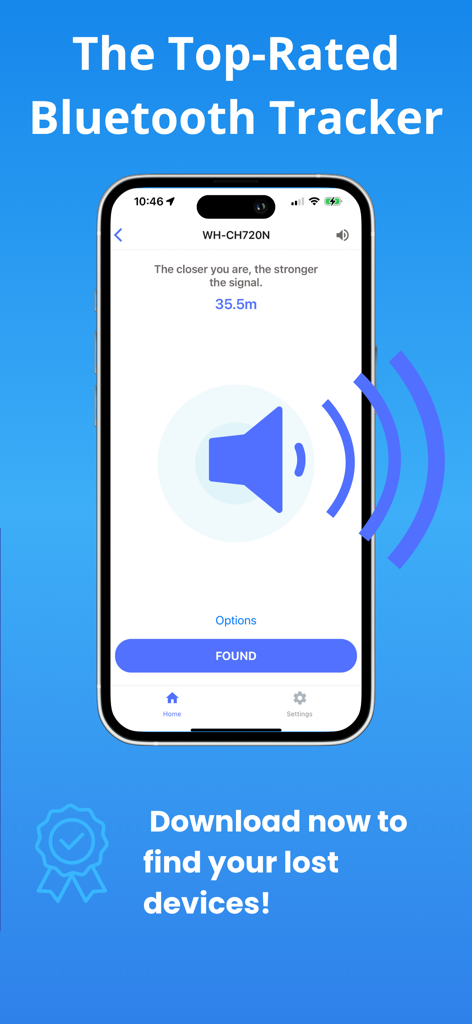
Die Tracking-Oberfläche der Finde Meine Ohrhörer-App zeigt die Signalstärke für verlorene Kopfhörer
Beschreibung
Download
Ähnliche Apps
Apps mit ähnlichen Funktionen und Nutzererfahrung
Wunderfind: Find Lost Device
Hendrik Folkerts

Find Device: Bluetooth Scanner
FIG FILMS LTD
Device Tracker
Find My Device L.L.C-FZ
tracker detect
Mustafa Uz
Air Find - My Devices Tracker
FIRESTAR TECHNOLOGY CO., LIMITED

Bluetooth Scanner, Find Device
Molly Baumstein

Bluetooth - BLE Device finder
Ruslan Voloshyn

Device Finder: Easy Find
GIEL POSTEL

Find My: Air Headphone Phone
Security app ltd
Diese Seite ist keine offizielle Seite der App oder ihres Entwicklers, sondern eine unabhängige redaktionelle Veröffentlichung, die zu Informations- und Kommentarzwecken erstellt wurde. Sofern nicht ausdrücklich anders angegeben, sind weder die App noch ihr Entwickler mit MWM, Apple, Google Play, dem App-Herausgeber oder dem Entwickler der App verbunden, von ihnen unterstützt, gesponsert, autorisiert oder anderweitig offiziell verbunden, und nichts auf dieser Seite impliziert, dass die App unter Verwendung der Dienste von MWM entwickelt wurde. Alle Marken, Logos, Screenshots und andere Inhalte bleiben Eigentum ihrer jeweiligen Inhaber.