
Diese Seite ist keine offizielle Seite der App oder ihres Entwicklers, sondern eine unabhängige redaktionelle Veröffentlichung, die zu Informations- und Kommentarzwecken erstellt wurde. Sofern nicht ausdrücklich anders angegeben, sind weder die App noch ihr Entwickler mit MWM, Apple, Google Play, dem App-Herausgeber oder dem Entwickler der App verbunden, von ihnen unterstützt, gesponsert, autorisiert oder anderweitig offiziell verbunden, und nichts auf dieser Seite impliziert, dass die App unter Verwendung der Dienste von MWM entwickelt wurde. Alle Marken, Logos, Screenshots und andere Inhalte bleiben Eigentum ihrer jeweiligen Inhaber.


Flowchart AI
Hören Sie auf, manuelle Layouts zu verschwenden. Beschreiben Sie Ihren Prozess und lassen Sie unsere KI sofort ausgefeilte Flussdiagramme, Projektkarten und Arbeitsabläufe generieren. Keine Registrierung erforderlich – reine Produktivität für den modernen Profi.
Downloads
6K+Bewertung
Bewertungen gesamt
0Herausgeber
Kategorie
BusinessSprachen
2Neueste Version
2.1.13Größe
62.8 MBErstveröffentlichung
14. Okt. 2024Entwickelt für den modernen Profi
Hören Sie auf, Stunden mit dem Ziehen von Boxen zu verschwenden. Nutzen Sie KI und erweiterte Integrationen, um Systeme, Logik und Geschäftsprozesse sofort zu visualisieren.
KI-gestützte Automatisierung
Verwandeln Sie grobe Entwürfe mit generativer KI-Technologie sofort in strukturierte Diagramme.
Reibungsloser Einstieg
Überspringen Sie den Registrierungsprozess. Öffnen Sie die App und beginnen Sie sofort mit der Erstellung, ohne Hindernisse.
Die folgenden Screenshots und die Beschreibung stammen direkt aus dem offiziellen Store-Eintrag der App und sind Eigentum des Entwicklers.
App Store
Screenshots
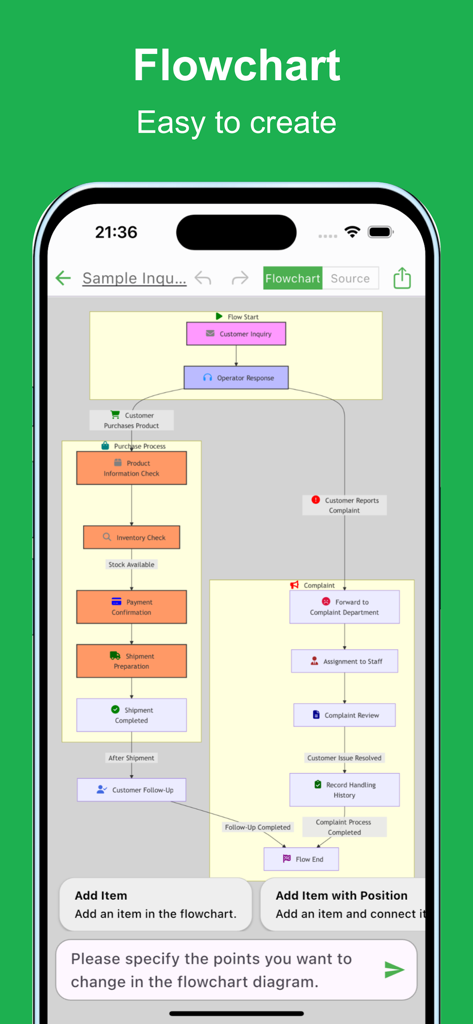
Ein komplexes Geschäftsflussdiagramm, das auf der Benutzeroberfläche der Flowchart AI Mobile App angezeigt wird und einen Kauf- und Beschwerdeprozess darstellt
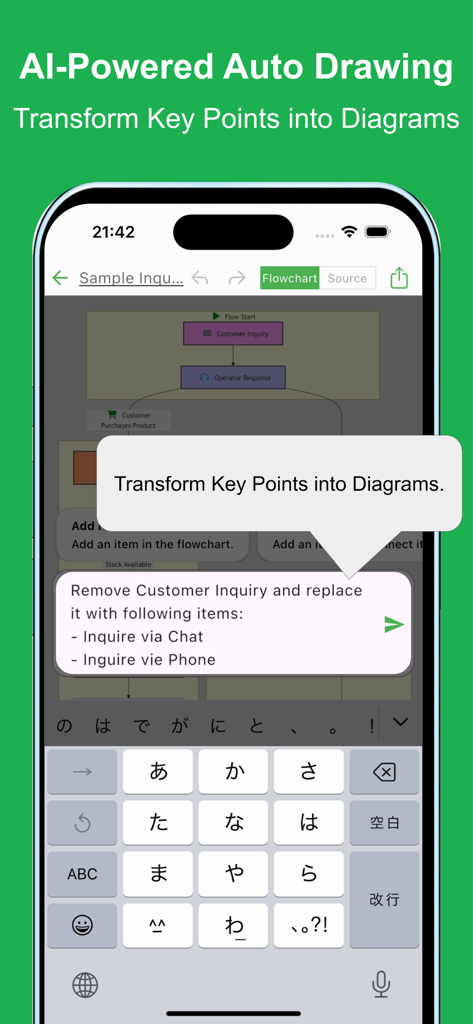
Eine mobile App-Oberfläche, die die KI-gestützte automatische Generierung von Flussdiagrammen aus Textaufforderungen zeigt.
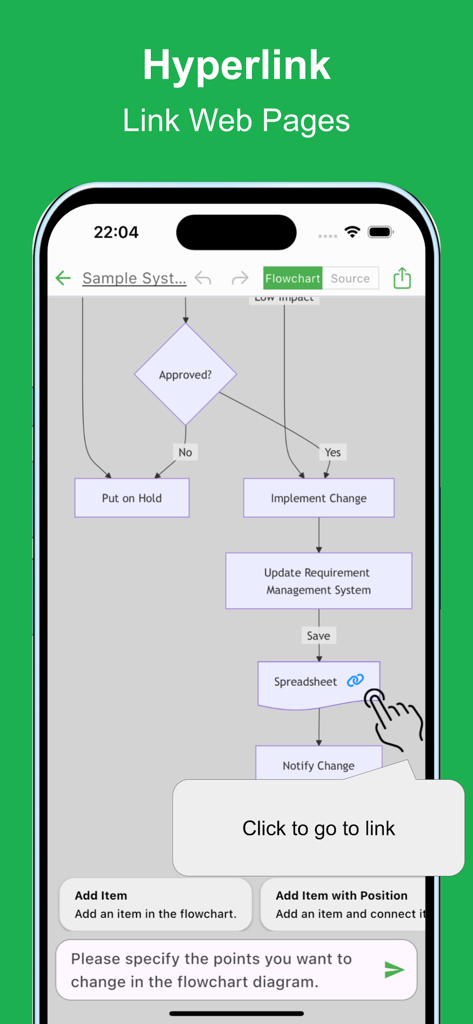
Mobile App-Oberfläche, die ein Flussdiagramm mit einem Hyperlink zu einer Tabelle und einem Tooltip zum Klicken und Weiterleiten zum Link anzeigt
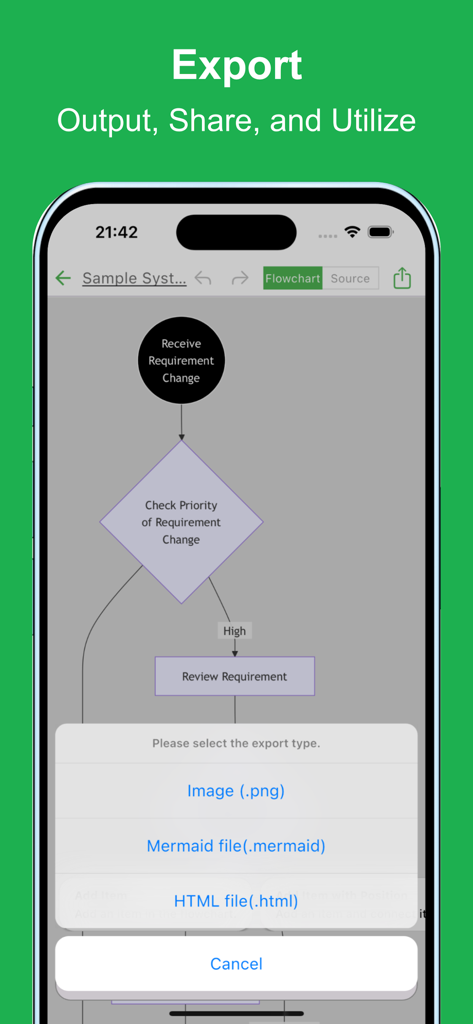
Das Exportmenü der Flowchart AI App mit Optionen zum Speichern als Bild-, Mermaid- oder HTML-Datei.
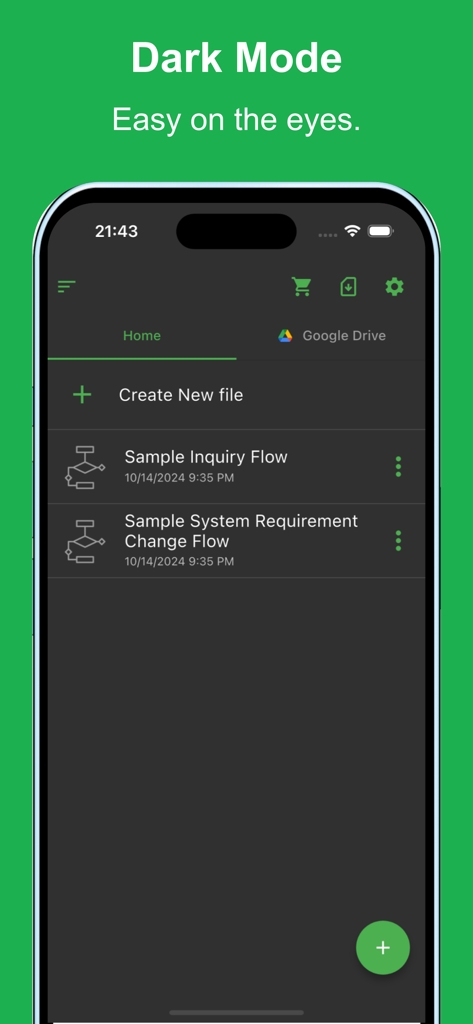
Die Benutzeroberfläche der Flowchart AI Mobile App im Dark-Mode-Thema und eine Liste der gespeicherten Flussdiagrammdateien.
Beschreibung
Download
Ähnliche Apps
Top-gerankte Apps in derselben Kategorie

Microsoft Teams
Microsoft Corporation

Zoom Workplace
Zoom Communications, Inc.

WhatsApp Business
WhatsApp Inc.

Indeed Job Search
Indeed Inc.

LinkedIn: Network & Job Finder
LinkedIn Corporation

Adobe Acrobat Reader: Sign PDF
Adobe Inc.

WeCom-Work Communication&Tools
Tencent Technology (Shenzhen) Company Limited

BOSS直聘-招聘求职找工作神器
Beijing China Product Bo Farce Network Technology Co., Ltd.

DingDing - Redefine Work in AI
DingTalk Technology Co., Ltd.
Diese Seite ist keine offizielle Seite der App oder ihres Entwicklers, sondern eine unabhängige redaktionelle Veröffentlichung, die zu Informations- und Kommentarzwecken erstellt wurde. Sofern nicht ausdrücklich anders angegeben, sind weder die App noch ihr Entwickler mit MWM, Apple, Google Play, dem App-Herausgeber oder dem Entwickler der App verbunden, von ihnen unterstützt, gesponsert, autorisiert oder anderweitig offiziell verbunden, und nichts auf dieser Seite impliziert, dass die App unter Verwendung der Dienste von MWM entwickelt wurde. Alle Marken, Logos, Screenshots und andere Inhalte bleiben Eigentum ihrer jeweiligen Inhaber.