FlowVella Presentation App
Herunterladen auf App Store

Diese Seite ist keine offizielle Seite der App oder ihres Entwicklers, sondern eine unabhängige redaktionelle Veröffentlichung, die zu Informations- und Kommentarzwecken erstellt wurde. Sofern nicht ausdrücklich anders angegeben, sind weder die App noch ihr Entwickler mit MWM, Apple, Google Play, dem App-Herausgeber oder dem Entwickler der App verbunden, von ihnen unterstützt, gesponsert, autorisiert oder anderweitig offiziell verbunden, und nichts auf dieser Seite impliziert, dass die App unter Verwendung der Dienste von MWM entwickelt wurde. Alle Marken, Logos, Screenshots und andere Inhalte bleiben Eigentum ihrer jeweiligen Inhaber.


Logo von FlowVella Presentation App
Herunterladen auf App Store

FlowVella Presentation App

Gehen Sie über statische Folien hinaus mit dem Touch-First-Präsentationswerkzeug für mobile Profis. Binden Sie Ihr Publikum mit eingebetteten Videos, Galerien und PDFs ein – perfekt für Vertriebsaußendienst, kreative Portfolios und sichere Kiosk-Displays.

Kennzahlen

Downloads

91K+

Bewertung

4.1/5

Bewertungen gesamt

200

Herausgeber

Flowboard LLC

Kategorie

Productivity

Sprachen

8

Neueste Version

7.52

Größe

97.0 MB

Erstveröffentlichung

18. Apr. 2013
Funktionen

Heben Sie Ihr Storytelling auf ein neues Level

Gehen Sie über statische Folien hinaus mit einem interaktiven Erlebnis für den modernen, mobilen Profi.

Interaktive Gespräche

Kombinieren Sie Videos, Fotogalerien und PDFs zu einem nahtlosen, tippfreundlichen Erlebnis, das langweilige, lineare Präsentationen ersetzt.

Zuverlässiger Offline-Zugriff

Präsentieren Sie mit absolutem Vertrauen an jedem Ort. Alle Ihre Videos und Assets werden lokal gespeichert für eine verzögerungsfreie Leistung ohne WLAN.

Die folgenden Screenshots und die Beschreibung stammen direkt aus dem offiziellen Store-Eintrag der App und sind Eigentum des Entwicklers.

App Store

Screenshots
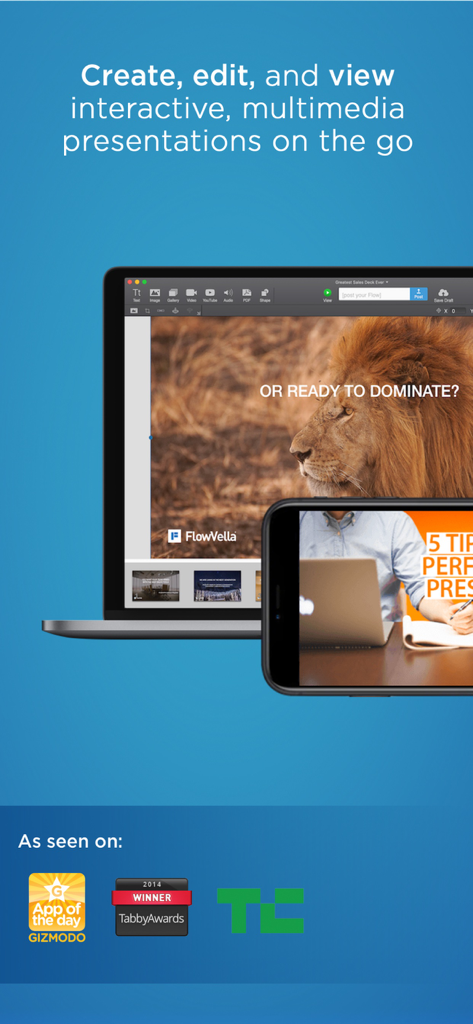
FlowVella Presentation App - FlowVella interaktive Präsentations-App auf Laptop- und Smartphone-Bildschirmen gezeigt
FlowVella interaktive Präsentations-App auf Laptop- und Smartphone-Bildschirmen gezeigt

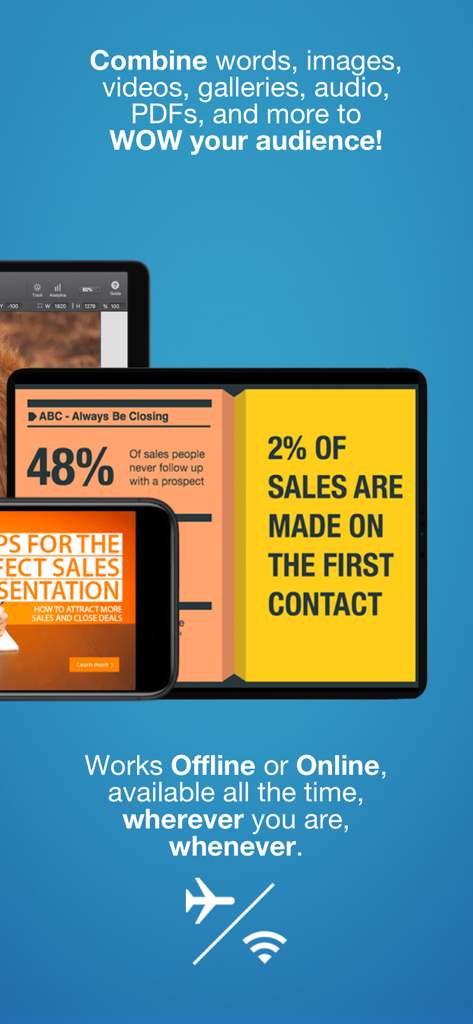
FlowVella Presentation App - FlowVella App-Oberfläche zeigt Vertriebspräsentationen auf iPad und iPhone mit Offline-Nutzungs-Icons
FlowVella App-Oberfläche zeigt Vertriebspräsentationen auf iPad und iPhone mit Offline-Nutzungs-Icons

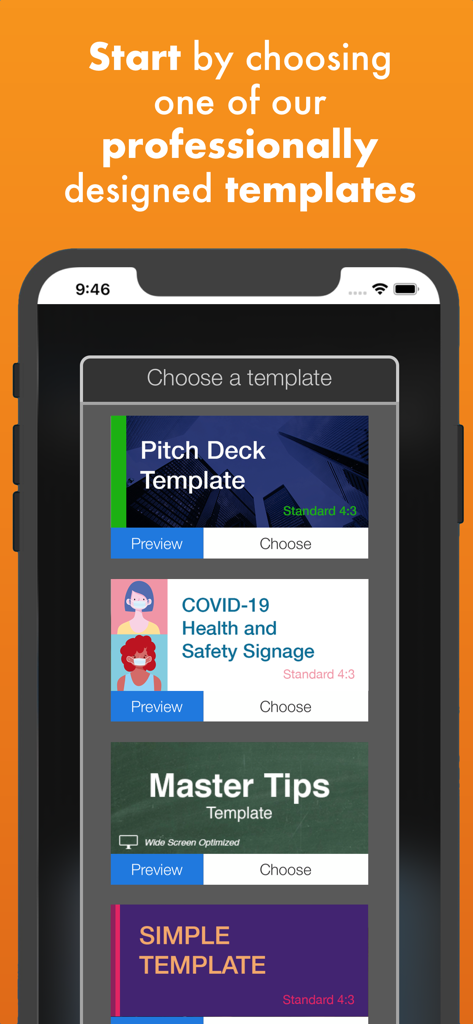
FlowVella Presentation App - FlowVella App-Oberfläche zeigt professionell gestaltete Präsentationsvorlagen auf einem Smartphone-Bildschirm.
FlowVella App-Oberfläche zeigt professionell gestaltete Präsentationsvorlagen auf einem Smartphone-Bildschirm.

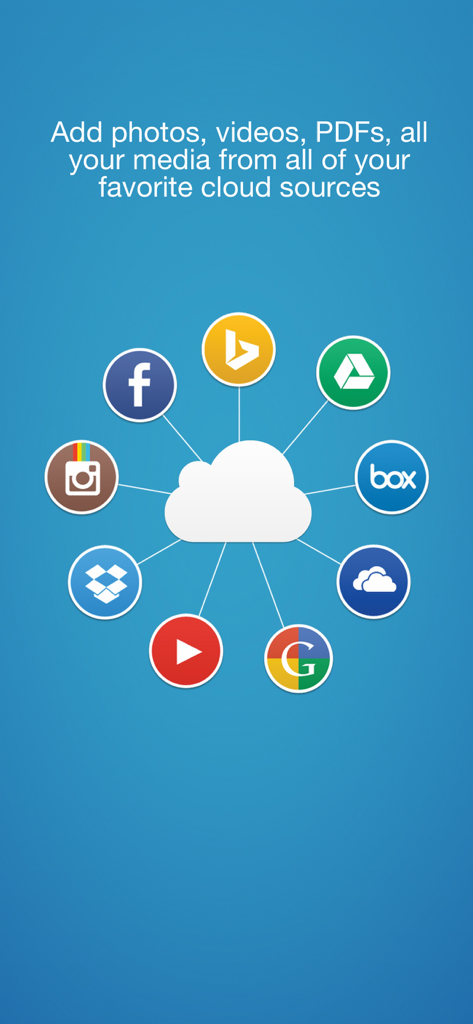
FlowVella Presentation App - Ein Cloud-Symbol, umgeben von Logos verschiedener Cloud-Speicher- und Social-Media-Dienste, die Integrationsoptionen für FlowVella-Präsentationen anzeigen
Ein Cloud-Symbol, umgeben von Logos verschiedener Cloud-Speicher- und Social-Media-Dienste, die Integrationsoptionen für FlowVella-Präsentationen anzeigen

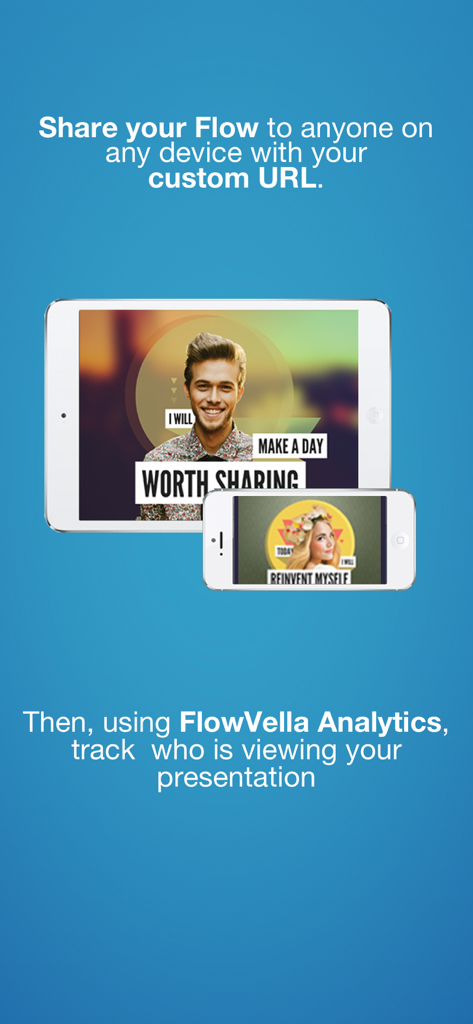
FlowVella Presentation App - FlowVella App teilt Präsentationen über benutzerdefinierte URLs und verfolgt Aufrufe mit Analysen auf Mobilgeräten

FlowVella App teilt Präsentationen über benutzerdefinierte URLs und verfolgt Aufrufe mit Analysen auf Mobilgeräten

Beschreibung

Get better results with the interactive presentation app built for mobile. Engage your audience in one presentation experience that combines words, images, video, links, galleries, and PDFs to turn your story into an interactive conversation **Featured by Apple - Best New App!! ** #-> As seen in Cult of Mac, Fast Co, CNET, Techcrunch, Gizmodo and more. # ## Drag & Drop ready! ## Kiosk Mode: Secure your presentation at events, trade shows, conferences, museums, retail and more. PIN to unlock kiosk mode. Configurable timer reset goes to first screen. Autoplay videos automatically loop. -- PRO users only. ## Only presentation app that allows you to record video of your presentation! BUILT FOR MOBILE FlowVella is purpose built for mobile Controls are built for touch, instantly accessible and intuitive. Create using a few simple and familiar touches and gestures. OFFLINE VIDEO - Once video is downloaded to your iPad it just works, no Internet needed. (Not YouTube videos). ADD PDFs to YOUR PRESENTATION - Embed whole PDFs within your presentation. PRESENT LIKE A PRO! Create and share beautiful presentations with images, sounds, GIFs, text, videos, PDFs, links and photo galleries and share with anyone on any device. FREE BEAUTIFUL PRESENTATION TEMPLATES Bundled with over 25 unique, professionally designed presentation templates for: creatives, pitches, portfolios, reports, video, tutorials, real estate and more. YOUR CLOUD PHOTOS, VIDEOS, GIFS, PDFs Instant access to any cloud source: Dropbox, Google Drive, Box, Creative Cloud, Instagram, Facebook, & OneDrive as well as Google Image Search – all from within the app. CREATE ANYWHERE, SHARE WITH ANYONE Your Flows are saved in the cloud, you never have to worry about having access to your presentations. Our web player makes it possible to share your presentation with anyone, on any device, no account or special app is required. SHARE OR KEEP THINGS PRIVATE Share your work with anyone on any device - no account or special app is. If you want to keep things PRIVATE, you can do that too! We offer SEVERAL PRIVACY LEVELS so that your content is only seen by those with whom you wish to share. FULL POWER YET SIMPLE • Add photos and videos from your photos • Snap Guides allow you to make pixel-perfect designs • Your presentations are automatically saved locally • Save drafts to the cloud so your Flows are safe CREATE AND CUSTOMIZE • Add transitions to your screen links • Add links to the web or links to another screen • Undo & redo • Duplicate, delete or rearrange screens • Duplicate any object, including entire Flows SHARE, VIEW AND PRESENT • Export to PDF, print via AirPrint* • Present straight from your iPhone/iPad, connect to a projector, or use AirPlay • Works OFFLINE -> SAFE without an Internet connection • Share your presentations with anyone via URL • Share via Facebook, Twitter, email, or copy the share URL and paste anywhere • Embed your Flow into any web site or blog FlowVella is free to download and use and comes with the ability to post 4 public flows. For extended functionality and more features, FlowVella has two paid plans, Premium and PRO. Premium is available through an auto-renewing subscription for $4.99/month or $49.99/year and PRO is $19.99/month or $199.99/year. Premium allows for more privacy options, more screens and unlimited flows. PRO unlocks Kiosk Mode and other features for professional use. Subscriptions will be charged to your credit card through your iTunes account. Your subscription will automatically renew unless cancelled at least 24-hours before the end of the current period. You will not be able to cancel a subscription during the active period. Manage your subscriptions in Account Settings after purchase. FlowVella Terms:http://bit.ly/FlowVTOS Formerly known as Flowboard

Download

Herunterladen auf App Store

Diese Seite ist keine offizielle Seite der App oder ihres Entwicklers, sondern eine unabhängige redaktionelle Veröffentlichung, die zu Informations- und Kommentarzwecken erstellt wurde. Sofern nicht ausdrücklich anders angegeben, sind weder die App noch ihr Entwickler mit MWM, Apple, Google Play, dem App-Herausgeber oder dem Entwickler der App verbunden, von ihnen unterstützt, gesponsert, autorisiert oder anderweitig offiziell verbunden, und nichts auf dieser Seite impliziert, dass die App unter Verwendung der Dienste von MWM entwickelt wurde. Alle Marken, Logos, Screenshots und andere Inhalte bleiben Eigentum ihrer jeweiligen Inhaber.








