Flyer Maker · Poster Maker

Flyer Maker · Poster Maker

Herunterladen auf App Store
Logo von Flyer Maker · Poster Maker

Flyer Maker · Poster Maker: Gestalten Sie professionelle Grafiken in Minuten

Werten Sie Ihre Marke oder Ihr Nebengeschäft mit über 5.000 beeindruckenden Vorlagen auf. Erstellen Sie wirkungsvolle Flyer, Filmplakate und Social-Media-Inhalte direkt von Ihrem iPhone aus – keine Designkenntnisse erforderlich.

Herunterladen auf App Store

Herausgeber

Tausif Akram

Kategorie

Graphics & Design

Downloads

503K+

Bewertung

4.5/5

Bewertungen gesamt

900

Sprachen

33

Grafiken, die auffallen

Entdecken Sie die Oberfläche, die von 503K+ Nutzern verwendet wird.

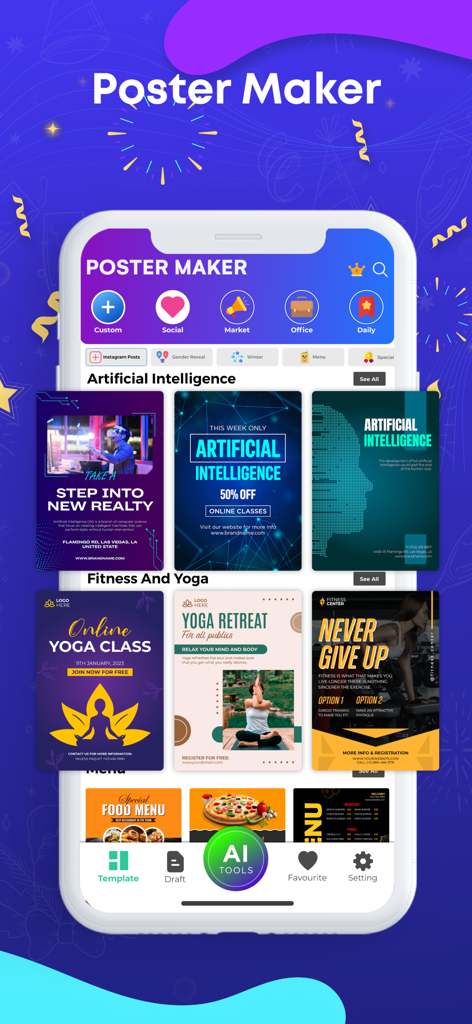
Smartphone-Bildschirm, der die Benutzeroberfläche der Poster Maker App mit verschiedenen Designvorlagen für Unternehmen und soziale Medien zeigt
Smartphone-Bildschirm, der die Benutzeroberfläche der Poster Maker App mit verschiedenen Designvorlagen für Unternehmen und soziale Medien zeigt

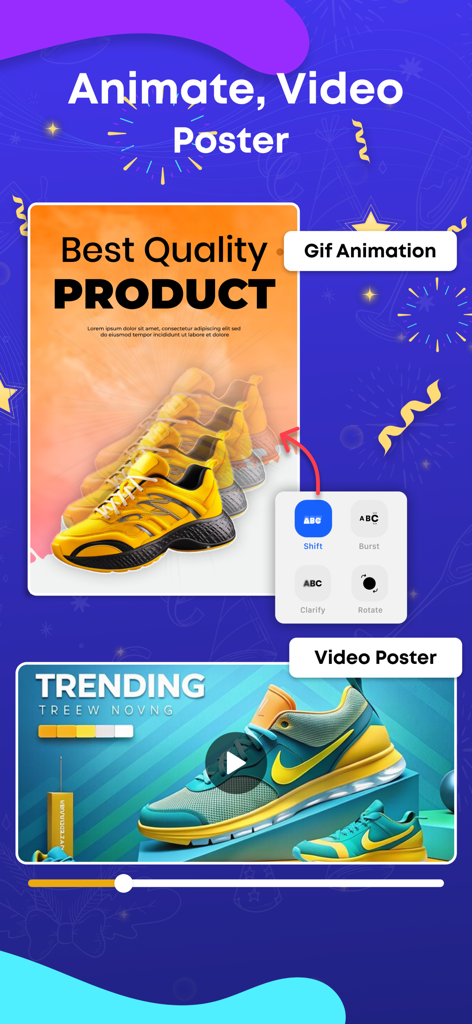
Benutzeroberfläche, die zeigt, wie animierte Videoplakate für Produktwerbung mit Turnschuhen erstellt werden.
Benutzeroberfläche, die zeigt, wie animierte Videoplakate für Produktwerbung mit Turnschuhen erstellt werden.

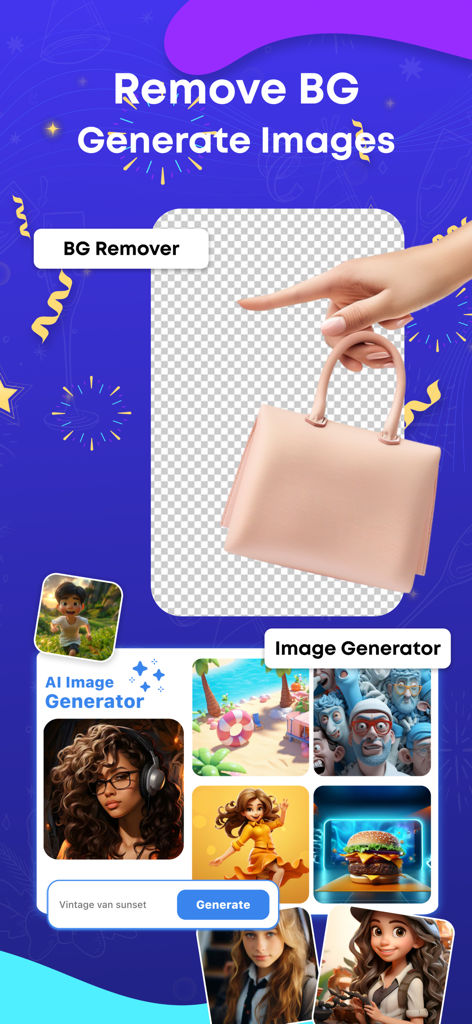
App-Bildschirm, der die Hintergrundentfernung für ein Produkt und einen KI-Bildgenerator mit kreativen Beispielen zeigt.
App-Bildschirm, der die Hintergrundentfernung für ein Produkt und einen KI-Bildgenerator mit kreativen Beispielen zeigt.

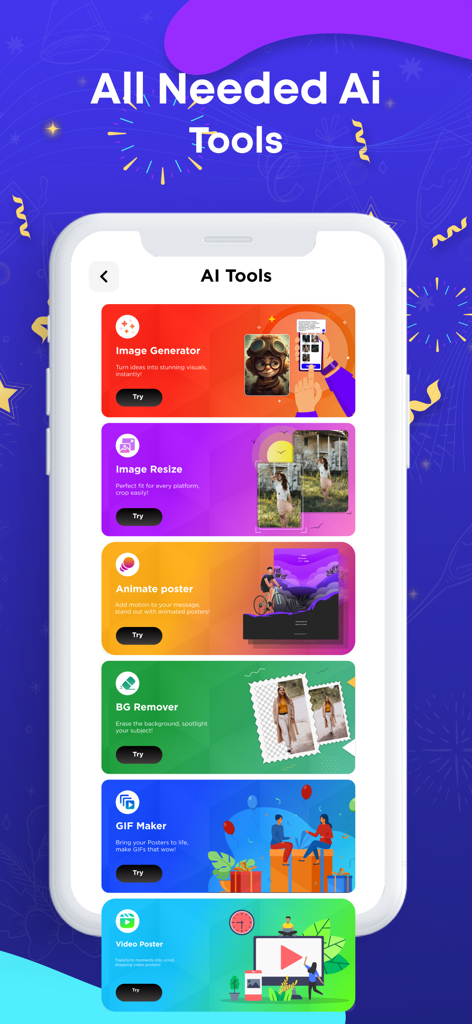
Benutzeroberfläche der Flyer Maker App, die verschiedene KI-Tools wie Bildgenerator und Hintergrundentferner zeigt
Benutzeroberfläche der Flyer Maker App, die verschiedene KI-Tools wie Bildgenerator und Hintergrundentferner zeigt

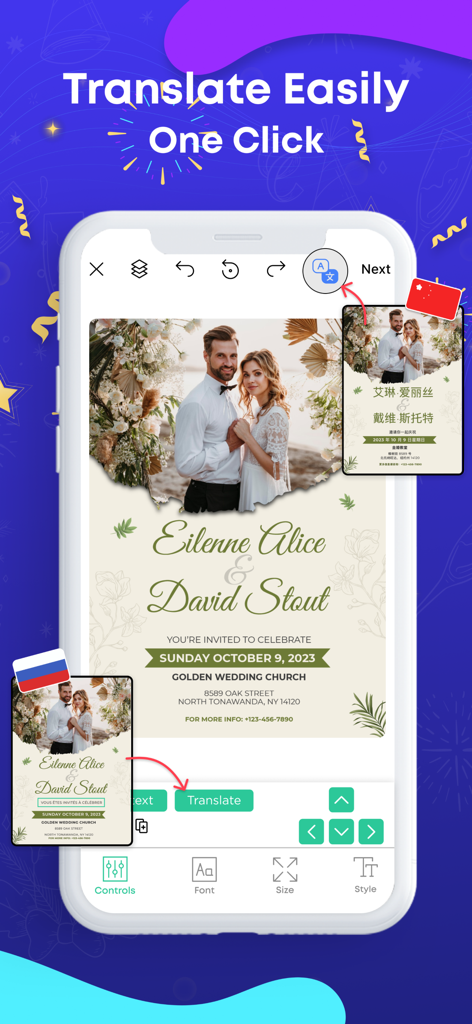
Benutzeroberfläche einer Poster-Maker-App, die eine Ein-Klick-Übersetzungsfunktion für eine Hochzeitseinladung demonstriert
Benutzeroberfläche einer Poster-Maker-App, die eine Ein-Klick-Übersetzungsfunktion für eine Hochzeitseinladung demonstriert

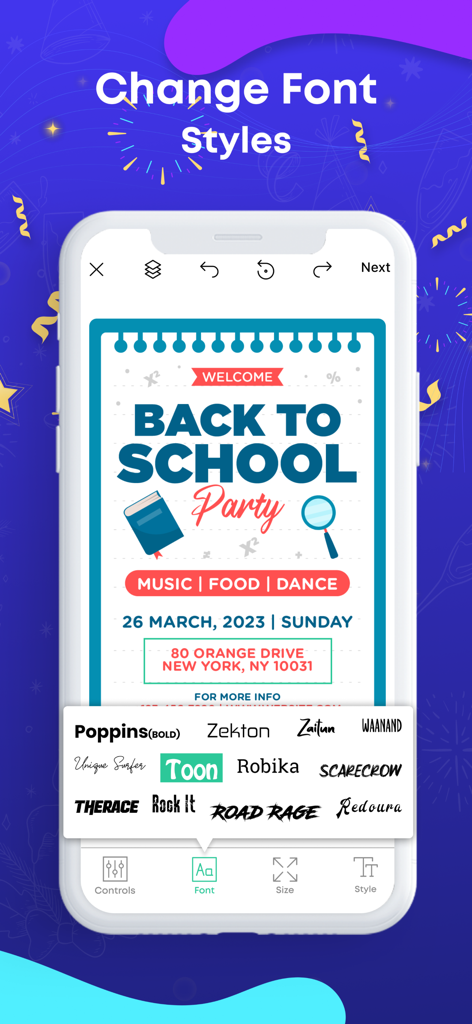
Flyer Maker App-Benutzeroberfläche, die verschiedene Schriftartauswahloptionen für eine "Back to School Party"-Poster-Vorlage zeigt
Flyer Maker App-Benutzeroberfläche, die verschiedene Schriftartauswahloptionen für eine "Back to School Party"-Poster-Vorlage zeigt

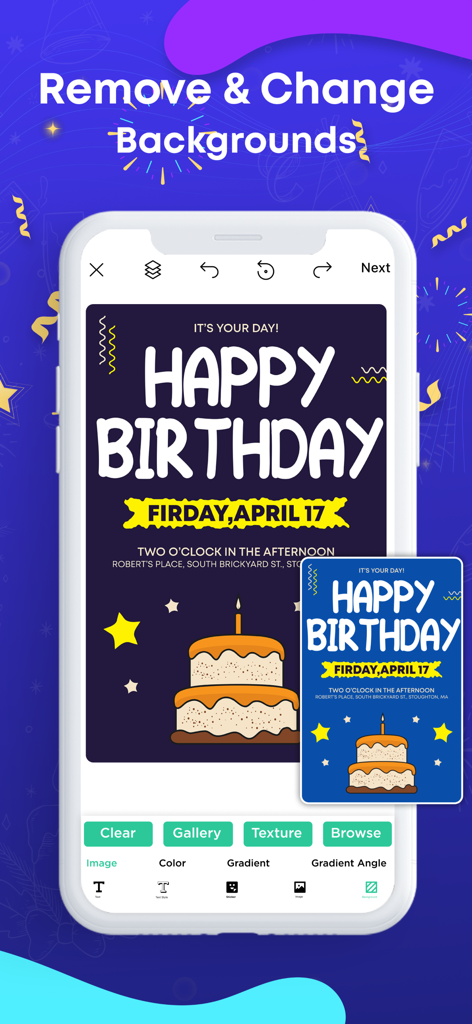
Mobile App-Benutzeroberfläche, die Hintergrundentfernung und -anpassung auf einer Geburtstagsplakatvorlage zeigt
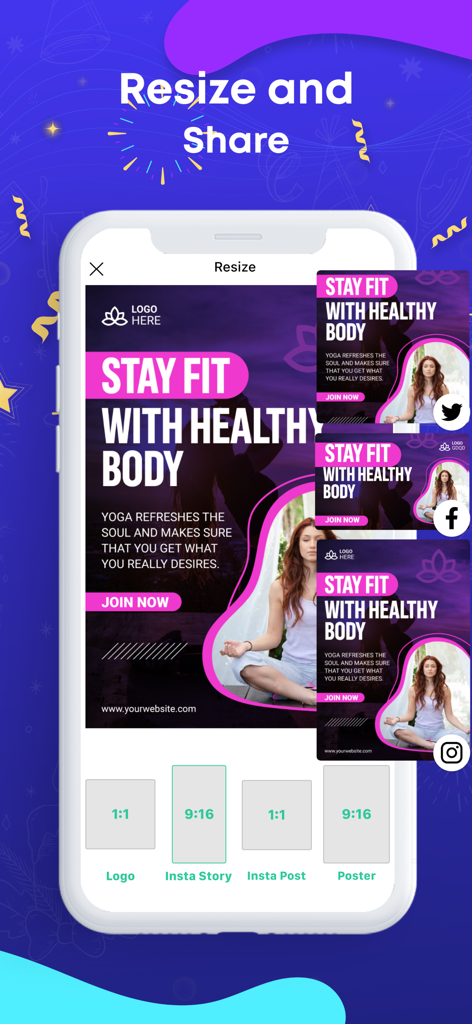
Mobile App-Benutzeroberfläche, die Hintergrundentfernung und -anpassung auf einer Geburtstagsplakatvorlage zeigt

Screenshot der Flyer Maker App, der die Funktion zum Ändern der Größe und zum Teilen eines Fitness-Posters für verschiedene Social-Media-Plattformen zeigt
Screenshot der Flyer Maker App, der die Funktion zum Ändern der Größe und zum Teilen eines Fitness-Posters für verschiedene Social-Media-Plattformen zeigt

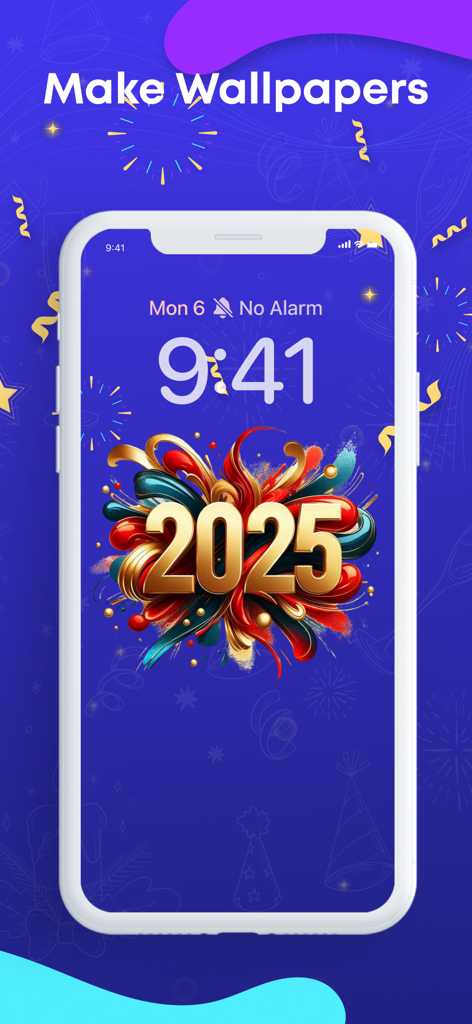
iPhone-Bildschirm, der ein benutzerdefiniertes Design für ein Wallpaper zur Feier des Jahres 2025 zeigt
iPhone-Bildschirm, der ein benutzerdefiniertes Design für ein Wallpaper zur Feier des Jahres 2025 zeigt

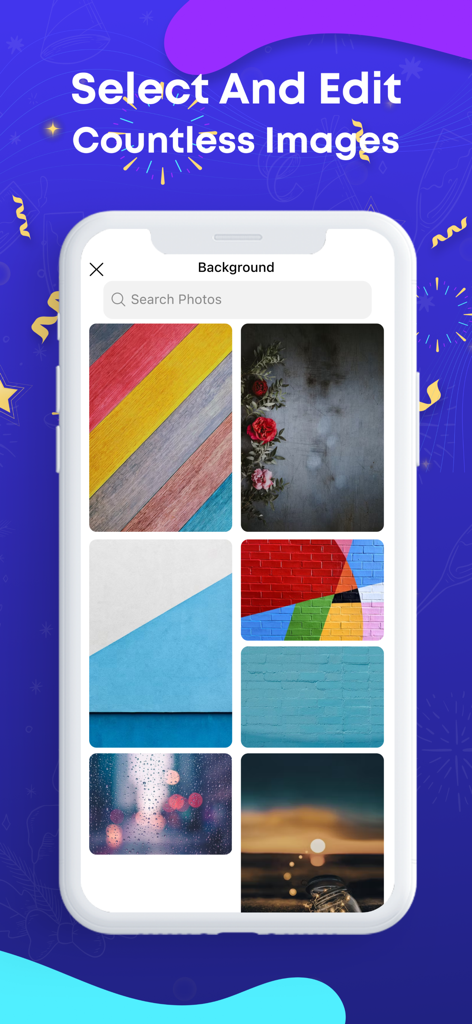
Ein Bildschirm in der Flyer Maker App, der eine Bibliothek mit verschiedenen Hintergrundbildern und Texturen für Poster zeigt.

Ein Bildschirm in der Flyer Maker App, der eine Bibliothek mit verschiedenen Hintergrundbildern und Texturen für Poster zeigt.

Gestalten Sie wie ein Profi, keine Erfahrung erforderlich

Die Tools, die diese App auszeichnen, gewählt von 503K+ Nutzern.

🖼️

Über 5.000 Profi-Vorlagen

Beginnen Sie nie bei Null. Stöbern Sie in einer riesigen Bibliothek hochwertiger Vorlagen für jede Veranstaltung, jeden Ausverkauf oder jedes Gemeinschaftsprojekt.

🛠️

Einfache Bearbeitungswerkzeuge

Schreiben Sie einfach auf Fotos, tauschen Sie Farben aus und importieren Sie Ihre eigenen Bilder, um jedes Design mit nur wenigen Fingertipps zu Ihrem Unikat zu machen.

📲

Sofortiges Teilen in sozialen Medien

Laden Sie Ihre Kreationen in hoher Qualität herunter und teilen Sie sie direkt auf Instagram, Facebook oder in Ihren lokalen Community-Gruppen.

Bewertungsanalyse

Erkenntnisse aus Nutzerbewertungen.

Stimmungswert

27%
Negativ

Zusammenfassung

This app receives mixed feedback, with many users praising its ease of use and the availability of creative templates for designing posters and flyers. However, a significant number of critical reviews highlight severe issues, primarily concerning billing and subscriptions, where users report being charged for trials, subscriptions not being recognized, and difficulties with cancellation. The app is also frequently criticized for instability, including crashing during use and leading to data loss, alongside a general lack of essential usability features like copy/paste, text size/color changes, and comprehensive tutorials. Additionally, some users experience the app not opening or getting stuck after updates, and report poor customer support responsiveness.

Häufige Themen

Subscription & Billing Issues(18)
Ease of Use(10)
Missing Features & Usability(8)
Crashing & Data Loss(7)
Templates & Creative Options(4)
Customer Support(3)

Über die App

Alles, was Sie über wissen müssen Flyer Maker · Poster Maker.

Beschreibung

Poster Maker iOS App Using well-designed posters is becoming increasingly important in this competitive digital world. Posters, being an integral medium for advertisement and promotions, contain immense value for businesses. Just like many other people, you may also like to design posters on your own. For this purpose, we have brought the poster maker app to meet your needs. Whether you want to promote a product, service, or event, our brilliant poster maker machine has got you covered. With over 5000 poster templates in multiple categories, you can find the perfect poster design in this app that matches your requirements. Write on Photos with Ease When you create posters on your own, you often face difficulty in writing on them. You need the perfect text editing tools to execute this task efficiently. If you are struggling to write on photos, then you don’t need to worry anymore. The poster maker app allows you to write on photos with ease. How to Use a Poster Maker App? You don’t need to follow any intricate procedure to use the poster maker app. It allows you to create a poster design by following the simple steps given below: Firstly, select a poster template from the available options. After choosing a poster design, customize it as per your requirements. Finally, tap the save button to download the poster design on your device in desired quality. How to Change the Font Color on Poster Maker? You can change the font color on this poster maker app quite easily. On the selected poster template, you can simply tap the text on which you need to change color. Once it’s selected, the editing options will appear in the bottom bar. How Do You Add Photos on Poster Maker? You can add photos on poster maker through its import feature. The import feature is available to add photos of backgrounds or shapes. Types of Posters You Can Create with Poster Maker The poster maker covers a wide range of needs through its remarkable poster templates. Wanted The wanted poster maker provides you with a way to have fun with friends. You can create a wanted poster by adding a photo of your friend and share it easily on social media platforms. It will help you make your friends laugh through this witty poster idea. Movie Are you going to organize a movie night at your institute? If yes, then there won’t be a better way to spread its word by designing a stunning poster with our movie poster maker. The movie poster templates can help you make your movie night a success. Custom Our custom poster maker allows you to ditch the usage of templates and create a custom poster from scratch. Even if you choose this option for creating posters, it won’t take more than 15 minutes to complete this job on this canvas poster maker. The paid subscription plans for our Poster Maker application are offered in the following ways: — Weekly Subscription — Monthly Subscription with a 3-day free trial — Yearly Subscription Note: The price for each plan may vary according to the country from where a user gets subscribed. The actual cost of the plan may get converted to the currency of the country you’re residing in. Payment will be charged to your iTunes account at confirmation of purchase. Your subscription will automatically renew unless auto-renew is turned off at least 24-hours before the end of the current subscription period. Your account will be charged for renewal within 24-hours prior to the end of the current subscription period. Automatic renewals will cost the same price you were originally charged for the subscription. You can manage your subscriptions and turn off auto-renewal by going to your Account Settings on the App Store after purchase. Read our terms of service and Privacy Policy for more information. Privacy policy: https://contentarcade.com/poster-maker-privacy Terms of use: https://www.contentarcade.com/poster-maker-terms

Neueste Version

9.9

Größe

319.5 MB

Erstveröffentlichung

3. Nov. 2020

Bereit, Ihr Branding aufzuwerten?

Schließen Sie sich über 500.000 Kreativen und Kleinunternehmern an. Laden Sie jetzt herunter, um Ihre Ideen in unter 15 Minuten in professionelle Flyer zu verwandeln.

Herunterladen auf App Store

App information, icons, screenshots, and descriptions displayed on this page are sourced from the Apple App Store and are the property of their respective developers. Download estimates and rankings are based on MWM's proprietary models and may not reflect actual figures. This page is provided for informational and analytical purposes only.

Believe this page infringes your intellectual property? File a dispute