
Diese Seite ist keine offizielle Seite der App oder ihres Entwicklers, sondern eine unabhängige redaktionelle Veröffentlichung, die zu Informations- und Kommentarzwecken erstellt wurde. Sofern nicht ausdrücklich anders angegeben, sind weder die App noch ihr Entwickler mit MWM, Apple, Google Play, dem App-Herausgeber oder dem Entwickler der App verbunden, von ihnen unterstützt, gesponsert, autorisiert oder anderweitig offiziell verbunden, und nichts auf dieser Seite impliziert, dass die App unter Verwendung der Dienste von MWM entwickelt wurde. Alle Marken, Logos, Screenshots und andere Inhalte bleiben Eigentum ihrer jeweiligen Inhaber.


Foxit eSign
Die professionelle Wahl für rechtsgültige, gerichtlich verwertbare Signaturen unterwegs. Schließen Sie Geschäfte schneller ab mit branchenführender Sicherheit, HIPAA-Compliance und einem leistungsstarken Offline-Modus für vielbeschäftigte Profis.
Downloads
1K+Bewertung
Bewertungen gesamt
0Herausgeber
Kategorie
ProductivitySprachen
16Neueste Version
3.8.0Größe
41.0 MBErstveröffentlichung
11. Juni 2019Schließen Sie Geschäfte schneller ab, überall
Foxit eSign kombiniert Unternehmenssicherheit mit mobilem Komfort und ermöglicht es Ihnen, rechtsgültige Dokumente direkt von Ihrem iPhone oder iPad aus zu versenden, zu signieren und zu verwalten.
Enterprise-Grade-Compliance
Erfüllen Sie die strengsten rechtlichen Standards mit HIPAA-, FERPA- und SOC 2 Type 2-Konformität. Jedes Dokument enthält eine manipulationssichere Audit-Trail und eine 256-Bit-Verschlüsselung.
Nahtlose Offline-Signatur
Lassen Sie einen Vertrag niemals durch eine schlechte Verbindung ins Stocken geraten. Erfassen Sie Signaturen vor Ort mit dem Offline-Modus und synchronisieren Sie Ihre Dokumente automatisch, sobald Sie wieder online sind.
Die folgenden Screenshots und die Beschreibung stammen direkt aus dem offiziellen Store-Eintrag der App und sind Eigentum des Entwicklers.
App Store
Screenshots
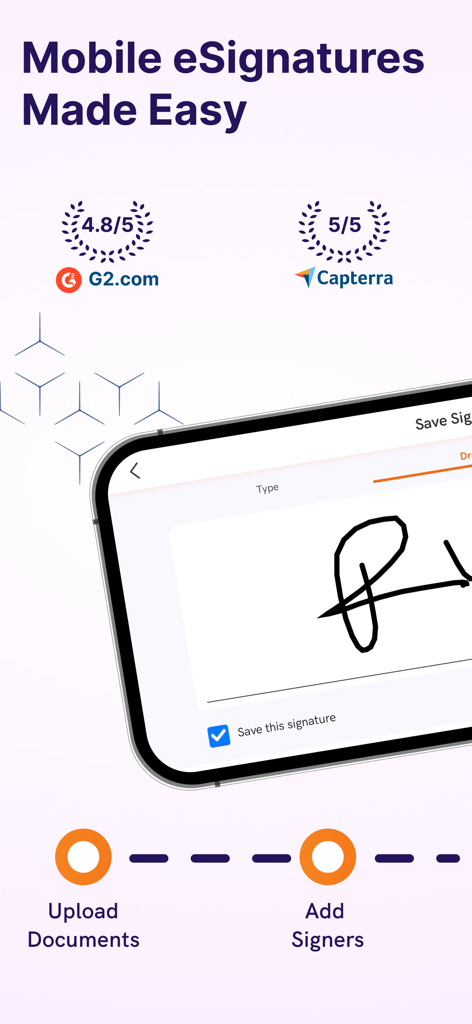
Foxit eSign mobile App-Oberfläche mit Erfassung elektronischer Signaturen und hohen Bewertungen von G2 und Capterra
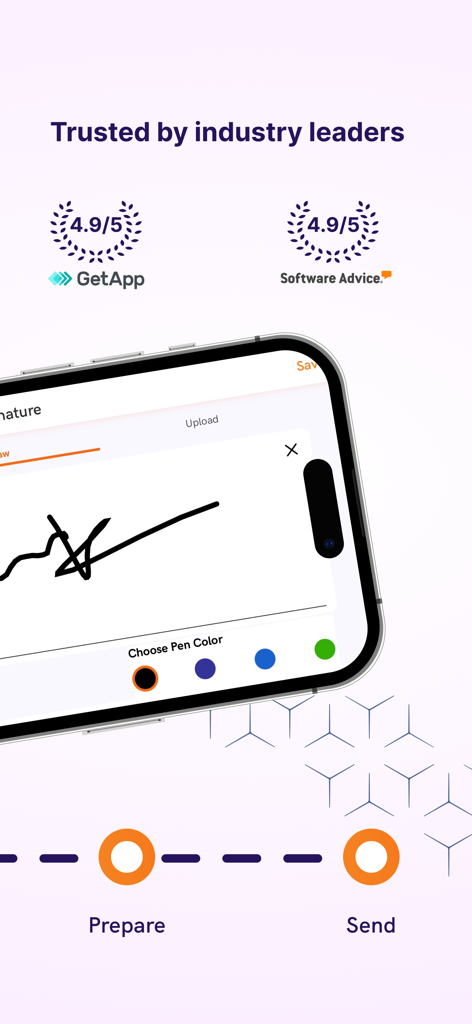
Ein Smartphone, das die Foxit eSign-App mit einer Signatur auf dem Bildschirm und hohen Branchenbewertungen anzeigt.
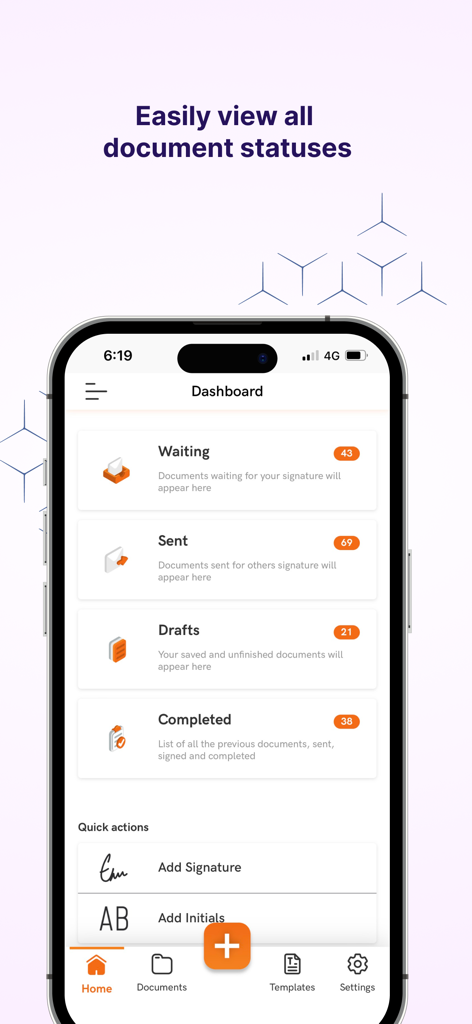
Foxit eSign Mobile Dashboard zeigt Dokumentenstatus an, einschließlich ausstehender gesendeter Entwürfe und abgeschlossener Signaturen
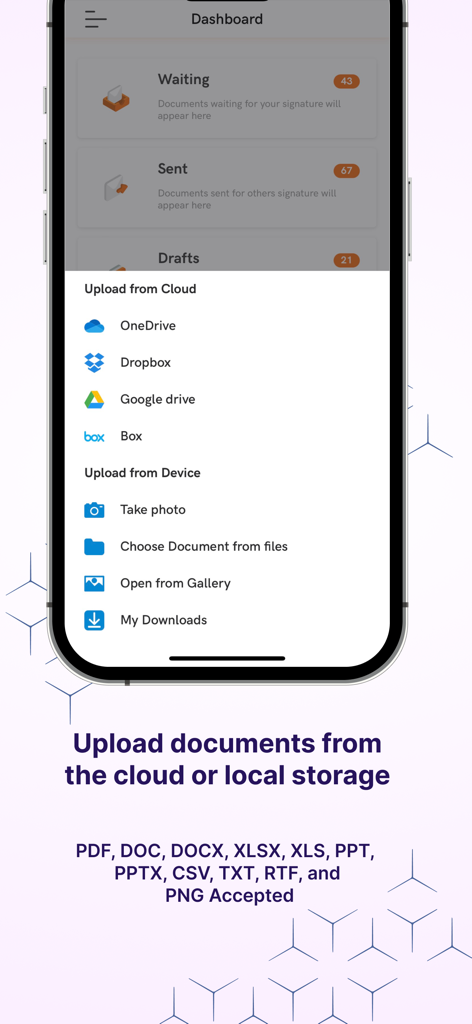
Oberfläche der Foxit eSign-App mit Optionen zum Hochladen von Dokumenten aus Cloud-Speichern wie Dropbox und Google Drive oder dem lokalen Gerätespeicher
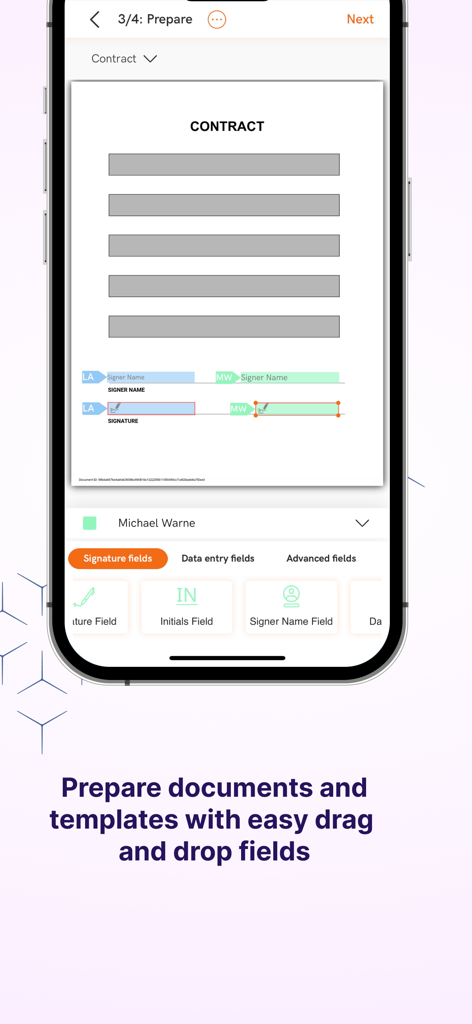
Mobile Oberfläche von Foxit eSign zeigt Dokumentenvorbereitung mit Drag-and-Drop-Signaturfeldern
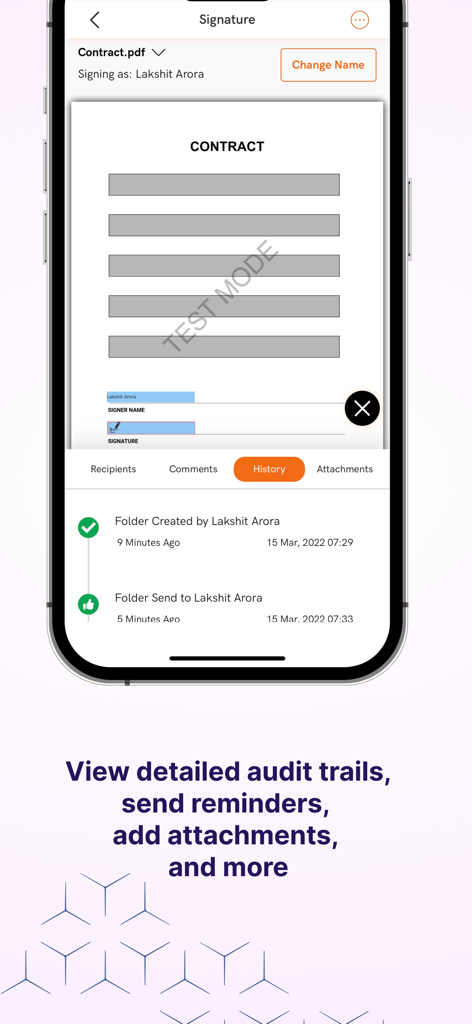
Foxit eSign Mobile App-Oberfläche mit Registerkarten für Vertrags-Audit-Trail und Verlauf
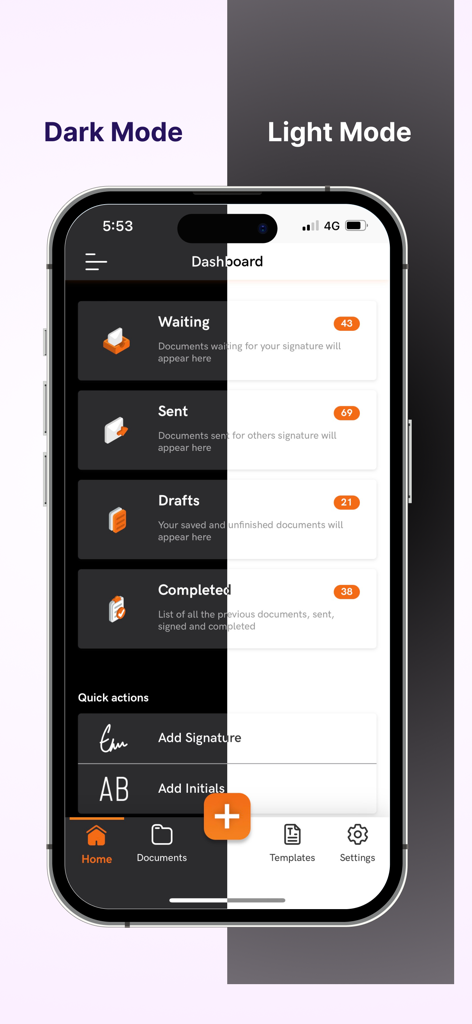
Ein geteilter Bildschirm, der das Foxit eSign Mobile App Dashboard sowohl im Dunkelmodus als auch im Hellmodus zeigt.
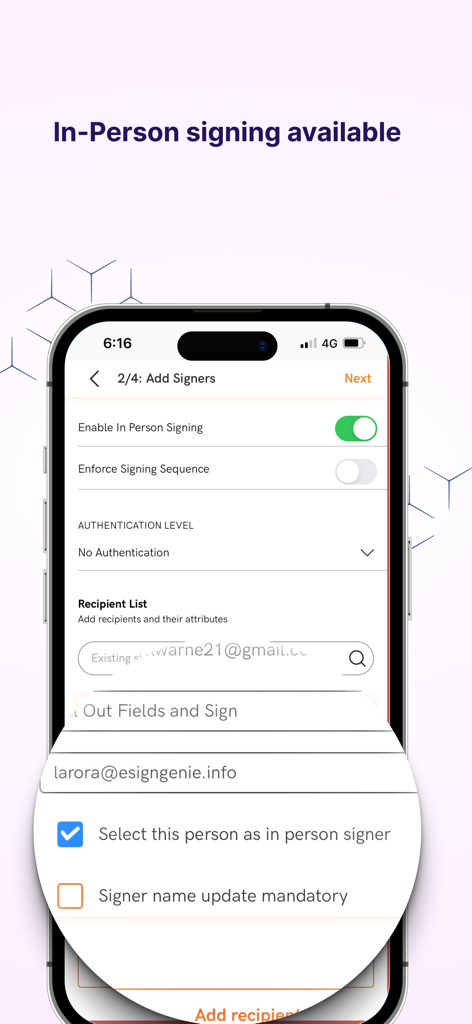
Foxit eSign Mobile App-Bildschirm zum Hinzufügen von Unterzeichnern mit aktivierter In-Person-Signing-Option
Beschreibung
Download
Ähnliche Apps
Top-gerankte Apps in derselben Kategorie

ChatGPT
OpenAI OpCo, LLC

Google Gemini
Google LLC

Grok
X.AI Corporation

Gmail - Email by Google
Google LLC

千问 - 阿里最强大模型官方AI助手
Shanghai Zhixin Puhui Technology Co., Ltd.

Google Drive
Google LLC

Microsoft Authenticator
Microsoft Corporation

Google Sheets
Google LLC

Google Docs
Google LLC
Diese Seite ist keine offizielle Seite der App oder ihres Entwicklers, sondern eine unabhängige redaktionelle Veröffentlichung, die zu Informations- und Kommentarzwecken erstellt wurde. Sofern nicht ausdrücklich anders angegeben, sind weder die App noch ihr Entwickler mit MWM, Apple, Google Play, dem App-Herausgeber oder dem Entwickler der App verbunden, von ihnen unterstützt, gesponsert, autorisiert oder anderweitig offiziell verbunden, und nichts auf dieser Seite impliziert, dass die App unter Verwendung der Dienste von MWM entwickelt wurde. Alle Marken, Logos, Screenshots und andere Inhalte bleiben Eigentum ihrer jeweiligen Inhaber.