
Diese Seite ist keine offizielle Seite der App oder ihres Entwicklers, sondern eine unabhängige redaktionelle Veröffentlichung, die zu Informations- und Kommentarzwecken erstellt wurde. Sofern nicht ausdrücklich anders angegeben, sind weder die App noch ihr Entwickler mit MWM, Apple, Google Play, dem App-Herausgeber oder dem Entwickler der App verbunden, von ihnen unterstützt, gesponsert, autorisiert oder anderweitig offiziell verbunden, und nichts auf dieser Seite impliziert, dass die App unter Verwendung der Dienste von MWM entwickelt wurde. Alle Marken, Logos, Screenshots und andere Inhalte bleiben Eigentum ihrer jeweiligen Inhaber.


Heavy Brass
Bringen Sie die rohe Kraft und den authentischen Biss echter Trompeten, Posaunen und Saxophone mit extrem niedriger Latenz und fortschrittlichen MIDI-Artikulationen auf Ihr iPad.
Downloads
48K+Bewertung
Bewertungen gesamt
100Herausgeber
Kategorie
MusicSprachen
1Neueste Version
2.4Größe
353.3 MBErstveröffentlichung
20. Nov. 2015Professionelle Power für Ihre Bläsersektionen
Heavy Brass bringt den Biss und Charakter echter Sessions auf Ihr iPad. Von Live-Auftritten auf der Bühne bis hin zu komplexen Studio-Arrangements – holen Sie sich den authentischen Sound, den Ihre Produktion verdient.
Ausdrucksstarke Artikulationen
Meistern Sie Ihren Sound mit realistischen Shakes, Falls und Growls. Nutzen Sie Velocity-Layer und Crossfades, um die Nuancen einer echten Weltklasse-Bläsersektion zu erzielen.
Latenzarme Präzision
Entwickelt für die Bühne mit konfigurierbarer Latenz bis zu 1 ms. Spielen Sie souverän mit externen MIDI-Keyboards oder der skalierbaren On-Screen-Oberfläche.
Die folgenden Screenshots und die Beschreibung stammen direkt aus dem offiziellen Store-Eintrag der App und sind Eigentum des Entwicklers.
App Store
Screenshots
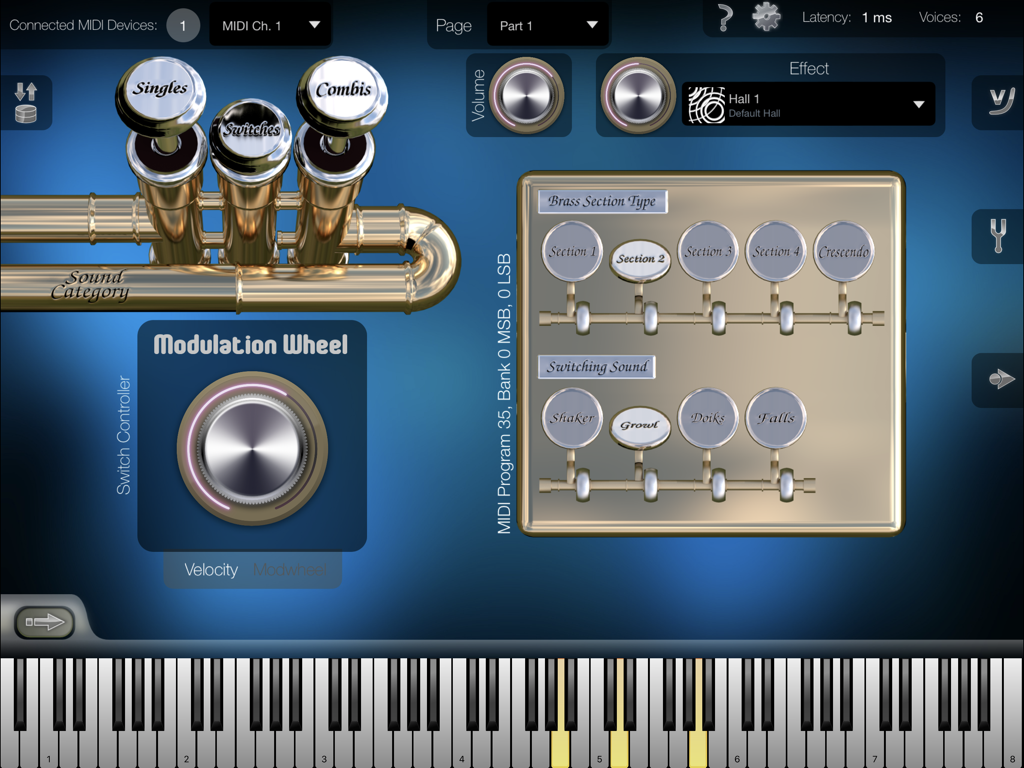
Heavy Brass App-Oberfläche mit Bläsersektion-Typen und Artikulationseinstellungen sowie einem virtuellen Keyboard
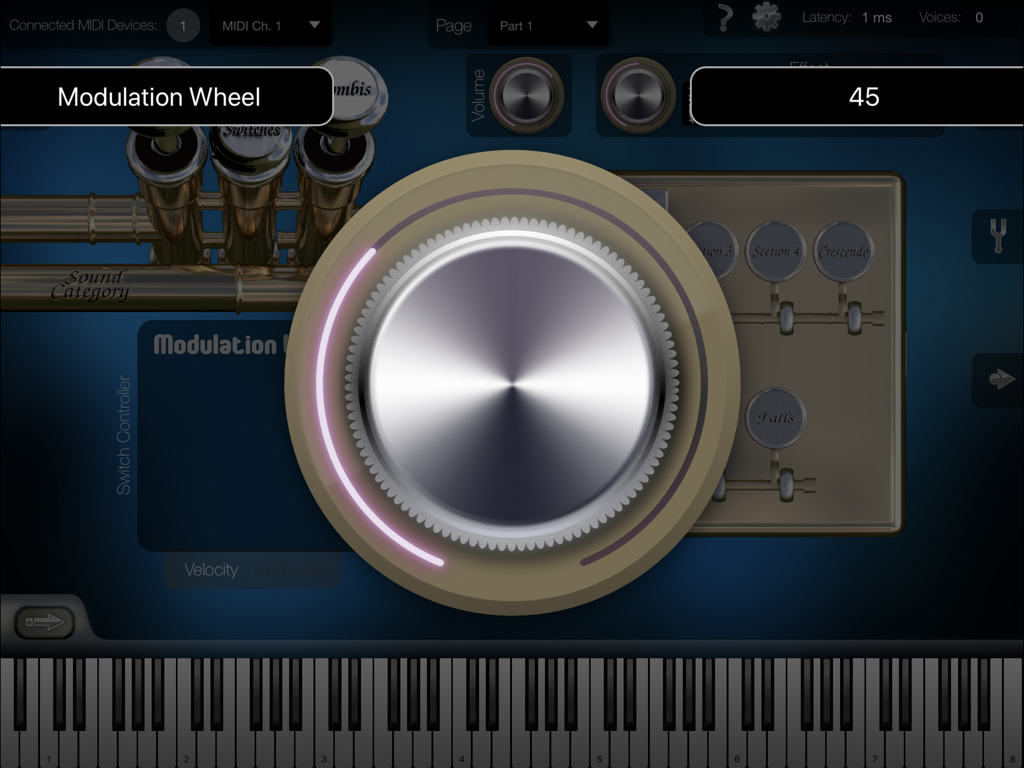
Ein großes virtuelles Modulationsrad auf der Heavy Brass App-Oberfläche zum Anpassen von Instrumenten-Sounds und Artikulationen.
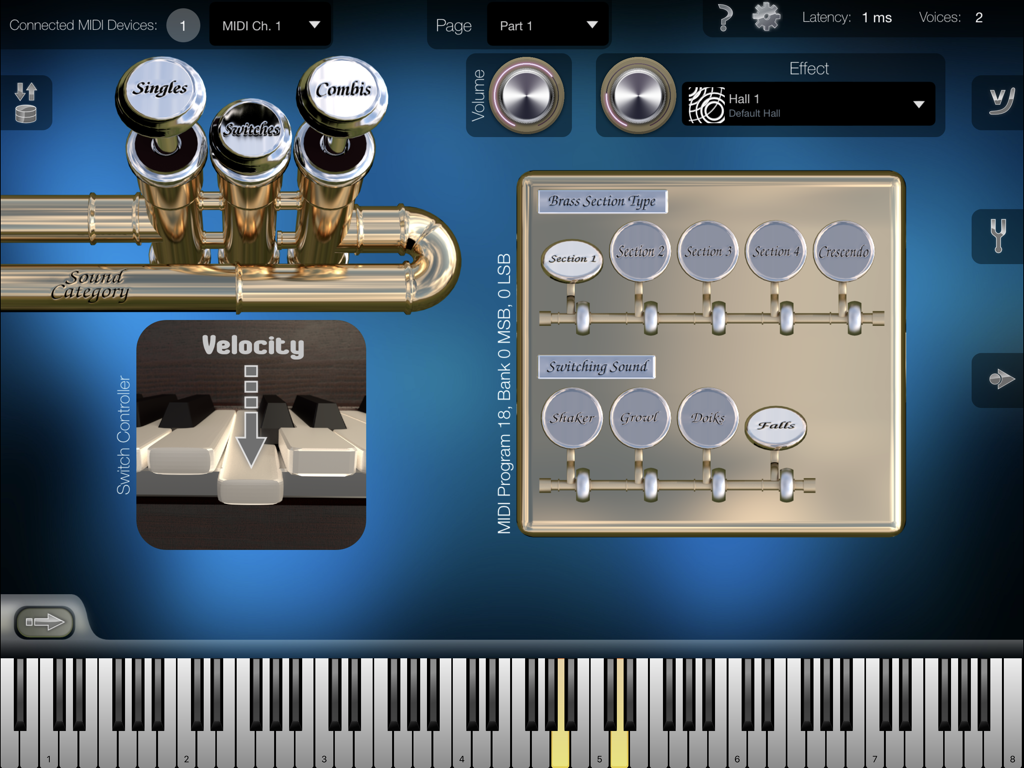
Mobile App-Oberfläche von Heavy Brass mit Artikulationseinstellungen für Blechblasinstrumente und einem virtuellen Keyboard.
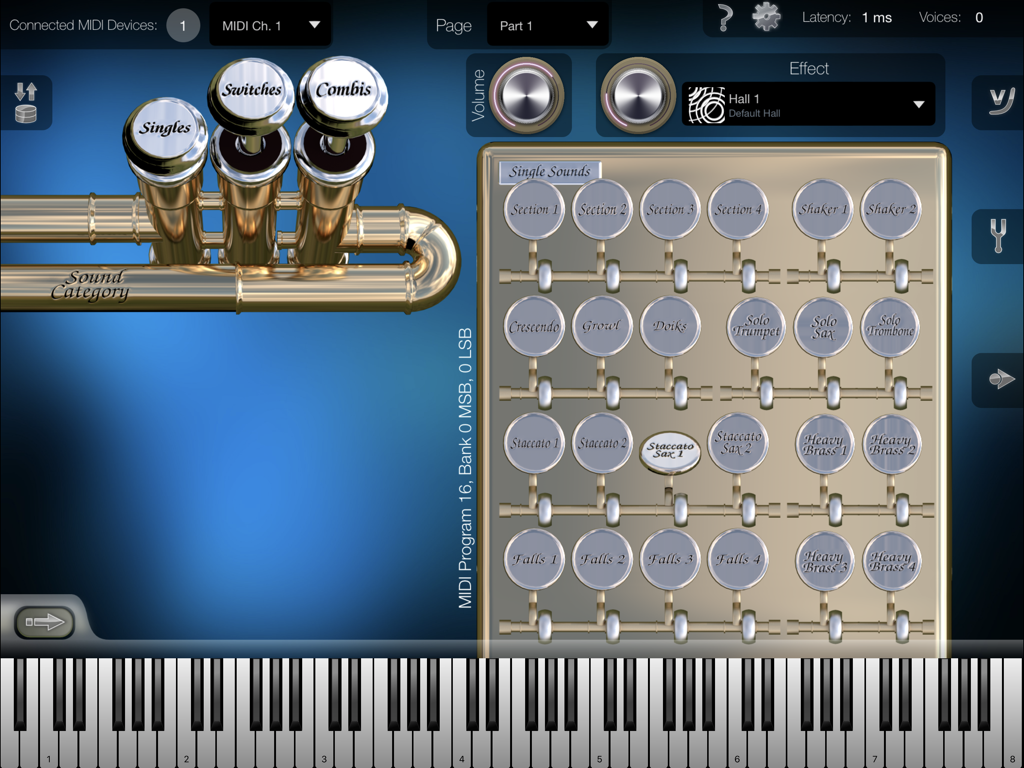
Oberfläche der Heavy Brass iPad-App mit dem Auswahlbildschirm für Einzelsounds, verschiedenen Bläser-Artikulationen und einer virtuellen Klaviertastatur.
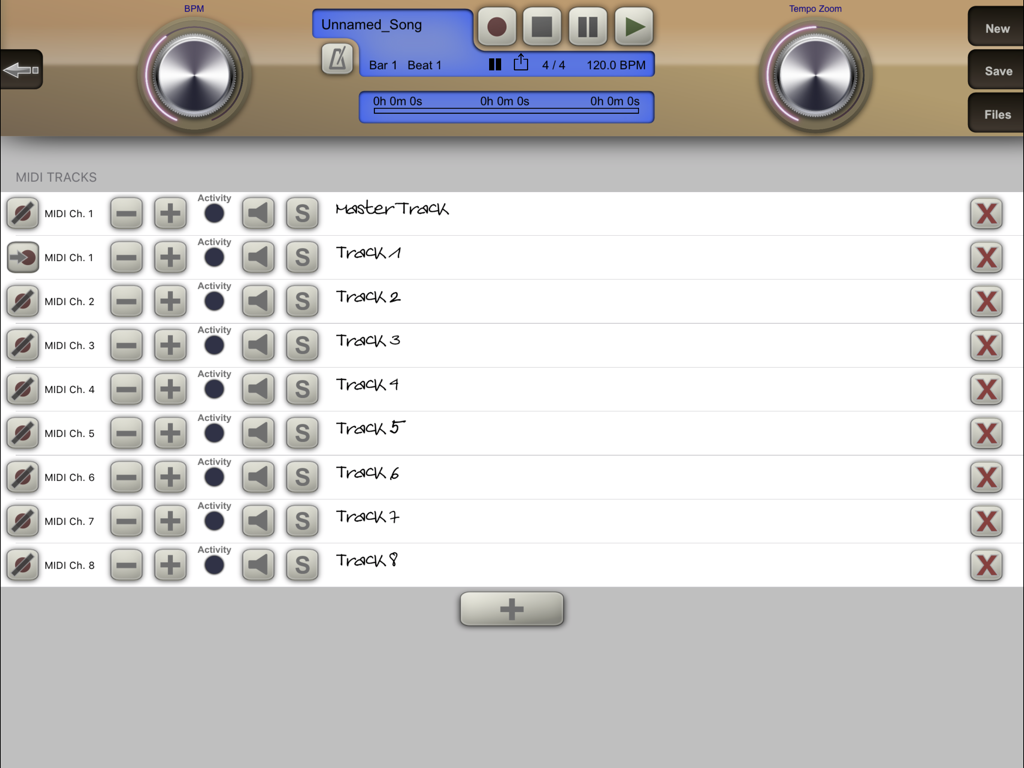
Oberfläche für Multitrack-MIDI-Aufnahme und Wiedergabe in der Heavy Brass Musikproduktions-App.
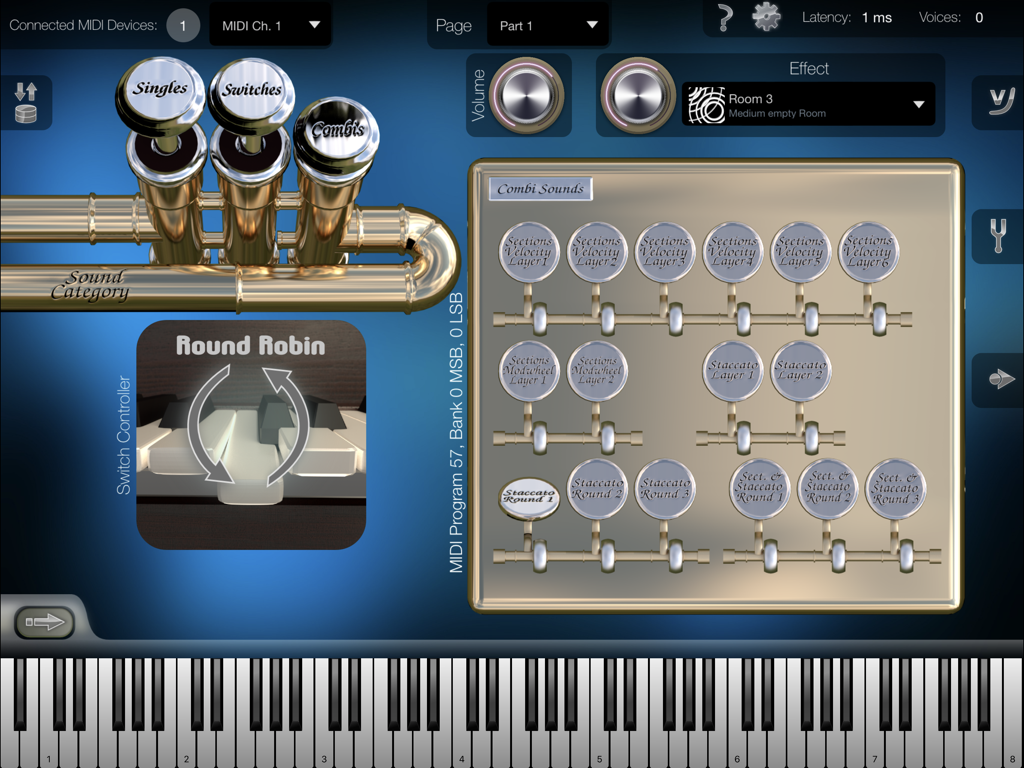
iPad-Oberfläche der Heavy Brass App mit dem Auswahlbildschirm für Combi-Sounds und virtueller Klaviertastatur
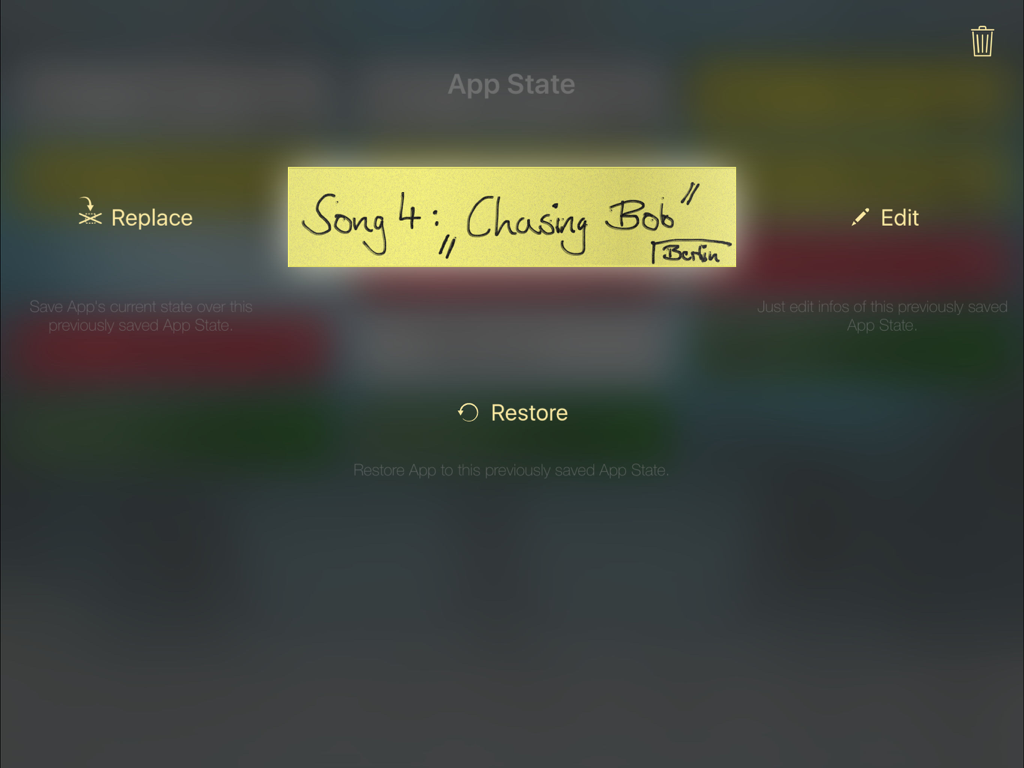
Oberfläche zum Verwalten und Wiederherstellen gespeicherter App-Status-Presets in Heavy Brass
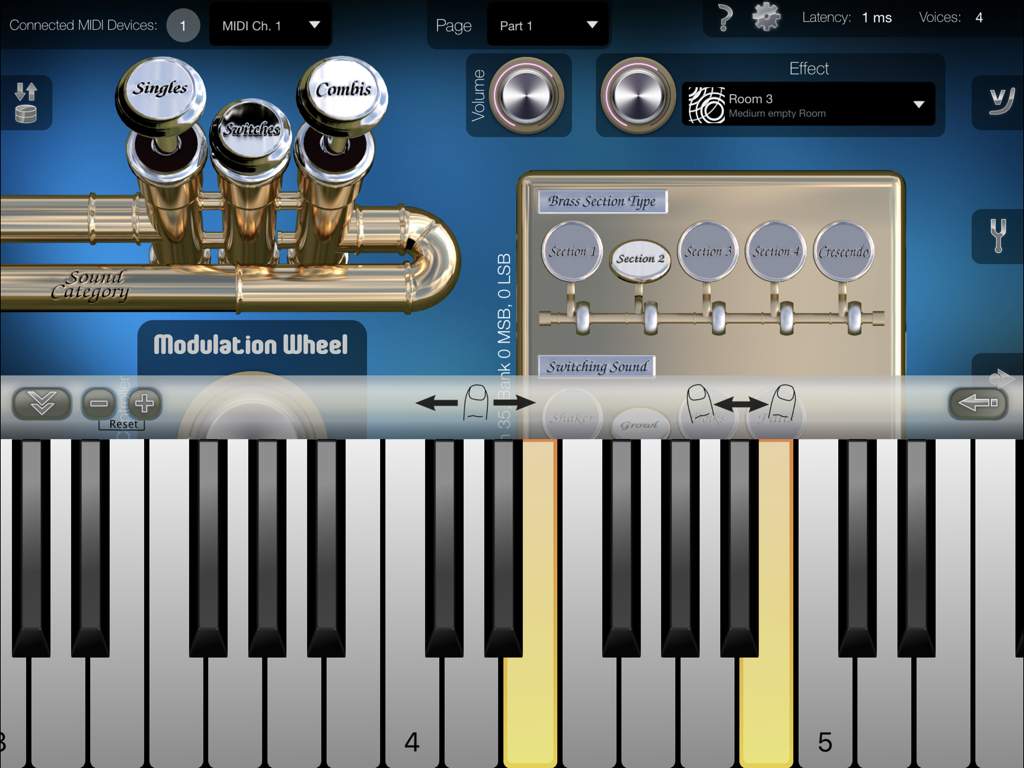
Professionelle Oberfläche der Heavy Brass App mit virtuellen Klaviertasten, Auswahl der Bläsersektion und Ventilen für Soundkategorien.
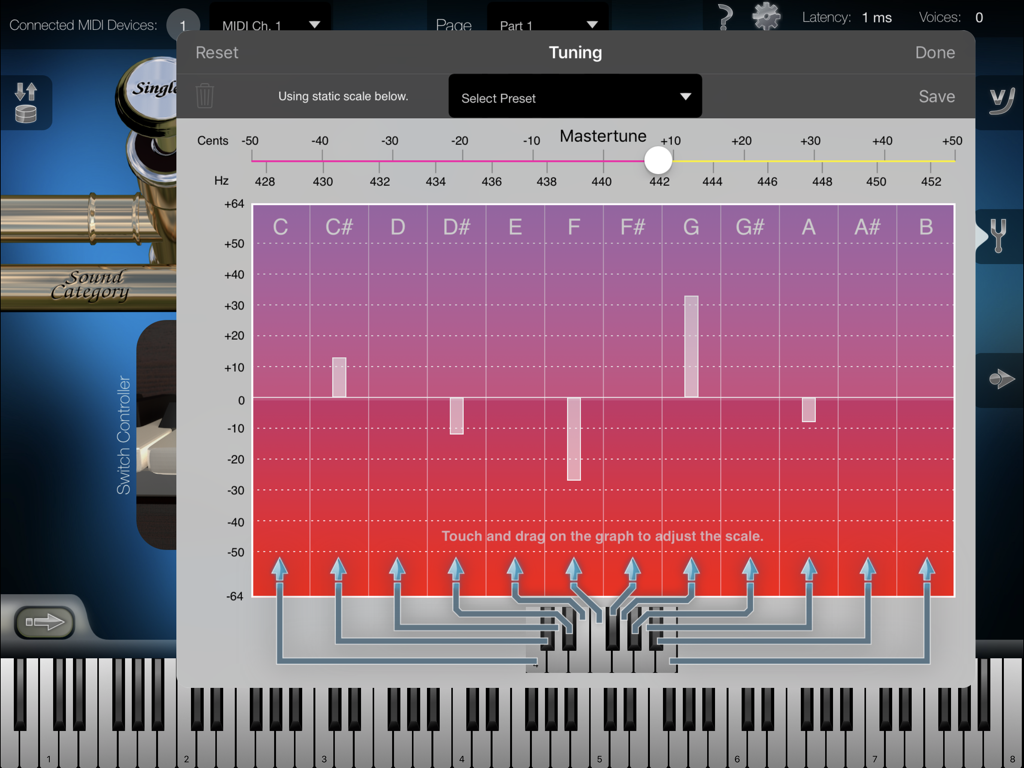
Erweiterte Tuning-Einstellungen in der Heavy Brass App, einschließlich Master-Tune-Reglern und einer visuellen Skalen-Tuning-Grafik für präzise MIDI-Instrumentenanpassung.
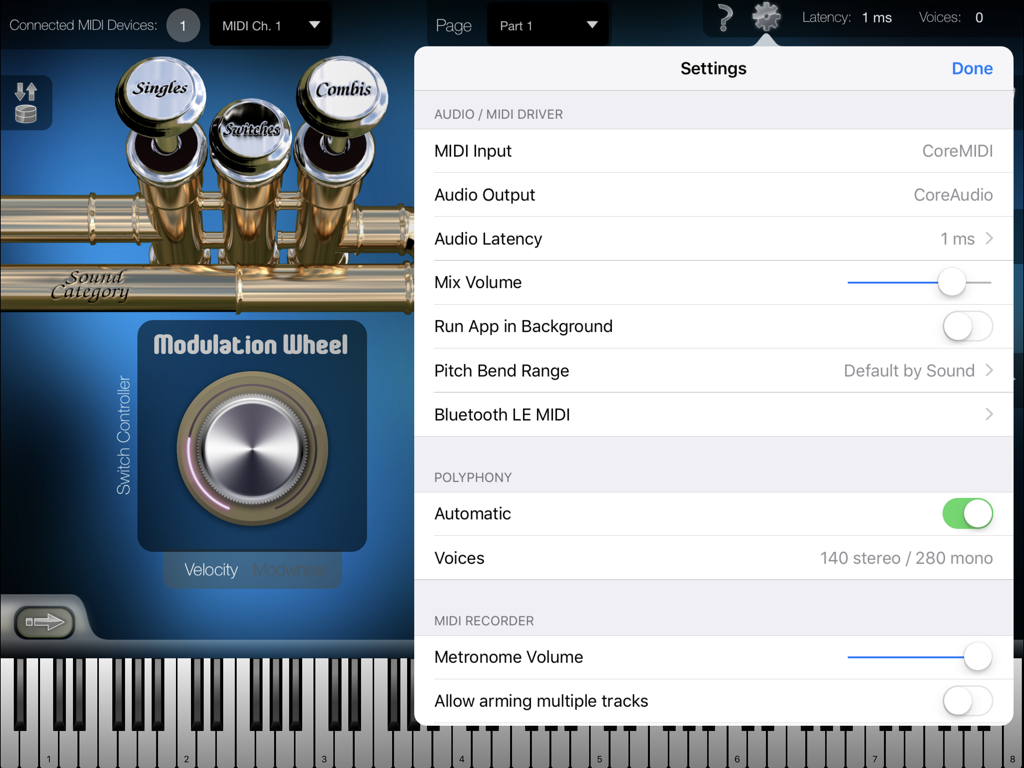
Einstellungsmenü der Heavy Brass App mit Optionen für Audio-MIDI-Treiber und Polyphonie-Konfiguration
Beschreibung
Download
Ähnliche Apps
Top-gerankte Apps in derselben Kategorie

Spotify: Music and Podcasts
Spotify

YouTube Music
Google LLC

Shazam: Find Music & Concerts
Apple Inc.

SoundCloud: The Music You Love
SoundCloud Global Limited & Co KG

Suno - AI Songs & Music
Suno Inc.

QQ音乐 - 听我想听
Tencent Technology (Shenzhen) Company Limited

Audiomack - Play Music Offline
Audiomack, Inc.

GuitarTuna: Tune & Play Guitar
Yousician Ltd

BandLab – Music Maker & Beats
BandLab Singapore Pte Ltd
Diese Seite ist keine offizielle Seite der App oder ihres Entwicklers, sondern eine unabhängige redaktionelle Veröffentlichung, die zu Informations- und Kommentarzwecken erstellt wurde. Sofern nicht ausdrücklich anders angegeben, sind weder die App noch ihr Entwickler mit MWM, Apple, Google Play, dem App-Herausgeber oder dem Entwickler der App verbunden, von ihnen unterstützt, gesponsert, autorisiert oder anderweitig offiziell verbunden, und nichts auf dieser Seite impliziert, dass die App unter Verwendung der Dienste von MWM entwickelt wurde. Alle Marken, Logos, Screenshots und andere Inhalte bleiben Eigentum ihrer jeweiligen Inhaber.