
Diese Seite ist keine offizielle Seite der App oder ihres Entwicklers, sondern eine unabhängige redaktionelle Veröffentlichung, die zu Informations- und Kommentarzwecken erstellt wurde. Sofern nicht ausdrücklich anders angegeben, sind weder die App noch ihr Entwickler mit MWM, Apple, Google Play, dem App-Herausgeber oder dem Entwickler der App verbunden, von ihnen unterstützt, gesponsert, autorisiert oder anderweitig offiziell verbunden, und nichts auf dieser Seite impliziert, dass die App unter Verwendung der Dienste von MWM entwickelt wurde. Alle Marken, Logos, Screenshots und andere Inhalte bleiben Eigentum ihrer jeweiligen Inhaber.

iCircuit 3D
Erschaffe deine Ideen in einer risikofreien 3D-Sandbox. Entwirf komplexe Schaltungen, teste Arduino-Code und experimentiere mit über 150 realistischen Komponenten, ohne die Kosten oder Konsequenzen von Fehlern in der realen Welt.
Downloads
10K+Bewertung
Bewertungen gesamt
100Herausgeber
Kategorie
EducationSprachen
7Neueste Version
1.1Größe
165.7 MBErstveröffentlichung
28. Jan. 2021Dein ultimatives virtuelles Elektroniklabor
Iteriere schneller und intelligenter mit einer hochpräzisen 3D-Simulations-Engine, die für Studenten, Maker und professionelle Ingenieure entwickelt wurde.
Schnell scheitern, schneller lernen
Teste Komponenten sicher bis an ihre Grenzen. Wenn du falsch verdrahtest, hilft dir 'Magic Smoke', Fehler zu diagnostizieren und zu beheben, ohne teure Hardware zu verschwenden.
Programmierbare 3D-Projekte
Führe echten Arduino-Code aus, um Motoren und Sensoren anzusteuern. Sieh zu, wie deine Entwürfe mit realistischen Lichtern, Geräuschen und Bewegungen zum Leben erwachen.
Die folgenden Screenshots und die Beschreibung stammen direkt aus dem offiziellen Store-Eintrag der App und sind Eigentum des Entwicklers.
App Store
Screenshots
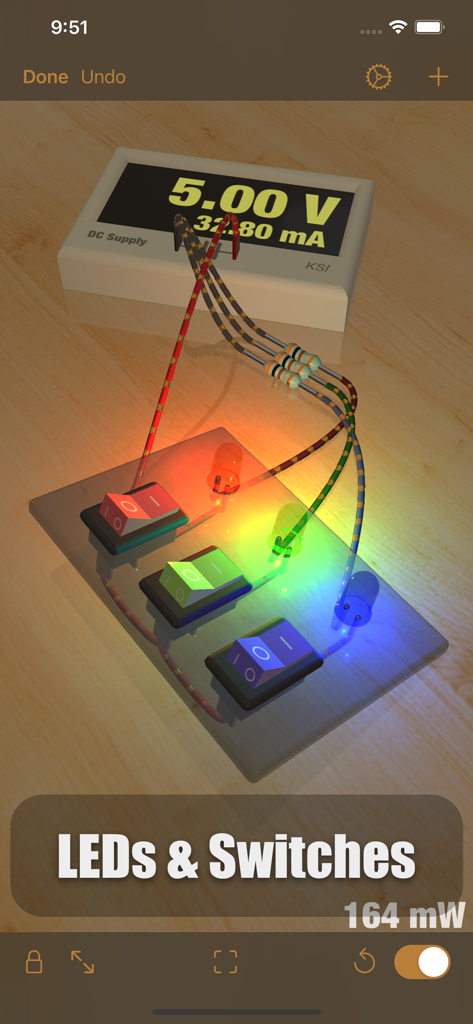
Eine 3D-Simulation einer elektronischen Schaltung mit glühenden roten, grünen und blauen LEDs, die mit Kippschaltern auf einer virtuellen Werkbank verbunden sind.
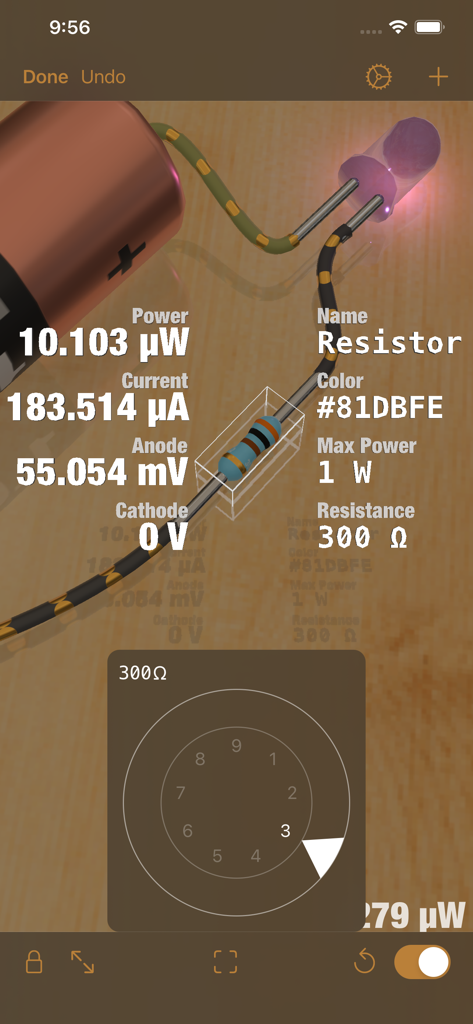
Eine 3D-Simulation einer elektronischen Schaltung in iCircuit 3D, die Echtzeit-technische Daten und einen Widerstandseinstellknopf für einen Widerstand zeigt.
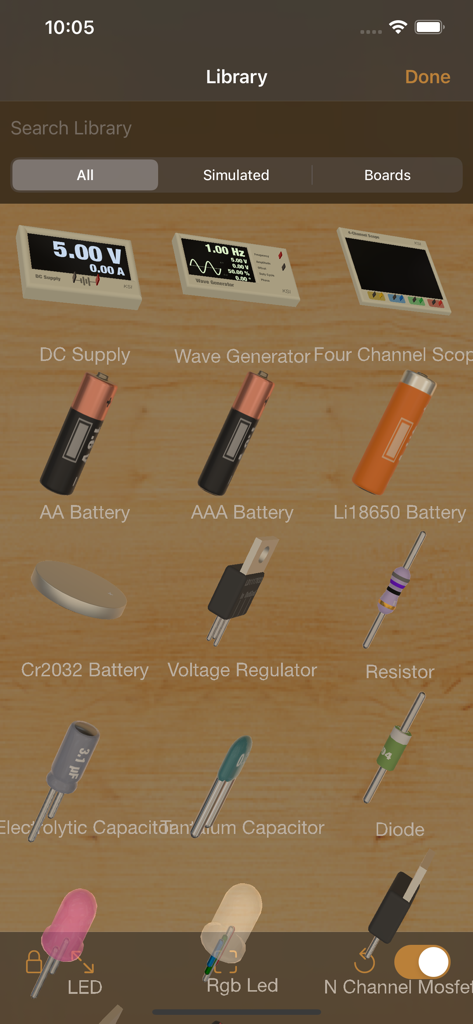
Bibliothek von 3D-Elektronikkomponenten in der iCircuit 3D-App.
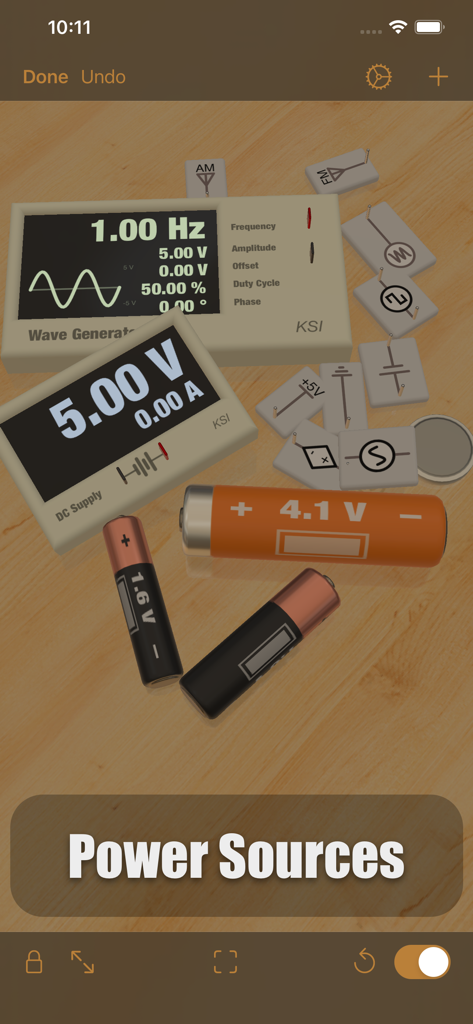
Verschiedene 3D-Stromquellen und Batterien auf einer virtuellen Werkbank in iCircuit 3D.
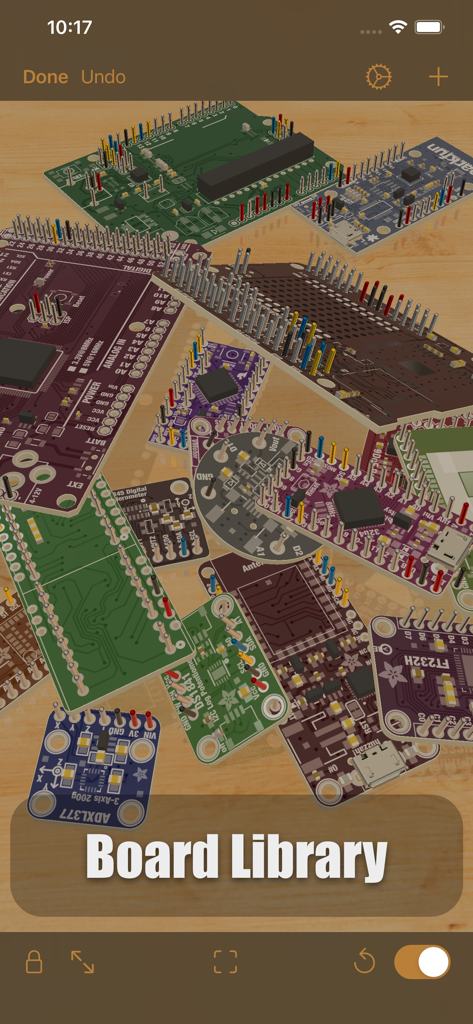
Eine Sammlung verschiedener elektronischer Leiterplatten und Mikrocontroller, die in der iCircuit 3D-Platinenbibliothek angezeigt werden.
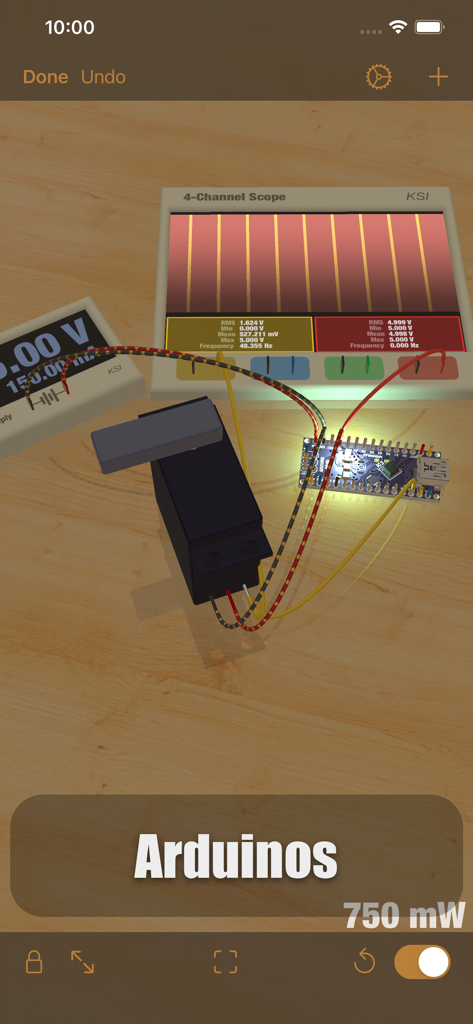
3D-Simulation einer Arduino Nano-Schaltung mit einem Oszilloskop und einem Servomotor auf einer virtuellen Werkbank.
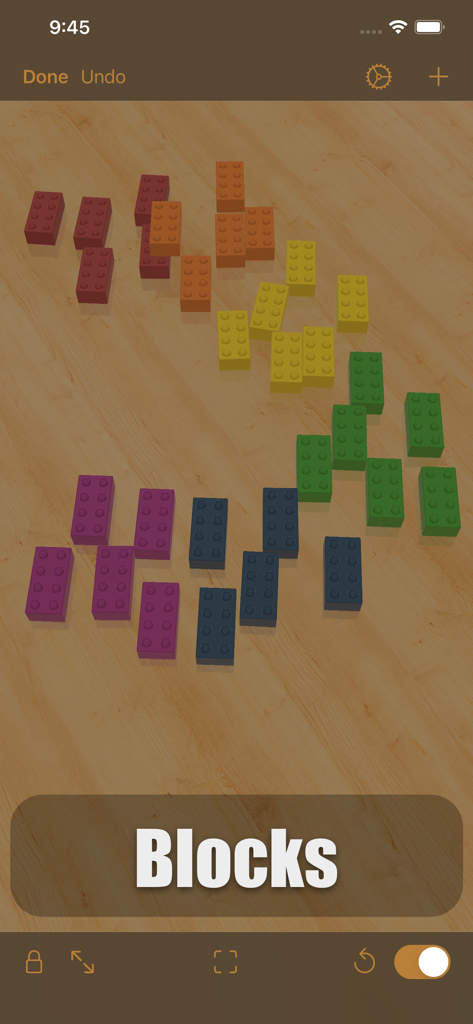
Bunte 3D-Bausteine, verstreut auf einer virtuellen Holzwerkbank innerhalb der iCircuit 3D-App-Oberfläche.
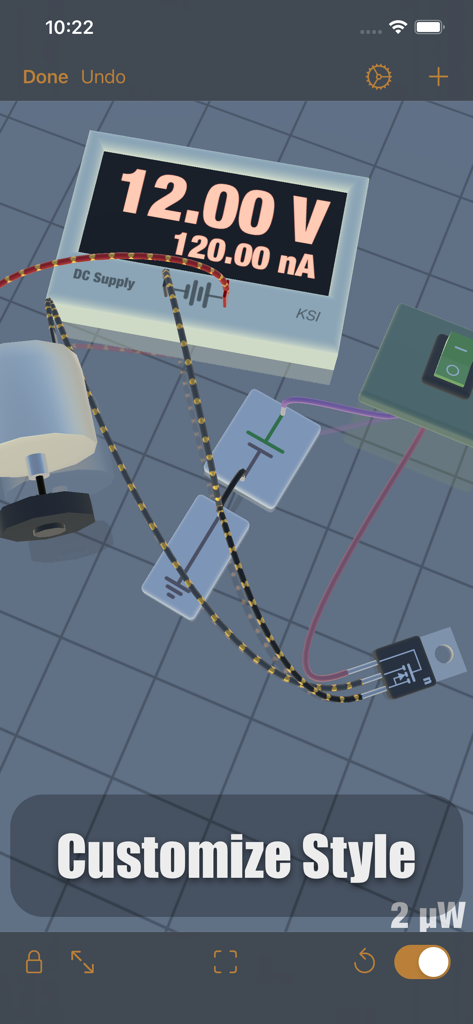
Eine 3D-Simulation einer Elektronikschaltung auf einer virtuellen Werkbank mit einem Gleichstromnetzteil, einem Motor und Verkabelung.
Beschreibung
Download
Ähnliche Apps
Top-gerankte Apps in derselben Kategorie

Duolingo - Language Lessons
Duolingo, Inc

Speak & Learn English: Learna
DEEP FLOW SOFTWARE SERVICES - FZCO

驾考宝典-科一科四驾驶证考试驾考通
Wuhan Jiakaobaodian Information Service Co., Ltd.

Toca Boca World
Toca Boca AB

Google Classroom
Google LLC

作业帮-中小学家长作业检查和辅导工具
Guangzhou Polar Future Culture Technology Co., Ltd

学信网
Student Information Consultation Service Co., Ltd.

Gauth: AI Study Companion
GAUTHTECH PTE. LTD.

ArtWorkout: Learn How to Draw
Aleksandr Ulitin
Diese Seite ist keine offizielle Seite der App oder ihres Entwicklers, sondern eine unabhängige redaktionelle Veröffentlichung, die zu Informations- und Kommentarzwecken erstellt wurde. Sofern nicht ausdrücklich anders angegeben, sind weder die App noch ihr Entwickler mit MWM, Apple, Google Play, dem App-Herausgeber oder dem Entwickler der App verbunden, von ihnen unterstützt, gesponsert, autorisiert oder anderweitig offiziell verbunden, und nichts auf dieser Seite impliziert, dass die App unter Verwendung der Dienste von MWM entwickelt wurde. Alle Marken, Logos, Screenshots und andere Inhalte bleiben Eigentum ihrer jeweiligen Inhaber.