
Diese Seite ist keine offizielle Seite der App oder ihres Entwicklers, sondern eine unabhängige redaktionelle Veröffentlichung, die zu Informations- und Kommentarzwecken erstellt wurde. Sofern nicht ausdrücklich anders angegeben, sind weder die App noch ihr Entwickler mit MWM, Apple, Google Play, dem App-Herausgeber oder dem Entwickler der App verbunden, von ihnen unterstützt, gesponsert, autorisiert oder anderweitig offiziell verbunden, und nichts auf dieser Seite impliziert, dass die App unter Verwendung der Dienste von MWM entwickelt wurde. Alle Marken, Logos, Screenshots und andere Inhalte bleiben Eigentum ihrer jeweiligen Inhaber.

Inkpad Notepad - Notes - To do
Erleben Sie den Komfort eines Papiernotizbuchs mit der Leistung digitaler Synchronisierung. Verwalten Sie mühelos Ihre Einkaufslisten und täglichen Aufgaben auf Ihrem Handy oder im Webbrowser mit automatischer Speicherung, der Sie vertrauen können.
Downloads
1M+Bewertung
Bewertungen gesamt
8K+Herausgeber
Kategorie
ProductivitySprachen
1Neueste Version
6.3.59Größe
67.3 MBErstveröffentlichung
27. Juli 2015Einfache Notizen für Ihr geschäftiges Leben
Inkpad Notizbuch bringt die Vertrautheit eines Papierblocks auf Ihr Handy und Ihren Computer. Es ist der einfachste Weg, Ihre Gedanken, Listen und Ideen ohne technische Probleme zu organisieren.
Genau wie ein Papiernotizbuch
Keine komplizierten Menüs oder Formatierungen. Tippen Sie einfach zum Schreiben, und Ihre Notizen werden automatisch gespeichert, genau wie bei einem echten Notizblock.
Zugriff von Ihrem Computer
Tippen Sie bequem auf der Tastatur Ihres Computers über unsere Website längere Notizen oder Listen ein und finden Sie sie sofort auf Ihrem Handy, wenn Sie unterwegs sind.
Die folgenden Screenshots und die Beschreibung stammen direkt aus dem offiziellen Store-Eintrag der App und sind Eigentum des Entwicklers.
App Store
Screenshots
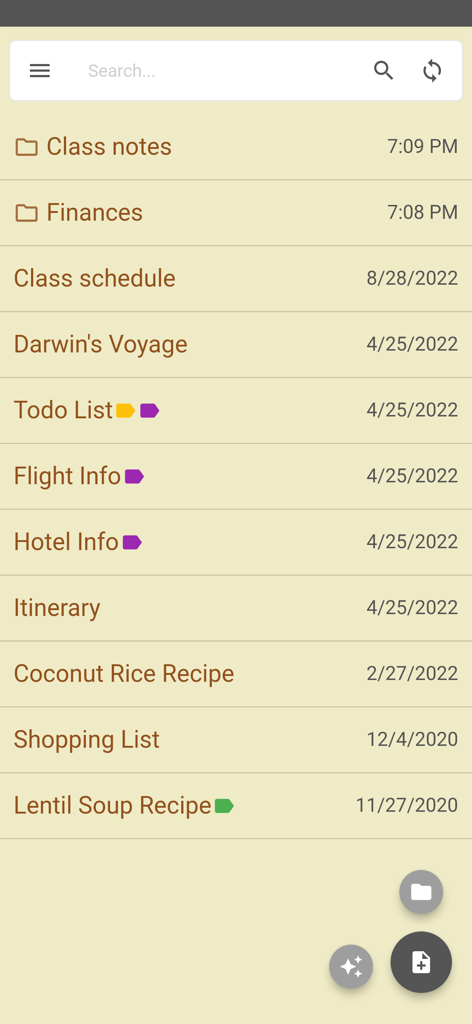
Inkpad Notizbuch App-Bildschirm, der eine Liste von Notizen und Ordnern mit einer papierähnlichen Ästhetik anzeigt
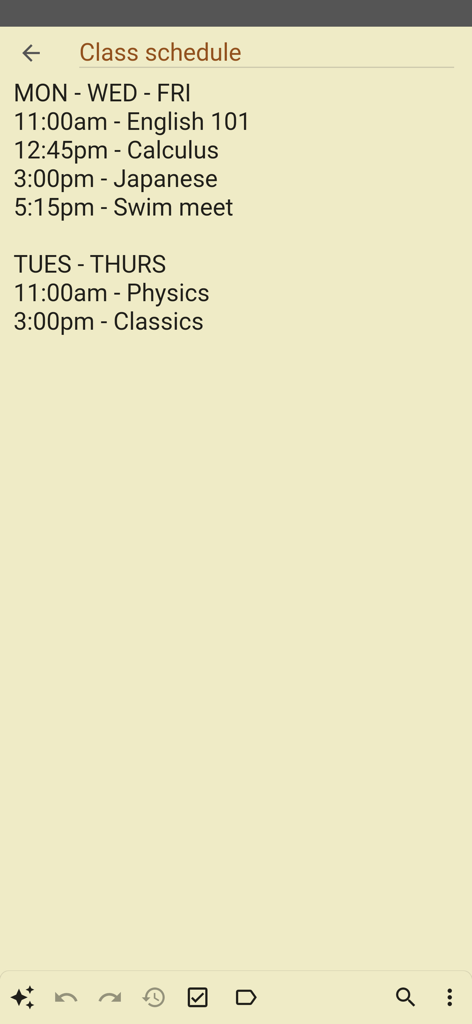
Eine einfache digitale Notiz mit dem Titel "Stundenplan", die eine Liste von Kursen und Zeiten auf einem papierähnlichen Hintergrund anzeigt
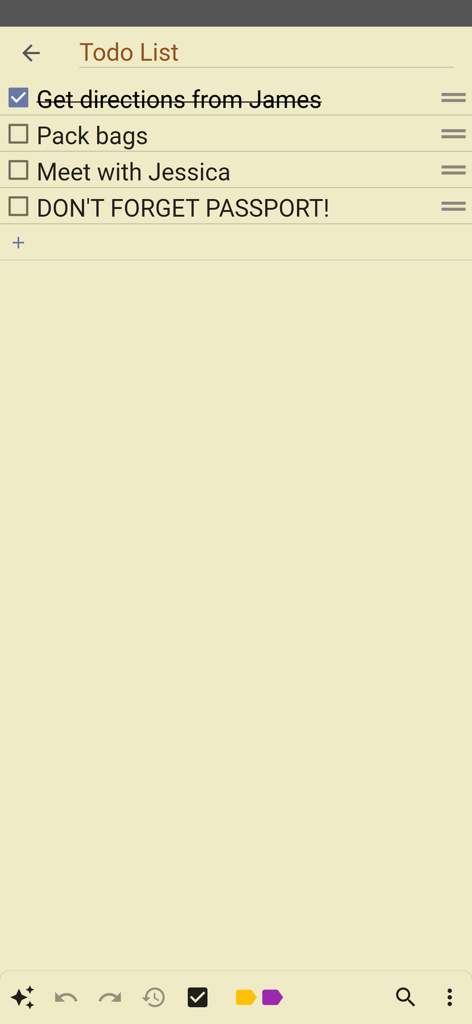
Eine einfache To-Do-Liste auf einem gelben Papierhintergrund in der Inkpad Notizbuch App
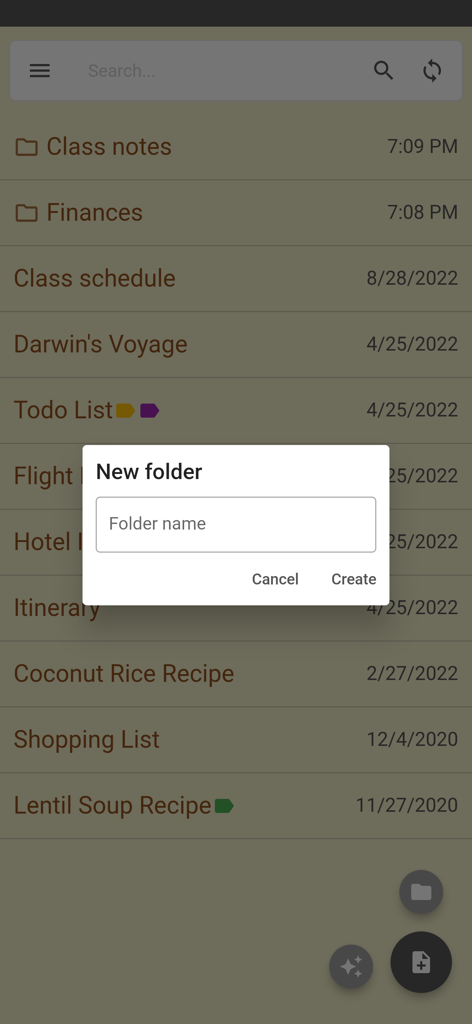
Bildschirm zur Erstellung eines neuen Ordners in der Inkpad Notizbuch App
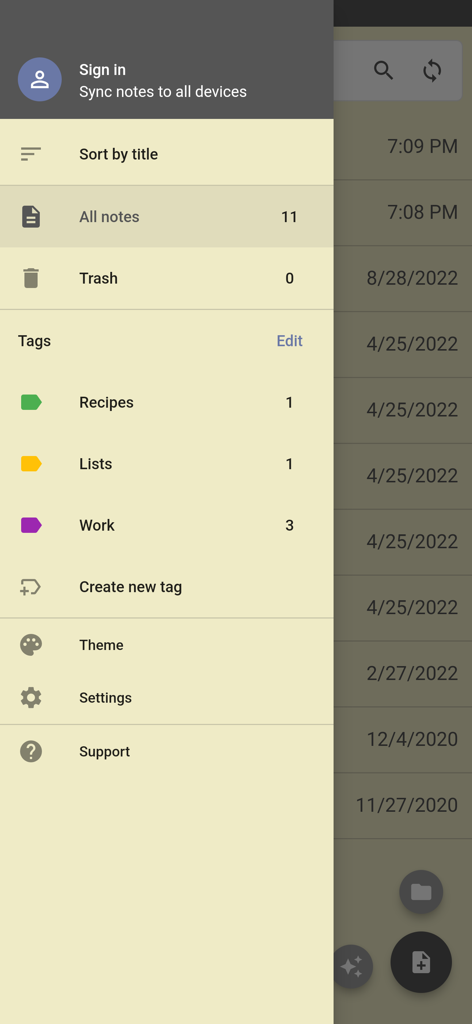
Seitennavigationsmenü der Inkpad Notizbuch App mit Optionen zur Sortierung von Notizen, Tags und Kontoeinstellungen
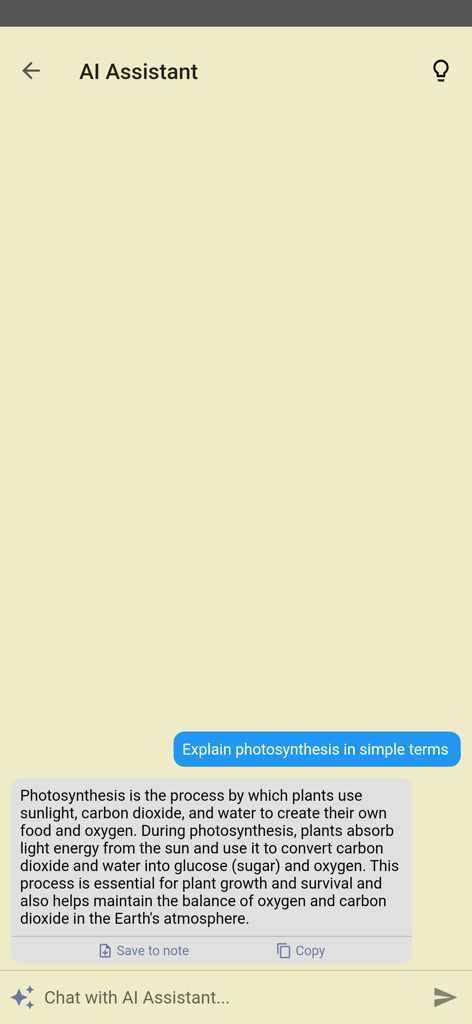
KI-Assistent-Funktion in Inkpad Notizbuch, die eine Frage in einer einfachen Chat-Oberfläche beantwortet
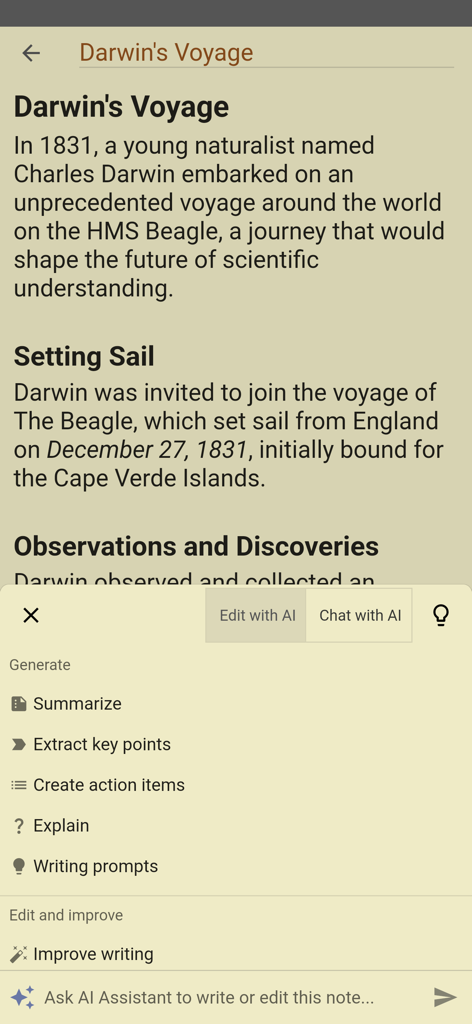
Inkpad Notizbuch App zeigt das KI-Assistenten-Menü mit Optionen wie "Zusammenfassen" und "Schreibweise verbessern"
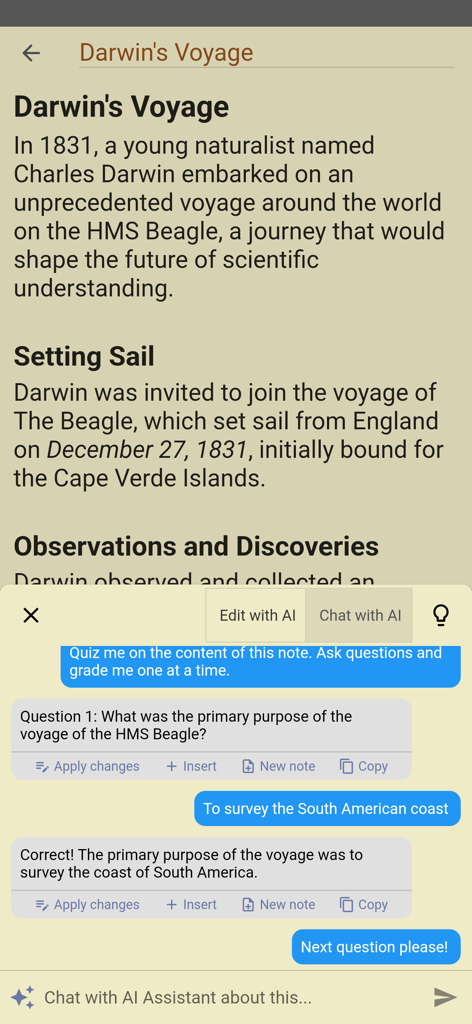
Eine mobile Benutzeroberfläche für Inkpad Notizbuch, die einen KI-Assistenten zeigt, der einen Benutzer zu seinen Notizen über Darwins Reise befragt
Beschreibung
Download
Ähnliche Apps
Top-gerankte Apps in derselben Kategorie

ChatGPT
OpenAI OpCo, LLC

Google Gemini
Google LLC

Grok
X.AI Corporation

Gmail - Email by Google
Google LLC

千问 - 阿里最强大模型官方AI助手
Shanghai Zhixin Puhui Technology Co., Ltd.

Google Drive
Google LLC

Microsoft Authenticator
Microsoft Corporation

Google Sheets
Google LLC

Google Docs
Google LLC
Diese Seite ist keine offizielle Seite der App oder ihres Entwicklers, sondern eine unabhängige redaktionelle Veröffentlichung, die zu Informations- und Kommentarzwecken erstellt wurde. Sofern nicht ausdrücklich anders angegeben, sind weder die App noch ihr Entwickler mit MWM, Apple, Google Play, dem App-Herausgeber oder dem Entwickler der App verbunden, von ihnen unterstützt, gesponsert, autorisiert oder anderweitig offiziell verbunden, und nichts auf dieser Seite impliziert, dass die App unter Verwendung der Dienste von MWM entwickelt wurde. Alle Marken, Logos, Screenshots und andere Inhalte bleiben Eigentum ihrer jeweiligen Inhaber.