IP Television - IPTV M3U
Herunterladen auf App Store

Diese Seite ist keine offizielle Seite der App oder ihres Entwicklers, sondern eine unabhängige redaktionelle Veröffentlichung, die zu Informations- und Kommentarzwecken erstellt wurde. Sofern nicht ausdrücklich anders angegeben, sind weder die App noch ihr Entwickler mit MWM, Apple, Google Play, dem App-Herausgeber oder dem Entwickler der App verbunden, von ihnen unterstützt, gesponsert, autorisiert oder anderweitig offiziell verbunden, und nichts auf dieser Seite impliziert, dass die App unter Verwendung der Dienste von MWM entwickelt wurde. Alle Marken, Logos, Screenshots und andere Inhalte bleiben Eigentum ihrer jeweiligen Inhaber.

Logo von IP Television - IPTV M3U
Herunterladen auf App Store

IP Television - IPTV M3U

Übernehmen Sie die volle Kontrolle über Ihre Unterhaltung. Streamen Sie Tausende von globalen Kanälen, Live-Sport und VOD mit professioneller VLC-Leistung. Synchronisieren Sie Ihre Playlists auf iPhone, iPad und Apple TV für ein nahtloses, schnurloses Fernseherlebnis.

Kennzahlen

Downloads

447K+

Bewertung

3.9/5

Bewertungen gesamt

13K+

Herausgeber

Paolo Rossignoli

Kategorie

Photo & Video

Sprachen

7

Neueste Version

7.7.2

Größe

158.7 MB

Erstveröffentlichung

4. Juli 2014
Funktionen

Ein Premium-Fernseherlebnis auf jedem Bildschirm

Verabschieden Sie sich von teuren Kabelboxen und holen Sie sich einen leistungsstarken, Hochgeschwindigkeits-IPTV-Player für Ihr Apple-Ökosystem. Von Live-Sport bis zum globalen Kino – genießen Sie die volle Kontrolle über Ihre Unterhaltung.

Nahtlose Synchronisierung im Apple-Ökosystem

Starten Sie ein Spiel auf Ihrem iPhone während des Pendelns und machen Sie genau dort weiter, wo Sie auf Ihrem Apple TV zu Hause aufgehört haben, mit automatischer iCloud-Synchronisierung.

Unübertroffene Stream-Kompatibilität

Umgehen Sie restriktive Server-Blockaden mit 19 professionellen User-Agent-Voreinstellungen, die sicherstellen, dass Ihre internationalen Streams und M3U-Playlists jedes Mal perfekt geladen werden.

Die folgenden Screenshots und die Beschreibung stammen direkt aus dem offiziellen Store-Eintrag der App und sind Eigentum des Entwicklers.

App Store

Screenshots
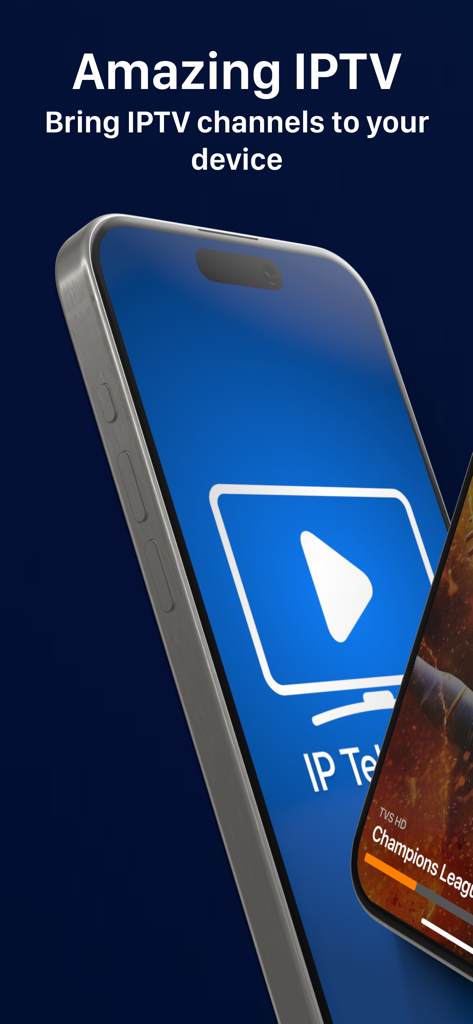
IP Television - IPTV M3U - Zwei iPhones zeigen die Benutzeroberfläche der IP Television App und einen Live-Sport-Stream mit dem Text "Amazing IPTV"
Zwei iPhones zeigen die Benutzeroberfläche der IP Television App und einen Live-Sport-Stream mit dem Text "Amazing IPTV"

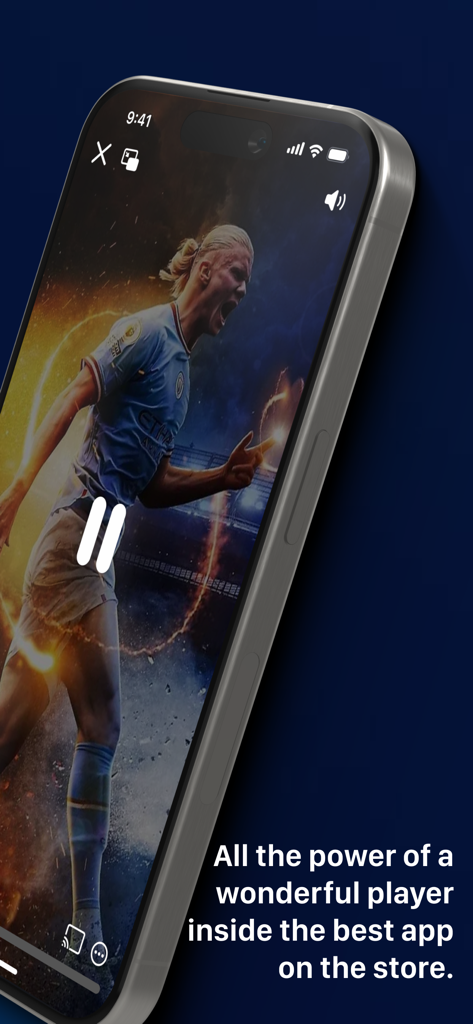
IP Television - IPTV M3U - iPhone zeigt ein Live-Fußballspiel in der IP Television IPTV-App
iPhone zeigt ein Live-Fußballspiel in der IP Television IPTV-App

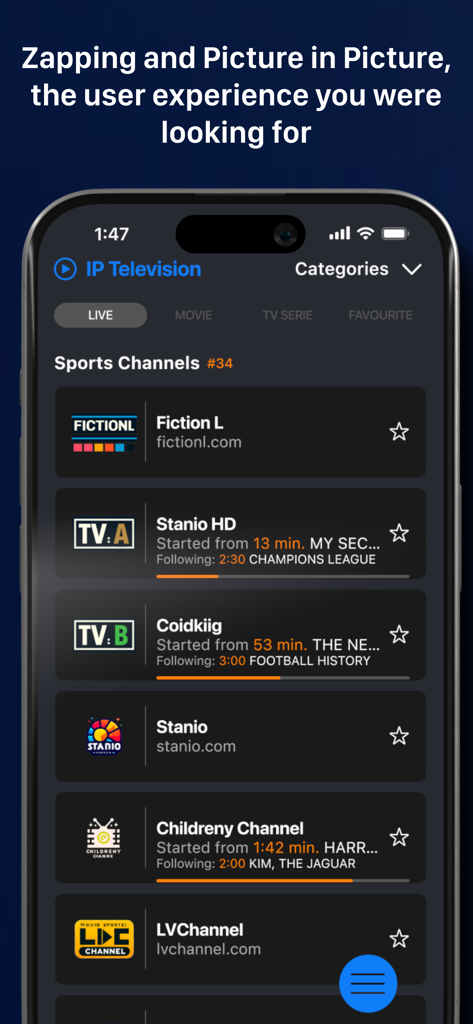
IP Television - IPTV M3U - IP Television App zeigt eine Liste von Live-Sportkanälen auf einem iPhone-Bildschirm
IP Television App zeigt eine Liste von Live-Sportkanälen auf einem iPhone-Bildschirm

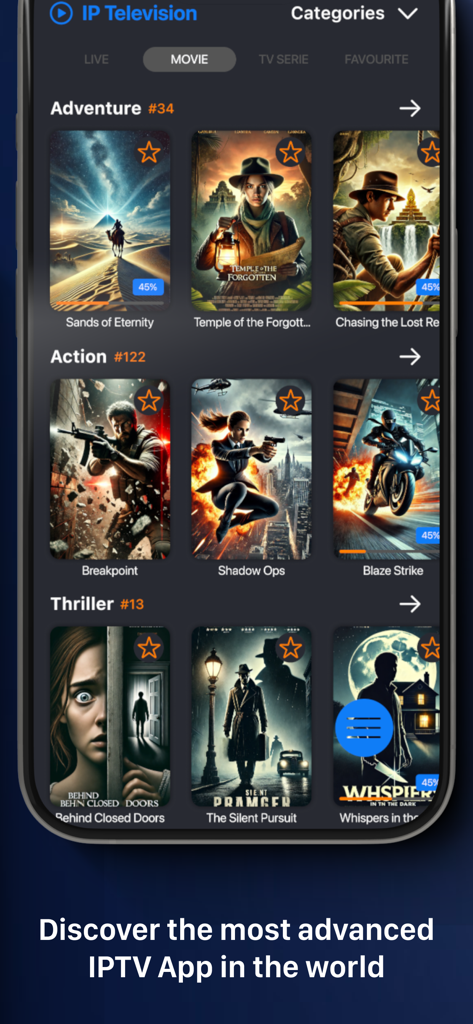
IP Television - IPTV M3U - Smartphone-Bildschirm zeigt die Filmbibliothek der IP Television App mit kategorisierten Genres wie Abenteuer und Action sowie hochwertigen Filmplakaten.
Smartphone-Bildschirm zeigt die Filmbibliothek der IP Television App mit kategorisierten Genres wie Abenteuer und Action sowie hochwertigen Filmplakaten.

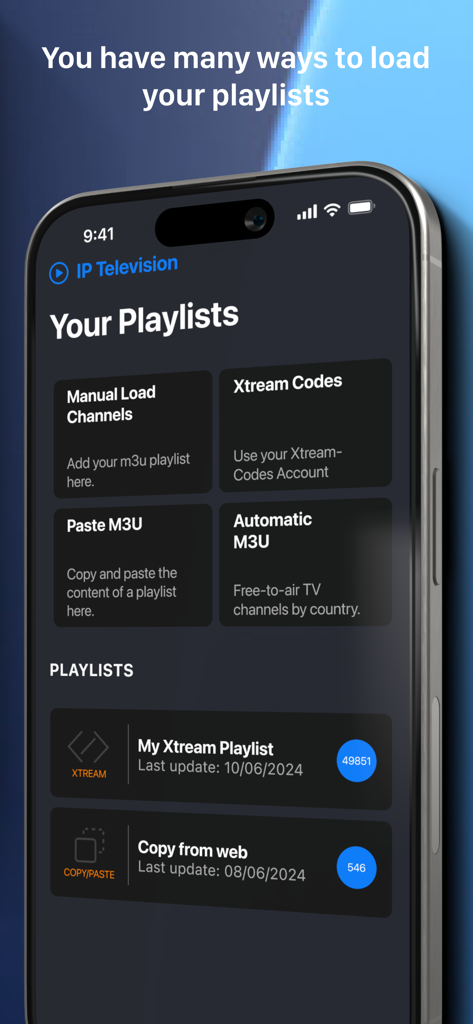
IP Television - IPTV M3U - App-Oberfläche zeigt Optionen zum Laden von IPTV-Playlists über M3U und Xtream Codes
App-Oberfläche zeigt Optionen zum Laden von IPTV-Playlists über M3U und Xtream Codes

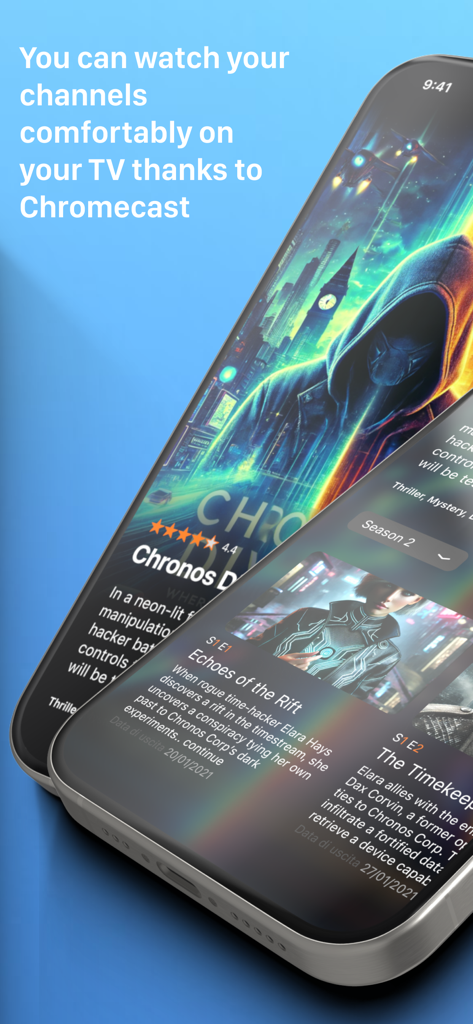
IP Television - IPTV M3U - IP Television App-Oberfläche mit Serieninformationen und Chromecast-Supportinformationen
IP Television App-Oberfläche mit Serieninformationen und Chromecast-Supportinformationen

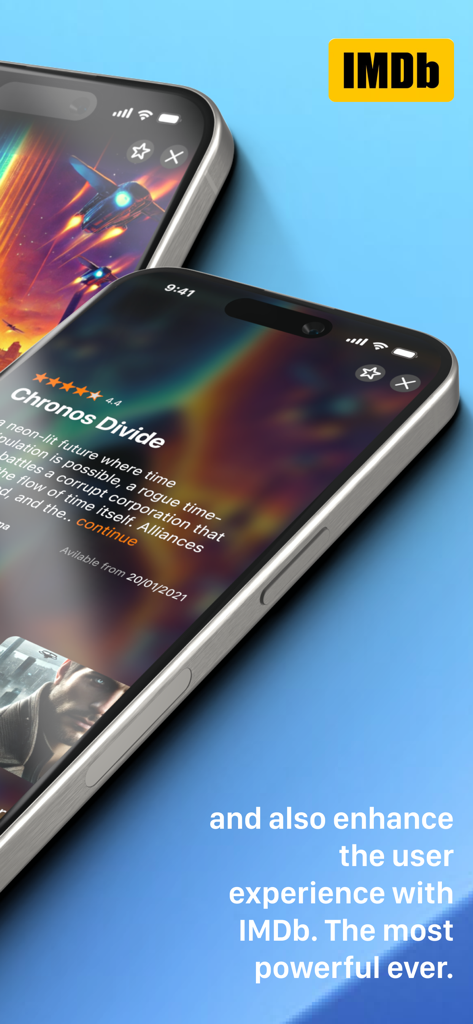
IP Television - IPTV M3U - IP Television App-Oberfläche mit Filmdetails und Bewertungen, integriert mit IMDb
IP Television App-Oberfläche mit Filmdetails und Bewertungen, integriert mit IMDb

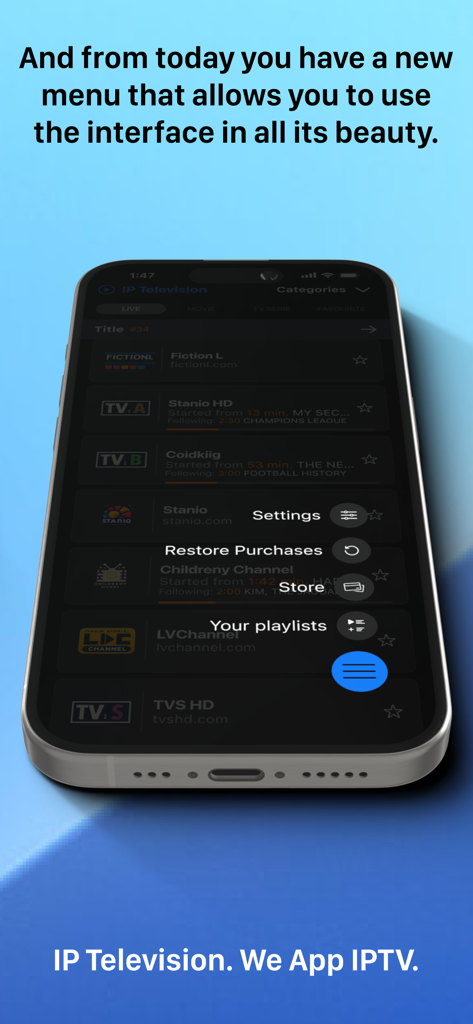
IP Television - IPTV M3U - IP Television App auf dem iPhone mit einem schwebenden Menü mit Einstellungen und Playlists.
IP Television App auf dem iPhone mit einem schwebenden Menü mit Einstellungen und Playlists.

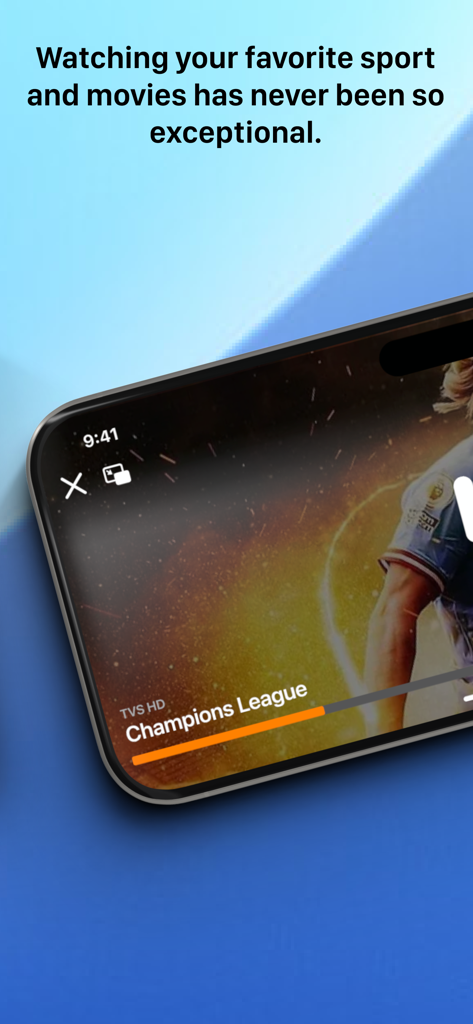
IP Television - IPTV M3U - Ein Smartphone zeigt ein Live-Champions-League-Fußballspiel in der IP Television App.
Ein Smartphone zeigt ein Live-Champions-League-Fußballspiel in der IP Television App.

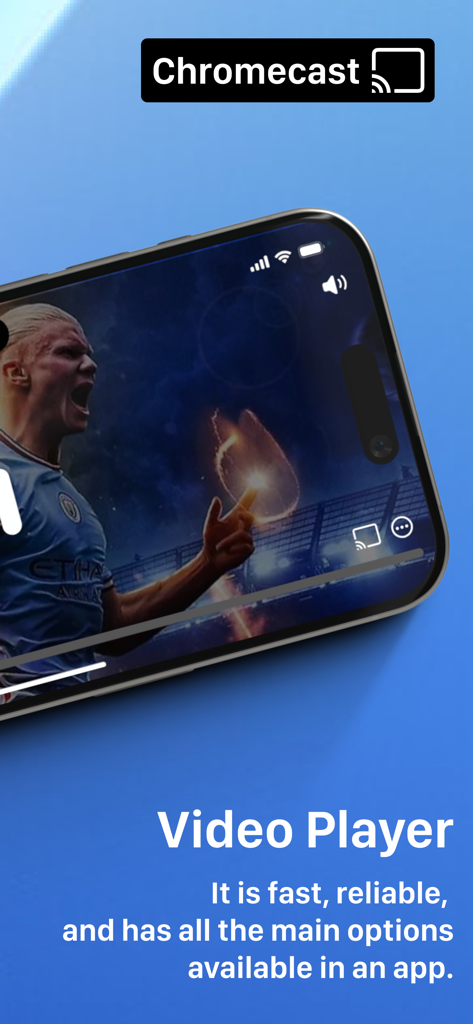
IP Television - IPTV M3U - IP Television Video-Player-Oberfläche auf dem iPhone mit Chromecast-Unterstützung

IP Television Video-Player-Oberfläche auf dem iPhone mit Chromecast-Unterstützung

Beschreibung

YOUR TV, ANYWHERE, ANYTIME Transform your iPhone, iPad, and Apple TV into your personal television station. With IP Television, watch thousands of IPTV channels from around the globe: live sports, blockbuster movies, binge-worthy series, kids' shows, and much more. Everything at your fingertips. WHY CHOOSE IP TELEVISION Incredibly Simple Add your IPTV playlists in seconds and start watching immediately. Full support for M3U8 and Xtream Codes formats. Import playlists from the web with simple copy and paste. Professional Quality Video player powered by VLC, the engine trusted by millions worldwide. Smooth streaming even on slower connections, complete playback control, multiple subtitles, and selectable audio tracks. Universal Compatibility Customizable User Agent with 19 presets from the most popular IPTV players (VLC, TiviMate, IPTV Smarters, Perfect Player, and more). Solves compatibility issues with picky servers and ensures access to any IPTV stream. KEY FEATURES Smart Playlist Management - Unlimited playlists with "Multiple Playlist" upgrade - Automatic organization of thousands of channels - Favorites system for quick access - Fast search by name or category - Automatic playlist updates Movies and TV Series On Demand - Complete VOD catalog with HD covers from IMDb - Automatic series grouping by seasons - Automatic position saving: resume exactly where you left off - Detailed information: cast, plot, user ratings - Filter by genre, year, rating Live Television - Thousands of national and international channels - Electronic Program Guide (EPG) with complete schedules - Ultra-fast zapping between channels like real TV - Preview Mode: press and hold for instant preview - Parental controls integrated Stream Everywhere - Built-in Chromecast to watch on your big screen - Picture-in-Picture for multitasking - Automatic sync across devices with iCloud - AirPlay and HDMI supported Advanced Control - Customizable User Agent: 19 professional presets (VLC, TiviMate, IPTV Smarters, Perfect Player, OTT Navigator, GSE, Kodi, STB Emulator, and more) - Custom User Agent option for maximum flexibility - Automatically resolves access issues with restrictive IPTV servers - Improves compatibility with international providers WHAT'S NEW IN THIS VERSION Optimized CloudKit Sync Your favorites and playlists always synchronized across all devices. Start a movie on iPad and continue on iPhone, picking up exactly where you left off. Revolutionary Performance Playlist loading up to 120 times faster. Optimized memory management for smooth performance even with thousands of channels. VLC 4.0 Player Improved video quality, reduced power consumption, latest codec support. Optimized hardware decoding for perfect fluidity. Modern Interface Redesigned for iOS 18, iPadOS 18, and tvOS 18. Smooth animations, intuitive navigation. ONE PURCHASE, ALL DEVICES Buy IP Television once and use it on iPhone, iPad, and Apple TV. All future updates included, no hidden costs. AVAILABLE IN-APP PURCHASES Permanent Extensions - Remove Ads (1.49) - Ad-free experience - Zapping & Picture-in-Picture (1.99) - Mini-player for instant previews - Multiple Playlists (2.99) - Unlimited IPTV lists - Advanced Copy & Paste (1.99) - Import playlists with one tap Premium Subscriptions - EPG Premium (1.49 every 3 months) - Always updated TV guide - FIRST MONTH FREE - Chromecast Pro (3.99 per year) - Cast to any compatible TV Prices may vary by location. Subscriptions are charged to iTunes and renew automatically unless canceled at least 24 hours before. Manage them from account settings. Privacy Policy: http://www.iptelevision.tv/policy-privacy/ Terms and Conditions: http://www.iptelevision.tv/terms-conditions/ Download IP Television now and discover a new way to watch TV!

Download

Herunterladen auf App Store

Diese Seite ist keine offizielle Seite der App oder ihres Entwicklers, sondern eine unabhängige redaktionelle Veröffentlichung, die zu Informations- und Kommentarzwecken erstellt wurde. Sofern nicht ausdrücklich anders angegeben, sind weder die App noch ihr Entwickler mit MWM, Apple, Google Play, dem App-Herausgeber oder dem Entwickler der App verbunden, von ihnen unterstützt, gesponsert, autorisiert oder anderweitig offiziell verbunden, und nichts auf dieser Seite impliziert, dass die App unter Verwendung der Dienste von MWM entwickelt wurde. Alle Marken, Logos, Screenshots und andere Inhalte bleiben Eigentum ihrer jeweiligen Inhaber.