
Diese Seite ist keine offizielle Seite der App oder ihres Entwicklers, sondern eine unabhängige redaktionelle Veröffentlichung, die zu Informations- und Kommentarzwecken erstellt wurde. Sofern nicht ausdrücklich anders angegeben, sind weder die App noch ihr Entwickler mit MWM, Apple, Google Play, dem App-Herausgeber oder dem Entwickler der App verbunden, von ihnen unterstützt, gesponsert, autorisiert oder anderweitig offiziell verbunden, und nichts auf dieser Seite impliziert, dass die App unter Verwendung der Dienste von MWM entwickelt wurde. Alle Marken, Logos, Screenshots und andere Inhalte bleiben Eigentum ihrer jeweiligen Inhaber.


iWriteMusic Pro
Der schnellste Weg, schöne Noten auf Ihrem iPad zu erstellen, zu bearbeiten und zu teilen. Entwickelt für vielbeschäftigte Pädagogen, Songwriter und Interpreten, die professionelle Ergebnisse ohne die Komplexität von Desktop-Software benötigen.
Downloads
139K+Bewertung
Bewertungen gesamt
2K+Herausgeber
Kategorie
MusicSprachen
1Neueste Version
3.6.8Größe
19.0 MBErstveröffentlichung
22. Okt. 2011Komponieren, Arrangieren und Unterrichten mit unübertroffener Geschwindigkeit
Schließen Sie sich Tausenden von produktiven Musikern an, die komplexe Desktop-Software gegen einen optimierten iPad-Workflow eingetauscht haben, der musikalische Ideen in wenigen Minuten in professionelle Partituren verwandelt.
Blitzschnelle One-Flick-Eingabe
Verabschieden Sie sich von mühsamen Menüs. Unser innovatives Eingabesystem ermöglicht es Ihnen, Tonhöhe und Dauer mit einer einzigen Geste auszuwählen und verdoppelt Ihre Notationsgeschwindigkeit für Proben und Unterricht.
Profi-Ergebnisse, keine Lernkurve
Überspringen Sie die Handbücher. iWriteMusic wurde für Pädagogen und Musiker entwickelt, die schöne, druckfertige Partituren erstellen müssen, ohne den Ärger mit überladener Desktop-Software.
Die folgenden Screenshots und die Beschreibung stammen direkt aus dem offiziellen Store-Eintrag der App und sind Eigentum des Entwicklers.
App Store
Screenshots
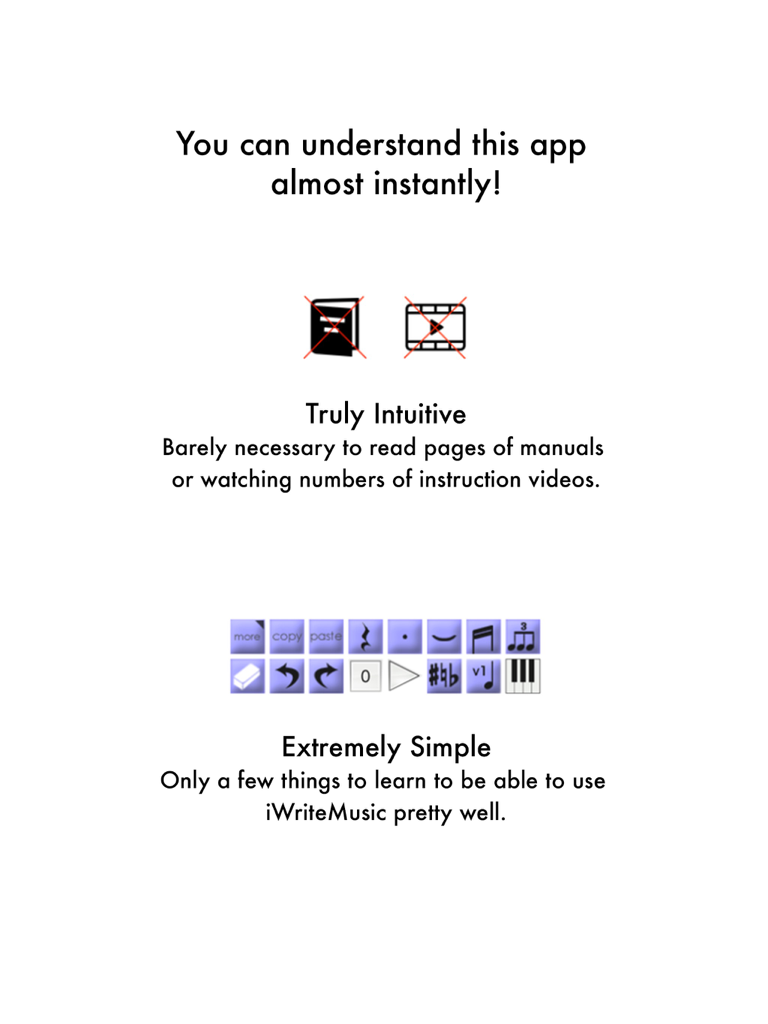
Intuitive und einfache Oberfläche für Notenschrift in iWriteMusic Pro.
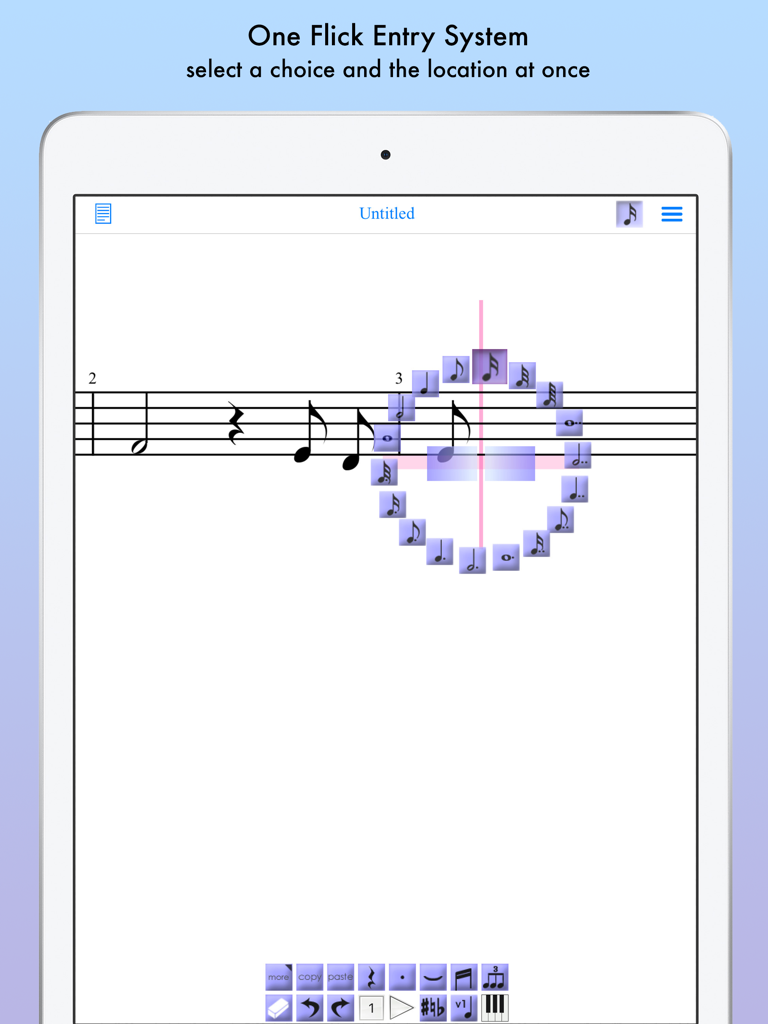
iWriteMusic Pro App zeigt das One Flick Entry System auf dem iPad für schnelle Notenschrift
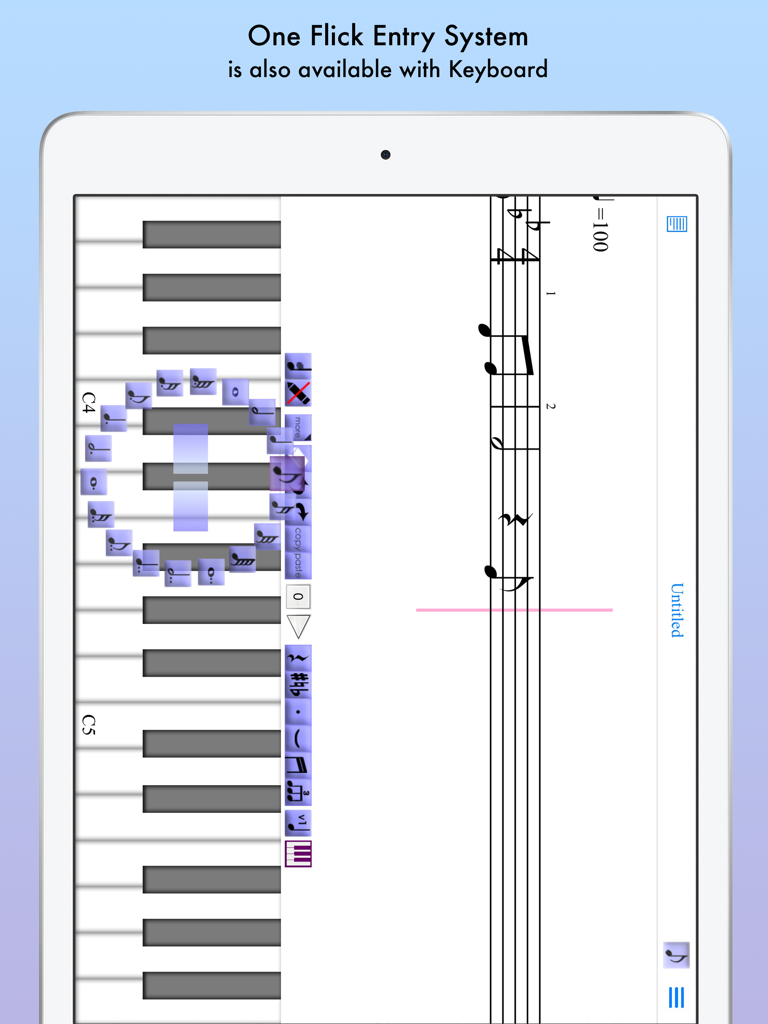
iWriteMusic Pro iPad App zeigt das One-Flick-Eingabesystem auf einer virtuellen Klaviatur.
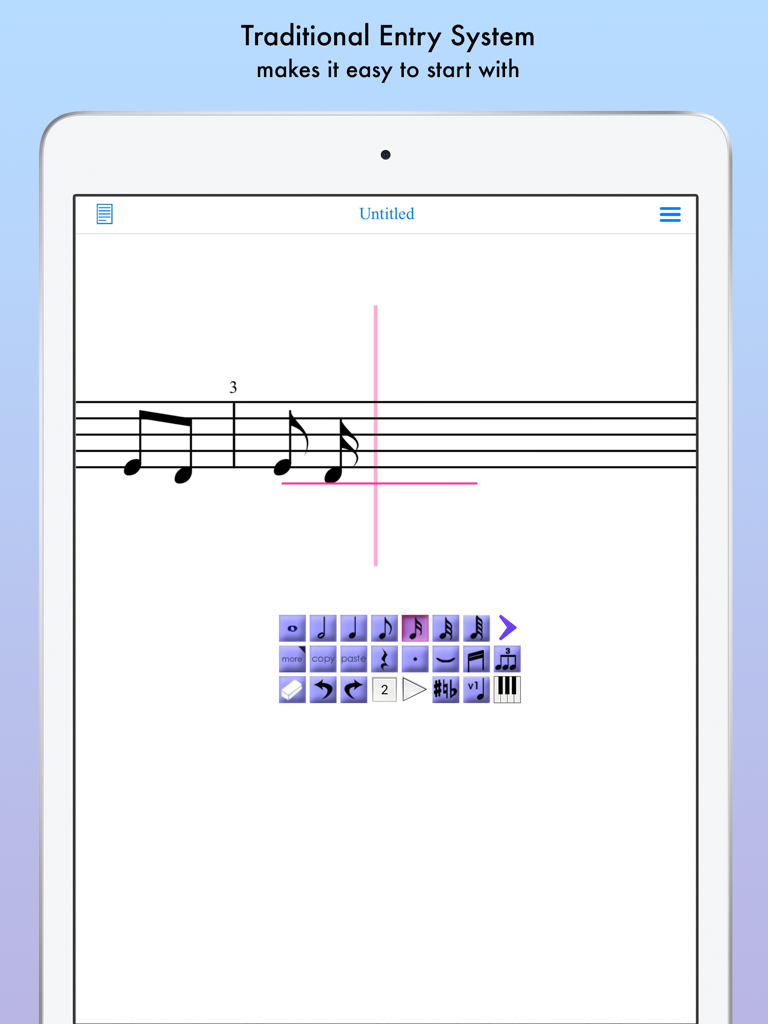
Traditionelle Notations-Eingabefläche auf iWriteMusic Pro für iPad
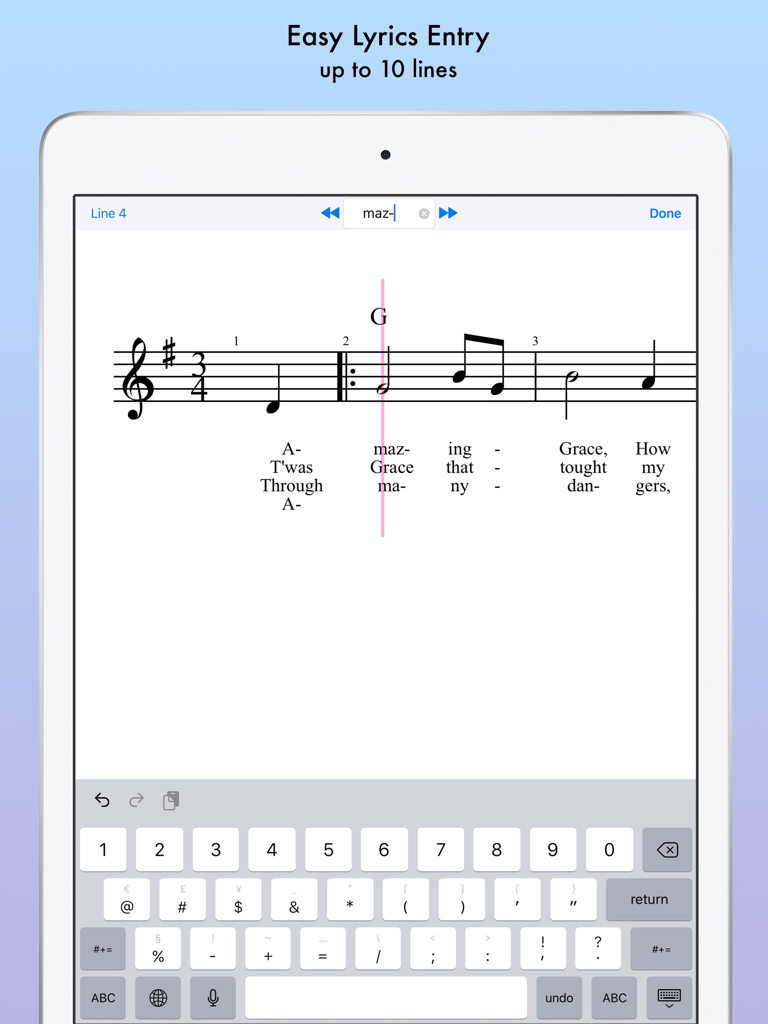
iPad Notations-App-Oberfläche mit einfacher Text-Eingabe für mehrere Strophen
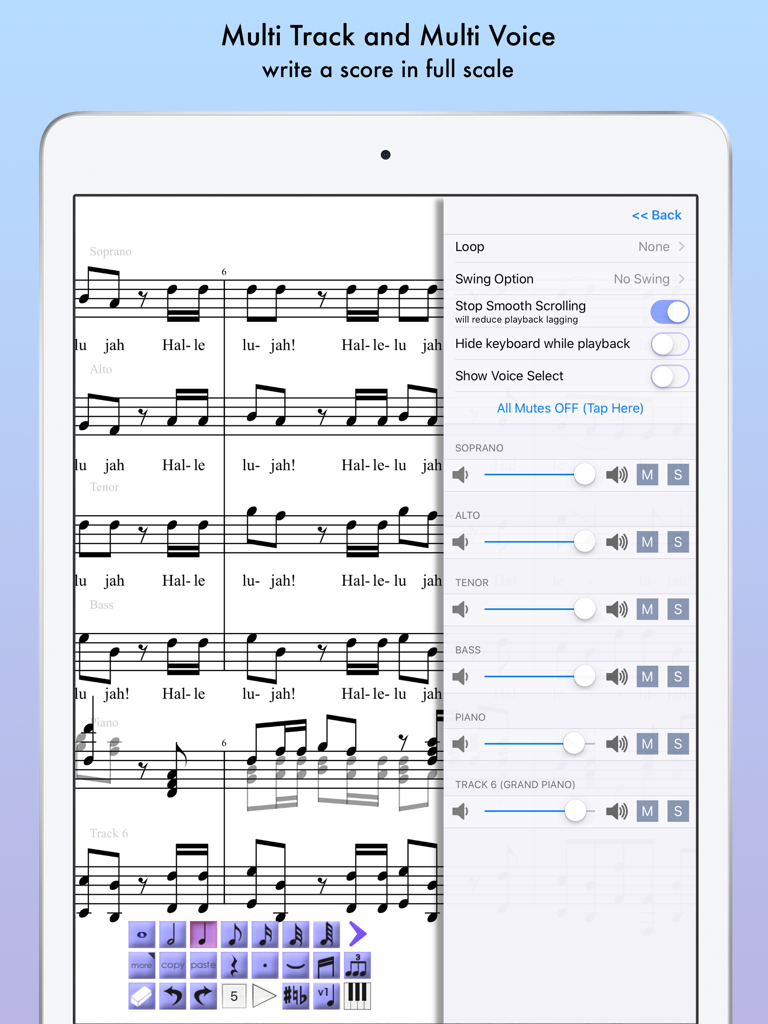
iPad-Bildschirm zeigt iWriteMusic Pro mit einer Mehrspur-Choralpartitur und einem seitlichen Wiedergabe-Mixer-Menü.
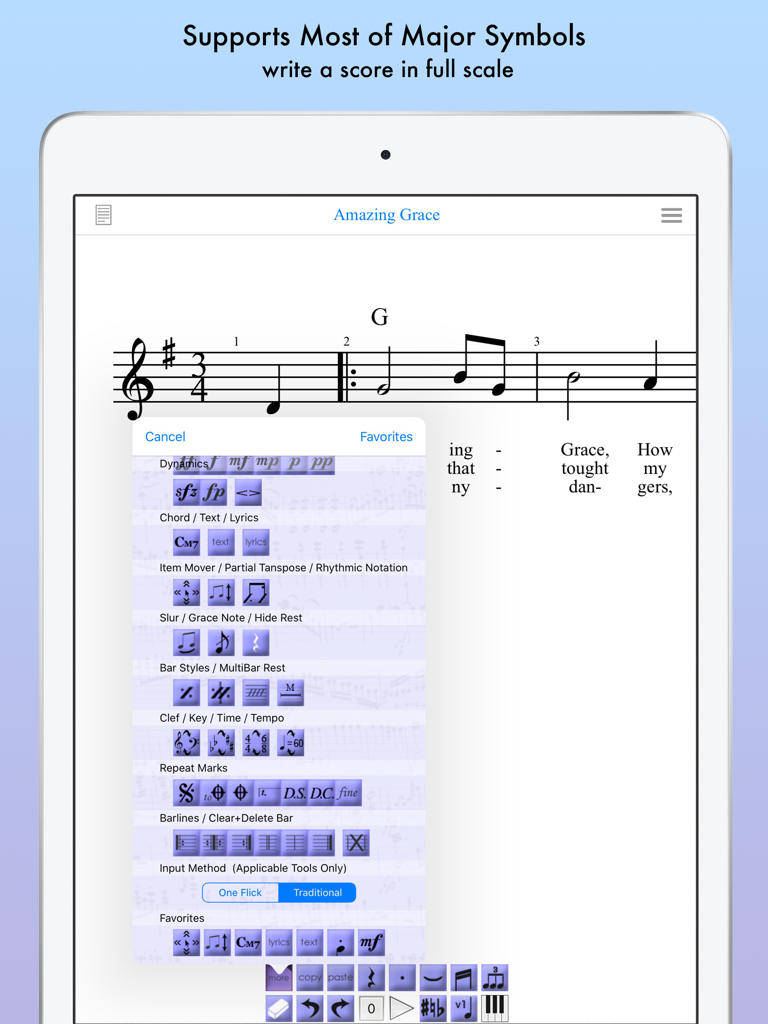
iPad-Bildschirm zeigt die iWriteMusic Pro App mit einer Notenpartitur und einem Auswahlmenü für musikalische Notation-Symbole
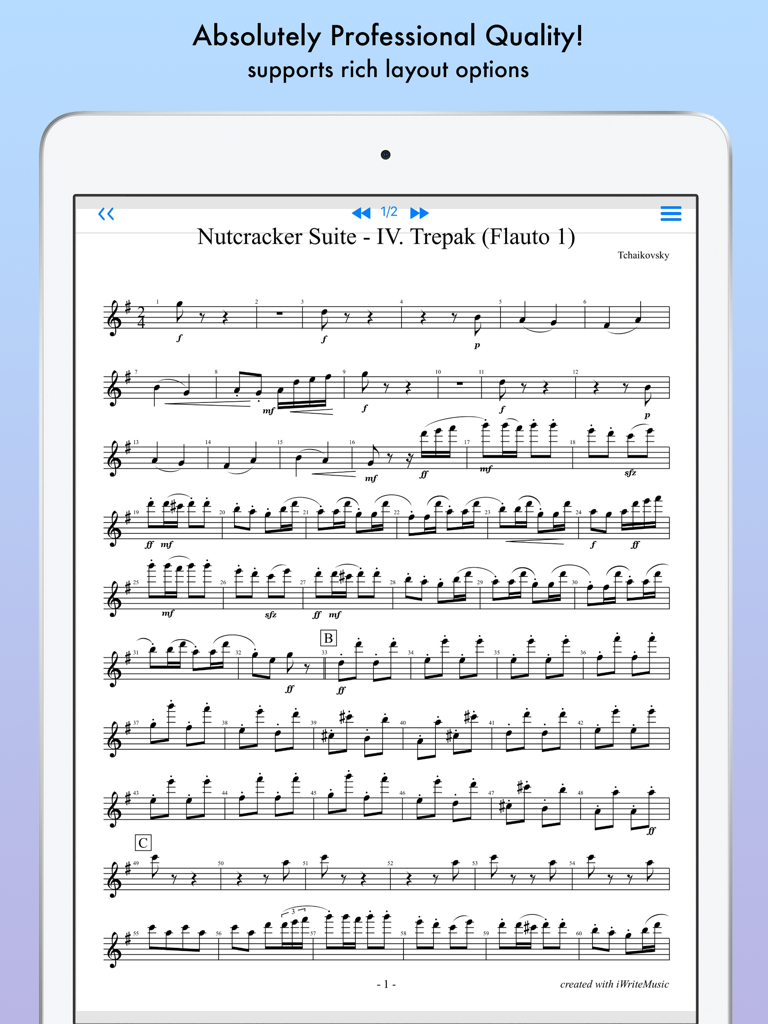
Professionelle Notenpartitur auf einem iPad angezeigt
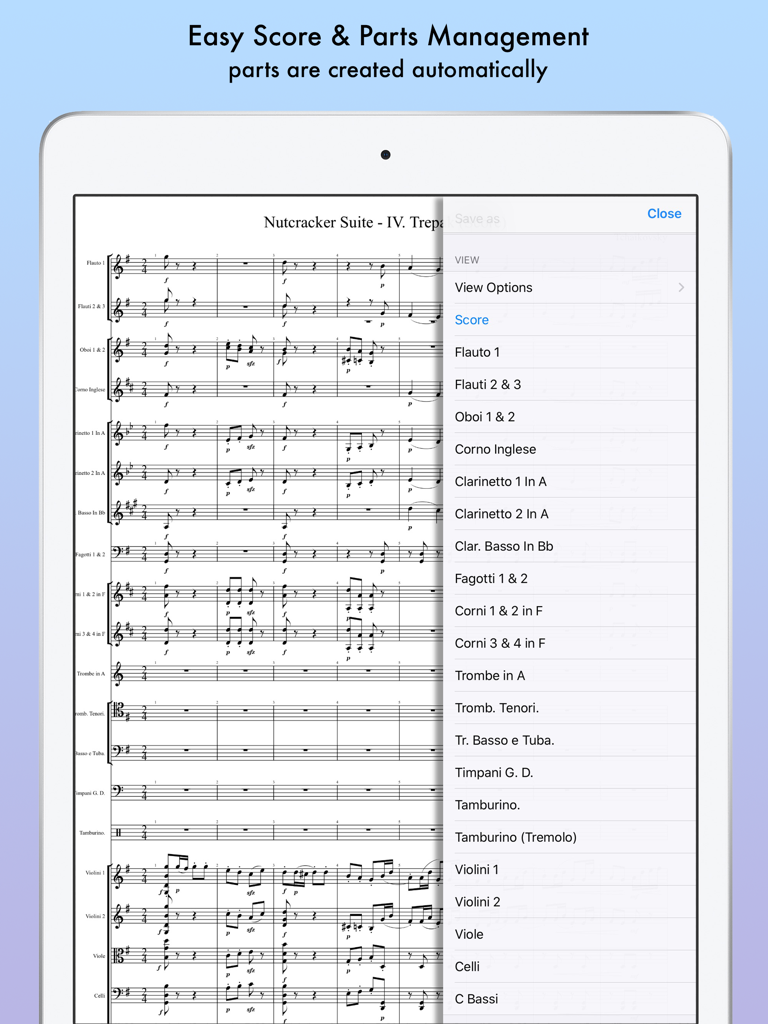
Verwaltung von Musikpartituren und Instrumententeilen in iWriteMusic Pro auf dem iPad.
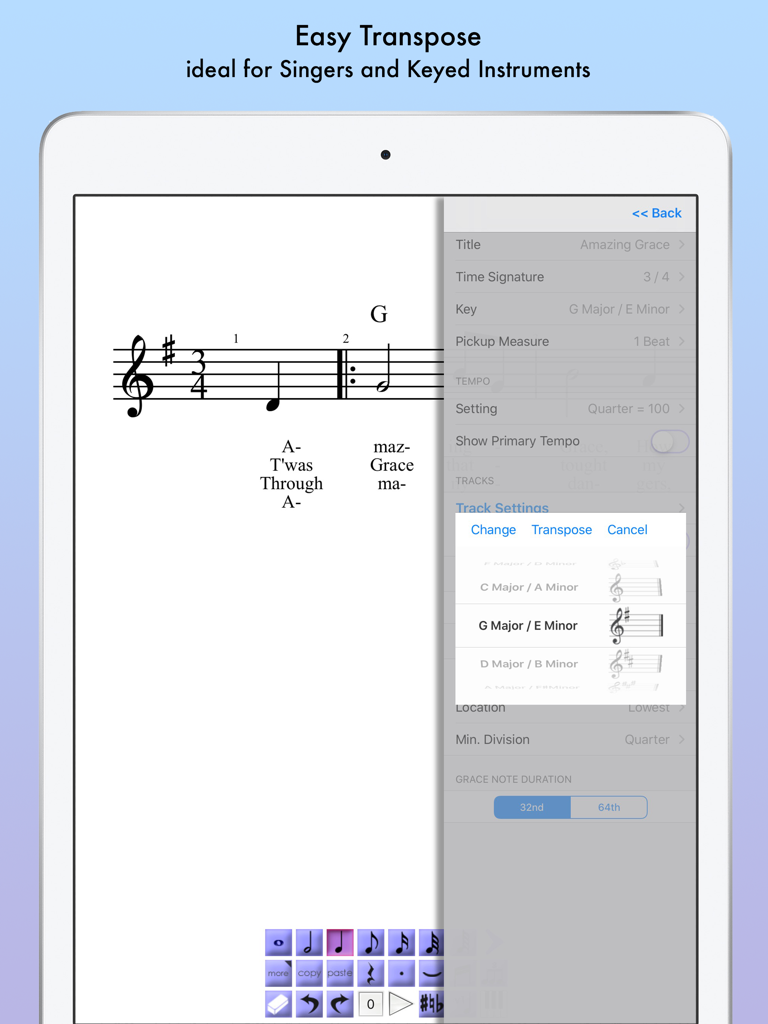
iWriteMusic Pro App-Oberfläche zeigt das einfache Transponierungsmenü für eine Musikpartitur auf einem iPad
Beschreibung
Download
Ähnliche Apps
Top-gerankte Apps in derselben Kategorie

Spotify: Music and Podcasts
Spotify

YouTube Music
Google LLC

Shazam: Find Music & Concerts
Apple Inc.

SoundCloud: The Music You Love
SoundCloud Global Limited & Co KG

Suno - AI Songs & Music
Suno Inc.

QQ音乐 - 听我想听
Tencent Technology (Shenzhen) Company Limited

Audiomack - Play Music Offline
Audiomack, Inc.

GuitarTuna: Tune & Play Guitar
Yousician Ltd

BandLab – Music Maker & Beats
BandLab Singapore Pte Ltd
Diese Seite ist keine offizielle Seite der App oder ihres Entwicklers, sondern eine unabhängige redaktionelle Veröffentlichung, die zu Informations- und Kommentarzwecken erstellt wurde. Sofern nicht ausdrücklich anders angegeben, sind weder die App noch ihr Entwickler mit MWM, Apple, Google Play, dem App-Herausgeber oder dem Entwickler der App verbunden, von ihnen unterstützt, gesponsert, autorisiert oder anderweitig offiziell verbunden, und nichts auf dieser Seite impliziert, dass die App unter Verwendung der Dienste von MWM entwickelt wurde. Alle Marken, Logos, Screenshots und andere Inhalte bleiben Eigentum ihrer jeweiligen Inhaber.