
Diese Seite ist keine offizielle Seite der App oder ihres Entwicklers, sondern eine unabhängige redaktionelle Veröffentlichung, die zu Informations- und Kommentarzwecken erstellt wurde. Sofern nicht ausdrücklich anders angegeben, sind weder die App noch ihr Entwickler mit MWM, Apple, Google Play, dem App-Herausgeber oder dem Entwickler der App verbunden, von ihnen unterstützt, gesponsert, autorisiert oder anderweitig offiziell verbunden, und nichts auf dieser Seite impliziert, dass die App unter Verwendung der Dienste von MWM entwickelt wurde. Alle Marken, Logos, Screenshots und andere Inhalte bleiben Eigentum ihrer jeweiligen Inhaber.

iZip Pro -Zip Unzip Unrar Tool
Der sicherste Weg, Dokumente auf dem iPhone und iPad zu komprimieren, zu entpacken und zu verschlüsseln. Verwalten Sie RAR-, 7Z- und ZIP-Dateien mit AES-Verschlüsselung und nahtloser Multi-Cloud-Integration.
Downloads
530K+Bewertung
Bewertungen gesamt
2K+Herausgeber
Kategorie
UtilitiesSprachen
10Neueste Version
26.01Größe
57.6 MBErstveröffentlichung
16. Nov. 2011Das ultimative Pro-Datei-Utility
Schließen Sie die Lücke zwischen Mobil und Desktop mit Enterprise-Komprimierung, Multi-Format-Extraktion und nahtloser Cloud-Integration, die auf Profis zugeschnitten ist.
Meistern Sie jedes Format
Öffnen und extrahieren Sie alles von ZIP und RAR bis 7Z und ISO. Hören Sie auf, sich über 'nicht unterstützte' Dateien Gedanken zu machen, und halten Sie Ihren mobilen Workflow am Laufen.
Sicherheit auf Geschäftsreise
Schützen Sie sensible Dokumente mit leistungsstarker AES-Verschlüsselung und sichern Sie Ihre Archive mit Face ID oder Touch ID für maximale Privatsphäre.
Die folgenden Screenshots und die Beschreibung stammen direkt aus dem offiziellen Store-Eintrag der App und sind Eigentum des Entwicklers.
App Store
Screenshots
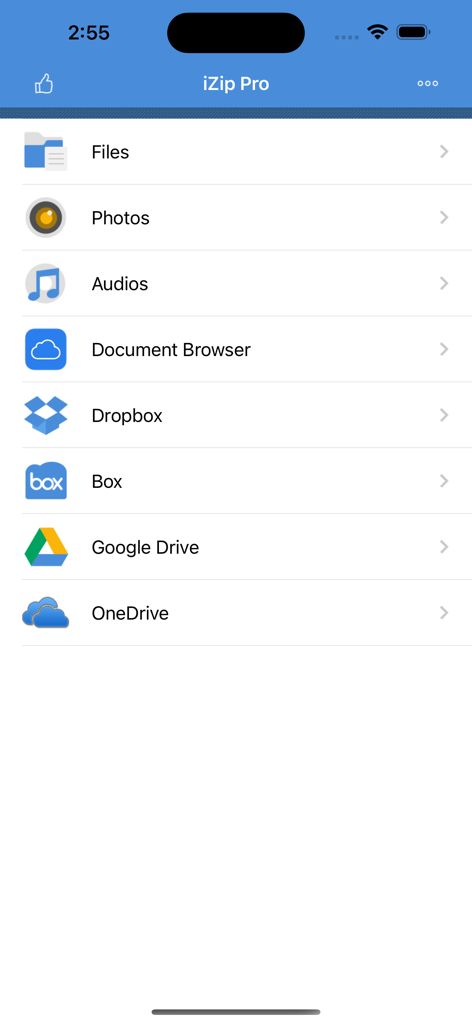
iZip Pro App-Startbildschirm mit Dateiverwaltungs- und Cloud-Speicher-Integrationsoptionen
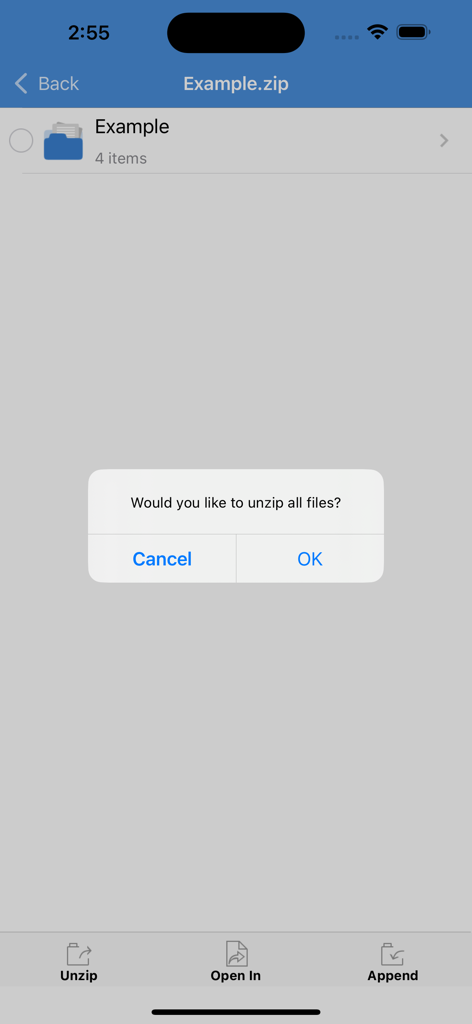
Ein Bestätigungsdialog in der iZip Pro App, der den Benutzer fragt, ob alle Dateien aus einem Zip-Ordner entpackt werden sollen
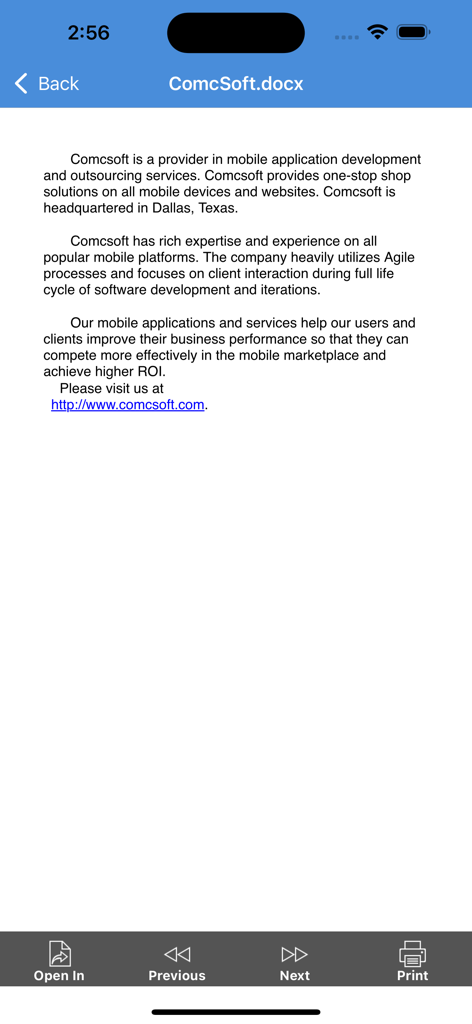
Eine Dokumentenvorschau in iZip Pro, die eine DOCX-Datei mit Optionen zum Öffnen in einer anderen App oder zum Drucken anzeigt.
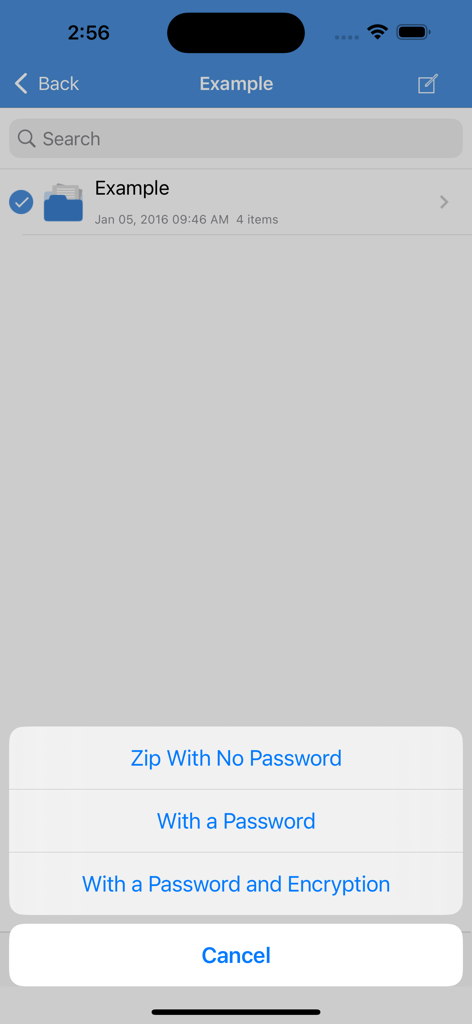
iZip Pro-Oberfläche, die Optionen zum Zippen von Dateien mit Passwortschutz und Verschlüsselung anzeigt
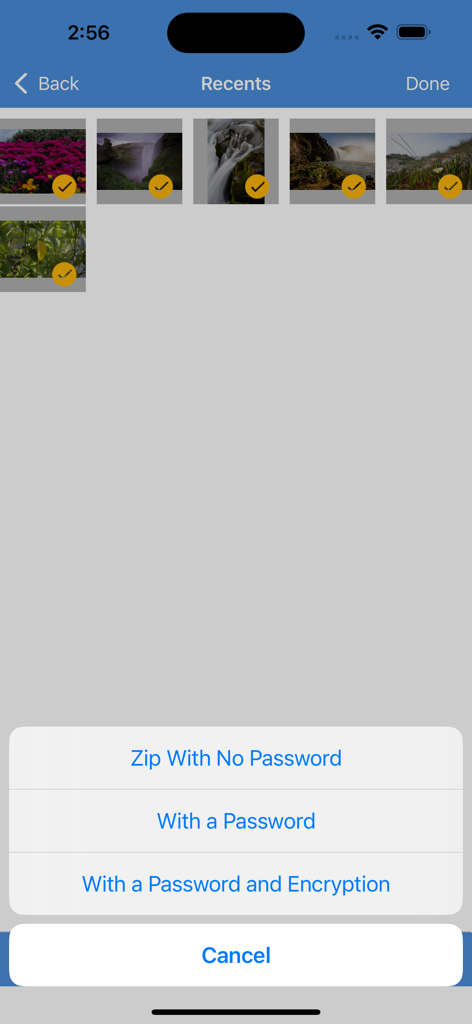
iZip Pro App-Oberfläche mit ausgewählten Fotos und einem Menü mit Optionen zum Zippen ohne Passwort, mit Passwort oder mit Passwort und Verschlüsselung
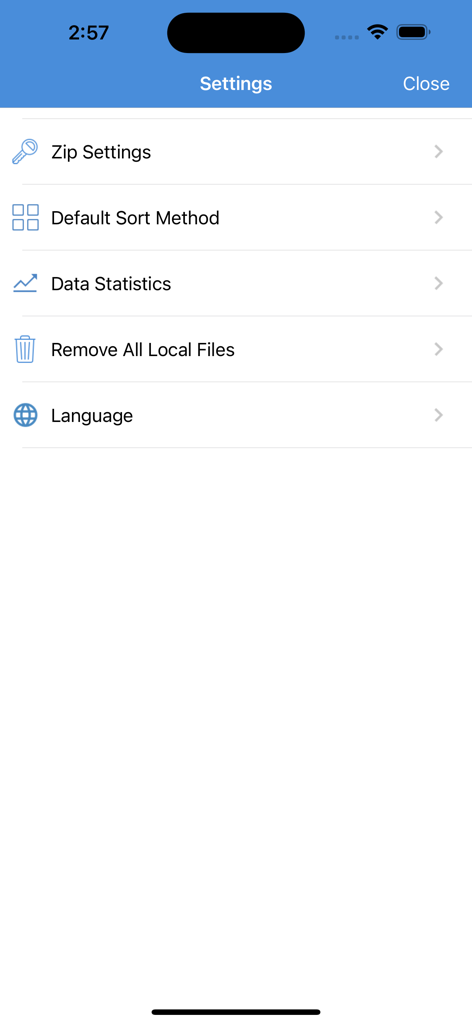
Das Einstellungsmenü der iZip Pro App mit Optionen zur Dateikomprimierung und -verwaltung
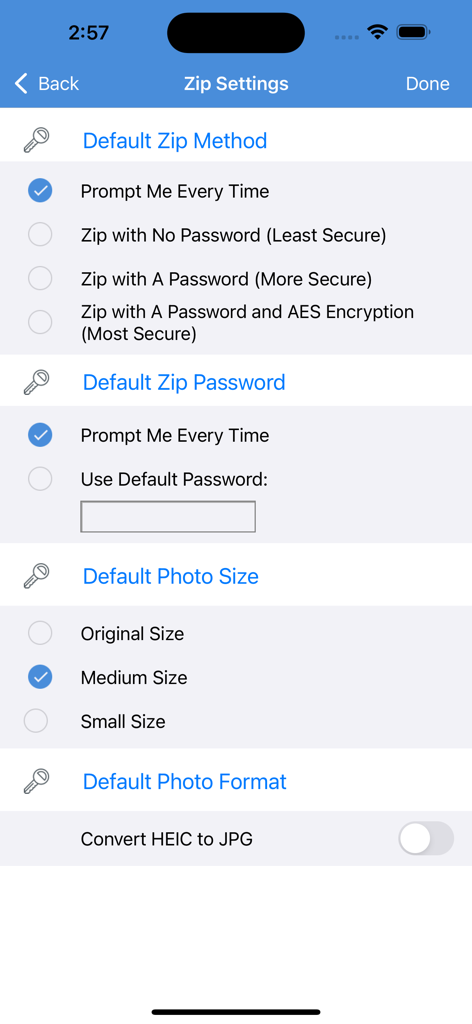
iZip Pro App-Einstellungsbildschirm mit Optionen für die Zip-Methode, einschließlich Passwortschutz und AES-Verschlüsselung
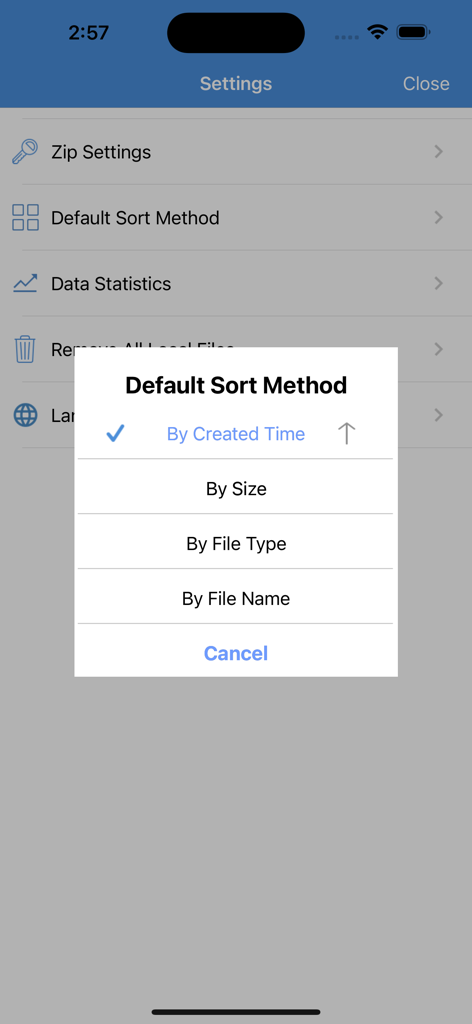
iZip Pro-Einstellungsbildschirm mit einem Popup-Menü zur Auswahl der Standard-Sortiermethode nach Zeit, Größe, Dateityp oder Name
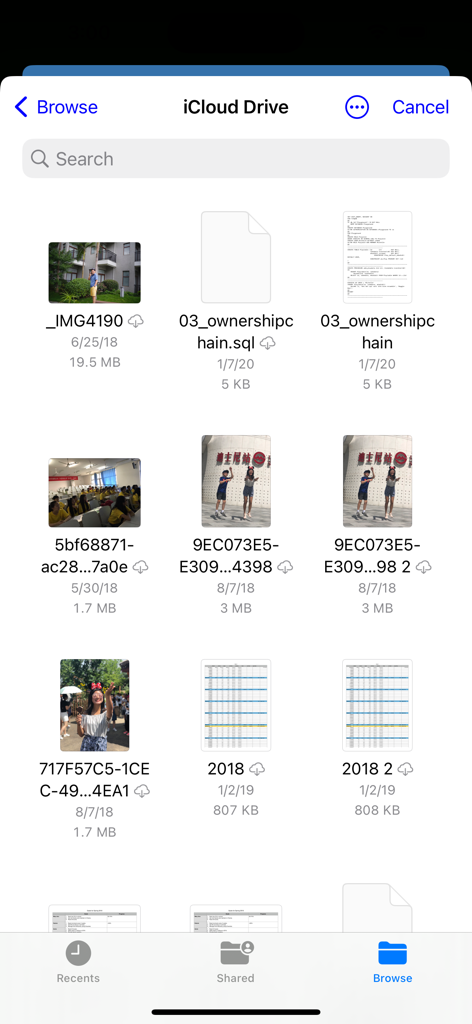
iZip Pro mobile Oberfläche, die Dateien und Fotos im iCloud Drive durchsucht
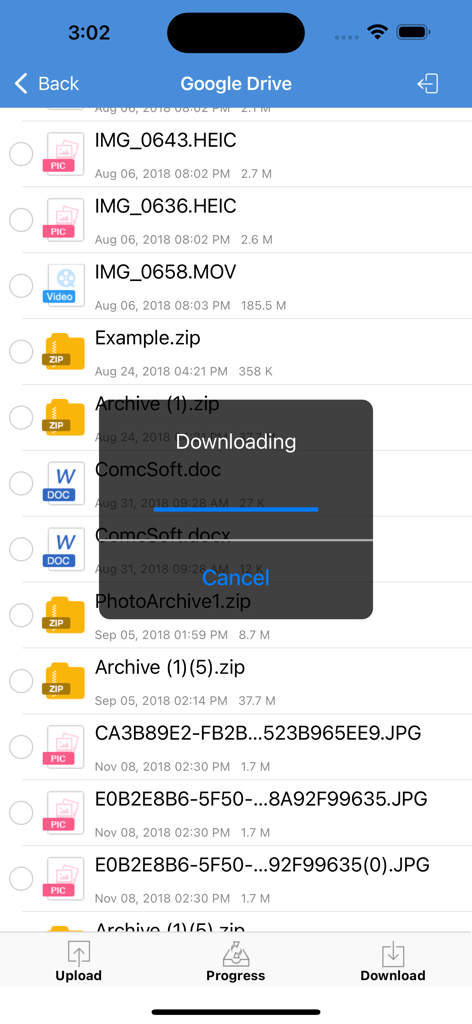
iZip Pro App-Oberfläche, die eine Dateidownload-Fortschrittsleiste von Google Drive anzeigt
Beschreibung
Download
Ähnliche Apps
Apps mit ähnlichen Funktionen und Nutzererfahrung

Unzip – ZIP RAR 7Z Extractor
Little Sweet Technology Co., Ltd.

Unzip - zip,rar,7z file opener
书勇 贾

Zip & RAR File Extractor
PENGHUI ZHAO

iZip – Zip Unzip Unrar
ComcSoft Corporation

Zip, RAR, 7z File Extractor
FANGZHOU INTERACTIVE TECHNOLOGY CO., LIMITED

ZArchiver: UnZip, UnRar, 7Z
TIMON SOFTWARE SOLUTIONS COMPANY LIMITED

iRAR - zip,rar,7z file opener
书敏 贾

Zip & RAR & 7z File Extractor
琳 胡

MT管理器
瑞 胡
Diese Seite ist keine offizielle Seite der App oder ihres Entwicklers, sondern eine unabhängige redaktionelle Veröffentlichung, die zu Informations- und Kommentarzwecken erstellt wurde. Sofern nicht ausdrücklich anders angegeben, sind weder die App noch ihr Entwickler mit MWM, Apple, Google Play, dem App-Herausgeber oder dem Entwickler der App verbunden, von ihnen unterstützt, gesponsert, autorisiert oder anderweitig offiziell verbunden, und nichts auf dieser Seite impliziert, dass die App unter Verwendung der Dienste von MWM entwickelt wurde. Alle Marken, Logos, Screenshots und andere Inhalte bleiben Eigentum ihrer jeweiligen Inhaber.