
Diese Seite ist keine offizielle Seite der App oder ihres Entwicklers, sondern eine unabhängige redaktionelle Veröffentlichung, die zu Informations- und Kommentarzwecken erstellt wurde. Sofern nicht ausdrücklich anders angegeben, sind weder die App noch ihr Entwickler mit MWM, Apple, Google Play, dem App-Herausgeber oder dem Entwickler der App verbunden, von ihnen unterstützt, gesponsert, autorisiert oder anderweitig offiziell verbunden, und nichts auf dieser Seite impliziert, dass die App unter Verwendung der Dienste von MWM entwickelt wurde. Alle Marken, Logos, Screenshots und andere Inhalte bleiben Eigentum ihrer jeweiligen Inhaber.


JetSign: Fill & Sign PDF Docs
Sparen Sie sich den Drucker und Scanner. Unterschreiben Sie Verträge, füllen Sie Formulare aus und laden Sie andere ein, aus der Ferne in Sekundenschnelle zu unterschreiben. Rechtsgültig, sicher und für Ihren mobilen Workflow entwickelt – kein Konto erforderlich, um loszulegen.
Downloads
56K+Bewertung
Bewertungen gesamt
7K+Herausgeber
Kategorie
ProductivitySprachen
1Neueste Version
2.7.8Größe
65.2 MBErstveröffentlichung
7. März 2019Deals schneller abschließen, überall
Der einfachste Weg, professionelle Dokumente zu unterschreiben, auszufüllen und zu versenden, ohne den Aufwand komplexer Unternehmenssoftware.
Sofortige mobile Signatur
Sparen Sie sich das Drucken und Scannen. Unterschreiben Sie PDFs, Word-Dokumente oder Bilder mit einem einfachen Tipp – auch unterwegs.
Unterzeichner einladen und verfolgen
Teilen Sie sichere Signatur-Links per SMS oder E-Mail. Erhalten Sie Echtzeit-Benachrichtigungen und eine vollständige Audit-Trail für jeden Vertrag.
Die folgenden Screenshots und die Beschreibung stammen direkt aus dem offiziellen Store-Eintrag der App und sind Eigentum des Entwicklers.
App Store
Screenshots
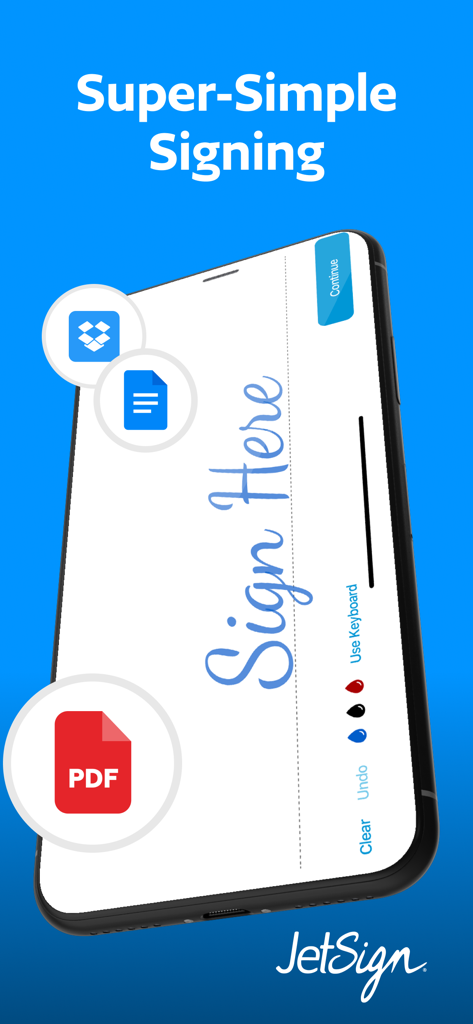
Ein Smartphone zeigt die Benutzeroberfläche der JetSign-App mit einer digitalen Signatur auf einem PDF-Dokument und Cloud-Speicher-Symbolen.
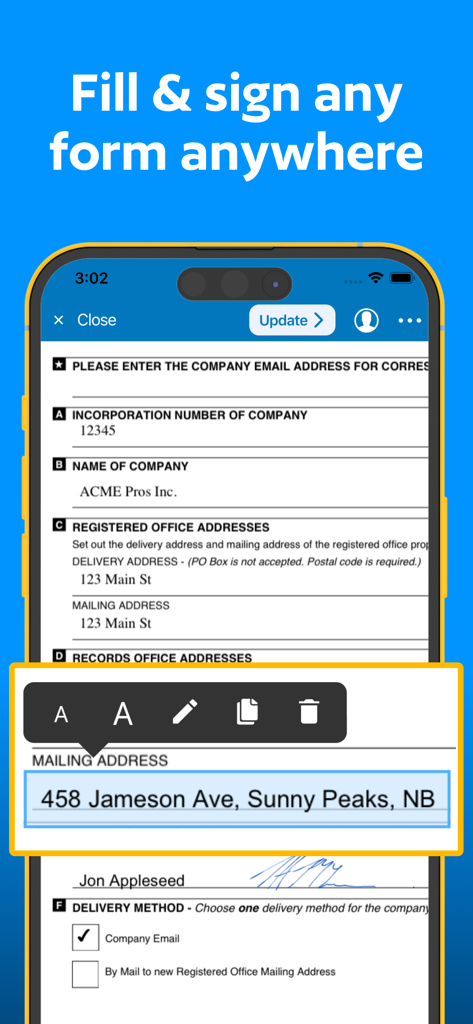
JetSign mobile App-Benutzeroberfläche zeigt ein professionelles Dokument, das mit Text und einer digitalen Signatur auf einem Smartphone ausgefüllt wird.
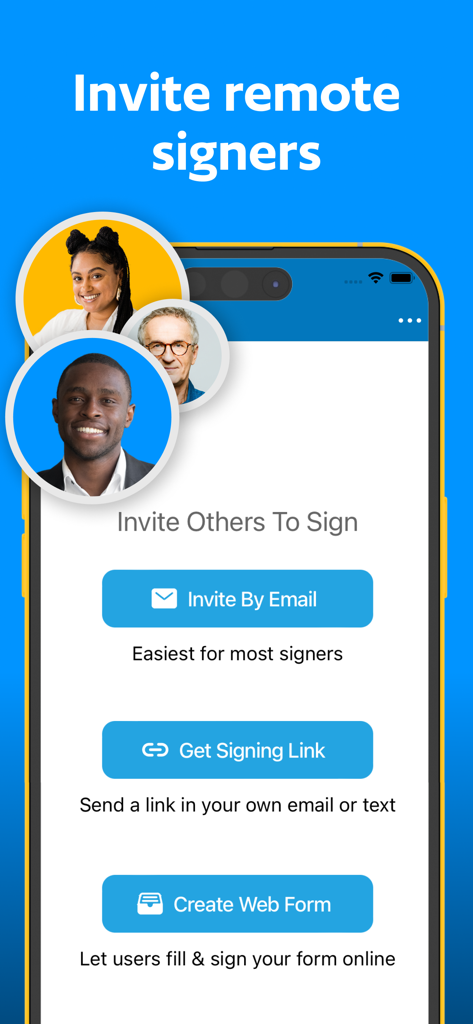
Mobilbildschirm mit Optionen, Remote-Unterzeichner per E-Mail einzuladen, einen Link zu teilen oder ein Webformular zu erstellen
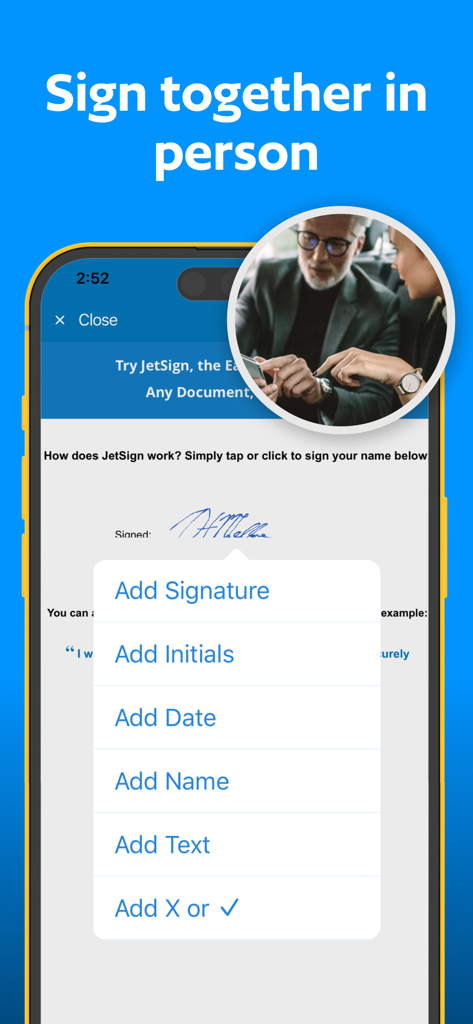
JetSign mobile App-Benutzeroberfläche mit Optionen zum Hinzufügen von Unterschrift, Initialen und Datum zu einem Dokument für die persönliche Unterzeichnung
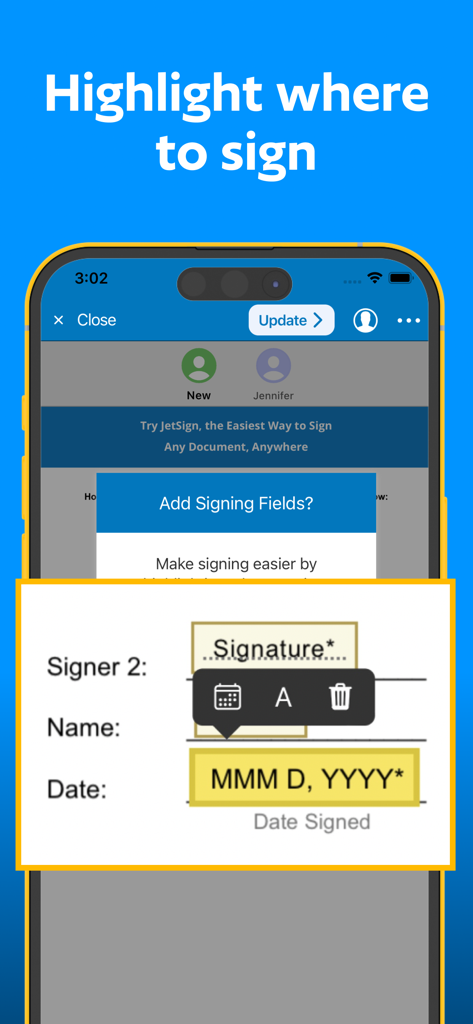
Eine mobile Bildschirmoberfläche, die zeigt, wie Unterschrifts- und Datumsfelder für Remote-Unterzeichner zu einem Dokument hinzugefügt werden.
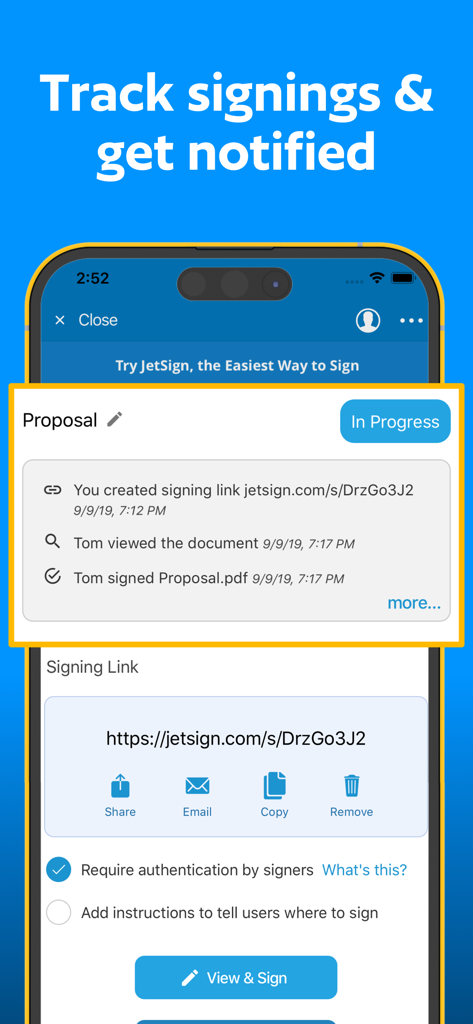
JetSign App-Bildschirm zeigt Echtzeit-Updates zur Verfolgung von Dokumentenunterschriften und Audit-Trails.
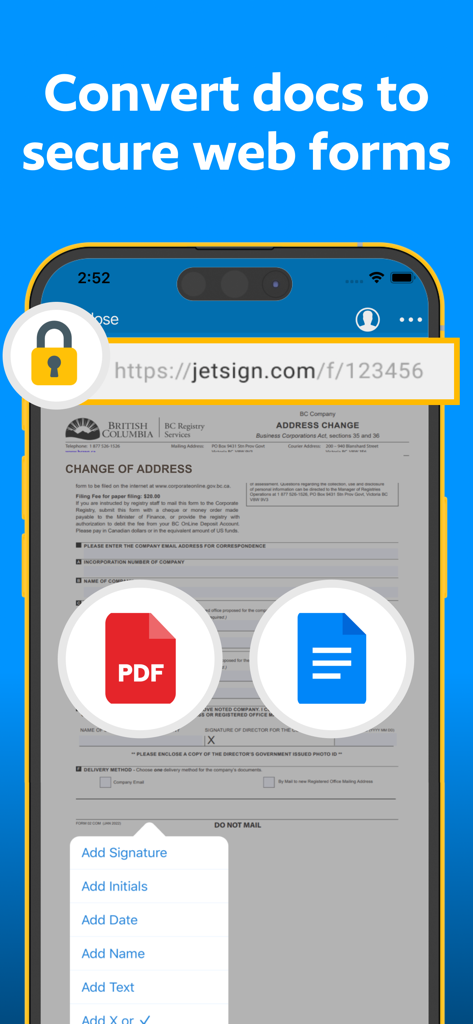
JetSign mobile App-Bildschirm zeigt, wie Dokumente in sichere Webformulare für die Remote-Unterzeichnung konvertiert werden
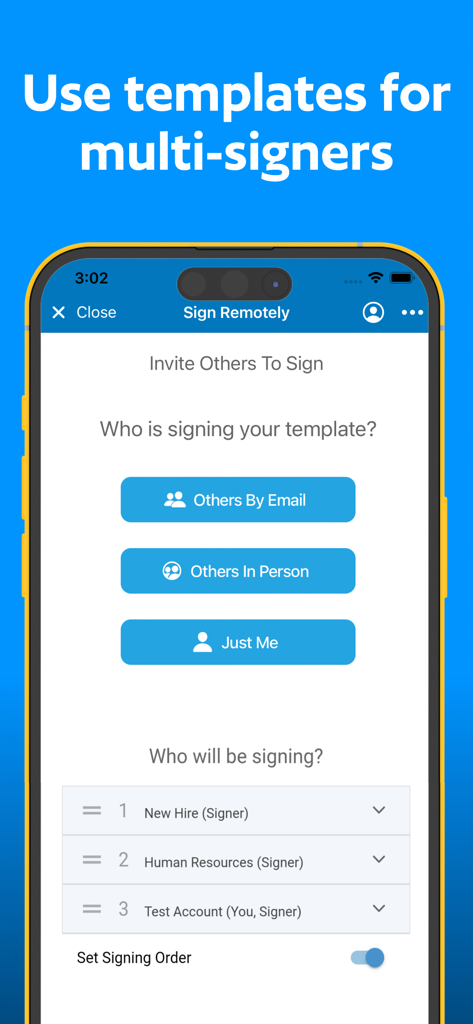
Oberfläche der JetSign-App zum Einladen mehrerer Unterzeichner und Festlegen einer Unterzeichnungsreihenfolge
Beschreibung
Download
Ähnliche Apps
Top-gerankte Apps in derselben Kategorie

ChatGPT
OpenAI OpCo, LLC

Google Gemini
Google LLC

Grok
X.AI Corporation

Gmail - Email by Google
Google LLC

千问 - 阿里最强大模型官方AI助手
Shanghai Zhixin Puhui Technology Co., Ltd.

Google Drive
Google LLC

Microsoft Authenticator
Microsoft Corporation

Google Sheets
Google LLC

Google Docs
Google LLC
Diese Seite ist keine offizielle Seite der App oder ihres Entwicklers, sondern eine unabhängige redaktionelle Veröffentlichung, die zu Informations- und Kommentarzwecken erstellt wurde. Sofern nicht ausdrücklich anders angegeben, sind weder die App noch ihr Entwickler mit MWM, Apple, Google Play, dem App-Herausgeber oder dem Entwickler der App verbunden, von ihnen unterstützt, gesponsert, autorisiert oder anderweitig offiziell verbunden, und nichts auf dieser Seite impliziert, dass die App unter Verwendung der Dienste von MWM entwickelt wurde. Alle Marken, Logos, Screenshots und andere Inhalte bleiben Eigentum ihrer jeweiligen Inhaber.