
Diese Seite ist keine offizielle Seite der App oder ihres Entwicklers, sondern eine unabhängige redaktionelle Veröffentlichung, die zu Informations- und Kommentarzwecken erstellt wurde. Sofern nicht ausdrücklich anders angegeben, sind weder die App noch ihr Entwickler mit MWM, Apple, Google Play, dem App-Herausgeber oder dem Entwickler der App verbunden, von ihnen unterstützt, gesponsert, autorisiert oder anderweitig offiziell verbunden, und nichts auf dieser Seite impliziert, dass die App unter Verwendung der Dienste von MWM entwickelt wurde. Alle Marken, Logos, Screenshots und andere Inhalte bleiben Eigentum ihrer jeweiligen Inhaber.

KiCAD PCB Viewer
Tragen Sie Ihre Arbeitsstation in der Tasche. Zeigen Sie nahtlos mehrlagige KiCAD-Layouts an, führen Sie automatisierte Design Rule Checks durch und nutzen Sie KI-gestützte Analysen über MCP, um die Herstellbarkeit zu gewährleisten, wo auch immer Sie sind.
Downloads
46K+Bewertung
Bewertungen gesamt
0Herausgeber
Kategorie
Graphics & DesignSprachen
7Neueste Version
1.2.7Größe
9.6 MBErstveröffentlichung
29. Juni 2023Präzisionstechnik in Ihrer Tasche
Der ultimative mobile Begleiter für KiCAD-Benutzer, der zur Optimierung von PCB-Reviews, zur Gewährleistung der Designintegrität und zur Nutzung von KI-gestützten Einblicken entwickelt wurde.
Erweiterte mehrlagige Inspektion
Analysieren Sie komplexe Signalpfade und verfolgen Sie die Konnektivität über jede Schicht hinweg mit intuitiver Touch-optimierter Navigation und hochpräzisem Zoom.
Mobile Design Rule Checks
Validieren Sie Ihre Hardware im Handumdrehen mit einer integrierten DRC-Engine, die Verstöße kennzeichnet, um sicherzustellen, dass Ihre Platine vor der Produktion Industriestandards erfüllt.
Die folgenden Screenshots und die Beschreibung stammen direkt aus dem offiziellen Store-Eintrag der App und sind Eigentum des Entwicklers.
App Store
Screenshots
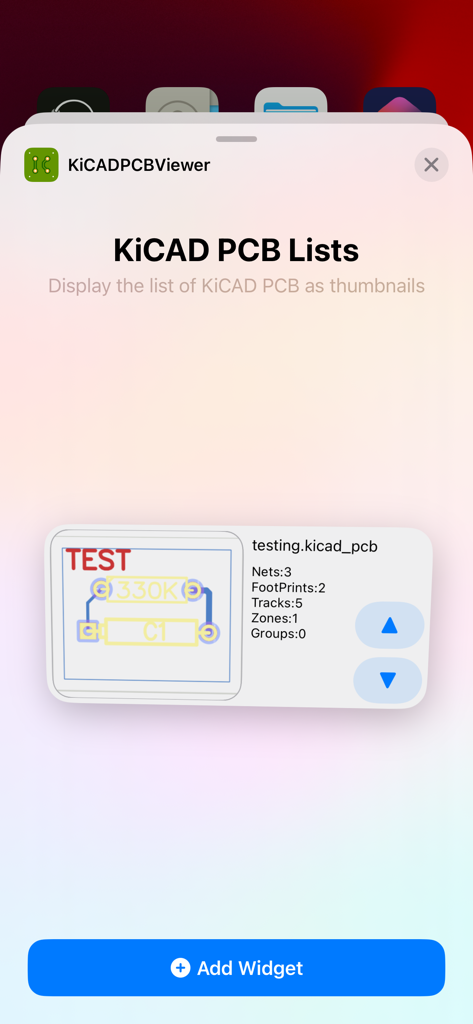
iOS-Widget-Auswahlbildschirm für KiCAD PCB Viewer, der eine Liste von PCB-Designs als Miniaturansichten anzeigt
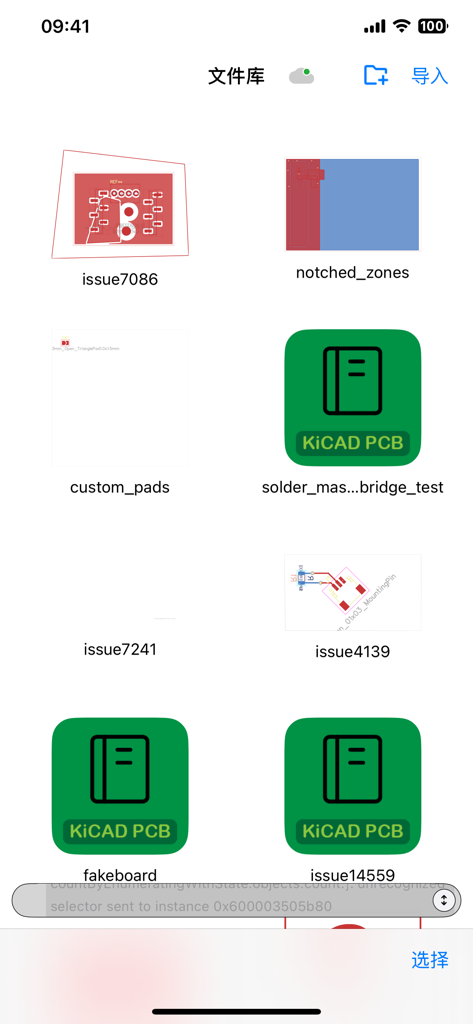
Dateibibliothek der mobilen App, die mehrere KiCAD PCB-Designprojekte und Leiterplattenlayouts anzeigt
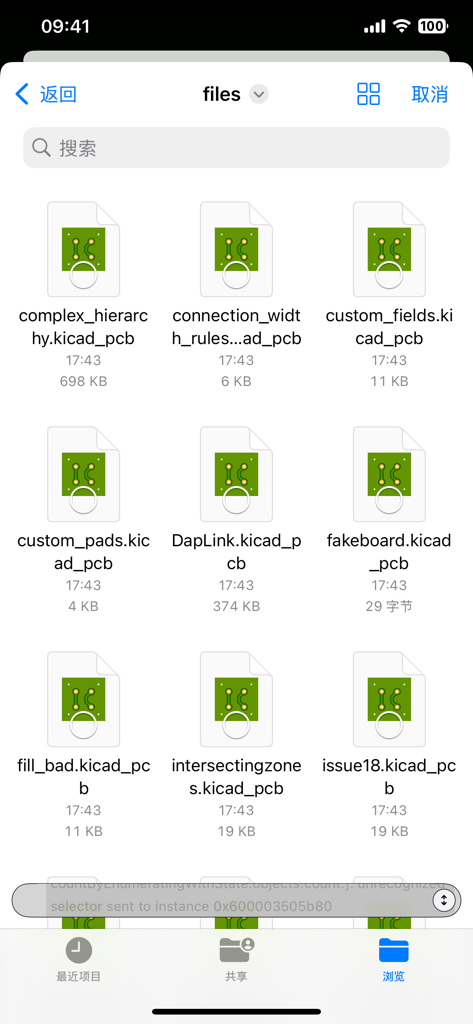
Bildschirm zur Dateiverwaltung, der eine Liste von KiCAD PCB-Designdateien mit Symbolen und Dateinamen zeigt.
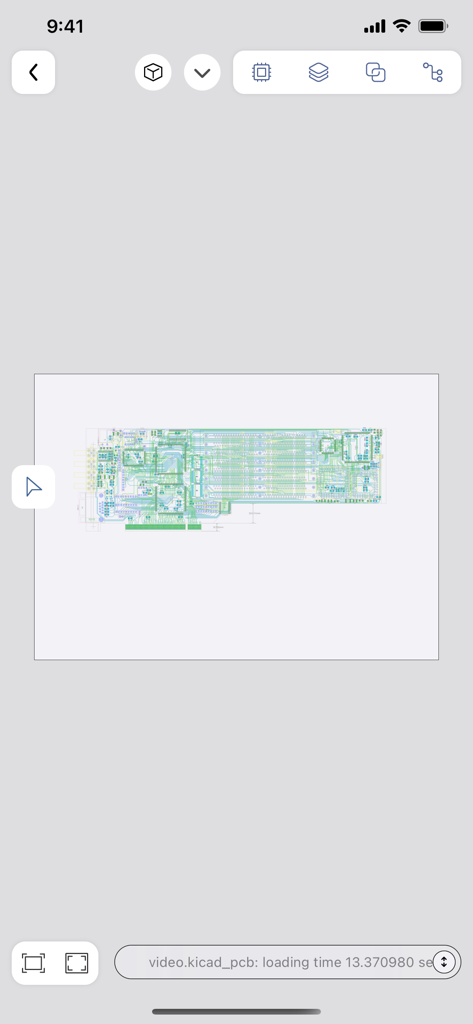
Eine detaillierte Leiterplattenlayoutansicht in der KiCAD PCB Viewer Mobilanwendung
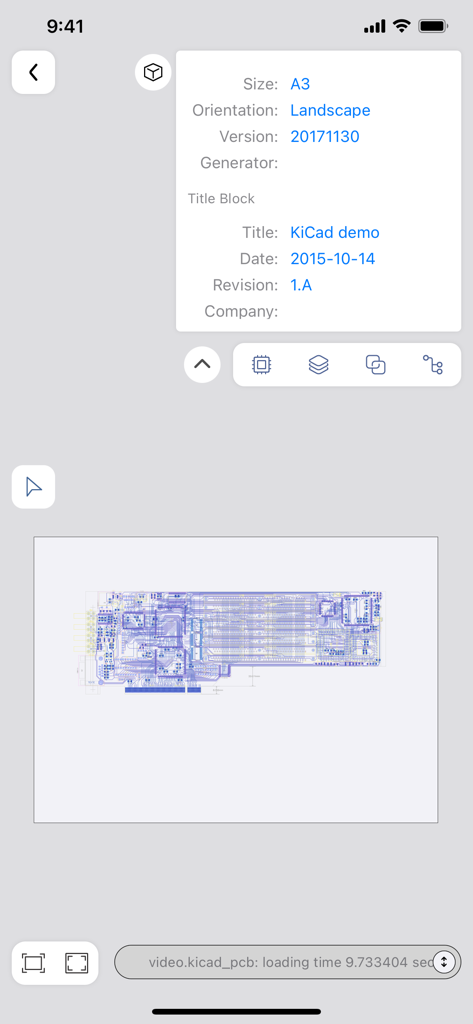
Mobile Ansicht des KiCAD PCB Viewers, die ein Leiterplattenlayout und Designmetadaten zeigt
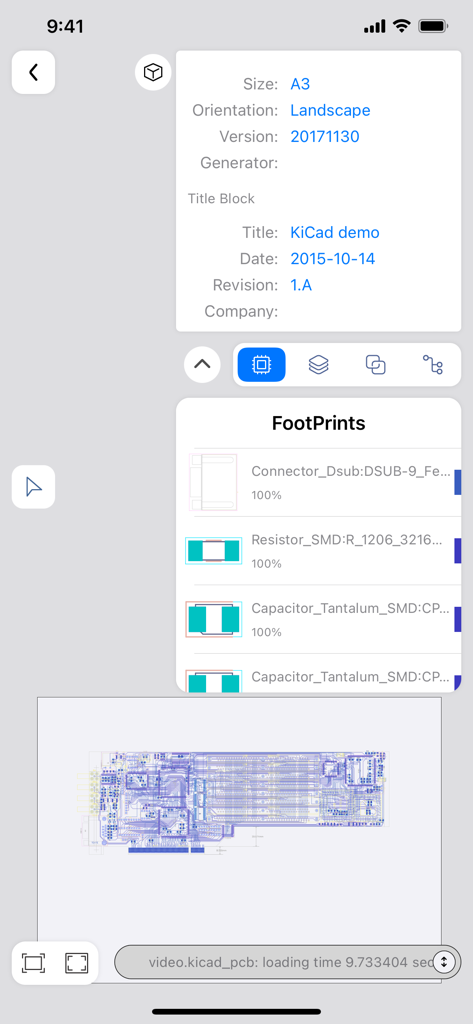
KiCAD PCB Viewer Mobile-Oberfläche, die das Schaltungslayout und die Komponenten-Footprints anzeigt.
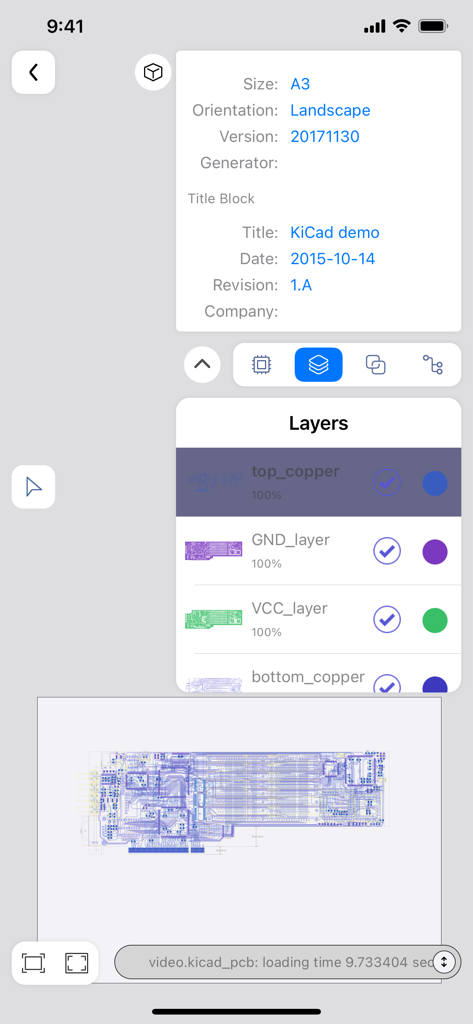
Mobile Benutzeroberfläche des KiCAD PCB Viewers, die Platinenschichten und Designdetails zeigt
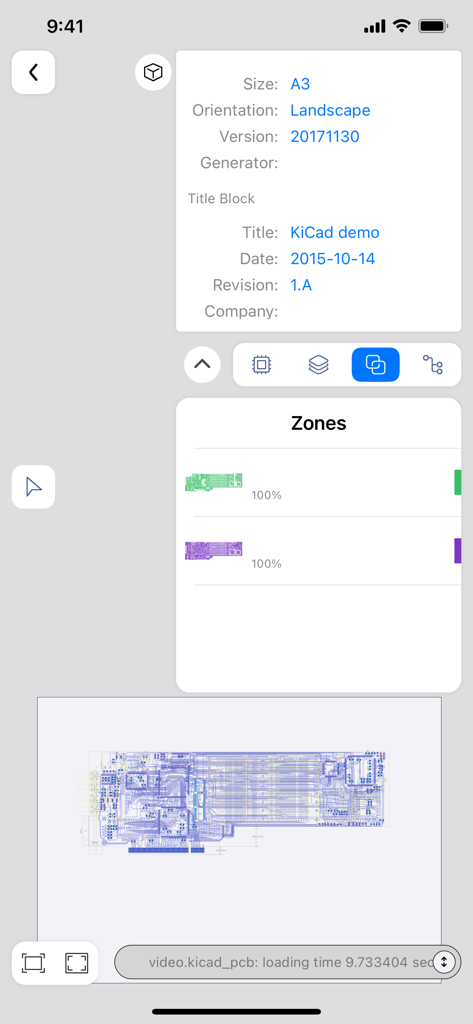
KiCAD PCB Viewer App-Oberfläche, die Board-Metadaten und Designzonen anzeigt
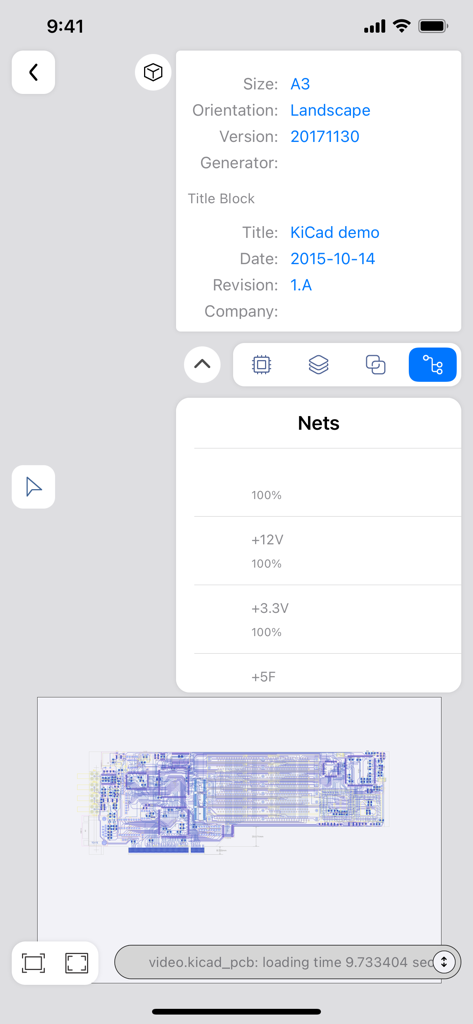
Mobile Benutzeroberfläche des KiCAD PCB Viewers, die Dateimetadaten und elektrische Netzwerke anzeigt
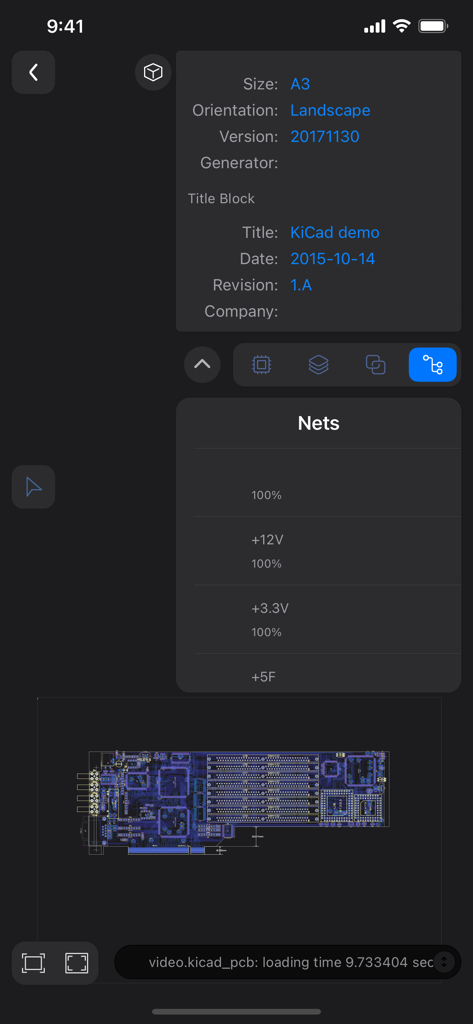
Mobile App-Oberfläche des KiCAD PCB Viewers, die eine PCB-Netzliste, einen Titelblock und eine Layoutvorschau anzeigt
Beschreibung
Download
Ähnliche Apps
Top-gerankte Apps in derselben Kategorie

Kling AI: AI Image&Video Maker
LOHAS GAMES PTE. LTD.

iScreen - Widgets & Wallpaper
Xiamen ShenZhuo Information Technology Co., Ltd.

Dreamina AI: Image&Video Maker
BYTEDANCE PTE. LTD.

Home AI - AI Interior Design
HUBX YAZILIM HIZMETLERI ANONIM SIRKETI

ibis Paint X
ibis inc.

ThemeKit: Widget & Icon Themes
Woohoo Tech. Ltd.

Sketchbook®
Sketchbook, Inc.

Colorful Widget- Widget&Themes
Guangzhou ZHIFENG Information Technology Co.,Ltd.

ReRoom AI: Interior Design
GM UniverseApps Limited
Diese Seite ist keine offizielle Seite der App oder ihres Entwicklers, sondern eine unabhängige redaktionelle Veröffentlichung, die zu Informations- und Kommentarzwecken erstellt wurde. Sofern nicht ausdrücklich anders angegeben, sind weder die App noch ihr Entwickler mit MWM, Apple, Google Play, dem App-Herausgeber oder dem Entwickler der App verbunden, von ihnen unterstützt, gesponsert, autorisiert oder anderweitig offiziell verbunden, und nichts auf dieser Seite impliziert, dass die App unter Verwendung der Dienste von MWM entwickelt wurde. Alle Marken, Logos, Screenshots und andere Inhalte bleiben Eigentum ihrer jeweiligen Inhaber.