
Diese Seite ist keine offizielle Seite der App oder ihres Entwicklers, sondern eine unabhängige redaktionelle Veröffentlichung, die zu Informations- und Kommentarzwecken erstellt wurde. Sofern nicht ausdrücklich anders angegeben, sind weder die App noch ihr Entwickler mit MWM, Apple, Google Play, dem App-Herausgeber oder dem Entwickler der App verbunden, von ihnen unterstützt, gesponsert, autorisiert oder anderweitig offiziell verbunden, und nichts auf dieser Seite impliziert, dass die App unter Verwendung der Dienste von MWM entwickelt wurde. Alle Marken, Logos, Screenshots und andere Inhalte bleiben Eigentum ihrer jeweiligen Inhaber.

Lens pdf scanner: jpg to pdf
Verwandeln Sie Dokumente, Belege und Ausweise sofort in hochwertige PDFs oder Word-Dateien. Erleben Sie blitzschnelles, wasserzeichenfreies Scannen mit vollständiger Offline-Privatsphäre.
Downloads
500Bewertung
Bewertungen gesamt
0Herausgeber
Kategorie
BusinessSprachen
11Neueste Version
1.13Größe
60.3 MBErstveröffentlichung
3. Juli 2025Ihre Produktivitäts-Suite für die Hosentasche
Digitalisieren, bearbeiten und verwalten Sie Ihre Dokumente mühelos mit professionellen Tools, die für Ihren Mobile-First-Workflow entwickelt wurden.
Professionelle Scans in Sekundenschnelle
Erfassen Sie gestochen scharfe, wasserzeichenfreie PDFs mit intelligenter automatischer Zuschneidung und Verbesserung für einen stets polierten, professionellen Look.
Text bearbeiten & extrahieren mit KI
Wandeln Sie Fotos sofort in bearbeitbare Word- oder PDF-Dateien um. Nutzen Sie intelligente OCR, um Text von Seiten zu extrahieren, ohne tippen zu müssen.
Die folgenden Screenshots und die Beschreibung stammen direkt aus dem offiziellen Store-Eintrag der App und sind Eigentum des Entwicklers.
App Store
Screenshots
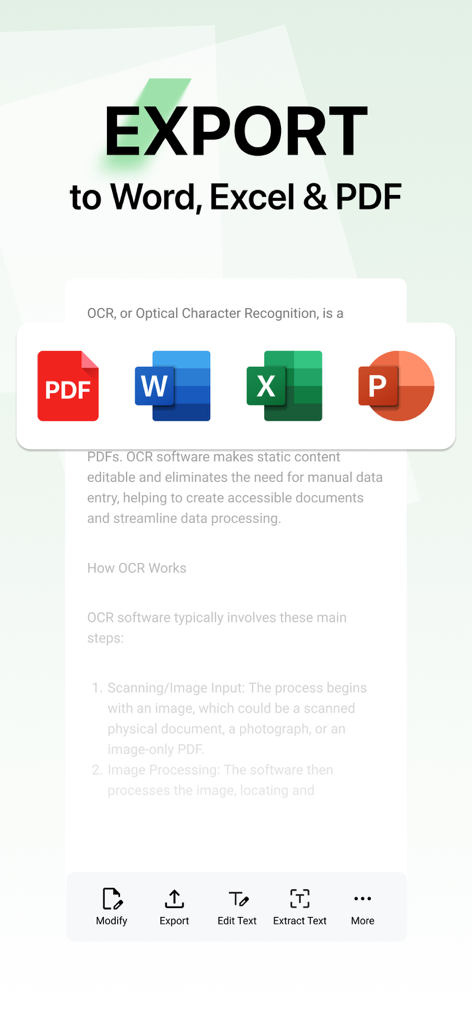
Bildschirm der mobilen App, der Optionen zum Exportieren gescannter Dokumente in die Formate Word, Excel und PDF anzeigt.
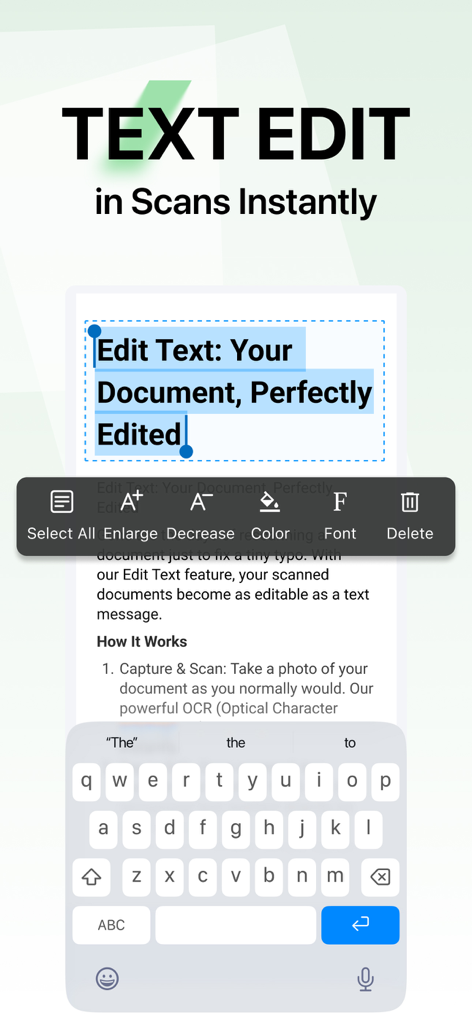
Textbearbeitung in einem gescannten Dokument mit Lens PDF Scanner
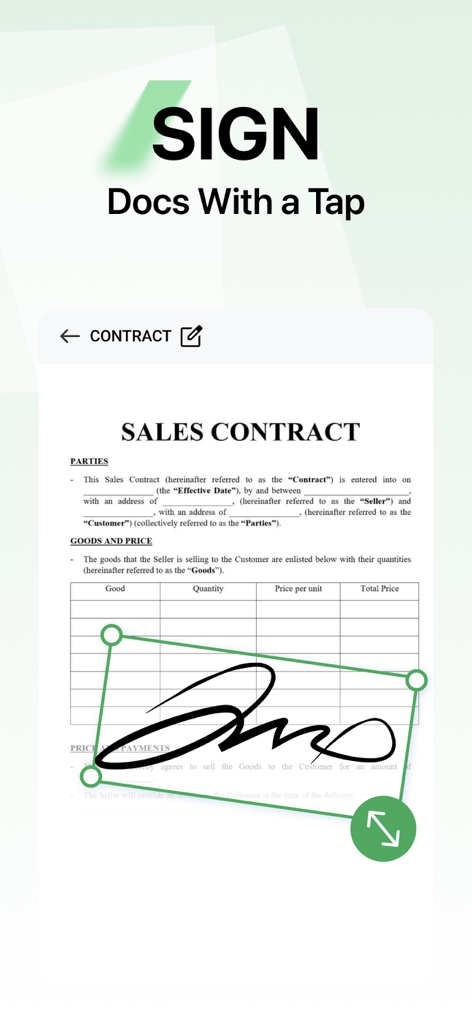
Hinzufügen einer digitalen Signatur zu einem Kaufvertrag mit der mobilen Lens PDF Scanner-App
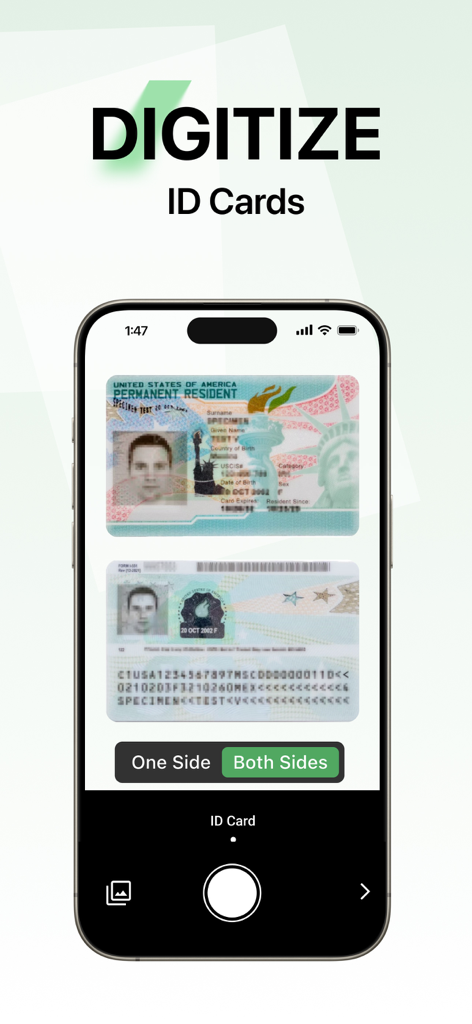
Ein Handybildschirm, der die Benutzeroberfläche der Lens PDF Scanner-App zum Digitalisieren beider Seiten eines Ausweises zeigt.
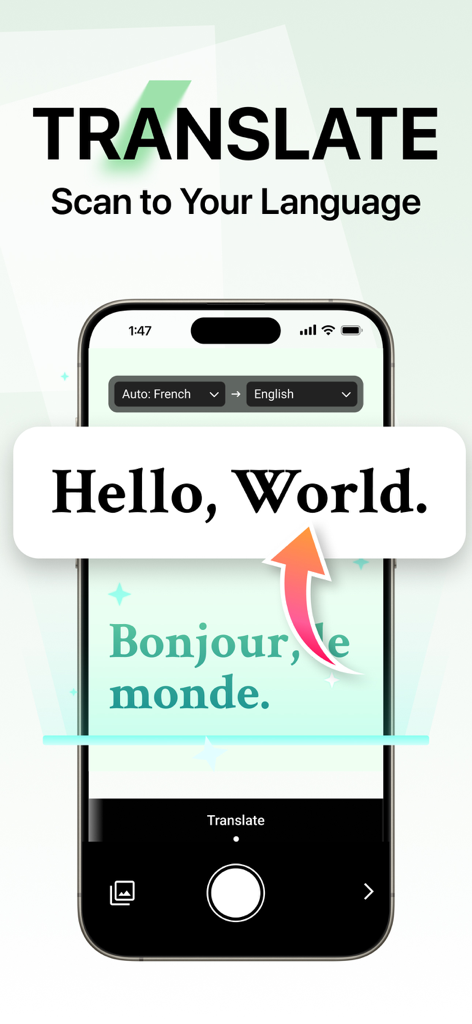
Eine Smartphone-Oberfläche, die die Übersetzungsfunktion des Lens PDF Scanners zeigt, die französischen Text ins Englische konvertiert.
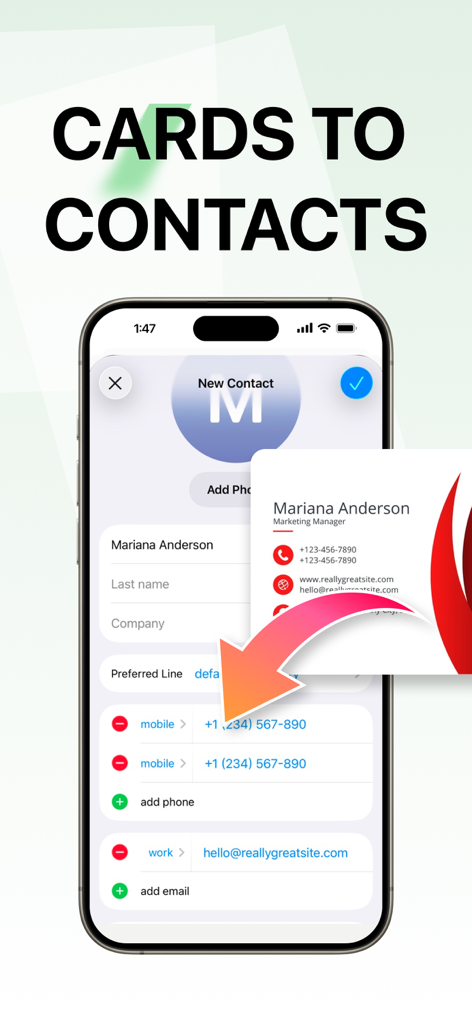
Oberfläche, die die Konvertierung einer physischen Visitenkarte in einen digitalen Kontakt mit der Lens PDF Scanner-App zeigt
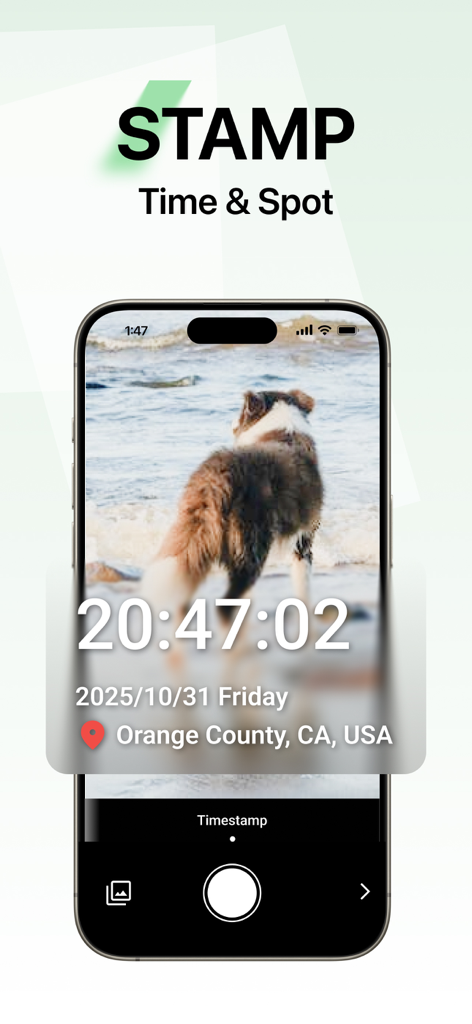
Screenshot der Lens PDF Scanner-App, der die Zeit- und Ortsstempel-Funktion auf einem Foto eines Hundes zeigt
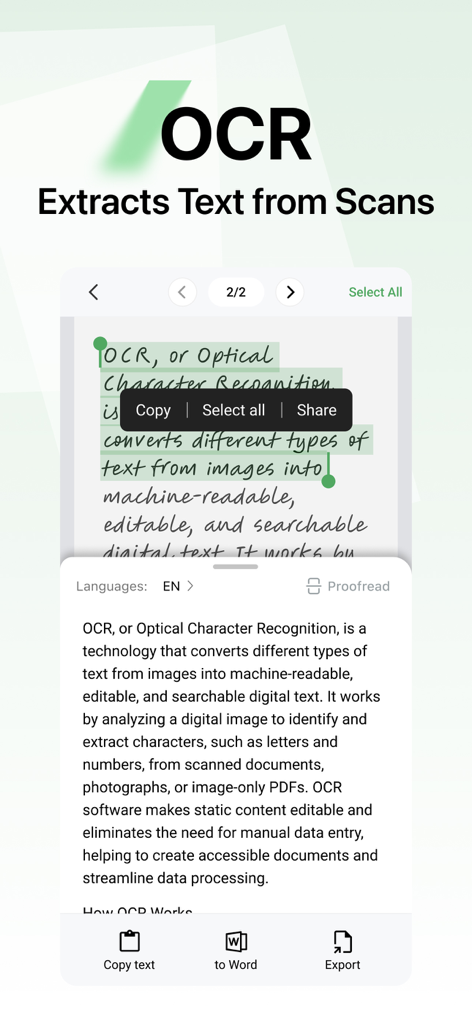
Oberfläche der Lens PDF Scanner-App, die die OCR-Funktion zur Extraktion von Text aus einem gescannten Dokument in editierbaren digitalen Text zeigt
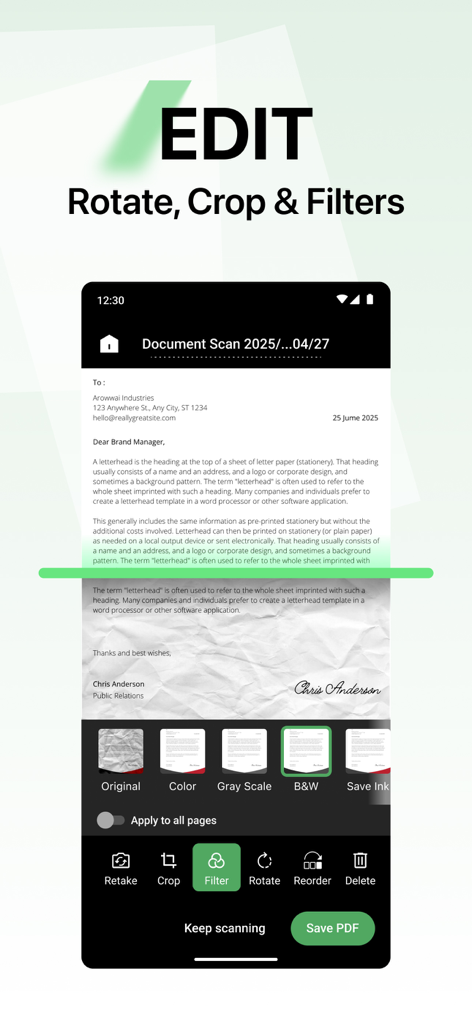
Oberfläche der Lens PDF Scanner-App, die Optionen zur Dokumentenbearbeitung wie Filter, Drehen und Zuschneiden anzeigt.
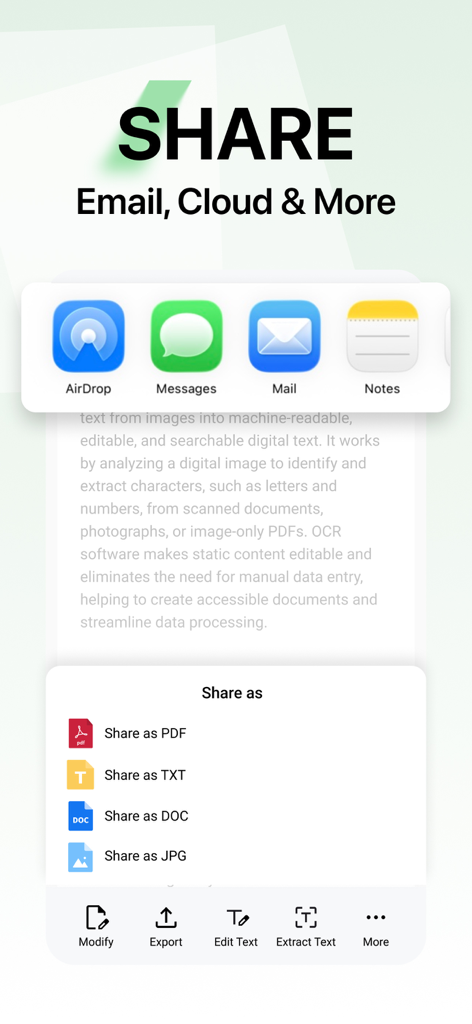
Oberfläche der Lens PDF Scanner-App, die Freigabeoptionen für die Formate PDF, TXT, DOC und JPG per E-Mail, Cloud oder Nachrichten anzeigt
Beschreibung
Download
Ähnliche Apps
Top-gerankte Apps in derselben Kategorie

Microsoft Teams
Microsoft Corporation

Zoom Workplace
Zoom Communications, Inc.

WhatsApp Business
WhatsApp Inc.

Indeed Job Search
Indeed Inc.

LinkedIn: Network & Job Finder
LinkedIn Corporation

Adobe Acrobat Reader: Sign PDF
Adobe Inc.

DingDing - Redefine Work in AI
DingTalk Technology Co., Ltd.

WeCom-Work Communication&Tools
Tencent Technology (Shenzhen) Company Limited

BOSS直聘-招聘求职找工作神器
Beijing China Product Bo Farce Network Technology Co., Ltd.
Diese Seite ist keine offizielle Seite der App oder ihres Entwicklers, sondern eine unabhängige redaktionelle Veröffentlichung, die zu Informations- und Kommentarzwecken erstellt wurde. Sofern nicht ausdrücklich anders angegeben, sind weder die App noch ihr Entwickler mit MWM, Apple, Google Play, dem App-Herausgeber oder dem Entwickler der App verbunden, von ihnen unterstützt, gesponsert, autorisiert oder anderweitig offiziell verbunden, und nichts auf dieser Seite impliziert, dass die App unter Verwendung der Dienste von MWM entwickelt wurde. Alle Marken, Logos, Screenshots und andere Inhalte bleiben Eigentum ihrer jeweiligen Inhaber.