
Diese Seite ist keine offizielle Seite der App oder ihres Entwicklers, sondern eine unabhängige redaktionelle Veröffentlichung, die zu Informations- und Kommentarzwecken erstellt wurde. Sofern nicht ausdrücklich anders angegeben, sind weder die App noch ihr Entwickler mit MWM, Apple, Google Play, dem App-Herausgeber oder dem Entwickler der App verbunden, von ihnen unterstützt, gesponsert, autorisiert oder anderweitig offiziell verbunden, und nichts auf dieser Seite impliziert, dass die App unter Verwendung der Dienste von MWM entwickelt wurde. Alle Marken, Logos, Screenshots und andere Inhalte bleiben Eigentum ihrer jeweiligen Inhaber.

LuxTrust Mobile
Die professionelle Wahl für die Verwaltung luxemburgischer Bankgeschäfte, staatlicher Dienstleistungen und elektronischer Signaturen mit eIDAS-zertifizierter Sicherheit – keine physischen Token erforderlich.
Downloads
466K+Bewertung
Bewertungen gesamt
101K+Herausgeber
Kategorie
BusinessSprachen
5Neueste Version
4.21.1Größe
73.4 MBErstveröffentlichung
29. Okt. 2015Ihr Tor zu sicheren europäischen Operationen
Verwalten Sie Ihre Finanzen, rechtlichen Dokumente und administrativen Aufgaben grenzüberschreitend mit unternehmenstauglicher Sicherheit und ohne physische Hardware.
Hardwarefreie Authentifizierung
Eliminieren Sie die Notwendigkeit physischer RSA-Token. Greifen Sie direkt von Ihrem Smartphone auf Ihre europäischen Bankkonten und staatlichen Portale zu.
Ein-Tipp-Autorisierung
Bestätigen Sie sensible Transaktionen und signieren Sie rechtliche Dokumente sofort mit biometrischer Sicherheit wie FaceID und TouchID.
Die folgenden Screenshots und die Beschreibung stammen direkt aus dem offiziellen Store-Eintrag der App und sind Eigentum des Entwicklers.
App Store
Screenshots
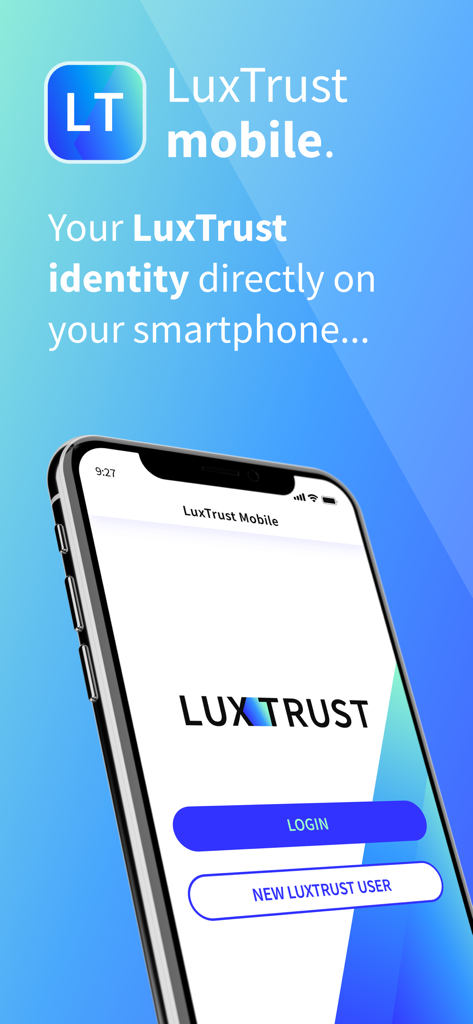
LuxTrust Mobile App-Startbildschirm mit Anmelde- und neuen Benutzeroptionen für sicheres digitales Identitätsmanagement
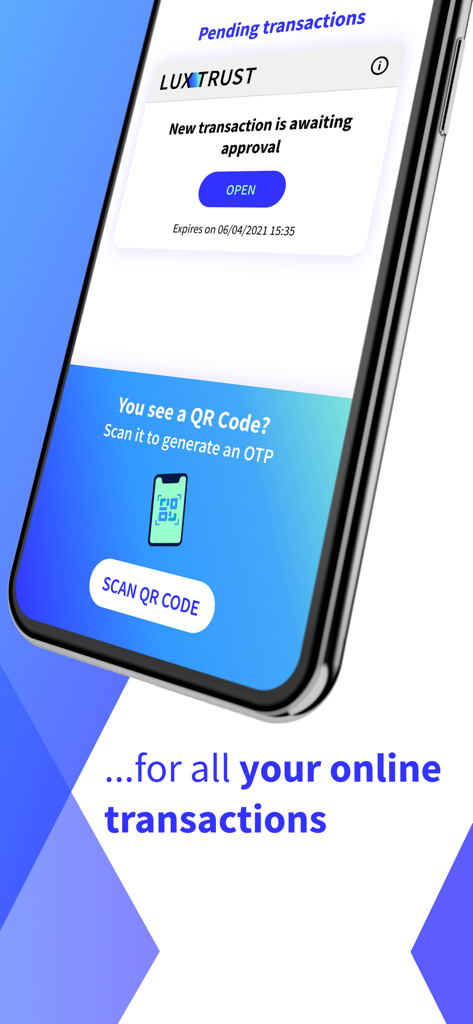
LuxTrust Mobile App-Oberfläche zur Transaktionsgenehmigung und QR-Code-Scan
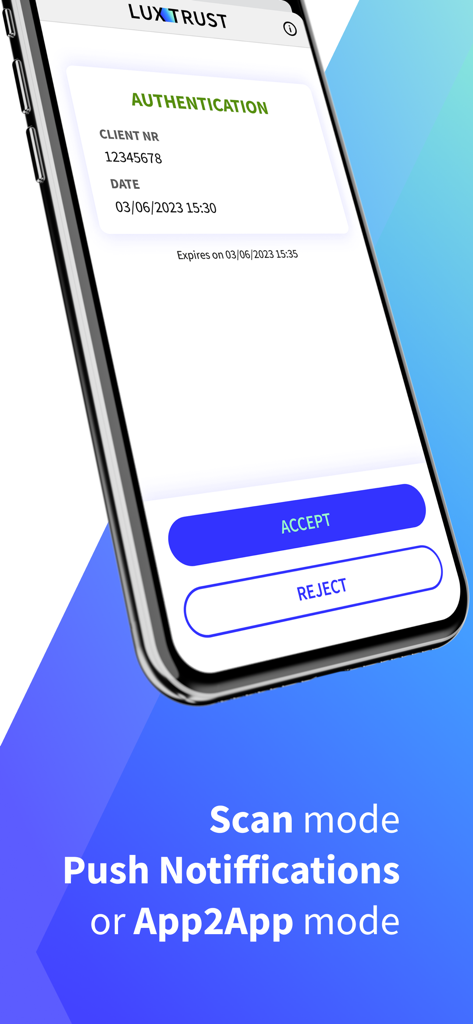
LuxTrust Mobile App-Authentifizierungsbildschirm mit Schaltflächen zum Akzeptieren und Ablehnen für sichere digitale Operationen
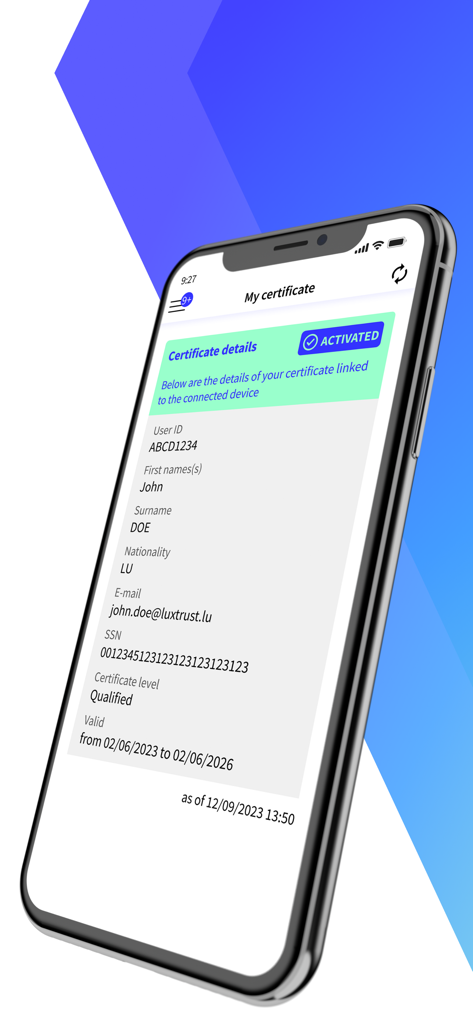
LuxTrust Mobile App-Bildschirm für digitale Zertifikate mit Benutzeridentität und Aktivierungsstatus
Beschreibung
Download
Ähnliche Apps
Top-gerankte Apps in derselben Kategorie

Microsoft Teams
Microsoft Corporation

Zoom Workplace
Zoom Communications, Inc.

WhatsApp Business
WhatsApp Inc.

Indeed Job Search
Indeed Inc.

LinkedIn: Network & Job Finder
LinkedIn Corporation

Adobe Acrobat Reader: Sign PDF
Adobe Inc.

WeCom-Work Communication&Tools
Tencent Technology (Shenzhen) Company Limited

BOSS直聘-招聘求职找工作神器
Beijing China Product Bo Farce Network Technology Co., Ltd.

DingDing - Redefine Work in AI
DingTalk Technology Co., Ltd.
Diese Seite ist keine offizielle Seite der App oder ihres Entwicklers, sondern eine unabhängige redaktionelle Veröffentlichung, die zu Informations- und Kommentarzwecken erstellt wurde. Sofern nicht ausdrücklich anders angegeben, sind weder die App noch ihr Entwickler mit MWM, Apple, Google Play, dem App-Herausgeber oder dem Entwickler der App verbunden, von ihnen unterstützt, gesponsert, autorisiert oder anderweitig offiziell verbunden, und nichts auf dieser Seite impliziert, dass die App unter Verwendung der Dienste von MWM entwickelt wurde. Alle Marken, Logos, Screenshots und andere Inhalte bleiben Eigentum ihrer jeweiligen Inhaber.