
Diese Seite ist keine offizielle Seite der App oder ihres Entwicklers, sondern eine unabhängige redaktionelle Veröffentlichung, die zu Informations- und Kommentarzwecken erstellt wurde. Sofern nicht ausdrücklich anders angegeben, sind weder die App noch ihr Entwickler mit MWM, Apple, Google Play, dem App-Herausgeber oder dem Entwickler der App verbunden, von ihnen unterstützt, gesponsert, autorisiert oder anderweitig offiziell verbunden, und nichts auf dieser Seite impliziert, dass die App unter Verwendung der Dienste von MWM entwickelt wurde. Alle Marken, Logos, Screenshots und andere Inhalte bleiben Eigentum ihrer jeweiligen Inhaber.


mediola IQONTROL NEO
Hören Sie auf, zwischen Apps zu wechseln. Vereinheitlichen Sie nahtlos Beleuchtung, Sicherheit, Heizung und A/V-Technik von Hunderten von Marken in einem leistungsstarken, automatisierten Ökosystem, das für den modernen Hausbesitzer entwickelt wurde.
Downloads
2K+Bewertung
Bewertungen gesamt
0Herausgeber
Kategorie
LifestyleSprachen
1Neueste Version
1.26.4Größe
91.8 MBErstveröffentlichung
20. Mai 2019Ihr gesamtes Zuhause, vereinheitlicht
Eliminieren Sie App-Unordnung und übernehmen Sie die Kontrolle über Ihr Smart-Ökosystem mit einer professionellen Benutzeroberfläche, die für die vollständige Hausorchestrierung entwickelt wurde.
Ultimative markenübergreifende Harmonie
Schließen Sie die Lücke zwischen professioneller Gebäudetechnik wie Homematic IP und Konsumfavoriten wie Philips Hue oder Sonos in einer einzigen Plattform.
Intelligentes Leben, automatisiert
Gehen Sie über einfache Routinen hinaus mit mehrstufiger 'Wenn/Dann'-Logik, die sich an Ihren Lebensstil anpasst, basierend auf Sensorzuständen, Zeit oder Wetter.
Die folgenden Screenshots und die Beschreibung stammen direkt aus dem offiziellen Store-Eintrag der App und sind Eigentum des Entwicklers.
App Store
Screenshots
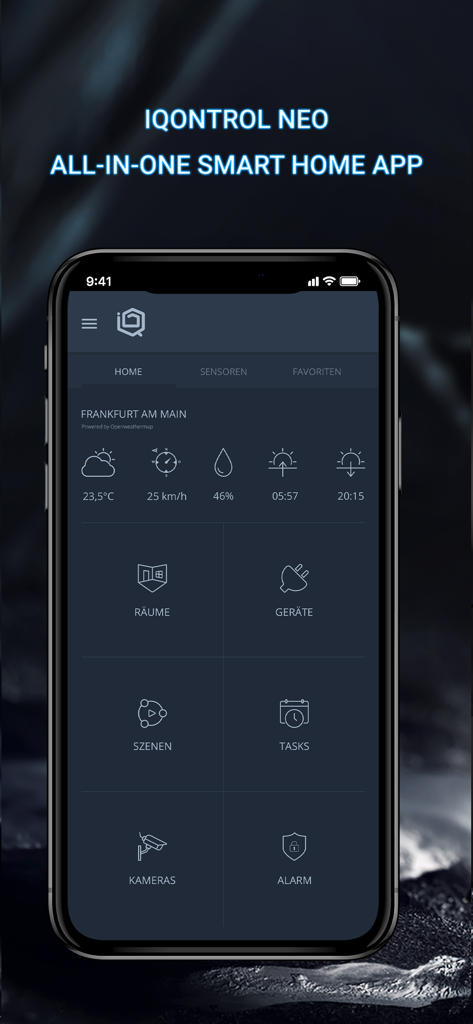
Mediola IQONTROL NEO Smart-Home-App-Dashboard-Oberfläche mit Wetter- und Steuerungsfeldern
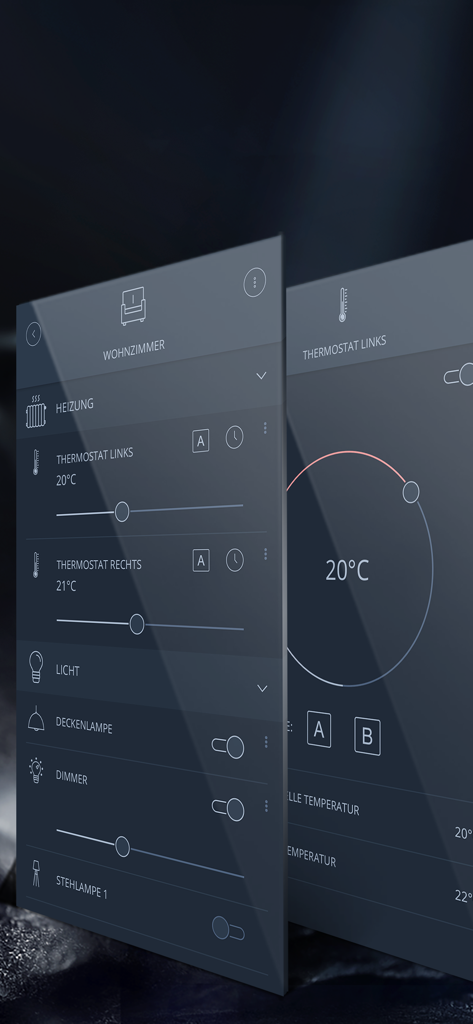
Mediola IQONTROL NEO App-Oberfläche mit Steuerungen für Beleuchtung und Heizung im Wohnzimmer
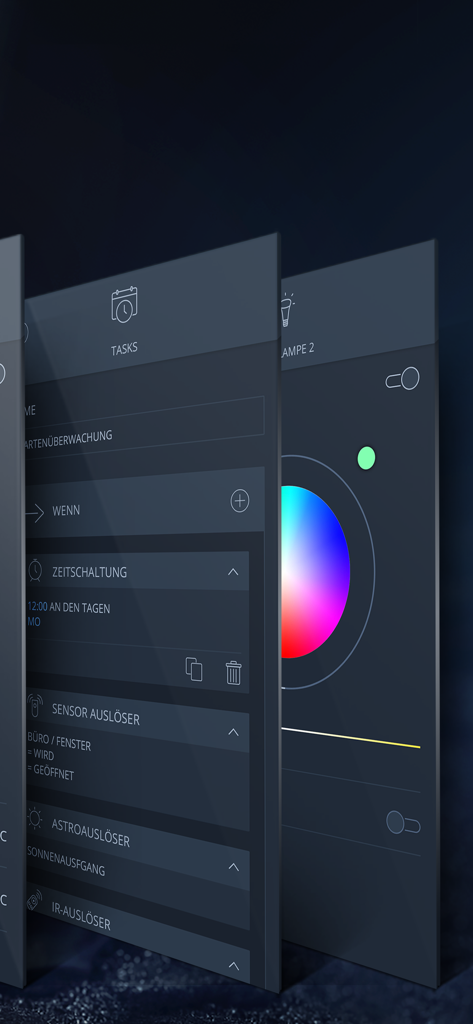
Eine perspektivische Ansicht der mediola IQONTROL NEO App, die Einstellungen für Automatisierungsaufgaben und ein Farbrad zur Steuerung von Smart Lighting zeigt.
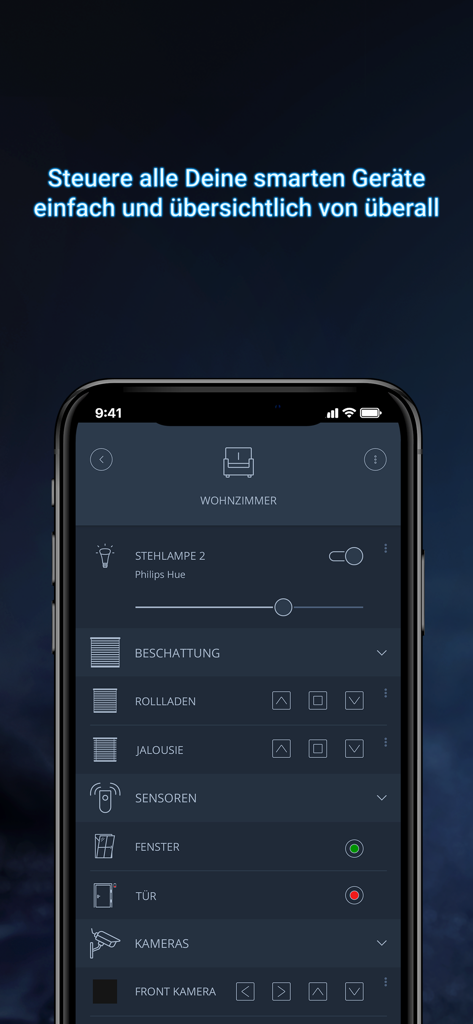
Mediola IQONTROL NEO Smart-Home-App-Oberfläche mit Steuerungen für Beleuchtung, Rollläden und Sicherheitssensoren im Wohnzimmer
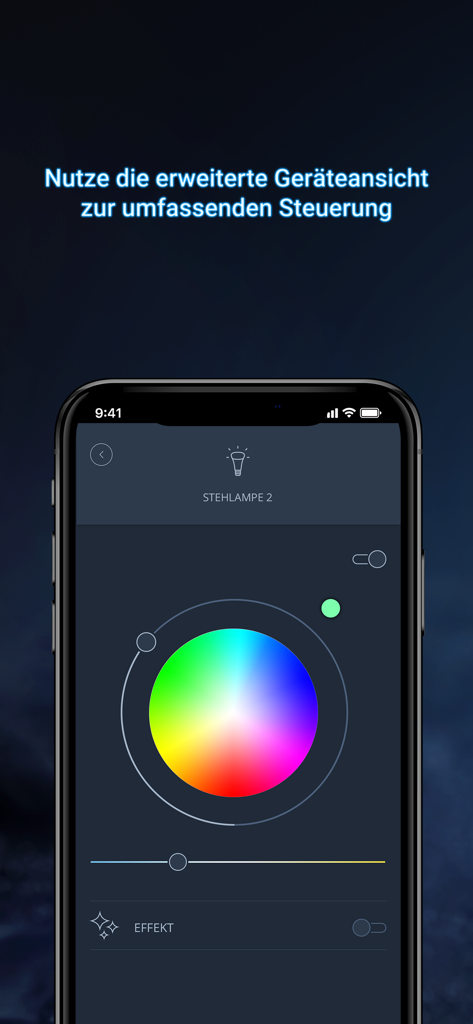
Mediola IQONTROL NEO App-Oberfläche mit einem Farbrad zur Steuerung einer intelligenten Stehleuchte
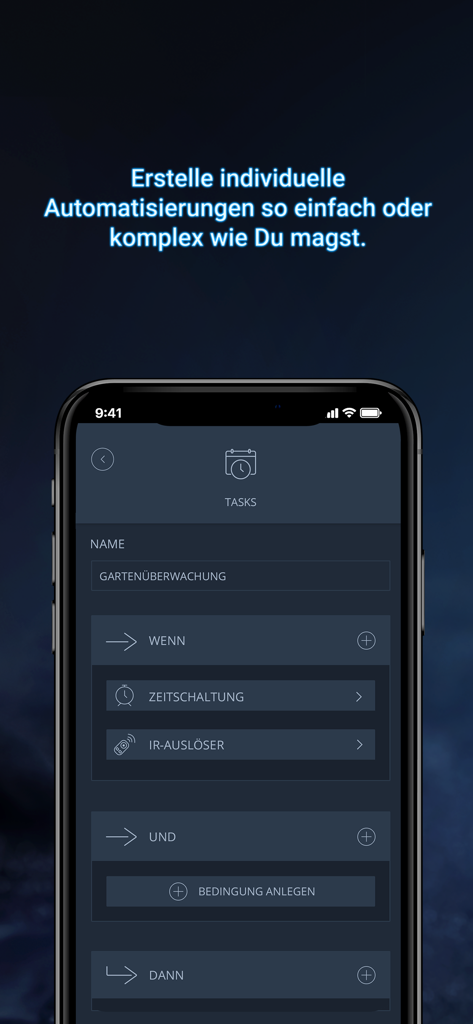
Mediola IQONTROL NEO App-Oberfläche zum Einrichten benutzerdefinierter Smart-Home-Automatisierungsaufgaben
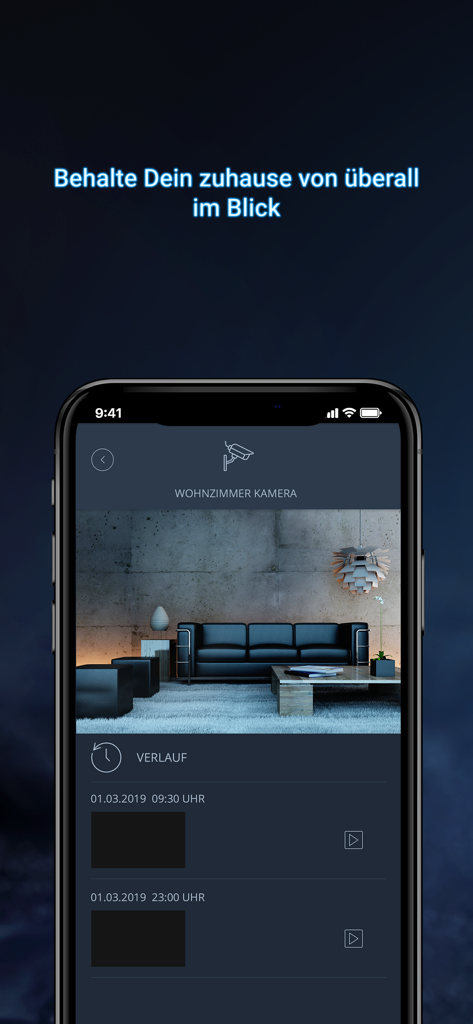
Live-Feed und Verlauf einer Überwachungskamera in der mediola IQONTROL NEO Smart-Home-App.
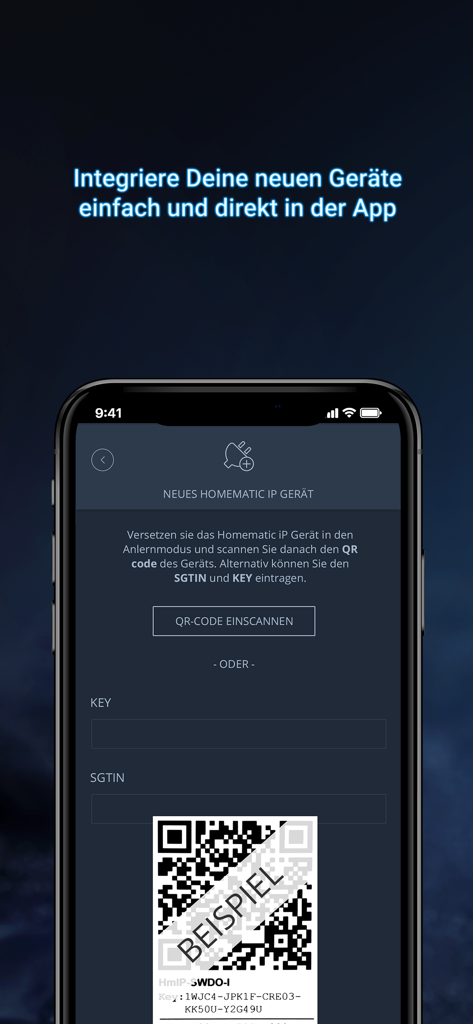
Mediola IQONTROL NEO App-Oberfläche zum Hinzufügen eines neuen Smart-Home-Geräts durch Scannen eines QR-Codes
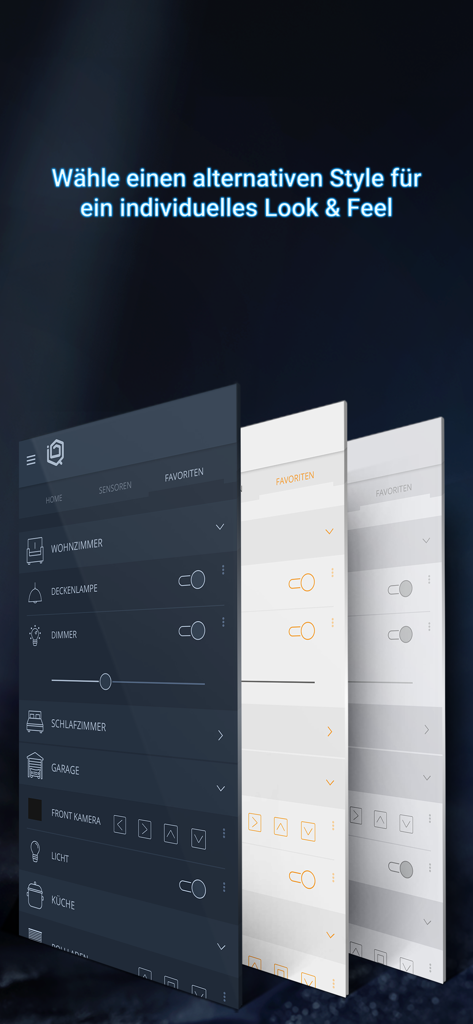
Präsentation verschiedener anpassbarer UI-Themen in der mediola IQONTROL NEO App
Beschreibung
Download
Ähnliche Apps
Top-gerankte Apps in derselben Kategorie

Pinterest, Inc.

Alipay - Simplify Your Life
Alipay (Hangzhou) Technology Co., Ltd.

美团-美好生活小帮手
Sankuai Technology Co., Ltd.

Dianping: Discover Good Places
Hanhai Information Technology (Shanghai) Co.Ltd

Lemon8 - Lifestyle Community
TIKTOK PTE. LTD.

Xiaomi Home
Beijing Xiaomi Co., Ltd

Tinder Dating App: Date & Chat
Tinder LLC

VNeTraffic
GLOBAL TECHNOLOGY - TELECOMMUNICATIONS CORPORATION

SmartThings
Samsung Electronics Co., Ltd.
Diese Seite ist keine offizielle Seite der App oder ihres Entwicklers, sondern eine unabhängige redaktionelle Veröffentlichung, die zu Informations- und Kommentarzwecken erstellt wurde. Sofern nicht ausdrücklich anders angegeben, sind weder die App noch ihr Entwickler mit MWM, Apple, Google Play, dem App-Herausgeber oder dem Entwickler der App verbunden, von ihnen unterstützt, gesponsert, autorisiert oder anderweitig offiziell verbunden, und nichts auf dieser Seite impliziert, dass die App unter Verwendung der Dienste von MWM entwickelt wurde. Alle Marken, Logos, Screenshots und andere Inhalte bleiben Eigentum ihrer jeweiligen Inhaber.